
1. Product Overview
This manual provides instructions for the Briloner LED Panel Ceiling Light, model 7168-016. This modern, round LED panel is designed for versatile indoor use, including living rooms, bedrooms, children's rooms, or kitchens. It features dimmability, adjustable color temperature, and a night light function, all controllable via an included remote control.
The integrated LED circuit board offers energy-efficient illumination with 24 watts of power and a light output of 2,200 lumens, ensuring a long average lifespan of approximately 20,000 hours.
2. Safety Instructions
- Ensure the power supply is disconnected before installation or maintenance.
- Installation should be performed by a qualified electrician if you are unsure.
- This product is designed for indoor use only (IP20 protection class). Do not expose to moisture or extreme temperatures.
- Do not attempt to modify the light fixture or its components.
- Keep the remote control away from water and direct sunlight.
3. Setup and Installation
The Briloner LED Panel Ceiling Light is designed for recessed mounting. No complex assembly of individual parts is required, but professional installation to the ceiling is necessary.
3.1 Included Components
- 1 x Briloner LED Panel Ceiling Light
- 1 x Remote Control (batteries not included, typically 2x AAA)
- Mounting hardware (screws, anchors)
3.2 Installation Steps
- Prepare the Installation Area: Ensure the power to the ceiling circuit is turned off at the main breaker. Mark the desired mounting position on the ceiling.
- Mount the Fixture: Secure the mounting bracket (if separate) or the light fixture directly to the ceiling using the provided screws and anchors. Ensure it is firmly attached.
- Connect Wiring: Connect the AC power wires from the ceiling to the corresponding terminals on the LED panel. Follow local electrical codes and wiring diagrams. Ensure all connections are secure.
- Secure the Panel: Attach the LED panel to the mounting bracket or directly to the ceiling, ensuring it is flush and securely fastened.
- Restore Power: Once installation is complete and all connections are secure, restore power at the main breaker.
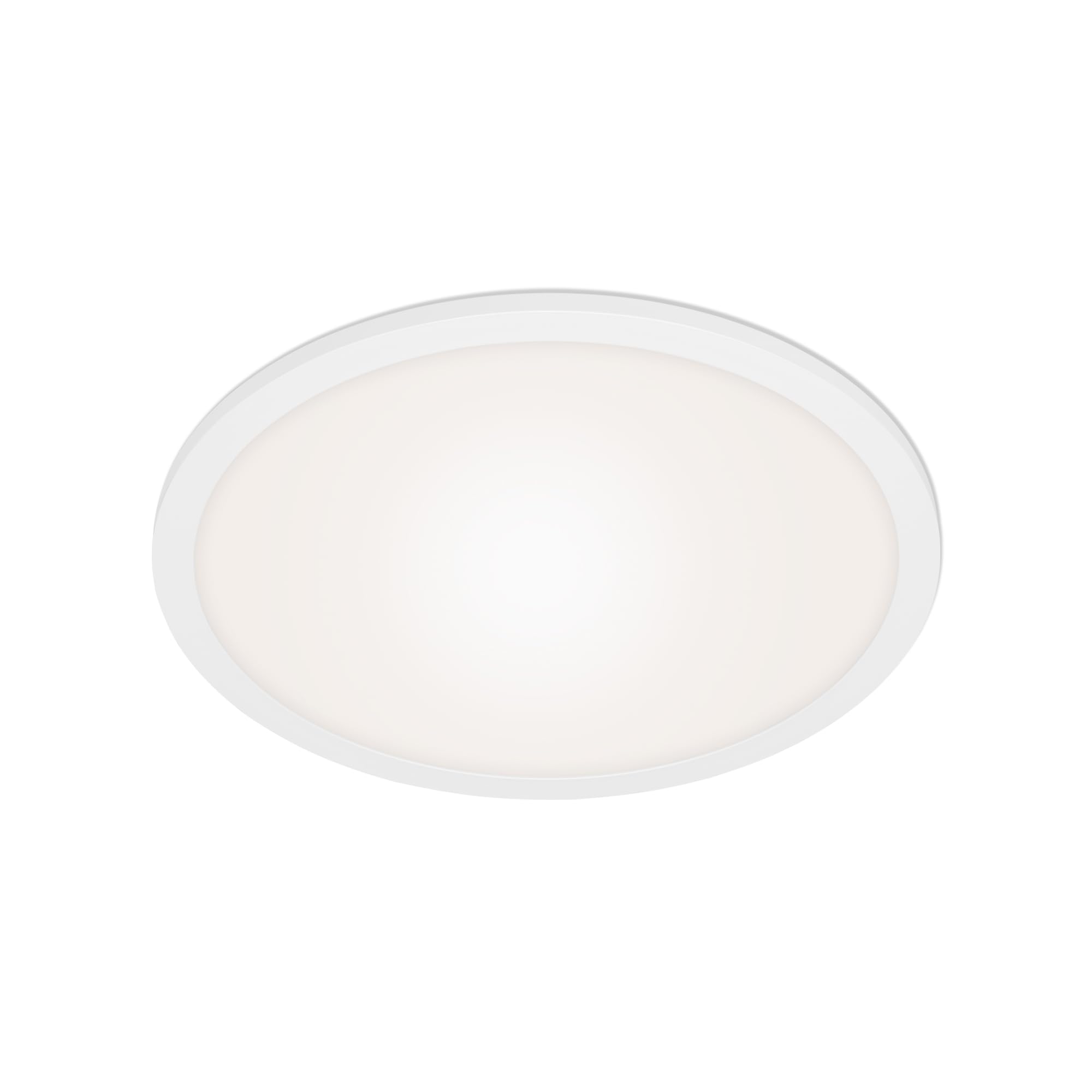
This image shows the Briloner LED Panel Ceiling Light from a front perspective, highlighting its round, minimalist design suitable for various indoor settings. It provides a clear view of the light fixture itself, which is central to the installation process.
4. Operating Instructions
The LED panel is operated using the included remote control. Ensure batteries are inserted correctly into the remote control.
4.1 Basic Functions
- Power On/Off: Press the ON/OFF button on the remote control to switch the light on or off.
- Dimming: Use the + and - buttons to adjust the brightness level. The light is continuously dimmable.
- Color Temperature Control: Use the Warm White and Cool White buttons (or similar icons) to adjust the color temperature between 3,000 Kelvin (warm white) and 6,500 Kelvin (cool white).
- Night Light Function: Press the Night Light button (often represented by a moon icon) to activate a very low dim level at 3,000 Kelvin, ideal for subtle illumination.

This image displays the Briloner LED Panel Ceiling Light installed in a modern living room setting, showcasing its aesthetic integration and the quality of light it provides. The light is centrally placed on the ceiling, illuminating the space effectively.
5. Maintenance
To ensure the longevity and optimal performance of your Briloner LED Panel Ceiling Light, follow these simple maintenance guidelines:
- Cleaning: Disconnect power before cleaning. Use a soft, dry, or slightly damp cloth to wipe the surface of the light fixture. Avoid abrasive cleaners, solvents, or harsh chemicals, as these can damage the finish or electronic components.
- Bulb Replacement: The LED light source is permanently installed and not user-replaceable. The fixture has a long average lifespan of approximately 20,000 hours.
- Remote Control: Replace batteries in the remote control when its range or responsiveness decreases. Use the recommended battery type (typically AAA).
6. Troubleshooting
If you encounter issues with your LED panel, refer to the following troubleshooting steps:
- Light does not turn on:
- Check if the main power switch or circuit breaker is ON.
- Ensure the light fixture is properly connected to the power supply.
- Verify that the remote control batteries are not depleted and are inserted correctly.
- Remote control not responding:
- Replace the batteries in the remote control.
- Ensure there are no obstructions between the remote control and the light fixture.
- Try pairing the remote control again if applicable (refer to specific pairing instructions if provided with the remote).
- Light flickers or dims unexpectedly:
- Check for loose wiring connections at the fixture or wall switch.
- Ensure the power supply is stable.
If the problem persists after attempting these steps, contact customer support.
7. Specifications
| Model Number | 7168-016 |
| Brand | Briloner |
| Product Dimensions (DxH) | 400 x 62 mm (approx. 15.75 x 2.44 inches) |
| Item Weight | 1.2 kg (approx. 2.65 lbs) |
| Power Consumption | 24 Watt |
| Luminous Flux | 2,200 Lumen |
| Color Temperature Range | 3,000 Kelvin (warm white) to 6,500 Kelvin (cool white) |
| Average Lifespan | Approx. 20,000 hours |
| Material | Plastic, Metal |
| Color | White |
| Protection Class | IP20 (Indoor use only) |
| Energy Efficiency Class | F |
| Power Source | AC Power |
| Installation Type | Recessed Mounting |
8. Warranty and Support
Briloner products are manufactured to high-quality standards. For information regarding warranty terms and conditions, please refer to the documentation provided with your purchase or contact Briloner customer support directly.
If you require further assistance or have questions not covered in this manual, please contact Briloner customer service. Have your model number (7168-016) ready when contacting support.
You can find more information about Briloner and their products on their official website or through authorized retailers.


