
VGR V-256
VGR Hair Clippers for Men - Model V-256 User Manual
Model: V-256 | Brand: VGR
Introduction
Thank you for choosing the VGR Hair Clippers Model V-256. This manual provides essential information for the safe and efficient operation, maintenance, and care of your new hair clipper. Please read it thoroughly before first use and keep it for future reference.
Safety Information
For your safety and to ensure proper operation, please observe the following precautions:
- Always apply oil to lubricate the clipper head to improve efficiency and maintain performance.
- The hair clipper is motor-driven; working sounds below 55 decibels are normal and do not indicate a safety concern.
- Keep the appliance dry. Do not immerse in water.
- Do not use the appliance if the blades are damaged or broken, as this may cause injury.
- Keep out of reach of children.
- Disconnect the appliance from the power supply before cleaning.
Package Contents
Upon unpacking, please ensure all items are present and in good condition:

Image: The VGR Hair Clipper Model V-256 shown with its complete set of accessories, including the charging base, USB cable, cleaning brush, oil bottle, and multiple guide combs.
- VGR Hair Clipper (Model V-256)
- USB Charging Base
- USB Charging Cable
- Cleaning Brush
- Lubricating Oil Bottle
- 6 Guide Combs (1.5mm, 3mm, 4.5mm, 6mm, 10mm, 12mm)
Product Features
The VGR Hair Clipper V-256 is designed for precision and convenience, featuring:

Image: Detailed view of the VGR Hair Clipper V-256 highlighting its features: RPM Display, LED Display for battery level and lubrication reminder, 360° Charging Indicator, Professional Blades, 5500-7000 RPM Knob, and Blade Length Setting.
- High-Capacity Battery: Equipped with a 2500 mAh Lithium-Ion battery, providing up to 5 hours of continuous running time on a full charge.
- Fast Charging: A full charge takes approximately 3.5 hours.
- Durable Ceramic Blades: Sharp and safe ceramic blades designed for efficient cutting of all hair types, including pet hair, without snagging or pulling.
- Adjustable Rotation & Guide Combs: Features a rotation adjustment function and built-in blade length settings (0.8mm, 1.4mm, 2.0mm without comb). Includes 6 additional guide combs for lengths from 1.5mm to 12mm.
- Dual LED Display: Two LED screens provide essential information:
- Top display shows the motor speed in RPM.
- Bottom display shows the battery level and a lubrication reminder icon.
- USB Charging Base: Convenient charging via a USB base, compatible with various USB power sources.
- Low Noise Operation: Designed for quiet operation, suitable for family use.
Setup
Charging the Clipper
Before first use, fully charge the clipper. The clipper can be charged using the provided USB charging base.
- Connect the USB charging cable to the charging base.
- Plug the USB cable into a compatible USB power source (e.g., computer, laptop, USB charger, power bank).
- Place the clipper onto the charging base. Ensure it is seated correctly. The LED display will show the charging status.
- A full charge takes approximately 3.5 hours. The battery level indicator on the LED display will show 99 when fully charged.
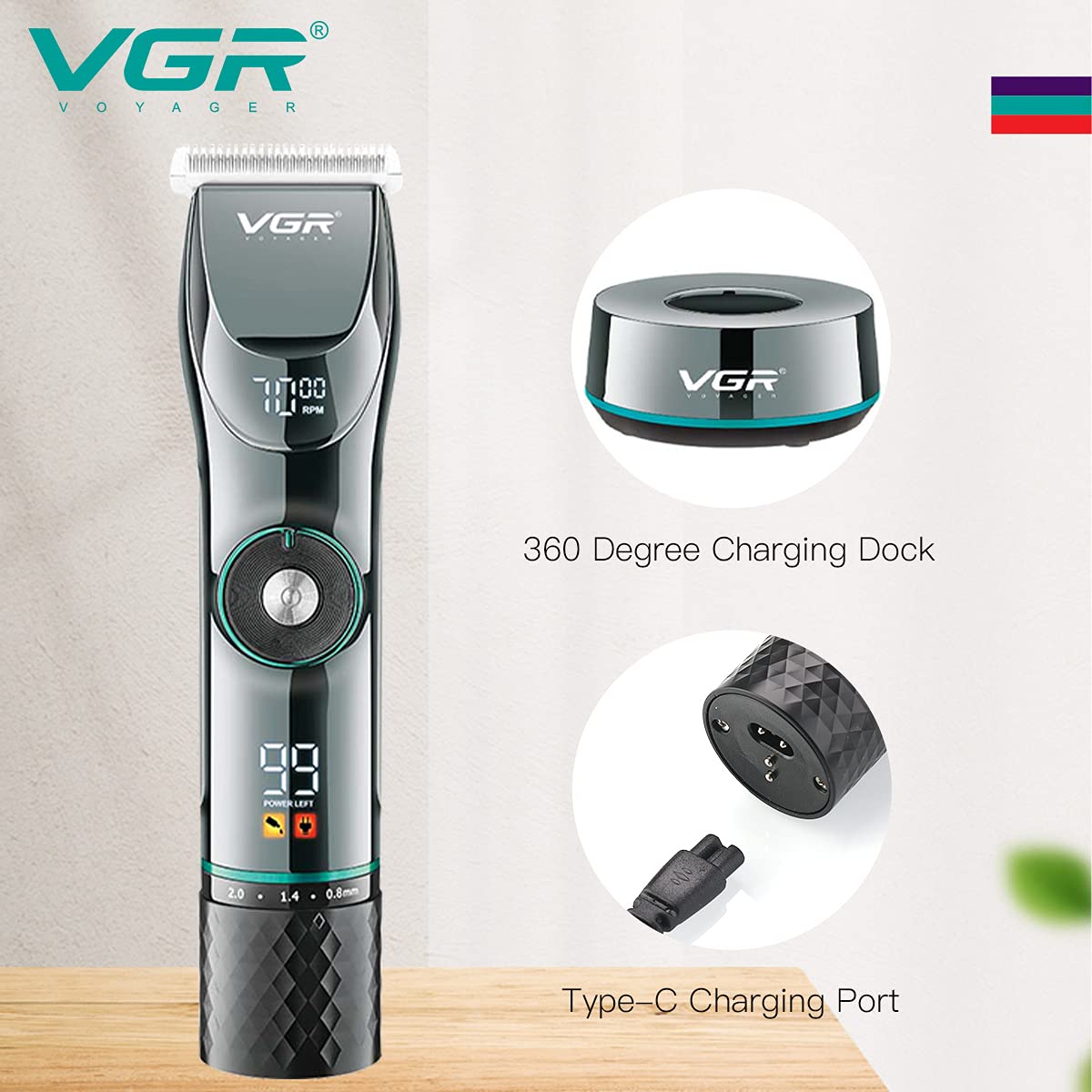
Image: The VGR Hair Clipper V-256 placed on its USB charging base, illustrating the charging process.
Attaching Guide Combs
To achieve desired hair lengths, attach the appropriate guide comb.
- Select the desired guide comb (1.5mm, 3mm, 4.5mm, 6mm, 10mm, or 12mm).
- Align the comb with the clipper blade and push it firmly until it clicks into place.
- To remove, gently pull the comb away from the blade.
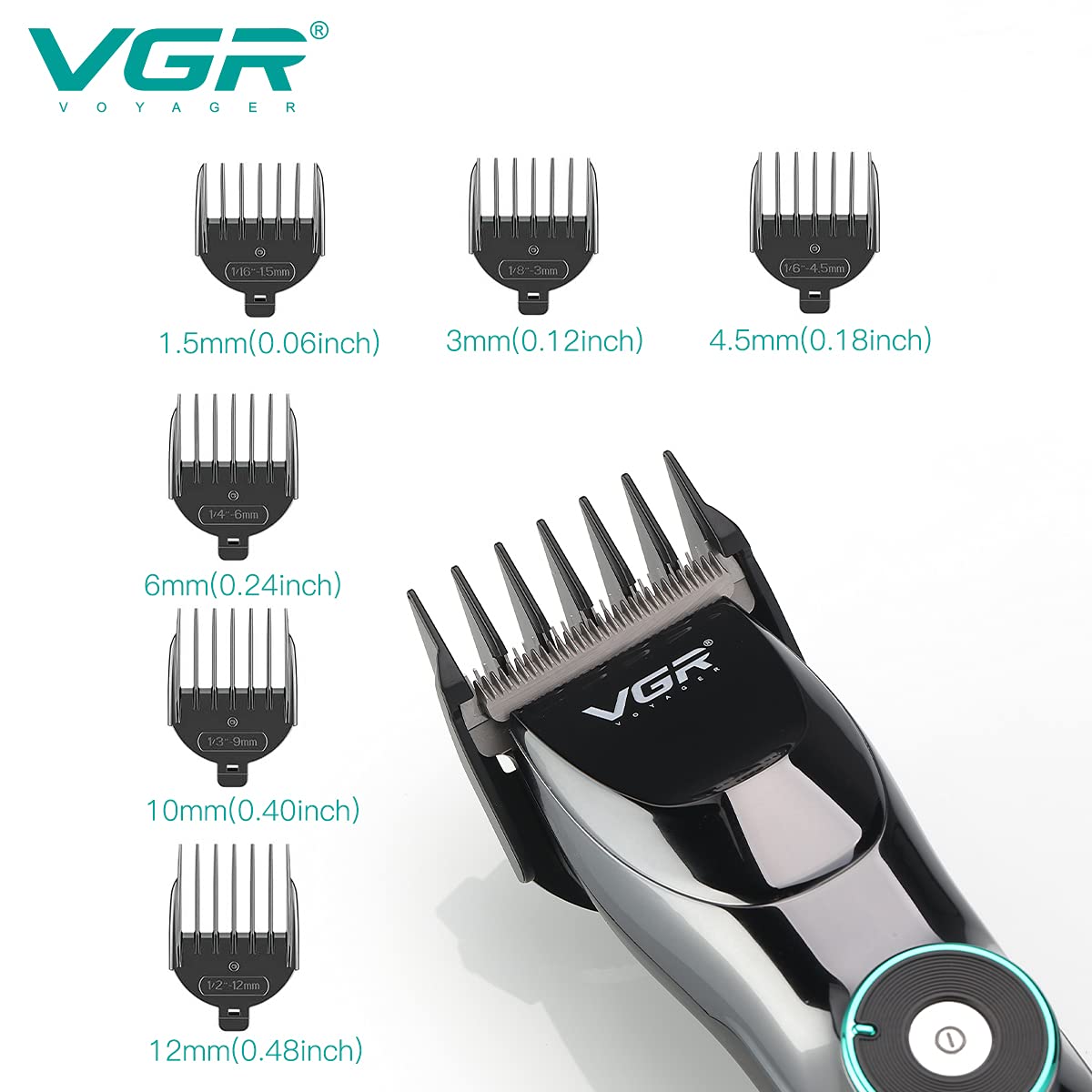
Image: A display of the VGR Hair Clipper V-256 alongside its six guide combs, labeled with their respective cutting lengths (1.5mm, 3mm, 4.5mm, 6mm, 10mm, 12mm).
Operating Instructions
Turning On/Off
- Press the power button once to turn the clipper on.
- Press the power button again to turn the clipper off.
Adjusting Motor Speed (RPM)
The clipper features an adjustable motor speed knob (5500-7000 RPM) for different hair types and cutting preferences.
- Rotate the knob located on the front of the clipper to increase or decrease the motor speed.
- The current RPM will be displayed on the top LED screen.
- To lock the motor speed, press and hold the power button for 2-3 seconds until the "rpm" indicator turns red.
Adjusting Blade Length
The clipper has a built-in blade length setting for fine adjustments without a guide comb.
- Use the lever on the side of the clipper to adjust the cutting length between 0.8mm, 1.4mm, and 2.0mm.
- Ensure the desired length is selected before beginning to cut.
Hair Cutting Tips
- For best results, ensure hair is clean and dry before cutting.
- Always start with a longer guide comb and gradually reduce the length if desired.
- Move the clipper against the direction of hair growth for an even cut.
- Use smooth, overlapping strokes.
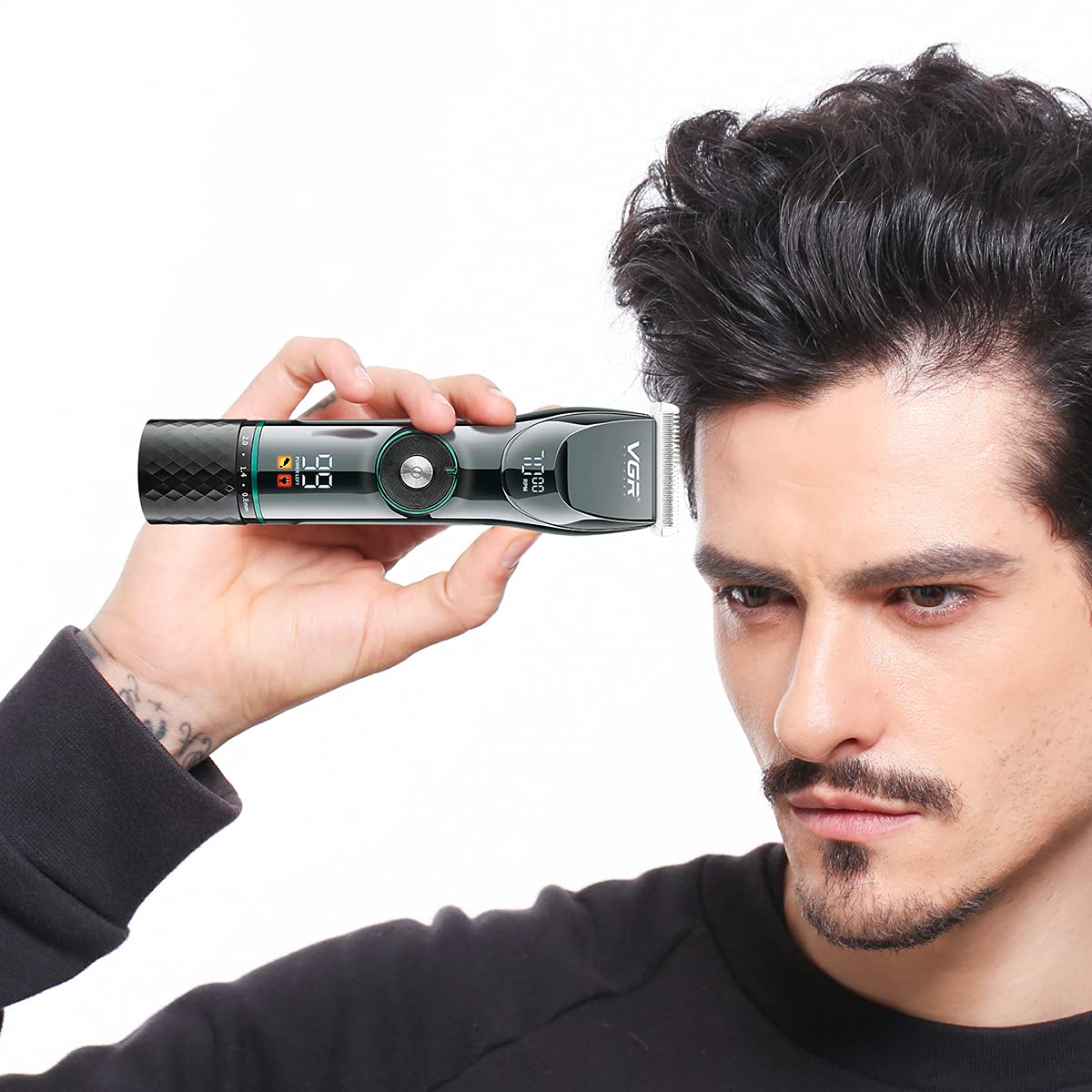
Image: A man demonstrating the use of the VGR Hair Clipper V-256 for trimming hair, highlighting its ergonomic design.
Maintenance
Cleaning the Blades
Regular cleaning ensures optimal performance and extends the life of your clipper.
- Turn off the clipper and disconnect it from the power source.
- Remove any attached guide comb.
- Use the provided cleaning brush to brush away loose hairs from the blades.
- The blades are washable. You may rinse the blade assembly under running water. Ensure the clipper body remains dry.
- Allow the blades to air dry completely before reattaching or storing.
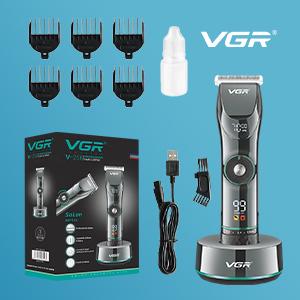
Image: A close-up view of the professional ceramic blades of the VGR Hair Clipper V-256, emphasizing their design for effective cutting.
Lubricating the Blades
Lubrication is crucial for maintaining blade sharpness and smooth operation.
- After cleaning and drying the blades, apply a few drops of the provided lubricating oil onto the blades.
- Turn on the clipper for a few seconds to allow the oil to distribute evenly.
- Wipe off any excess oil with a soft cloth.
- The LED display will show a lubrication reminder icon when oiling is recommended.
Troubleshooting
| Problem | Possible Cause | Solution |
|---|---|---|
| Clipper does not turn on. | Battery is depleted. | Charge the clipper fully (approx. 3.5 hours). |
| Clipper pulls or snags hair. | Blades are dull or not lubricated. Hair is too thick or wet. | Clean and lubricate the blades. Ensure hair is dry. Try a slower cutting speed. |
| Reduced cutting performance. | Blades are dirty or require lubrication. | Clean the blades thoroughly and apply lubricating oil. |
| Clipper makes unusual noise. | Blades may be misaligned or require lubrication. | Ensure blades are properly aligned. Lubricate the blades. If the issue persists, contact customer support. |
Specifications
| Feature | Detail |
|---|---|
| Model Number | V-256 |
| Brand | VGR |
| Power Source | Battery Powered |
| Battery Type | 1 Lithium Ion battery (included) |
| Battery Capacity | 2500 mAh |
| Charge Time | Approx. 3.5 hours |
| Work Time | Up to 5 hours (400 minutes) |
| Blade Material | Ceramic, Titanium |
| Product Dimensions | 7.01 x 1.5 x 1.5 inches |
| Item Weight | 8.47 ounces (0.24 Kilograms) |
| UPC / GTIN | 860005941711 |
Warranty and Support
VGR products are manufactured with quality and reliability in mind. For warranty information, technical support, or any inquiries regarding your VGR Hair Clipper V-256, please refer to the warranty card included in your package or visit the official VGR Store on Amazon.
Ask a question about this manual
Ask about setup, troubleshooting, compatibility, parts, safety, or missing instructions. Manuals+ will review the question and use this page’s manual context to help answer it.