
DEWENWILS T40D
DEWENWILS Pool Pump Timer Digital Timer Box User Manual
Model: T40D
1. Introduction
This manual provides comprehensive instructions for the installation, operation, and maintenance of your DEWENWILS Pool Pump Timer. This digital timer box is designed for automated control of high-power appliances such as pool pumps, water heaters, SPAs, and motors, offering convenience and energy efficiency.
The DEWENWILS T40D model features robust construction, multiple programming options, and a built-in battery backup to ensure reliable performance in various outdoor and indoor environments.
2. Safety Information
WARNING: Risk of Electric Shock!
- Before wiring and servicing, power to this time switch and the equipment it controls must be turned off at the main panel.
- Replace the compartment insulator after wiring. If the compartment insulator is not installed properly, inform the electrician if it is missing.
- More than one disconnect switch may be required to de-energize the device before servicing.
- For supply connections, use copper wire AWG 8-18 suitable for 90°C (194°F).
- Use Copper Conductors Only.
- Always close the door after use.
- Use listed wiring connector for Grounding Terminals.
- This unit is designed for outdoor/indoor use and is weather-resistant, but it is NOT for water immersion.
Ensure all installations comply with local and national electrical codes.
3. Product Overview
The DEWENWILS Pool Pump Timer (Model T40D) is a versatile digital timer box designed for heavy-duty applications. It features a clear digital display and intuitive controls for easy programming.
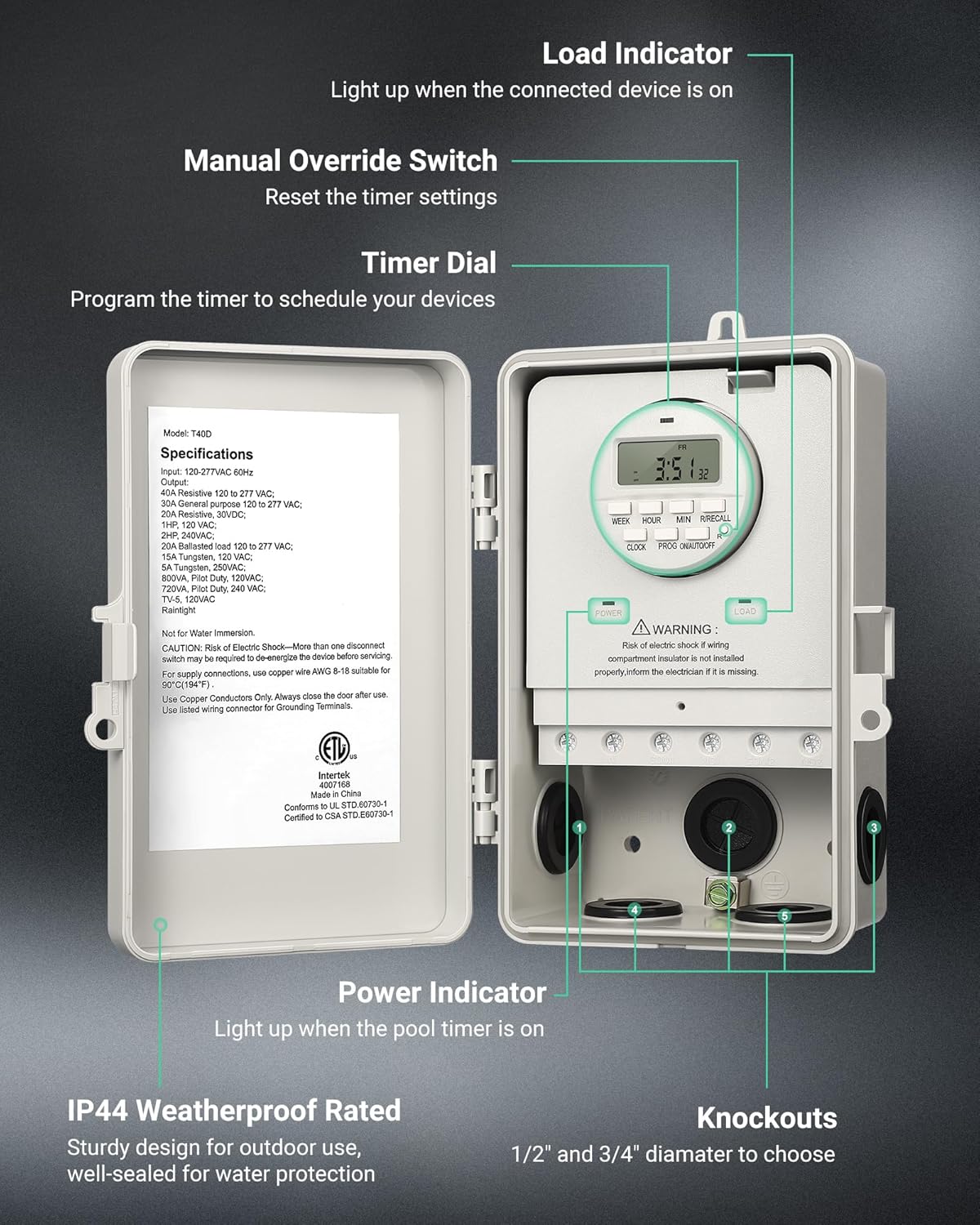
Figure 3.1: Front view of the DEWENWILS Pool Pump Timer with key components labeled.
- Digital Screen: Displays time, day, and programming information.
- Control Buttons: Used for setting time, programming schedules, and mode selection (WEEK, HOUR, MIN, R/RECALL, CLOCK, PROG, ON/AUTO/OFF).
- POWER Indicator: Lights up when the timer is receiving power.
- LOAD Indicator: Lights up when the connected device is active.
- Wiring Screws: Terminals for electrical connections.
- Knockouts: 1/2'' and 3/4'' diameter options for conduit entry.
- Detachable Clip: Allows for easy removal of the timer module for wiring.

Figure 3.2: Open view of the timer box, showing the internal timer module and specifications label.
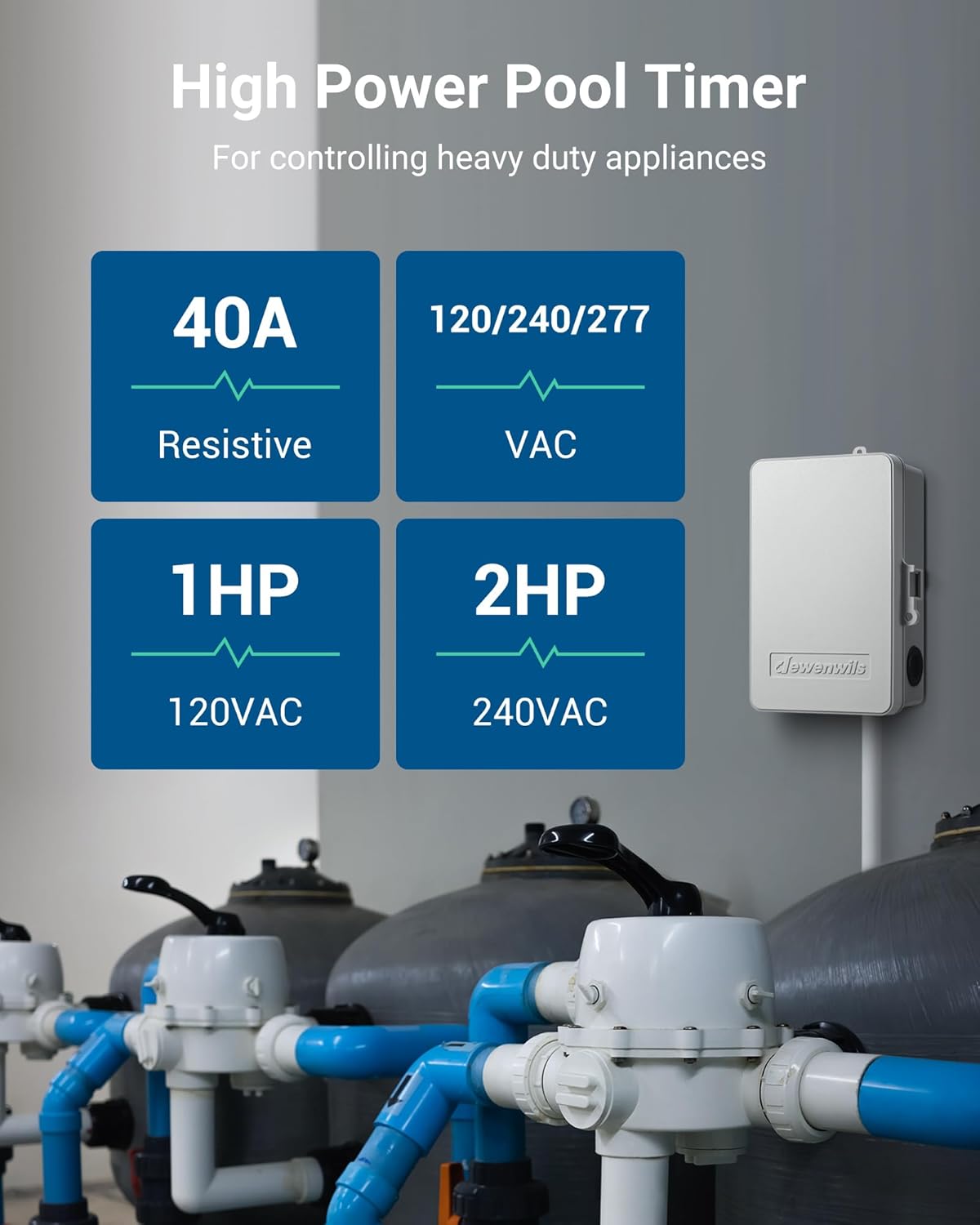
Figure 3.3: High power capabilities of the timer, supporting up to 40A Resistive, 2HP 240VAC, and 1HP 120VAC loads.
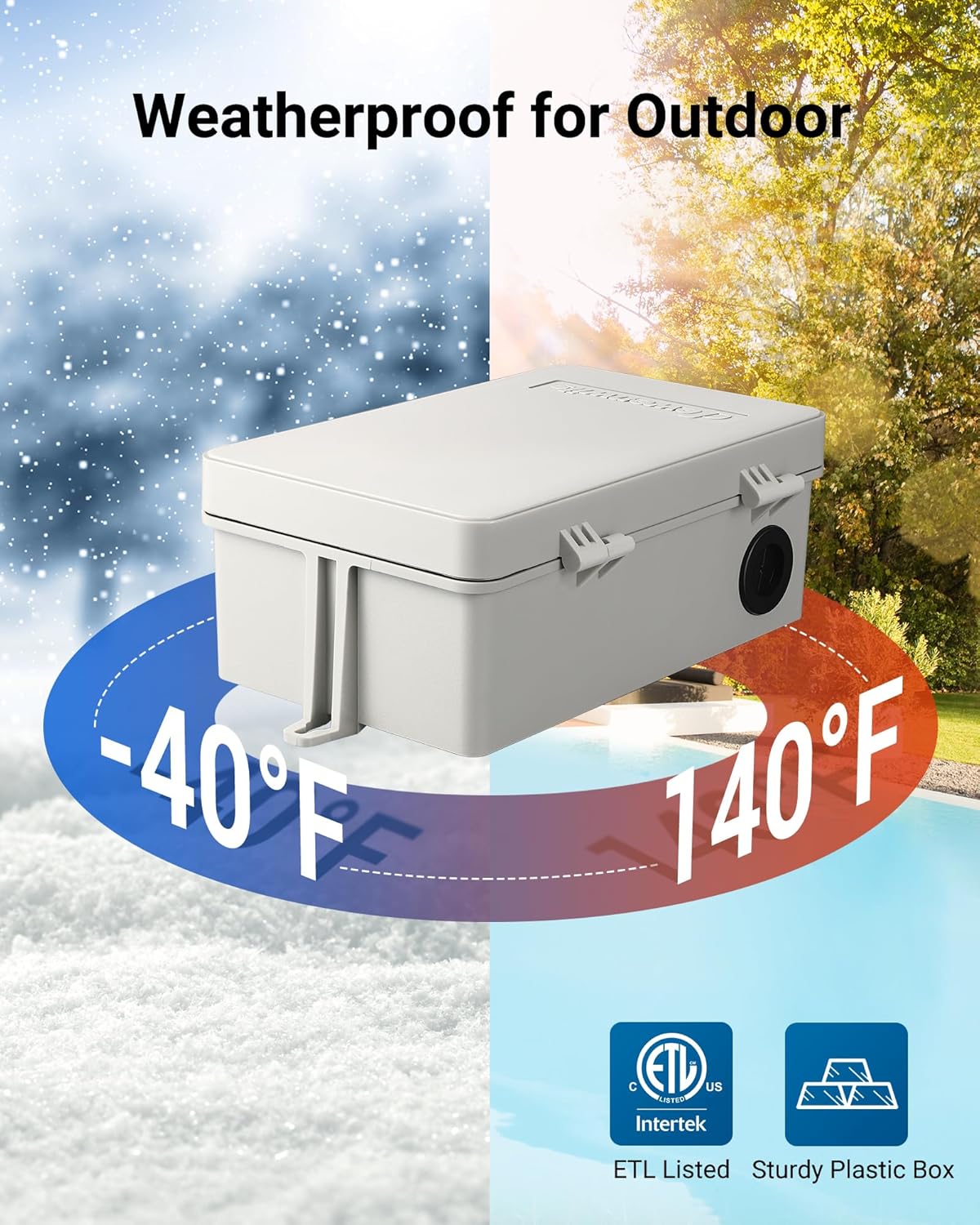
Figure 3.4: The timer is designed to be weatherproof, operating from -40°F to 140°F, suitable for outdoor installation.
4. Installation and Wiring
The timer module is removable for easier wiring. Ensure power is disconnected before beginning installation.
Video 4.1: Official DEWENWILS video demonstrating the installation and wiring process for the digital pool timer. This video provides a visual guide to connecting the timer to your electrical system.
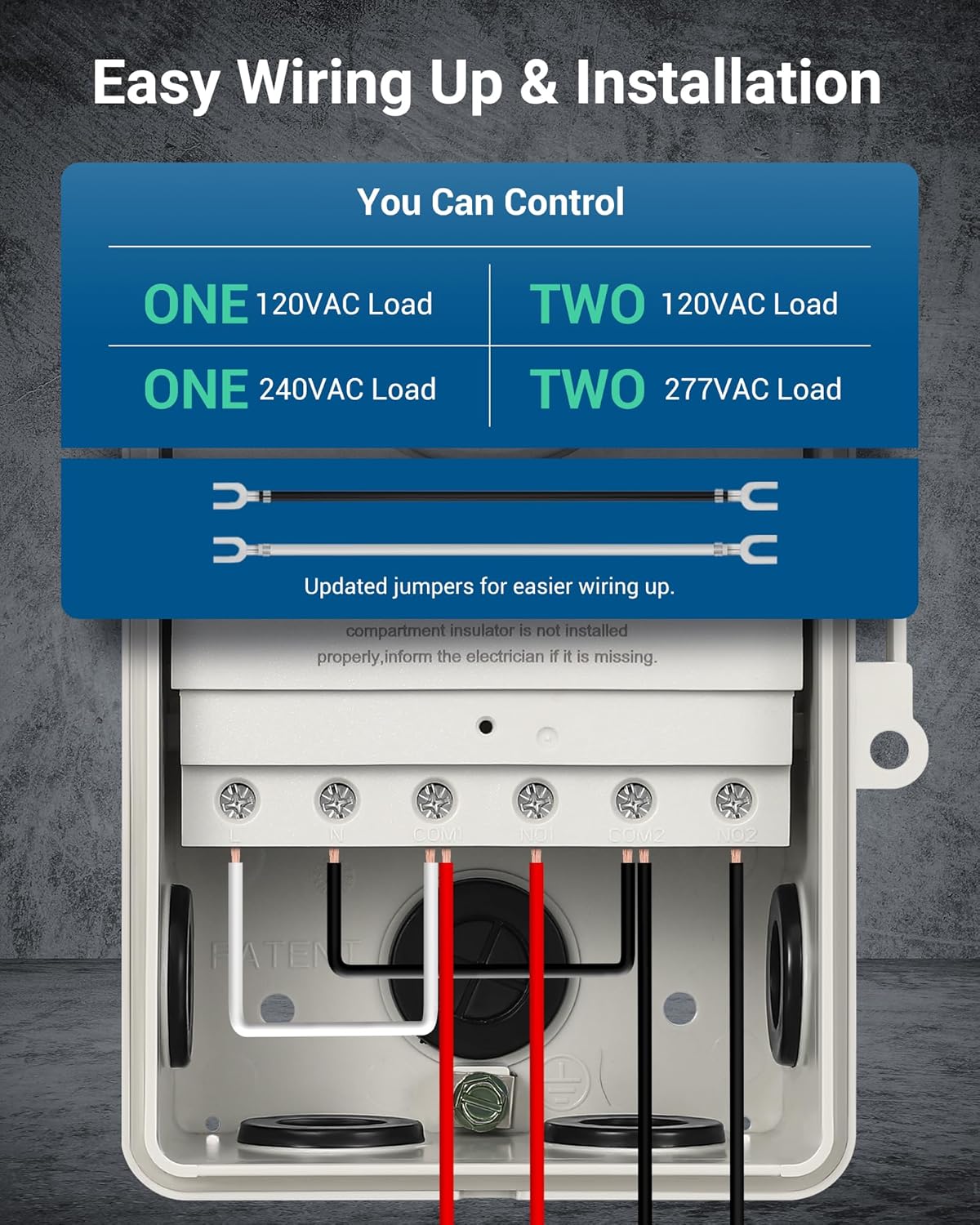
Figure 4.1: Internal view showing wiring terminals and knockouts for easy installation. The removable timer module simplifies the wiring process.
Wiring Diagrams:
Refer to the following diagrams for common wiring configurations. Always ensure proper grounding.

Figure 4.2: Wiring diagram for controlling a single 120VAC load.

Figure 4.3: Wiring diagram for controlling two separate 120VAC loads. Note: The wire connecting COM1 with COM2 should use the same gauge as the load wire.

Figure 4.4: Wiring diagram for controlling a single 240VAC load.

Figure 4.5: Wiring diagram for controlling two separate 277VAC loads. Note: The wire connecting COM1 with COM2 should use the same gauge as the load wire.

Figure 4.6: Wiring diagram specifically for controlling a water heater (240VAC Dual Phase shown).
5. Operating Instructions
The DEWENWILS Pool Pump Timer offers flexible programming with up to 20 ON/OFF schedules for 7-day repeat cycles or single-day settings.
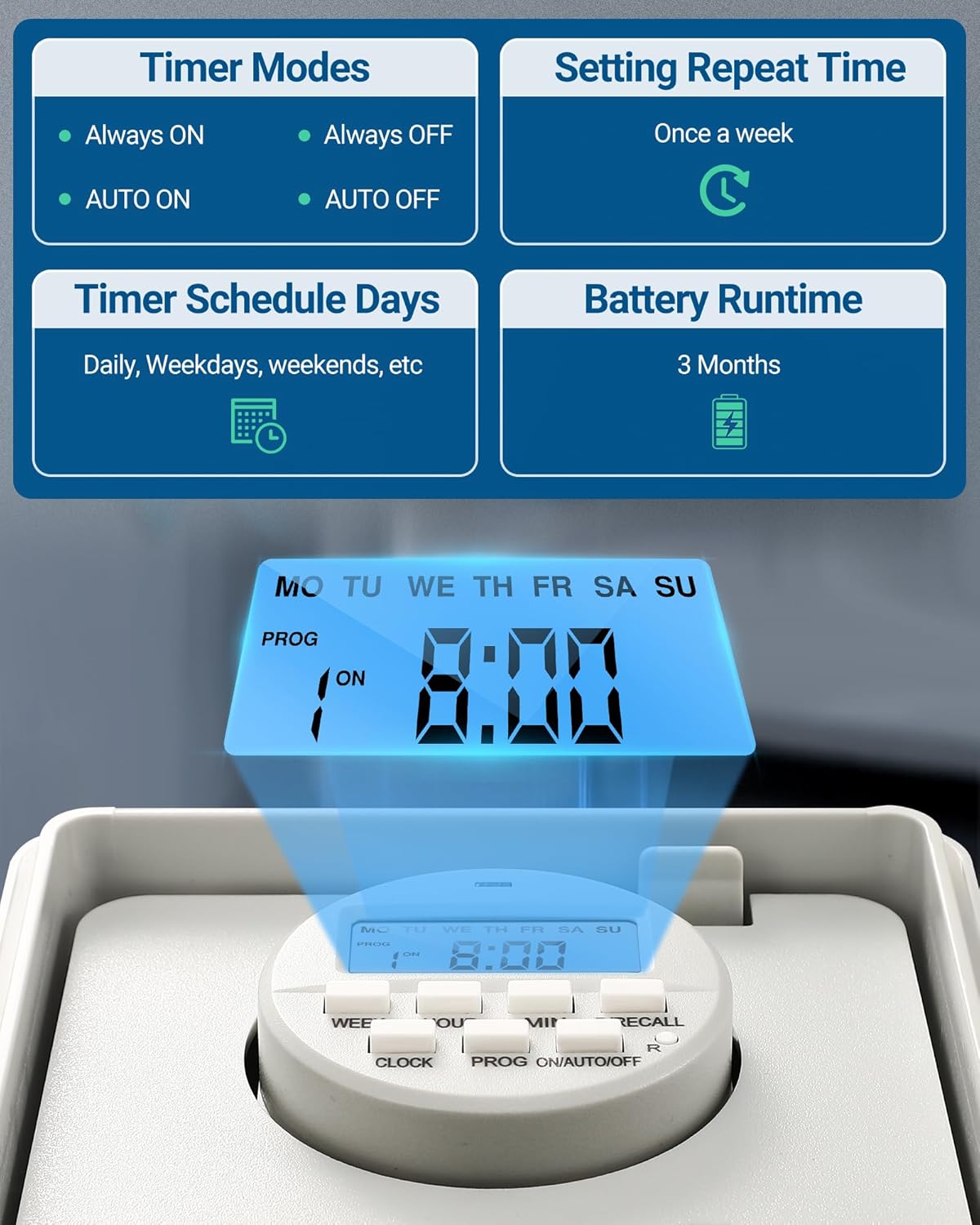
Figure 5.1: Overview of timer modes (Always ON/OFF, AUTO ON/OFF) and battery runtime (3 months backup).
Setting Current Time:
- Press the CLOCK button.
- Use WEEK, HOUR, and MIN buttons to set the current day, hour, and minute.
Programming ON/OFF Schedules:
- Press the PROG button to enter programming mode. The display will show "1 ON".
- Use WEEK, HOUR, and MIN buttons to set the desired ON time and day(s) for the first program.
- Press PROG again. The display will show "1 OFF".
- Use WEEK, HOUR, and MIN buttons to set the desired OFF time and day(s) for the first program.
- Repeat steps 2-4 for up to 20 ON/OFF programs.
- To exit programming mode, press the CLOCK button.

Figure 5.2: The timer supports up to 20 ON/OFF settings and Daylight Saving Time (DST) mode.
Manual Override Settings:
Press the ON/AUTO/OFF button to cycle through different modes:
- Always ON: The connected appliance will remain on continuously.
- Always OFF: The connected appliance will remain off continuously.
- AUTO ON: The timer will turn on the appliance according to the programmed schedule.
- AUTO OFF: The timer will turn off the appliance according to the programmed schedule.

Figure 5.3: Visual representation of the four manual override modes available on the timer.
Daylight Saving Time (DST) Mode:
The timer supports DST mode. Refer to the detailed instructions in the included manual for activating and deactivating DST.
Video 5.1: A short preview video demonstrating the DEWENWILS Outdoor 2 HP Heavy Duty Digital Pool Timer Box in action, highlighting its robust design and digital display.
6. Maintenance
The DEWENWILS Pool Pump Timer is designed for durability and minimal maintenance. Follow these guidelines to ensure its longevity:
- Cleaning: Wipe the exterior with a soft, damp cloth. Do not use abrasive cleaners or solvents.
- Inspection: Periodically check the wiring connections for tightness and inspect the housing for any signs of damage or wear.
- Battery Backup: The built-in battery provides approximately 3 months of settings retention in case of power failure. No user replacement is typically needed for the internal battery.
- Weather Protection: Although weather-resistant, ensure the door is always securely closed to prevent water ingress.
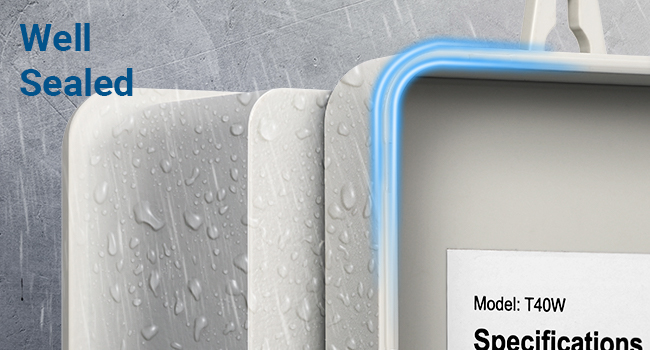
Figure 6.1: The timer box features a well-sealed design to protect internal components from environmental elements.
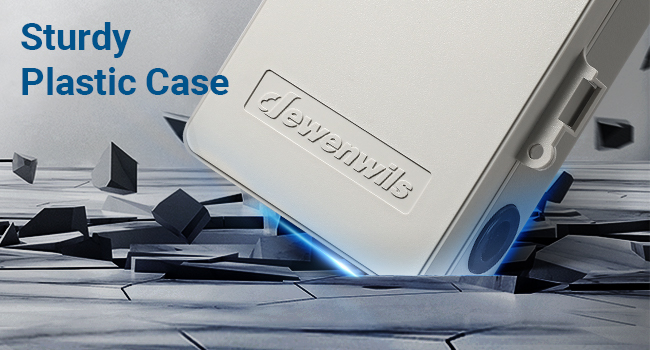
Figure 6.2: The sturdy plastic case provides robust protection against impacts and harsh conditions.
7. Troubleshooting
If you encounter issues with your DEWENWILS Pool Pump Timer, refer to the following common problems and solutions:
| Problem | Possible Cause | Solution |
|---|---|---|
| Timer display is blank. | No power supply; internal battery depleted. | Check main power supply and circuit breaker. Ensure the timer is properly wired. The internal battery recharges when power is supplied. |
| Appliance does not turn ON/OFF as programmed. | Incorrect programming; timer in manual override mode; faulty wiring. | Verify programming schedules. Ensure the timer is in AUTO ON/OFF mode. Check all wiring connections for security. |
| Timer loses settings after power outage. | Internal backup battery is low or faulty. | The internal battery should retain settings for up to 3 months. If it consistently loses settings, contact customer support. |
| Load indicator not lighting up. | Appliance not receiving power; faulty load connection. | Check the connected appliance. Verify the load wiring connections (NO1/NO2). |
If the problem persists after attempting these solutions, please contact DEWENWILS customer support.
8. Specifications
| Feature | Detail |
|---|---|
| Model Number | T40D |
| Input Voltage | 120-277VAC, 60Hz |
| Output (Resistive) | 40A @ 120-277VAC |
| Output (General Purpose) | 30A @ 120-277VAC |
| Output (Resistive) | 20A @ 30VDC |
| Motor Load | 1HP @ 120VAC, 2HP @ 240VAC |
| Ballasted Load | 20A @ 120-277VAC |
| Tungsten | 15A @ 120VAC, 5A @ 250VAC |
| Pilot Duty | 800VA @ 120VAC, 720VA @ 240VAC |
| TV-5 | 120VAC |
| Enclosure Type | 3R Raintight Enclosure |
| Operating Temperature | -40°F to 140°F (-40°C to 60°C) |
| Battery Backup | Approx. 3 months (internal, non-user replaceable) |
| Certifications | ETL Listed |
9. Warranty and Support
DEWENWILS products are designed and manufactured to the highest quality standards. This product comes with a standard manufacturer's warranty. For specific warranty details, please refer to the warranty card included with your product or visit the official DEWENWILS website.
For technical support, troubleshooting assistance, or warranty claims, please contact DEWENWILS customer service:
- Website: www.dewenwils.com
- Email: Refer to product packaging or website for contact email.
- Phone: Refer to product packaging or website for contact phone number.
Please have your model number (T40D) and purchase information ready when contacting support.
Related documentsT40D


Ask a question about this manual
Ask about setup, troubleshooting, compatibility, parts, safety, or missing instructions. Manuals+ will review the question and use this page’s manual context to help answer it.