
Tek Styz PRO Viewing Stand
PRO Viewing Stand Instruction Manual
Model: PRO Viewing Stand (ASIN: B08P8GGY53)
Brand: Tek Styz
1. Introduction
Thank you for choosing the Tek Styz PRO Viewing Stand. This manual provides essential information for the proper setup, operation, and maintenance of your new viewing stand. Please read this manual thoroughly before use to ensure optimal performance and longevity of the product.
The PRO Viewing Stand is a versatile and durable desktop holder designed for various devices, including smartphones, tablets, and small laptops. Its adjustable and portable design makes it ideal for use in various settings, from offices to kitchens.

Image 1.1: The Tek Styz PRO Viewing Stand, showcasing its compact folded form and its adjustable open configuration.
2. Product Features
The Tek Styz PRO Viewing Stand is engineered with several key features to enhance your device usage experience:
- Adjustable Viewing Angle: Easily adjust the stand to achieve optimal viewing angles for both vertical and horizontal device orientations. The sturdy gear offers precise control.
- Wide Compatibility: Designed to accommodate a broad range of devices, from 4-inch smartphones to 13-inch tablets and smaller laptops. It supports devices up to 20 pounds.
- Robust Construction: Crafted from high-strength aircraft-grade stainless steel, ensuring durability and stable support for your valuable electronics.
- Protective Design: Equipped with heavy-duty rubber cushions and feet that brace the stand firmly on surfaces, preventing scratches to both your device and furniture.
- Portable and Foldable: Its sleek, minimalist design allows it to fold compactly, making it easy to carry and store.

Image 2.1: Compatibility diagram illustrating the range of device sizes (e.g., 4.7", 5.0", 5.5", 8.0") that can be securely held by the stand.
3. Setup Instructions
- Unfold the Stand: Gently unfold the stand from its compact, folded position. The hinges are designed for smooth, controlled movement.
- Adjust the Angle: Position the upper arm of the stand to your desired viewing angle. The sturdy gear mechanism allows for precise angle adjustments.
- Place Your Device: Carefully place your smartphone, tablet, or small laptop onto the stand's cradle. Ensure the device rests securely on the rubber-padded hooks.
- Check Device Thickness: The hook width of the stand is 18mm (0.71 inches). Ensure the thickness of your device, including any case, does not exceed this measurement for a secure fit.
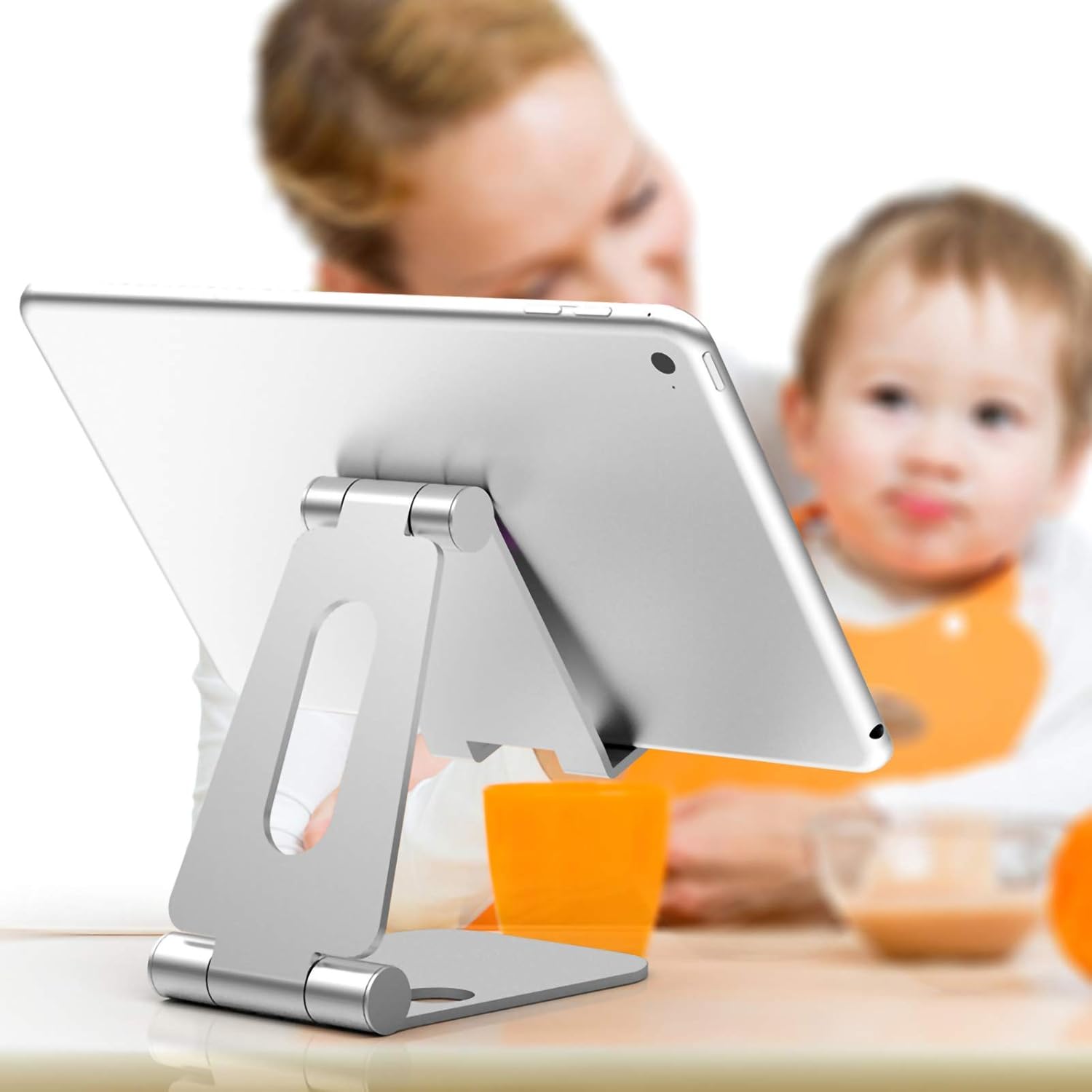
Image 3.1: The PRO Viewing Stand supporting a tablet, demonstrating its adjustable angle for comfortable viewing.
4. Operating Instructions
The PRO Viewing Stand is designed for straightforward operation. Once set up, it provides a stable platform for your device.
- Optimal Viewing: Adjust the stand's angle to reduce glare and achieve the most comfortable viewing position for activities such as watching videos, reading, or video calls.
- Stability: The low center of gravity design ensures the stand remains stable, preventing tipping even at extreme angles.
- Surface Protection: The heavy-duty rubber cushions on the base protect your furniture from scratches and provide a non-slip grip.
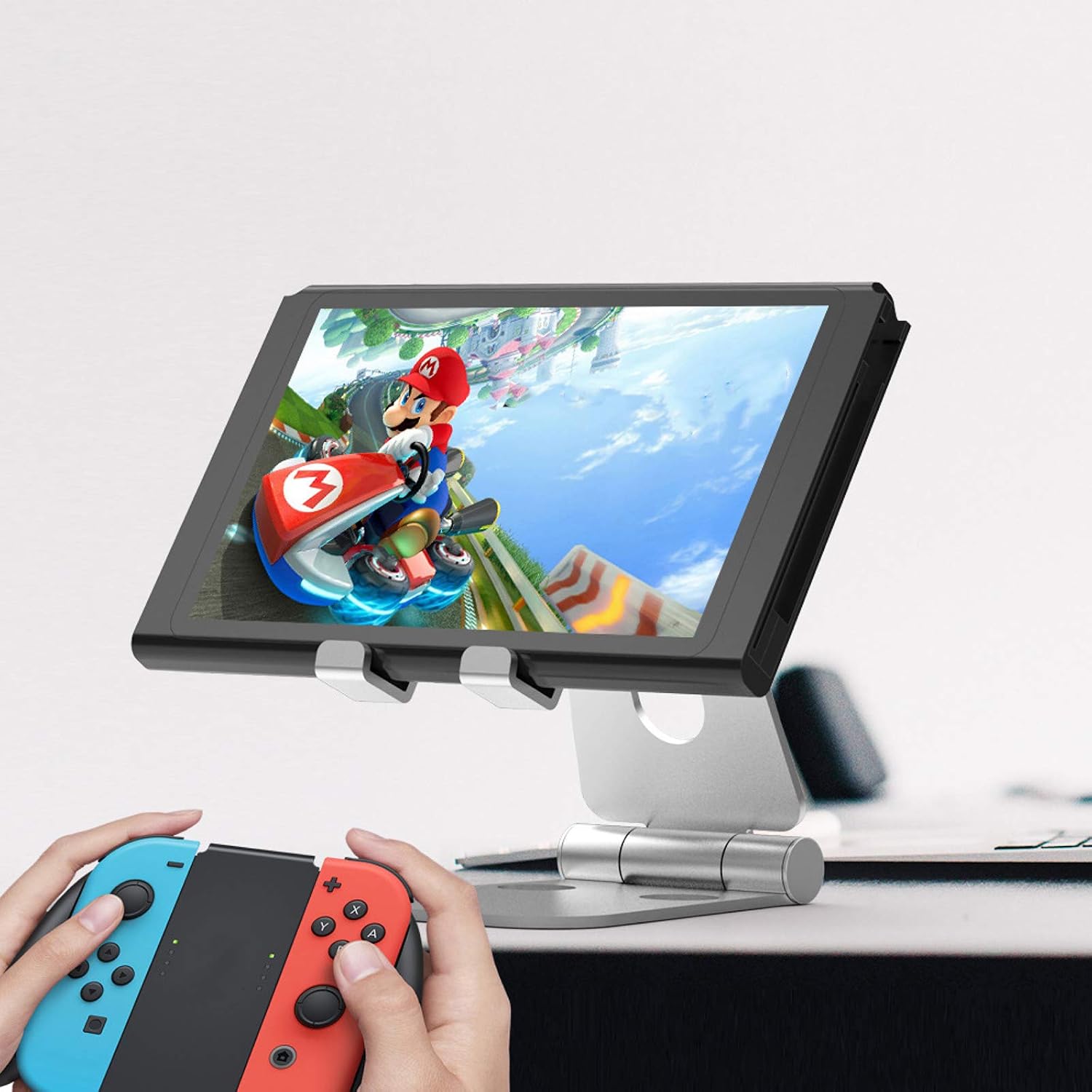
Image 4.1: The PRO Viewing Stand in use, providing a stable platform for a gaming device during gameplay.
5. Maintenance and Care
To ensure the longevity and optimal performance of your PRO Viewing Stand, follow these simple maintenance guidelines:
- Cleaning: Wipe the stand with a soft, damp cloth. Avoid using abrasive cleaners or solvents, as they may damage the finish.
- Storage: When not in use, fold the stand into its compact form for easy storage. Store in a dry place away from extreme temperatures.
- Inspection: Periodically check the hinges and rubber pads for any signs of wear or damage.

Image 5.1: The PRO Viewing Stand in its folded state, demonstrating its portability and ease of storage, often accompanied by a carrying pouch.
6. Troubleshooting
If you encounter any issues with your PRO Viewing Stand, please refer to the following common solutions:
| Problem | Possible Cause | Solution |
|---|---|---|
| Stand feels unstable or tips over. | Device too heavy or too large; uneven surface. | Ensure device weight is within 20 lbs limit and size is within 4-13 inches. Place stand on a flat, stable surface. |
| Device does not fit securely. | Device (or device with case) is thicker than 18mm. | Verify device thickness is no more than 18mm (0.71 inches). Remove bulky cases if necessary. |
| Hinges are stiff. | Normal operation; dust accumulation. | The hinges are designed to be firm for stability. Clean any visible dust around the hinge mechanism. Do not force movement. |
7. Specifications
| Product Dimensions | 4 x 2.75 x 1.8 inches (folded) |
| Item Weight | 5 ounces |
| Material | Aircraft Grade Stainless Steel, Rubber |
| Color | Gray |
| Compatible Device Size | 4-13 inches (up to 20 pounds) |
| Hook Width | 18mm (0.71 inches) |
| Manufacturer | Tek Styz |
| ASIN | B08P8GGY53 |

Image 7.1: Detailed dimensions of the PRO Viewing Stand in its open configuration.
8. Warranty and Support
For warranty information or technical support, please contact Tek Styz directly through their official channels. Refer to the product packaging or the retailer's website for specific contact details.
You can also visit the Tek Styz Store on Amazon for more information and product updates.
Ask a question about this manual
Ask about setup, troubleshooting, compatibility, parts, safety, or missing instructions. Manuals+ will review the question and use this page’s manual context to help answer it.