
1. Introduction
This manual provides detailed instructions for the installation, operation, and maintenance of your LUTEC 1800LM LED Motion Sensor Light. This dual-head security floodlight is designed for outdoor use, offering bright, motion-activated illumination for areas such as patios, gardens, and yards. Its robust, waterproof design ensures reliable performance in various weather conditions.

Figure 1: Overview of the LUTEC Dual-Head Motion Sensor Light.
2. Key Features
- Motion-Activated: Features a 180-degree sensing angle, detecting motion up to 65.62 feet away for accurate activation.
- Super Bright & Energy Saving: Delivers 1800 lumens at 26W with 3000K warm light, equivalent to a 120W halogen light, significantly reducing electricity consumption.
- 360° Adjustable Dual Light Heads: Customizable coverage area with adjustable light heads, ideal for dark, secluded outdoor spaces, walkways, and entryways. Includes a manual override option for continuous operation.
- Replaceable Bulbs: Comes with 2 LED PAR38 bulbs and is compatible with PAR38 halogen, incandescent, and dimmable CFL bulbs.
- Durable & Weather Resistant: Constructed from aluminum and polycarbonate, designed to withstand rain, snow, sun, and wind for long-lasting outdoor use.
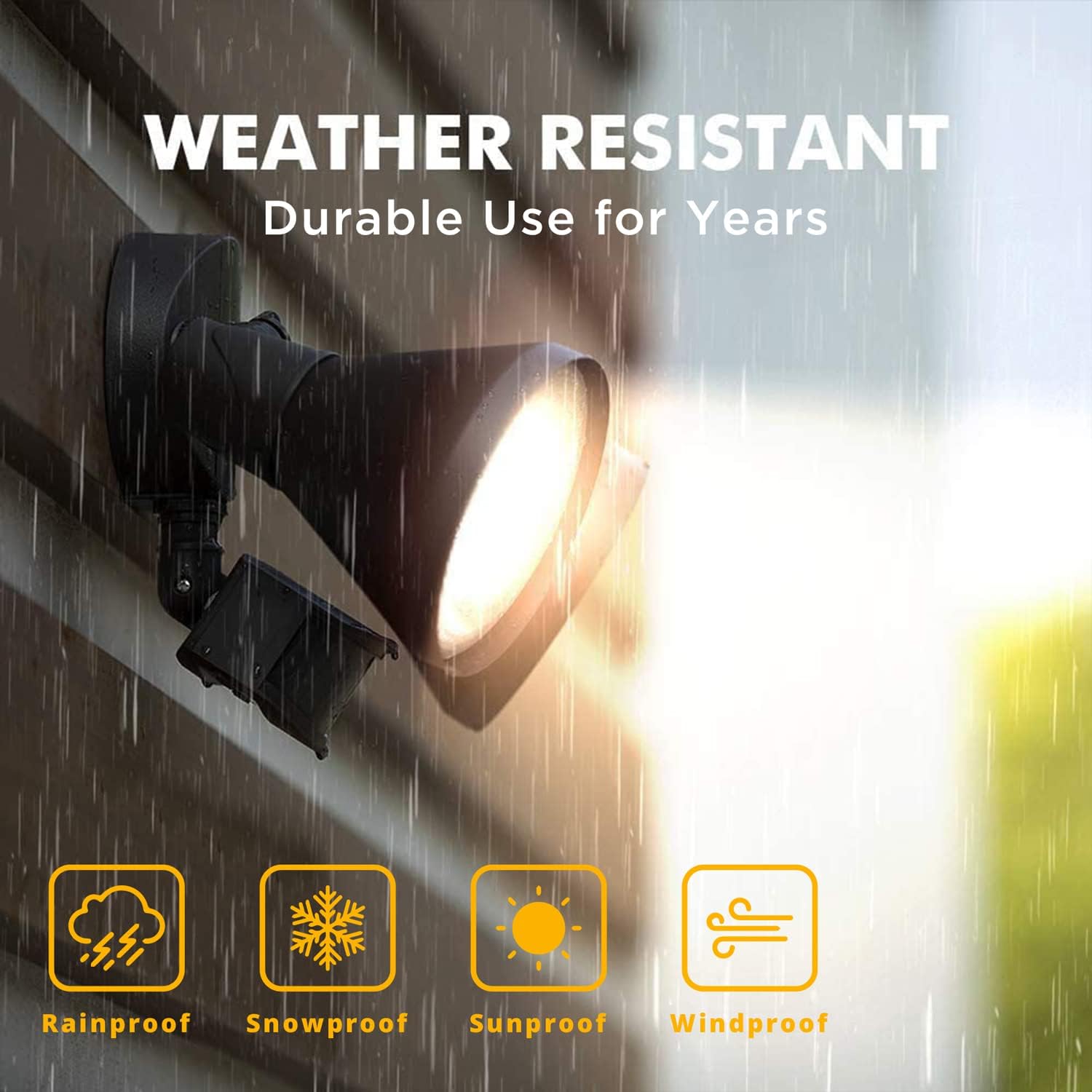
Figure 2: The floodlight is designed to be weather resistant, suitable for various outdoor conditions.
3. Setup and Installation
The LUTEC motion sensor light is designed for straightforward installation. Ensure power is disconnected before beginning. The unit mounts directly to a standard electrical box on an exterior wall. Secure the mounting bracket, connect the wiring according to local electrical codes, and then attach the light fixture to the bracket. The light heads can be adjusted to direct illumination as needed.
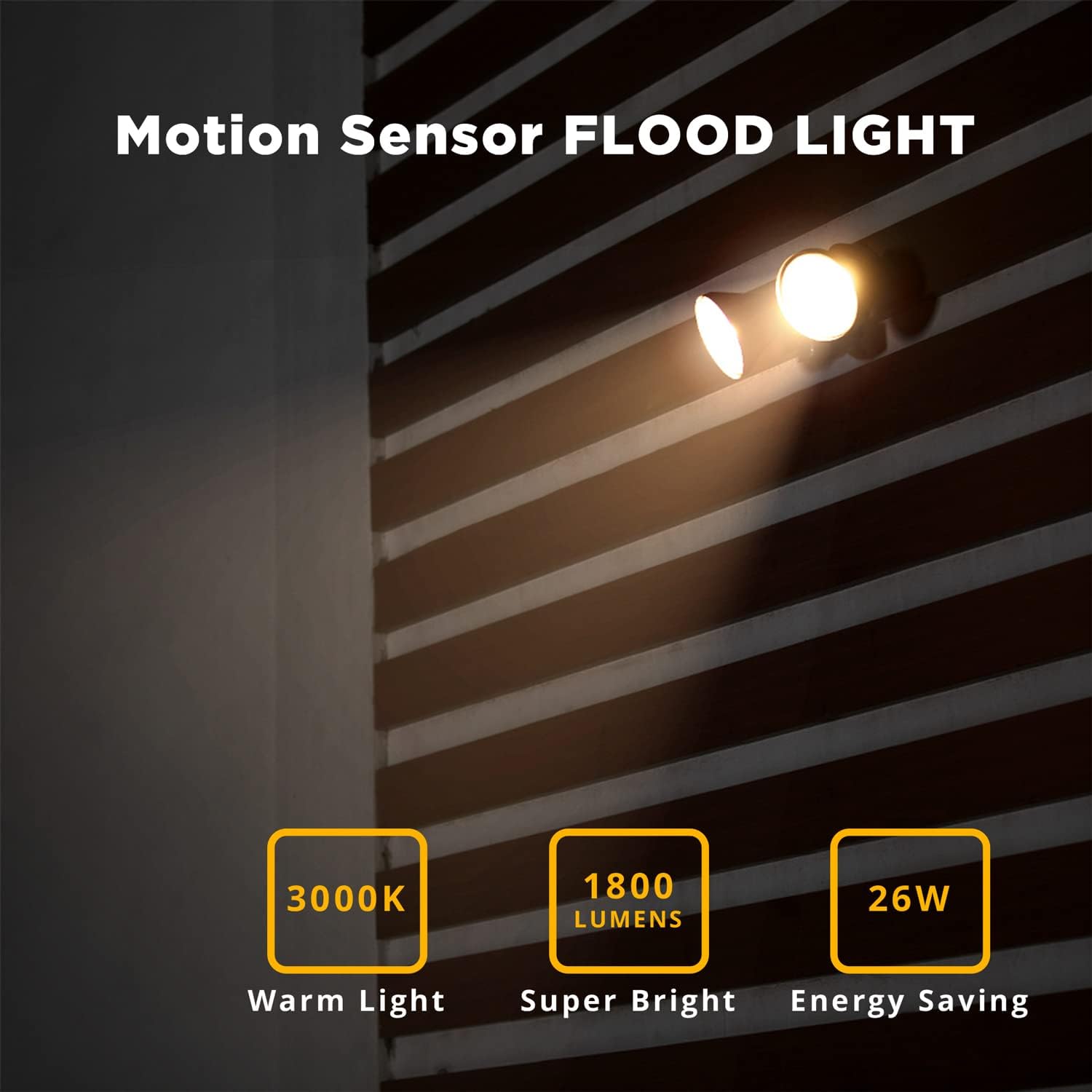
Figure 3: The floodlight installed on an exterior wall, ready for operation.

Figure 4: The replaceable PAR38 bulbs are easily installed into the light heads.
4. Operating Instructions
The motion sensor light features adjustable settings for sensitivity and illumination time. These controls are typically located on the underside of the sensor unit.
4.1. Adjusting Sensitivity (Distance)
Use the 'DISTANCE' or 'SENSITIVITY' dial/switch to set the detection range:
- L (Low): Up to 20-30 ft.
- M (Medium): Up to 40-50 ft.
- H (High): Up to 60-70 ft.
4.2. Adjusting Illumination Time
Use the 'TIME' dial/switch to set how long the light remains on after motion is detected:
- TEST: For initial setup and testing.
- 1 MIN: Light stays on for 1 minute.
- 3 MIN: Light stays on for 3 minutes.
- 10 MIN: Light stays on for 10 minutes.

Figure 5: Detailed view of the sensitivity and time adjustment dials on the motion sensor.
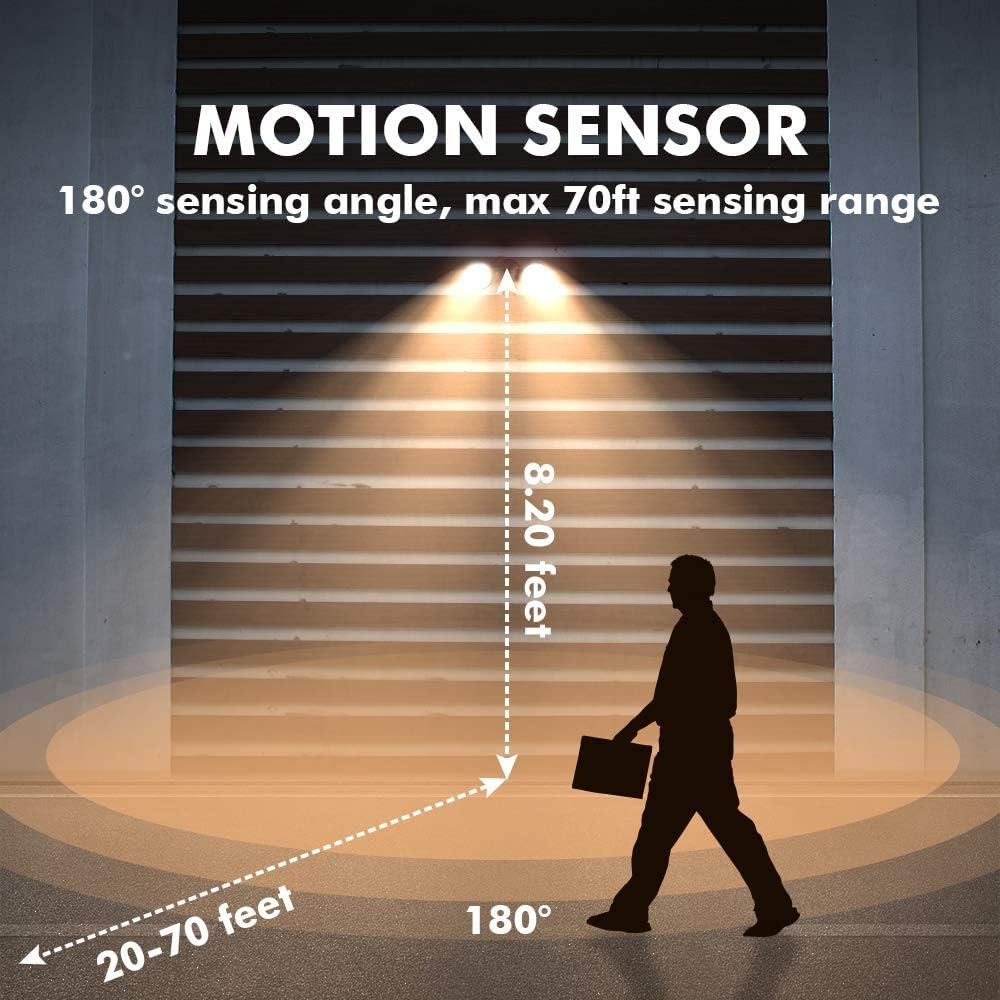
Figure 6: Illustration of the 180-degree motion sensing angle and detection range.
5. Maintenance
Regular maintenance ensures optimal performance and longevity of your floodlight.
5.1. Cleaning
Periodically clean the sensor lens and light heads with a soft, damp cloth to remove dust and debris. Avoid abrasive cleaners that could scratch surfaces or damage the sensor.
5.2. Bulb Replacement
This fixture allows for bulb replacement. Ensure power is off before replacing bulbs. Use only PAR38 type bulbs, including LED, halogen, incandescent, or dimmable CFL, as specified by the product. Refer to Figure 4 for visual guidance on bulb installation.
6. Troubleshooting
If you encounter issues with your motion sensor light, consider the following common solutions:
| Problem | Possible Cause | Solution |
|---|---|---|
| Light does not turn on at night. | Incorrect sensor setting, power issue, or faulty bulb. | Check power supply. Ensure sensor is not set to 'TEST' mode. Verify bulbs are correctly installed and functional. Adjust sensitivity. |
| Light stays on continuously. | Continuous motion detected, manual override activated, or sensor malfunction. | Check for obstructions in the sensor's field of view. Deactivate manual override if engaged. Adjust sensitivity to reduce false triggers. |
| Light turns on too frequently. | High sensitivity setting or environmental factors. | Reduce the sensitivity setting (e.g., from 'H' to 'M' or 'L'). Ensure the sensor is not pointing towards heat sources or moving objects like trees. |
| Light turns off too quickly. | Short illumination time setting. | Increase the 'TIME' setting (e.g., from '1 MIN' to '3 MIN' or '10 MIN'). |
7. Specifications
| Attribute | Detail |
|---|---|
| Brand | LUTEC |
| Model Number | amzn.gr.7621103412-h8IhVC8mVfAzYm5ajd-LN |
| Color | Bronze |
| Material | Aluminum, Polycarbonate |
| Light Fixture Form | Floodlight |
| Indoor/Outdoor Usage | Outdoor |
| Power Source | Corded Electric |
| Special Feature | Motion Sensor |
| Light Source Type | Halogen (compatible with LED PAR38) |
| Voltage | 120 Volts |
| Light Color | Warm White (3000K) |
| Brightness | 1800 Lumens |
| Wattage | 26W (LED) / 300W (Halogen equivalent) |
| Water Resistance Level | Waterproof |
| Motion Sensing Angle | 180 degrees |
| Motion Sensing Range | Up to 65.62 feet (adjustable) |
| Item Weight | 2.07 pounds |
| Package Dimensions | 17.28 x 9.84 x 6.26 inches |
8. Warranty and Support
LUTEC provides a 1-year warranty for this product. For any issues or inquiries, please contact LUTEC customer service. They offer 7*24h after-sales service to assist you.
For further assistance, you may visit the official LUTEC store or contact their support channels. Keep your purchase receipt for warranty claims.


