
Introduction
Thank you for choosing the Portronics Harmonics Twins 33 ANC Truly Wireless Bluetooth Earbuds. This manual provides essential information for setting up, operating, and maintaining your earbuds to ensure optimal performance and longevity. Please read this manual carefully before use.
What's in the Box
Upon unboxing, please verify that all the following items are present:
- 2 x Harmonics Twins 33 Earbuds (Left and Right)
- 1 x Charging Case
- 1 x USB Type-C Charging Cable
- 1 x User Documentation (this manual)
- Multiple sizes of ear tips for a comfortable fit

Image: Portronics Harmonics Twins 33 ANC Earbuds in their charging case.
Product Overview
Earbud Components
- Touch Control Area: For managing music, calls, and voice assistant.
- Microphone: Quad Mic setup for Environmental Noise Cancellation (ENC).
- LED Indicator: Displays pairing status, charging, and battery level.
- Speaker: 13mm Dynamic Drivers for audio output.
- Charging Contacts: For charging within the case.

Image: Close-up view of the earbuds, highlighting their design.
Charging Case Components
- Earbud Charging Slots: Securely holds and charges the earbuds.
- Case LED Indicators: Shows charging status and battery level of the case.
- USB Type-C Port: For charging the case.

Image: The charging case with its Type-C charging port visible.
Setup Instructions
1. Initial Charging
- Place both earbuds into the charging case.
- Connect the USB Type-C cable to the charging port on the case and plug the other end into a USB power adapter (not included).
- The LED indicators on the case will show charging progress. Ensure both earbuds and the case are fully charged before first use.
Image: The charging case being charged via a Type-C cable.
2. Pairing with a Device
- Open the charging case. The earbuds will automatically power on and enter pairing mode. The LED indicator on one earbud will flash, indicating it's ready to pair.
- On your smartphone or Bluetooth-enabled device, go to Bluetooth settings.
- Search for available devices and select "Portronics Harmonics Twins 33".
- Once connected, the earbud LED indicators will stop flashing.

Image: A diagram illustrating the Bluetooth pairing process for the earbuds with a mobile device.
3. Wearing the Earbuds
- Choose the ear tips that provide the most comfortable and secure fit for your ears. A good seal is crucial for optimal sound quality and Active Noise Cancellation.
- Gently insert the earbuds into your ear canals and twist slightly to secure them.

Image: Illustration of various ear tip sizes (Small, Medium, Large) to ensure a personalized and comfortable fit.
Operating Instructions
Touch Controls
The Harmonics Twins 33 ANC earbuds feature intuitive touch controls on each earbud. The specific functions may vary slightly depending on your device and application.

Image: The earbuds highlighting the touch control area for user interaction.
| Action | Function |
|---|---|
| Single Tap (Left/Right) | Play/Pause Music, Answer/End Call |
| Double Tap (Right) | Next Track |
| Double Tap (Left) | Previous Track |
| Triple Tap (Left/Right) | Activate Voice Assistant |
| Long Press (Left/Right) | Toggle ANC/Transparency Mode, Reject Call |
Active Noise Cancellation (ANC) & Environmental Noise Cancellation (ENC)
The earbuds feature Active Noise Cancellation to reduce ambient noise for an immersive listening experience, and Environmental Noise Cancellation with Quad Mics for clear call quality.
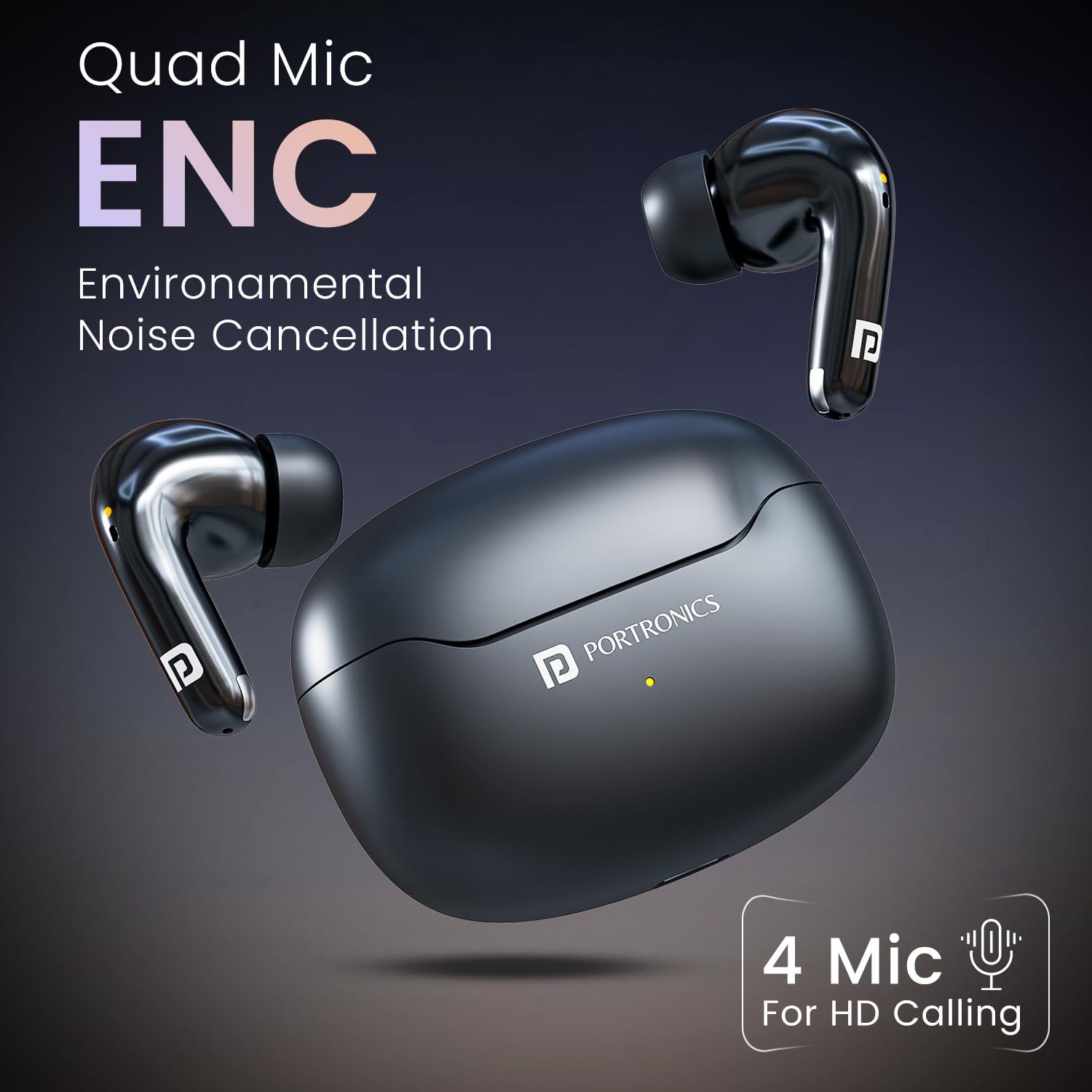
Image: An earbud illustrating the Active Noise Cancellation feature, isolating sound.

Image: The earbuds highlighting the Quad Mic setup for Environmental Noise Cancellation, ensuring clear voice during calls.
Voice Assistant
Activate your device's voice assistant (Siri, Google Assistant) with a triple tap on either earbud for hands-free control.
Image: A user interacting with the voice assistant feature on the earbuds.
Maintenance
- Cleaning: Regularly clean the earbuds and charging case with a soft, dry cloth. Avoid using harsh chemicals or abrasive materials.
- Ear Tips: Remove and clean the ear tips periodically with water and mild soap. Ensure they are completely dry before reattaching.
- Charging Contacts: Keep the charging contacts on both the earbuds and the case clean and dry to ensure proper charging.
- Storage: When not in use, store the earbuds in their charging case to protect them and keep them charged.
- Water Resistance: The earbuds are IPX5 water resistant, meaning they are protected against sweat and splashes. Do not submerge them in water.

Image: Earbuds being splashed with water, demonstrating their IPX5 water resistance.
Troubleshooting
| Problem | Possible Solution |
|---|---|
| Earbuds not pairing | Ensure earbuds are charged. Place them back in the case, close, then open again to re-enter pairing mode. Check your device's Bluetooth settings. |
| Only one earbud working | Ensure both earbuds are charged. Try resetting the earbuds by placing them in the case, closing it, and then opening it again. Re-pair with your device. |
| Poor sound quality | Check ear tip fit. Ensure earbuds are clean. Move closer to your connected device to avoid interference. |
| Earbuds not charging | Ensure charging contacts on both earbuds and case are clean and dry. Try a different USB cable or power adapter. |
| Voice Assistant not responding | Ensure your device's voice assistant is enabled and the earbuds are properly connected. Check touch control settings. |
Specifications
| Feature | Detail |
|---|---|
| Model Name | Harmonics Twins 33 |
| Model Number | POR-1174 |
| Bluetooth Version | 5.3 |
| Driver Size | 13mm Dynamic Driver |
| Noise Control | Active Noise Cancellation (ANC), Environmental Noise Cancellation (ENC) with Quad Mic |
| Playtime | Up to 50 Hours (with charging case) |
| Charging Port | USB Type-C |
| Water Resistance | IPX5 (Sweat and Splash Resistant) |
| Control Type | Touch Control, Voice Control |
| Material | ABS Plastic |
| Country of Origin | China |
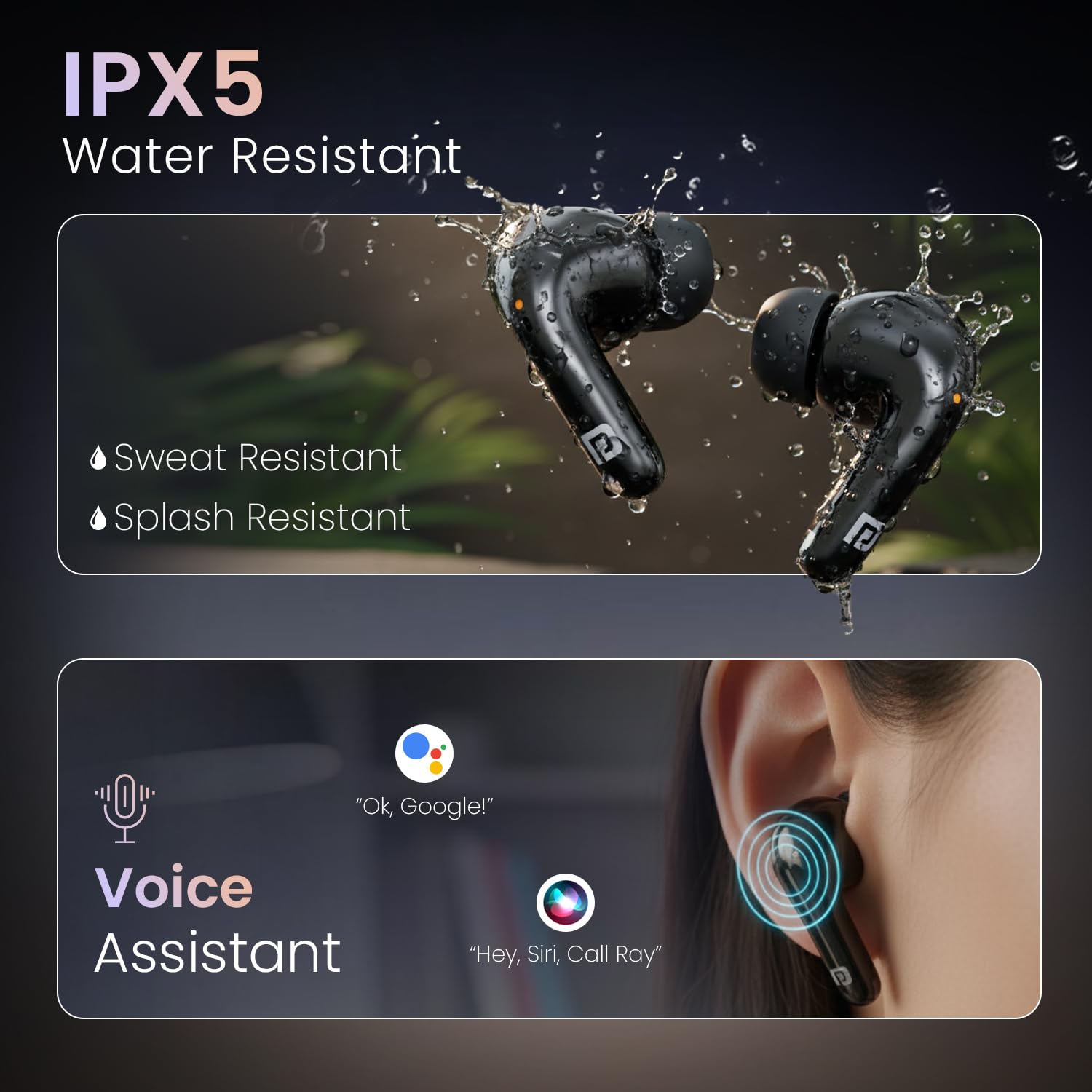
Image: Diagram illustrating the 13mm dynamic driver inside the earbud for powerful audio.
Video: A brief overview of the Portronics Harmonics Twins 33 ANC Earbuds, showcasing key features like low latency, ANC/ENC, 13mm dynamic drivers, voice assistant, touch control, Bluetooth 5.3, and up to 50 hours of playtime.
Warranty and Support
The Portronics Harmonics Twins 33 ANC Earbuds come with a 1-year manufacturer's warranty from the date of purchase. This warranty covers manufacturing defects. For warranty claims, technical support, or any product-related inquiries, please contact Portronics customer service.
- Email: help@portronics.com
- Phone: +91 9555-245-245
- Manufacturer Address: Portronics Digital Pvt ltd, First Floor Property No D 8 Upper Basement Sector 8 Noida Uttar Pradesh 201301, India.


