
Bluedio Ei
Bluedio Ei Wireless Earbuds User Manual
Model: Ei
Introduction
Thank you for choosing the Bluedio Ei Wireless Earbuds. These in-ear earphones are designed to provide a seamless audio experience with advanced features like wireless charging compatibility, quick Bluetooth connection, extended playtime, and environmental noise-cancelling microphones. This manual will guide you through the setup, operation, and maintenance of your new earbuds.
What's in the Box
Upon unboxing your Bluedio Ei Wireless Earbuds, please ensure all the following components are present:
- Bluedio Ei Wireless Earbuds
- Charging Case
- Charging Cable
- User Manual

Image: The Bluedio Ei Wireless Earbuds, charging case, charging cable, and user manual laid out, showing all included items.
Setup
Initial Charging
Before first use, it is recommended to fully charge your Bluedio Ei earbuds and charging case. The earbuds provide 8 hours of playtime on a single charge, and the charging case offers 5 additional full charges, totaling up to 40 hours of playtime.
- Place both earbuds into the charging case.
- Connect the charging cable to the charging case and a power source, or place the charging case on a compatible wireless charging pad.
- The indicator light on the charging case will show charging status.
Note: A wireless charger is not included with the Bluedio Ei earbuds.

Image: The Bluedio Ei charging case being charged wirelessly on a charging pad, illustrating its wireless charging capability.

Image: A visual representation highlighting the ultra-long 40 hours of total playtime, combining 8 hours from the earphones and 32 hours from the charging case.
Bluetooth Pairing
The Bluedio Ei earbuds feature a quick and efficient Bluetooth connection process.
- Open the charging case. The earbuds will automatically enter pairing mode.
- On your device (e.g., smartphone, tablet), navigate to the Bluetooth settings.
- Select "Ei" from the list of available devices to connect.
- Once connected, you will hear an audio prompt, and the earbuds are ready for use.

Image: A demonstration of the "Super Easy Pair" process, showing earbuds being removed from the case and the corresponding Bluetooth connection on a smartphone.
Operating Instructions
Touch Controls
The Bluedio Ei earbuds are equipped with intuitive touch controls for managing your audio and calls. Specific touch gestures for functions like play/pause, skip track, answer/end call, and voice assistant activation are typically detailed in the included quick start guide. Please refer to that guide for a comprehensive list of touch commands.
Face Recognition Technology
These wireless headsets feature a built-in touch sensor chip that intelligently detects wearing status. This allows for automatic pause and resume functionality:
- When you remove only the RIGHT earbud from your ear, the music will automatically pause to conserve power.
- When you wear the earbud again, the music will automatically resume playing.
Environmental Noise Cancelling (ENC) Microphone
The Bluedio Ei Earbuds are equipped with an upgraded microphone featuring ENC technology. This feature effectively reduces environmental noise, ensuring clear audio for both your music and phone calls, especially during business communications.
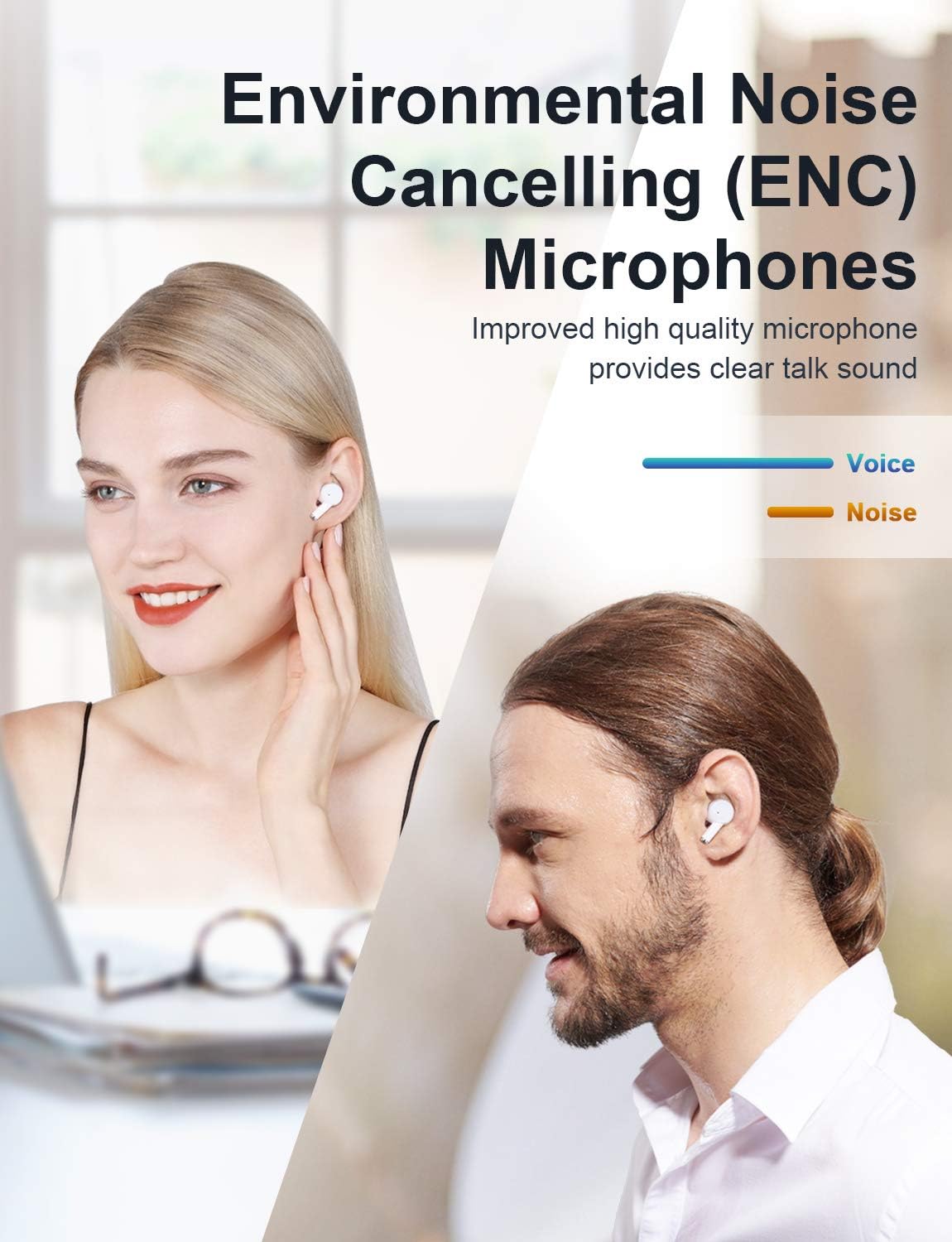
Image: A visual demonstrating the Environmental Noise Cancelling (ENC) Microphones, showing individuals enjoying clear audio.
Maintenance
Cleaning
Regular cleaning helps maintain the performance and longevity of your earbuds. Use a soft, dry, lint-free cloth to wipe the earbuds and charging case. Avoid using abrasive materials or harsh chemicals.
Battery Care
To maximize battery life, avoid fully depleting the battery frequently. Store the earbuds and case in a cool, dry place when not in use for extended periods. Recharge the case periodically if it's stored for a long time.
Troubleshooting
If you encounter any issues with your Bluedio Ei Wireless Earbuds, please refer to the following common solutions:
- No Sound: Ensure earbuds are charged and properly connected to your device. Check your device's volume settings.
- Pairing Issues: Make sure Bluetooth is enabled on your device. Try forgetting "Ei" from your device's Bluetooth list and re-pairing. Ensure earbuds are in pairing mode (open case).
- Charging Problems: Verify the charging cable is securely connected. If using wireless charging, ensure the case is correctly placed on the charging pad. Check for debris in the charging port.
- Intermittent Connection: Ensure there are no significant obstructions between the earbuds and your device. Keep the device within the Bluetooth range (10 meters).
- Earbuds Not Responding: Place both earbuds back into the charging case, close the lid, wait a few seconds, then open it again to reset.
If the problem persists, please contact Bluedio customer support for further assistance.
Specifications
| Feature | Detail |
|---|---|
| Model Name | Ei |
| Connectivity Technology | Wireless |
| Wireless Communication Technology | Bluetooth |
| Included Components | Bluedio Ei Wireless Earbuds, Cable, Charging Case, User Manual |
| Material | Plastic |
| Specific Uses For Product | Communication, Sports and Exercise |
| Charging Time | 8 Hours (Earbuds playtime per charge) |
| Recommended Uses For Product | Exercising, Running |
| Compatible Devices | Bluetooth-enabled devices |
| Control Type | Touch Control |
| Cable Feature | Without Cable |
| Water Resistance Level | Waterproof |
| Frequency Range | 2.4GHz-2.48GHz |
| Unit Count | 1.0 Count |
| Control Method | Touch |
| Number of Items | 1 |
| Battery Life | 8 Hours (Earbuds) |
| Audio Driver Type | Dynamic Driver |
| Bluetooth Range | 10 Meters |
| Bluetooth Version | 5.0 |
| Carrying Case Material | Plastic |
| Carrying Case Color | White |
| Earpiece Shape | Rounded Tips |
| UPC | 787875805052 |
| Special Feature | 40 Hours Playtime; Touch Control, ENC Microphone; Face Recognition Technology |
| Manufacturer | Bluedio |
| Product Dimensions | 1.4 x 2.6 x 1.49 inches |
| Item Weight | 3.52 ounces |
| Batteries | 3 Lithium Polymer batteries required. (included) |
| Date First Available | August 27, 2020 |
| Color | White |
| Ear Placement | In Ear |
| Form Factor | In Ear |
| Noise Control | Active Noise Cancellation (ENC Microphone) |
Warranty and Support
For warranty information and customer support, please refer to the warranty card included in your product packaging or visit the official Bluedio website. Keep your purchase receipt for any warranty claims.
Ask a question about this manual
Ask about setup, troubleshooting, compatibility, parts, safety, or missing instructions. Manuals+ will review the question and use this page’s manual context to help answer it.