
KOSS TW150i
KOSS TWS150i True Wireless Earphones User Manual
Model: TW150i
Introduction
Thank you for choosing the KOSS TWS150i True Wireless Earphones. This manual provides essential information for setting up, operating, and maintaining your earphones to ensure optimal performance and longevity. The KOSS TWS150i offers a seamless audio experience with Bluetooth 5.0 connectivity, extended battery life, and smart voice alerts, designed for both home listening and on-the-go use.
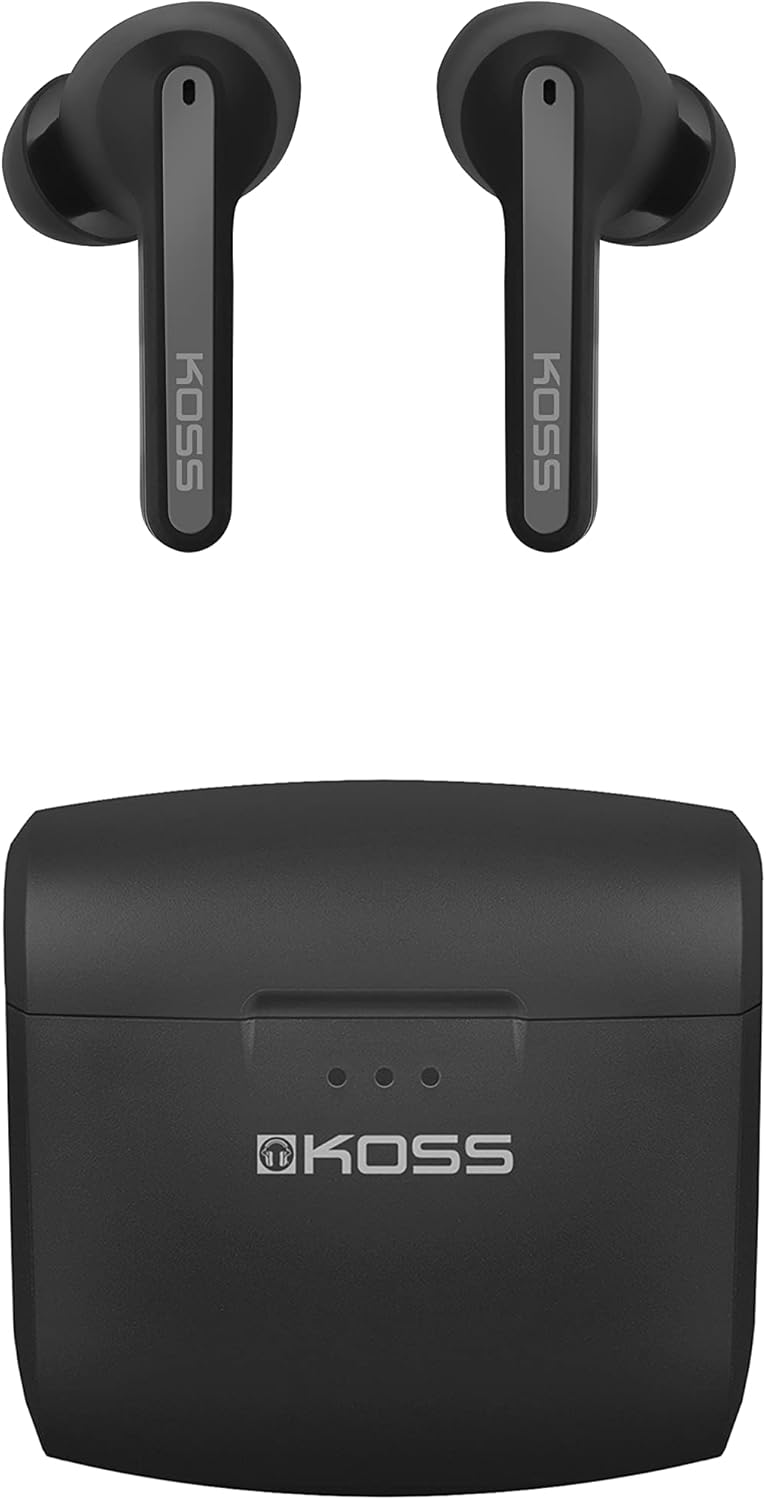
Image: The KOSS TWS150i True Wireless Earphones, showing both earbuds and their compact charging case.
Package Contents
Ensure all items are present in the package:
- KOSS TWS150i True Wireless Earphones (Left and Right)
- Portable Charging Case
- USB Charging Cable
- Silicone Earpads (Small, Medium, Large sizes)
Setup Guide
1. Initial Charging
Before first use, fully charge the earphones and the charging case.
- Place both earphones into the charging case. Ensure they are seated correctly.
- Connect the supplied USB cable to the charging port on the case and the other end to a USB power source (e.g., computer USB port, wall adapter).
- The LED indicators on the charging case will illuminate to show charging status. A full charge typically takes approximately 2 hours.
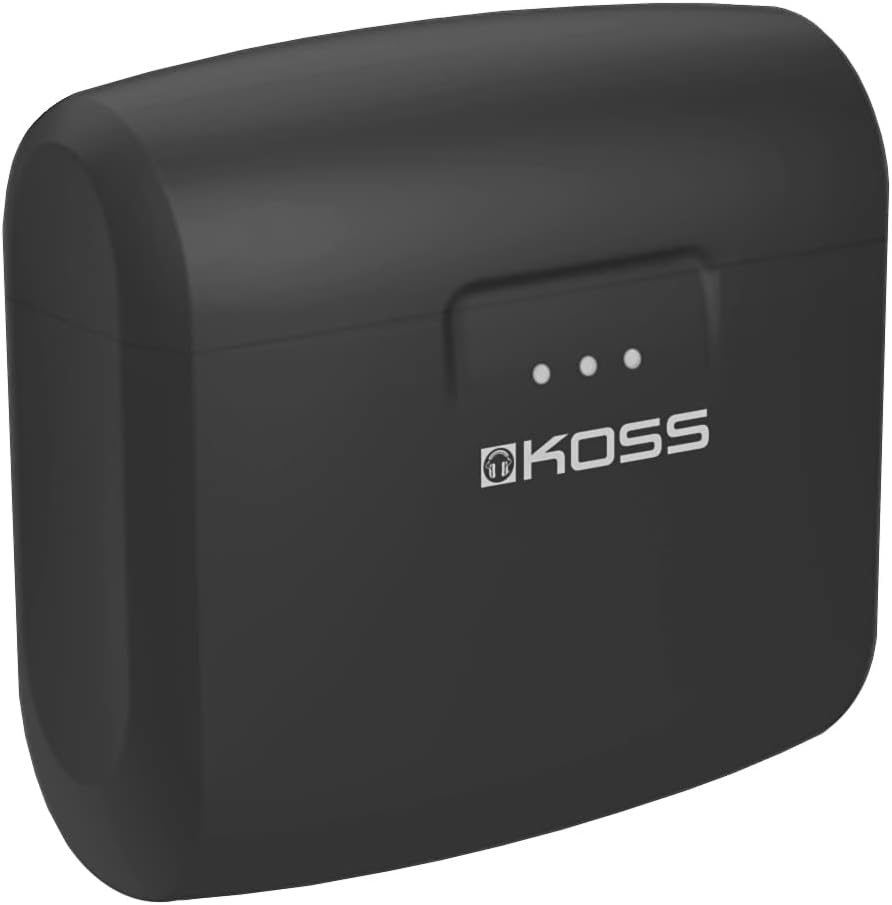
Image: The KOSS TWS150i charging case, showing the LED indicators for battery status.
2. Pairing with a Bluetooth Device
The KOSS TWS150i earphones use Bluetooth 5.0 for a stable wireless connection.
- Open the charging case. The earphones will automatically power on and enter pairing mode. The LED indicators on the earphones will flash, indicating they are ready to pair.
- On your mobile phone or tablet, go to the Bluetooth settings.
- Search for available devices and select "KOSS TWS150i" from the list.
- Once connected, the earphone LEDs will stop flashing and remain solid or turn off, and you will hear a confirmation tone.
Note: The earphones will automatically reconnect to the last paired device when taken out of the case, if Bluetooth is enabled on the device.

Image: Close-up view of the KOSS TWS150i earbuds, ready for use.
Operating Instructions
Wearing the Earphones
Select the silicone earpads that provide the most comfortable and secure fit for optimal sound quality and noise isolation. Gently insert the earphones into your ear canals and twist slightly to secure them.

Image: A person wearing a KOSS TWS150i earbud, demonstrating proper fit.
Touch Controls
The KOSS TWS150i earphones feature touch-sensitive controls on each earbud.
| Action | Left Earbud | Right Earbud |
|---|---|---|
| Play/Pause | Single Tap | Single Tap |
| Next Track | Double Tap | Double Tap |
| Previous Track | Triple Tap | Triple Tap |
| Answer/End Call | Single Tap | Single Tap |
| Reject Call | Press and Hold (2s) | Press and Hold (2s) |
| Activate Voice Assistant | Press and Hold (3s) | Press and Hold (3s) |
| Volume Up | N/A | Press and Hold (1s) |
| Volume Down | Press and Hold (1s) | N/A |
Battery Life and Charging
The earphones provide 5+ hours of playback on a single charge. The charging case extends the total listening time to 25+ hours.
To check battery level on iOS devices, refer to the battery level display feature.
Maintenance
Proper maintenance ensures the longevity and performance of your KOSS TWS150i earphones.
- Cleaning: Regularly clean the earphones and charging case with a soft, dry, lint-free cloth. Do not use abrasive cleaners or solvents.
- Earpads: Remove and clean the silicone earpads periodically with mild soap and water. Ensure they are completely dry before reattaching.
- Charging Contacts: If you experience charging issues, gently clean the charging contacts on both the earphones and inside the case with a dry cotton swab.
- Storage: When not in use, store the earphones in their charging case to protect them and keep them charged. Store in a cool, dry place away from extreme temperatures.
- Water Resistance: The earphones are waterproof. However, avoid prolonged submersion in water and ensure they are dry before placing them back in the charging case.
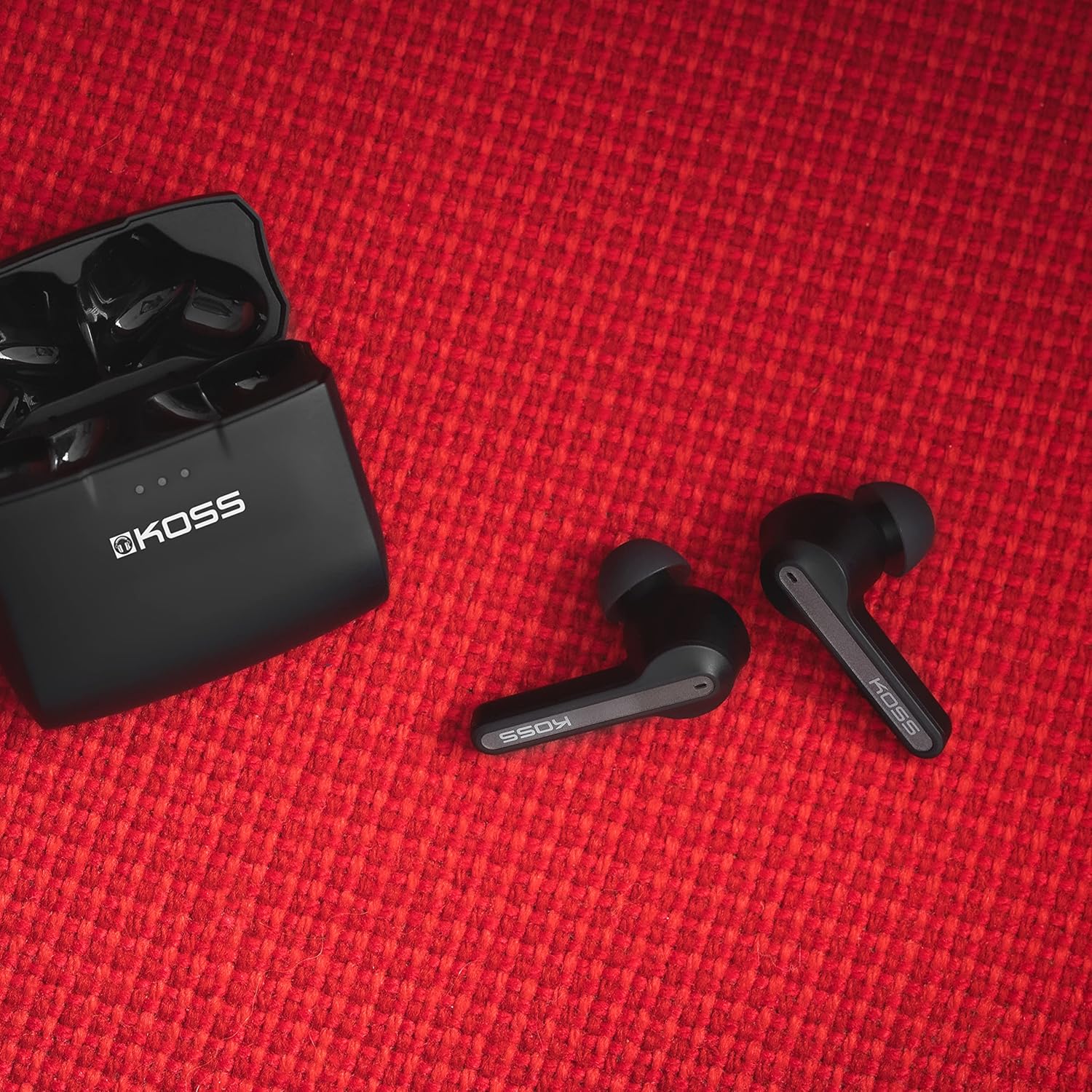
Image: KOSS TWS150i earphones and charging case, illustrating their compact and durable design.
Troubleshooting
If you encounter issues with your KOSS TWS150i earphones, refer to the following common solutions:
| Problem | Possible Solution |
|---|---|
| Earphones not pairing |
|
| Only one earphone working |
|
| No sound or low volume |
|
| Charging case not charging |
|
Specifications
| Feature | Detail |
|---|---|
| Model | TW150i |
| Connectivity | Bluetooth 5.0 (Wireless) |
| Earphone Battery Life | 5+ hours |
| Total Battery Life (with case) | 25+ hours |
| Charging Case Capacity | Increases usage time by 20 hours |
| Frequency Range | 20Hz - 20,000Hz |
| Weight | 44 Grams (total) |
| Dimensions | 5 x 5 x 2 cm (Product) |
| Water Resistance | Waterproof |
| Microphone | Built-in, Stereo |
| Control Type | Touch Control |
| Special Features | Lightweight, Microphone Included, Volume Control, iOS Phone Control, Smart Voice Alerts |
Warranty and Support
KOSS products are designed for durability and performance. For information regarding warranty coverage, please refer to the warranty card included with your purchase or visit the official KOSS website.
For technical support, frequently asked questions, or to contact customer service, please visit the official KOSS support page.
Visit KOSS Support
Ask a question about this manual
Ask about setup, troubleshooting, compatibility, parts, safety, or missing instructions. Manuals+ will review the question and use this page’s manual context to help answer it.