
Introduction
This manual provides essential information for setting up, operating, and maintaining your Apple Watch Series 6 GPS 40mm. The Apple Watch Series 6 is designed to enhance your daily life with advanced health monitoring, fitness tracking, and communication features directly from your wrist.
What's in the Box
- Apple Watch Series 6 (Aluminum Case)
- Sport Band
- 1m Magnetic Charging Cable

Image: Contents of the Apple Watch Series 6 packaging, showing the watch, sport band, and magnetic charging cable.
Setup
1. Charging Your Apple Watch
Before first use, fully charge your Apple Watch. Place the back of your Apple Watch on the magnetic charging cable. The charger will snap into place. Connect the other end of the cable to a USB power adapter (sold separately) or a USB port.
2. Pairing with iPhone
- Ensure your iPhone is running iOS 14 or later.
- Turn on your Apple Watch by pressing and holding the side button until you see the Apple logo.
- Bring your iPhone near your Apple Watch. A pairing animation will appear on your iPhone. Tap "Continue".
- Position your iPhone so that your Apple Watch appears in the viewfinder of the Camera app.
- Follow the on-screen instructions on both your iPhone and Apple Watch to complete the pairing process, including setting up a passcode and choosing your preferred settings.
3. Adjusting the Band
Ensure the band is snug but comfortable on your wrist for optimal sensor performance. The Apple Watch Series 6 is compatible with various Apple Watch bands.
Operating Your Apple Watch Series 6
The Apple Watch Series 6 features an Always-On Retina display, allowing you to see the time and information at a glance without raising your wrist. It is powered by the S6 SiP, offering fast performance.

Image: A close-up view of the Apple Watch Series 6 display, highlighting the watch face with time, temperature, and activity ring complications.
Blood Oxygen Measurement
The Blood Oxygen app allows you to measure the oxygen saturation of your blood directly from your wrist. This feature uses an advanced sensor to provide insights into your overall wellness. For accurate readings, ensure your watch is snug on your wrist and your arm is still.
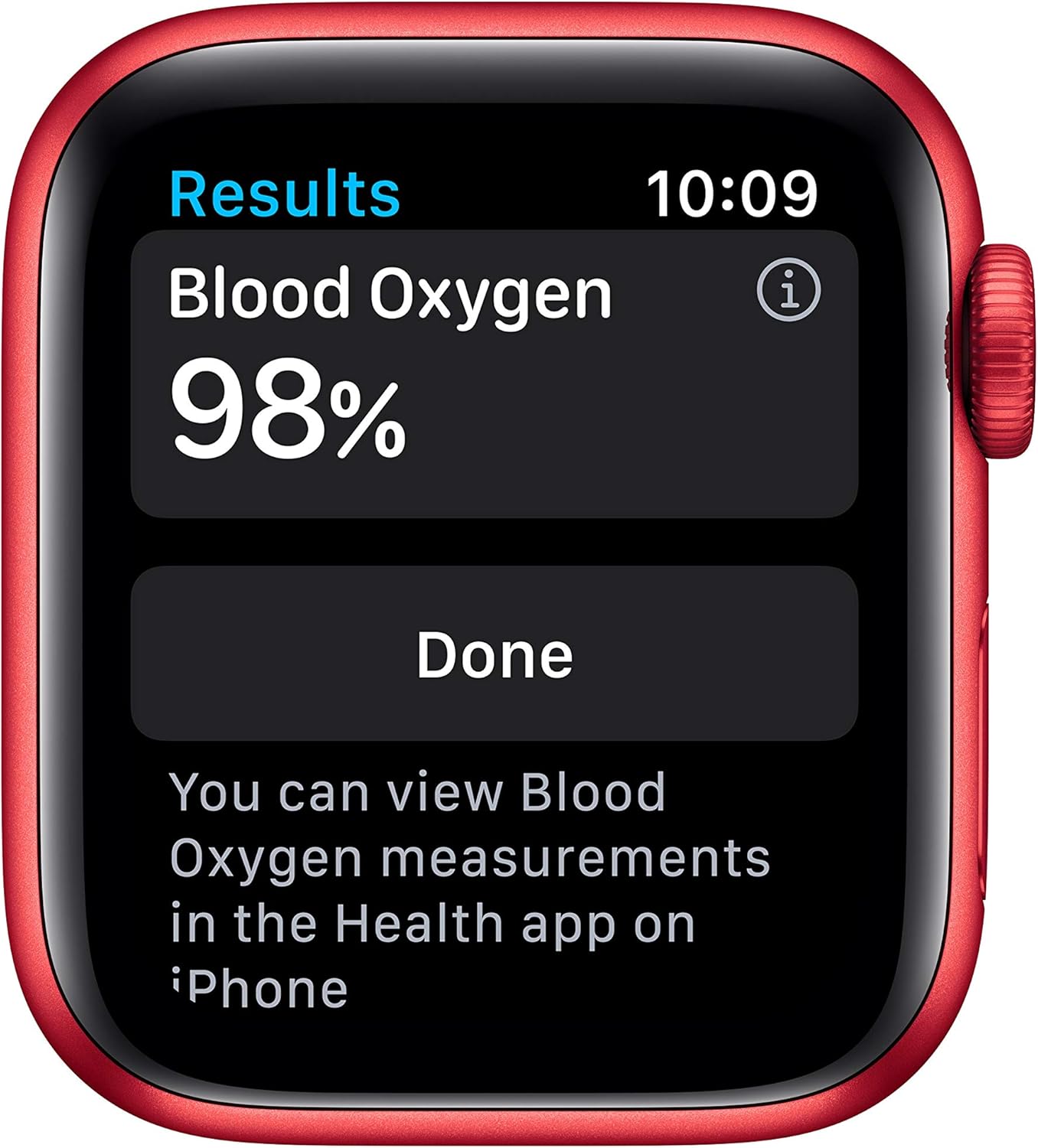
Image: The Blood Oxygen app on Apple Watch Series 6 showing a 98% reading. Measurements can be viewed in the Health app on iPhone.
ECG App and Heart Rate Monitoring
The ECG app can generate an electrocardiogram similar to a single-lead ECG, allowing you to check your heart rhythm. Additionally, the watch monitors your heart rate and can provide notifications for high or low heart rates, or irregular heart rhythms.
Activity and Workout Tracking
Track your daily activity with the three activity rings: Move, Exercise, and Stand. The Workout app allows you to track various exercises like running, walking, cycling, yoga, swimming, and dance. Your progress and trends can be viewed in the Fitness app on your iPhone. The Apple Watch Series 6 has a swimproof design.

Image: Apple Watch Series 6 showing detailed metrics for a swimming workout, including time, calories, laps, and distance.
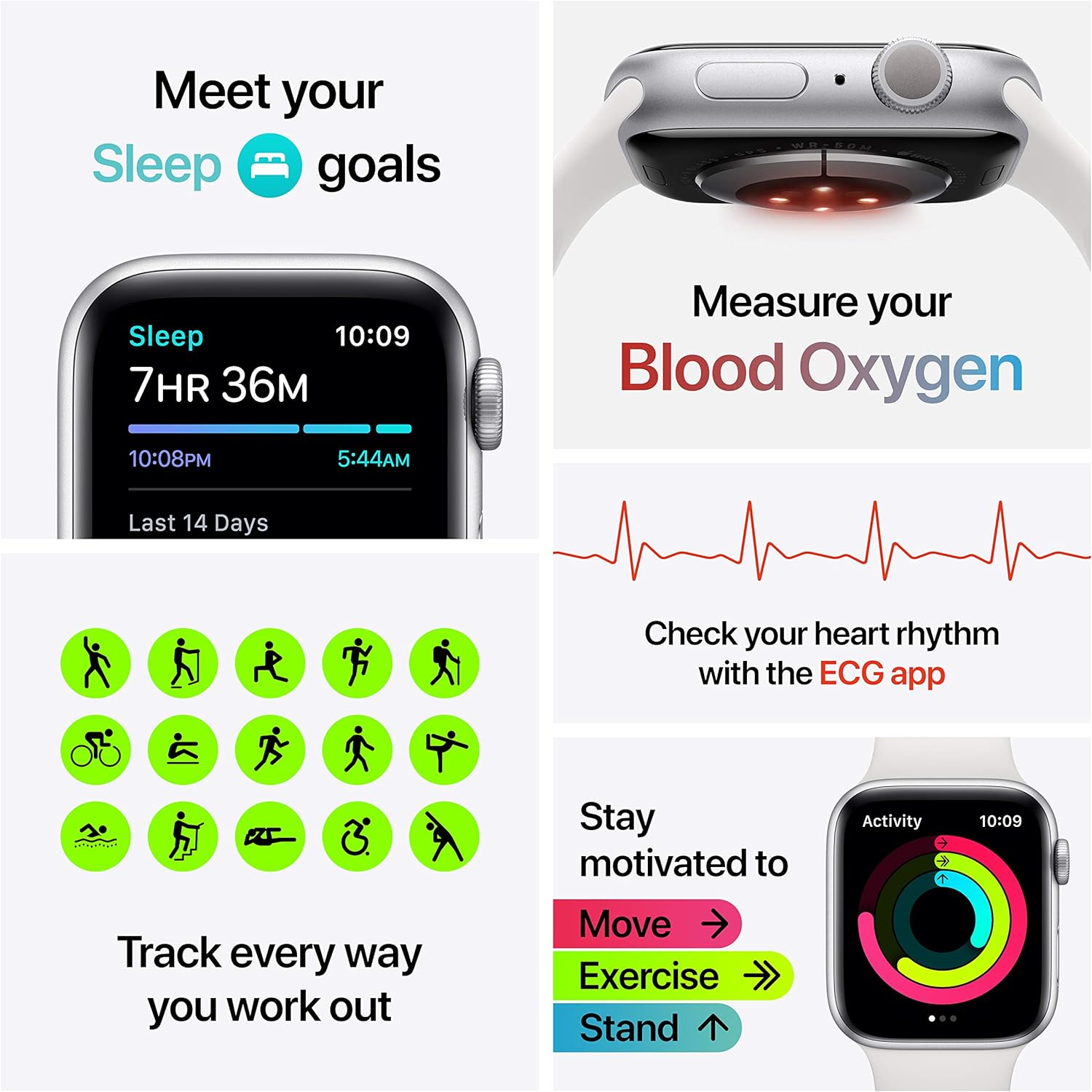
Image: An overview of the Apple Watch Series 6's health and fitness capabilities, including sleep tracking, blood oxygen monitoring, ECG, and a variety of workout types.
Communication and Emergency Services
With the GPS model, you can take calls and reply to texts from your wrist when your iPhone is nearby. The watch also features Emergency SOS and Fall Detection, which can automatically connect you to emergency services if a hard fall is detected and you are unresponsive.
Music, Podcasts, and Audiobooks
Sync your favorite music, podcasts, and audiobooks to your Apple Watch for offline listening. You can control playback directly from your wrist, even without your iPhone nearby (when connected to Bluetooth headphones).

Image: The Apple Watch Series 6 showing music playback, with AirPods Pro headphones positioned next to it, indicating wireless audio capabilities.
Sleep Tracking
Utilize the Sleep app to track your sleep patterns and help you achieve your sleep goals. The watch monitors your sleep duration and can provide insights into your sleep trends over time.
Product Feature Overview Video
Video: An overview of the Apple Watch Series 6's key features, including blood oxygen measurement, ECG, heart rate notifications, activity tracking, communication, and emergency services.
Specifications
| Feature | Detail |
|---|---|
| Model Name | Apple Watch Series 6 GPS |
| Brand | Apple |
| Screen Size | 40 Millimeters |
| Product Dimensions | 1.57 x 1.34 x 0.42 inches |
| Item Weight | 1.08 ounces |
| Operating System | watchOS |
| Special Feature | Activity Tracker, Blood Oxygen Sensor, ECG App |
| Connectivity Technology | Bluetooth, GPS, NFC, Wi-Fi (5GHz) |
| Battery Type | Lithium Polymer (1 included) |
| GPS | Yes |
Maintenance and Care
- Cleaning: Clean your Apple Watch and band regularly with a soft, lint-free cloth. For swimproof models, rinse with fresh water after exposure to chlorinated or salt water.
- Water Resistance: Apple Watch Series 6 is swimproof. It can be used for shallow-water activities like swimming in a pool or ocean. It should not be used for scuba diving, waterskiing, or other activities involving high-velocity water or submersion below shallow depth.
- Charging: Use only the provided magnetic charging cable. Avoid exposing the charging cable to moisture.
- Band Care: Different band materials require different care. Refer to Apple's official support documentation for specific band cleaning instructions.
Troubleshooting
- Watch not turning on: Ensure the watch is fully charged. If it still doesn't turn on, try a force restart by holding both the side button and Digital Crown for at least 10 seconds until you see the Apple logo.
- Pairing issues: Ensure Bluetooth is enabled on your iPhone and both devices are close to each other. If issues persist, unpair and re-pair the watch.
- Inaccurate sensor readings: Ensure the watch is worn snugly on your wrist, not too tight or too loose. Clean the back of the watch to ensure sensors are clear.
- Battery draining quickly: Check for apps running in the background. Reduce screen brightness or disable Always-On display if not needed.
- Software issues: Ensure your watchOS is up to date. If problems persist, consider resetting your Apple Watch (this will erase all data).
Warranty and Support
Your Apple Watch Series 6 is covered by Apple's standard limited warranty. For detailed warranty information, service options, and additional support resources, please visit the official Apple Support website or contact Apple customer service. Keep your proof of purchase for warranty claims.
Online Support: support.apple.com/watch


