
1. Introduction
Thank you for choosing the Klarstein Smart Infrared Wall Heater. This manual provides essential information for the safe and efficient operation of your device. This infrared heater is designed to provide efficient and comfortable warmth, featuring smart control capabilities and a sleek design. It utilizes infrared technology to directly heat objects and surfaces, offering a pleasant warmth similar to natural sunlight. Key features include mobile app control, silent operation, CO2-neutral heating, and IP44 splash protection, making it suitable for various indoor environments, including bathrooms.

Image 1.1: The Klarstein Smart Infrared Wall Heater, featuring a mountain landscape design, ready for wall mounting.
2. Safety Instructions
Please read these safety instructions carefully before installation and operation. Failure to follow these instructions may result in electric shock, fire, or injury.
- Ensure the power supply voltage matches the rating label on the heater.
- Do not operate the heater with a damaged cord or plug. Contact qualified service personnel for repairs.
- Keep flammable materials at least 1 meter (3 feet) away from the heater.
- Do not use the heater in areas where gasoline, paint, or other flammable liquids are stored.
- Do not insert objects into any ventilation or exhaust opening, as this may cause electric shock or fire.
- This appliance is not intended for use by persons (including children) with reduced physical, sensory, or mental capabilities, or lack of experience and knowledge, unless they have been given supervision or instruction concerning use of the appliance by a person responsible for their safety.
- Children should be supervised to ensure that they do not play with the appliance.
- The heater must be installed at a minimum distance from the floor and ceiling as specified in the installation section.
- Do not cover the heater. Overheating may occur.
- The heater is equipped with IP44 protection, making it suitable for use in bathrooms, but it must not be directly exposed to water spray.
3. Package Contents
Carefully unpack the heater and check for any damage. Ensure all components are present:
- Klarstein Smart Infrared Wall Heater
- Mounting Kit (screws, wall plugs, brackets)
- Instruction Manual
- Remote Control (if applicable to model variant)
4. Installation
The Klarstein Smart Infrared Wall Heater is designed for wall mounting. Follow these steps for secure installation:
- Choose Location: Select a suitable wall location, ensuring it is away from flammable materials and has adequate clearance. The heater should be mounted horizontally.
- Mark Drilling Points: Use the provided mounting template or measure the distance between the mounting holes on the back of the heater. Mark the drilling points on the wall.
- Drill Holes: Drill holes at the marked points using an appropriate drill bit for your wall type. Insert the wall plugs.
- Attach Brackets: Secure the mounting brackets to the wall using the provided screws. Ensure they are level and firmly attached.
- Mount Heater: Carefully lift the heater and align the slots on its back with the mounting brackets. Slide the heater onto the brackets until it clicks securely into place.
- Connect Power: Plug the heater into a grounded electrical outlet. Ensure the power cord is not stretched or pinched.

Image 4.1: Dimensions of the 80 x 60 cm Klarstein Smart Infrared Wall Heater, illustrating its compact size for wall mounting.

Image 4.2: The infrared heater installed in a bathroom, demonstrating its suitability for such environments due to IP44 protection.
5. Operation
The heater can be operated via its integrated control panel with an LC display or through the mobile application.
5.1. Control Panel Operation
- Power Button: Press to turn the heater ON or OFF.
- Temperature Adjustment: Use the '+' and '-' buttons to set the desired room temperature. The LC display will show the current and set temperatures.
- Timer Function: Press the timer button to set a countdown for automatic shutdown.
- Mode Selection: Cycle through available heating modes (if any) using the mode button.
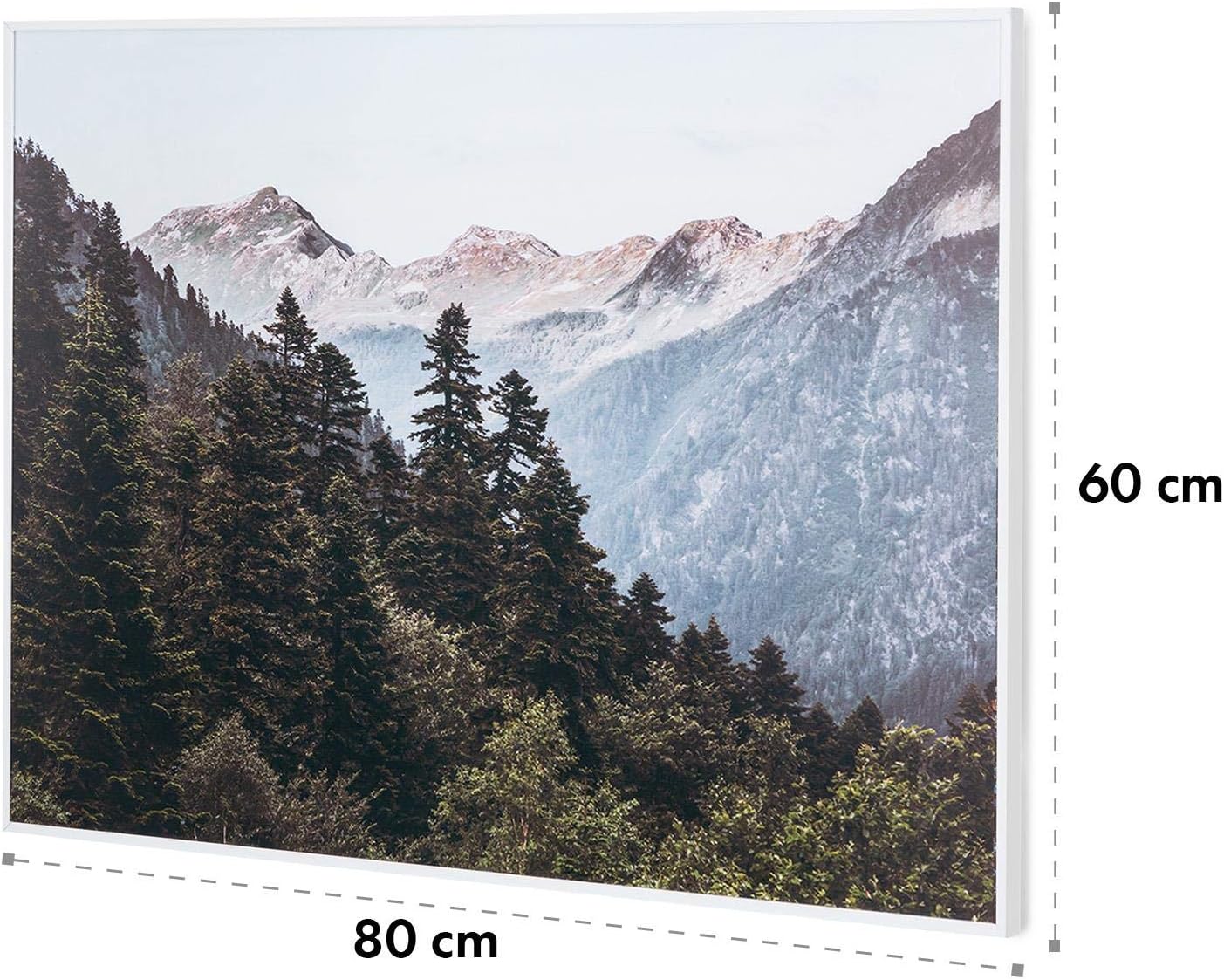
Image 5.1: The heater's control panel with LC display and a representation of the mobile app interface, showing manual and smart control options.
5.2. Open Window Detection
The heater features an intelligent Open Window Detection function. If a sudden drop in temperature is detected (indicating an open window), the heater will automatically shut down to conserve energy. It will resume operation once the temperature stabilizes or can be manually restarted.

Image 5.2: Illustration of the Open Window Detection feature, which automatically shuts off the heater when an open window is detected.
6. App Control
The Klarstein Smart Infrared Wall Heater can be conveniently controlled via a mobile application, allowing remote management of your heating settings.
- Download App: Download the Klarstein mobile application from your smartphone's app store (iOS or Android).
- Register/Login: Create an account or log in if you already have one.
- Add Device: Follow the in-app instructions to add your heater. This typically involves putting the heater into pairing mode (refer to the heater's display or manual for specific steps) and connecting it to your home Wi-Fi network.
- Control Heater: Once connected, you can use the app to:
- Turn the heater ON/OFF.
- Adjust the target temperature.
- Set weekly schedules and timers.
- Monitor room temperature.
- Control multiple Klarstein heaters.
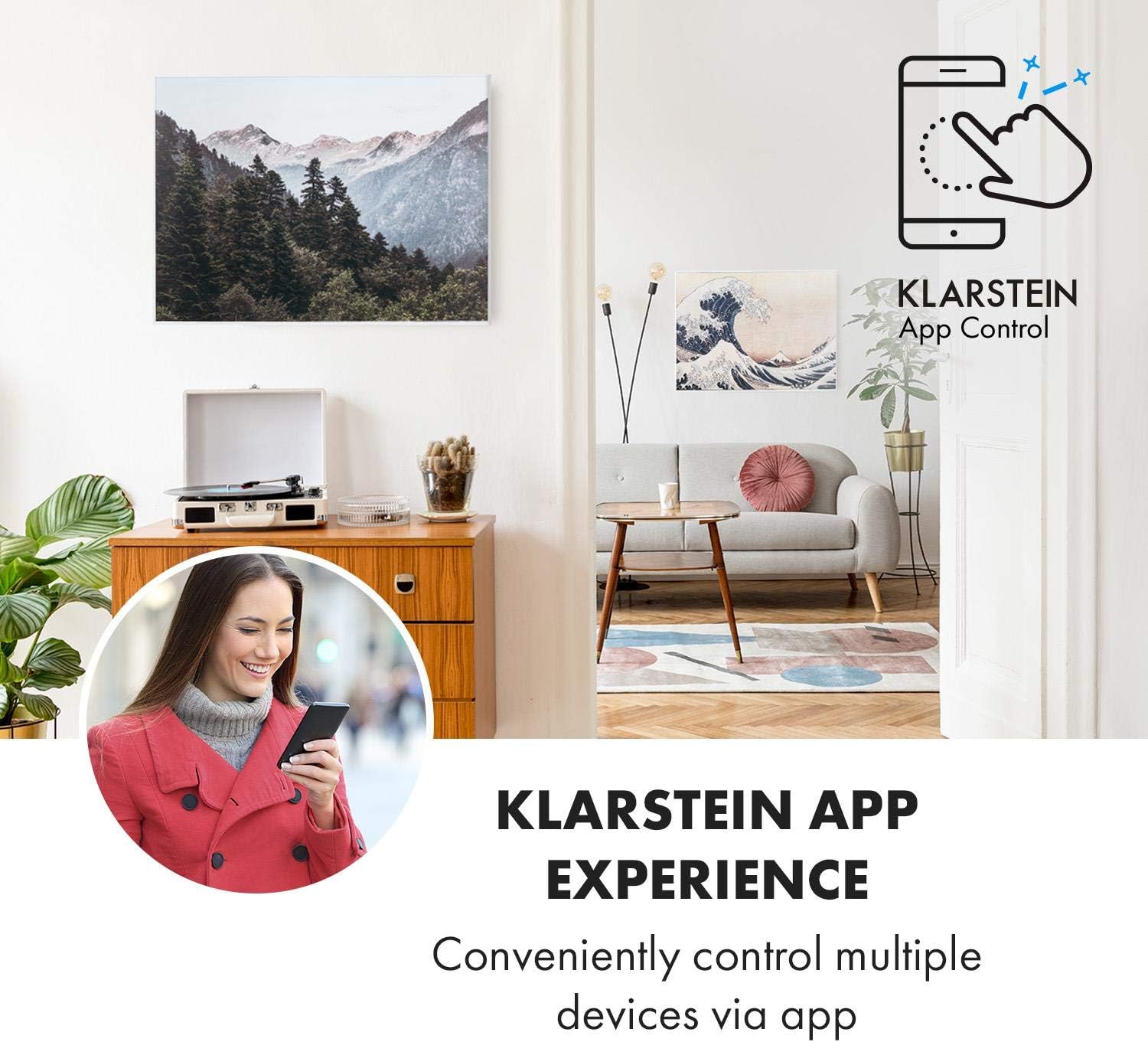
Image 6.1: A user interacting with the Klarstein mobile application to control the infrared heater, highlighting the convenience of remote access.
7. Maintenance
Regular maintenance ensures optimal performance and longevity of your heater.
- Cleaning: Before cleaning, always unplug the heater and allow it to cool completely. Wipe the exterior with a soft, damp cloth. Do not use abrasive cleaners or solvents.
- Storage: If storing the heater for an extended period, unplug it, clean it, and store it in a cool, dry place, preferably in its original packaging.
- Inspection: Periodically check the power cord and plug for any signs of damage. If damage is found, do not use the heater and contact customer support.
8. Troubleshooting
If you encounter issues with your heater, refer to the following table for common problems and solutions:
| Problem | Possible Cause | Solution |
|---|---|---|
| Heater does not turn on. | No power supply. Power button not pressed. Overheat protection activated. | Check power plug and outlet. Press the power button. Unplug, let cool for 30 minutes, then plug back in. |
| Heater not heating effectively. | Temperature setting too low. Room too large for heater. Open Window Detection activated. | Increase target temperature. Consider additional heating or repositioning. Close windows/doors, then restart heater. |
| App control not working. | No Wi-Fi connection. Incorrect pairing. App issues. | Check Wi-Fi router and signal. Re-pair the device following app instructions. Restart app or reinstall. |
| Unusual odors during first use. | Normal for new heaters. | This is usually temporary. Ensure good ventilation during initial operation. |
If the problem persists after trying these solutions, please contact Klarstein customer support.
9. Specifications
| Feature | Detail |
|---|---|
| Brand | Klarstein |
| Model Number | HTR10-WdwlS500wMtn |
| Power | 500 Watts |
| Voltage | 220 Volts |
| Dimensions (L x W x H) | 80 x 60 x 5 cm |
| Weight | 4.8 Kilograms |
| Color | Mountain Landscape White |
| Special Features | Digital display, Rapid heating, Easy to use, Electronic thermostat, Remote control, Energy-saving, App control, Open Window Detection |
| IP Protection Class | IP44 |
| Heating Method | Radiant (Infrared) |
10. Warranty and Support
Klarstein products are manufactured with care and undergo strict quality controls. In the unlikely event of a defect, please refer to your purchase documentation for warranty details. For technical support, spare parts, or service inquiries, please contact your local Klarstein dealer or visit the official Klarstein website for contact information.


