
ASURION Home+ Protection Plan
Asurion Home+ Protection Plan User Manual
Comprehensive guide to your Asurion Home+ coverage and services.
1. Introduction to Asurion Home+
The Asurion Home+ Protection Plan is designed to provide comprehensive coverage and support for all eligible technology within your home. This plan offers breakdown coverage for a wide array of devices, including TVs, laptops, routers, gaming systems, security cameras, headphones, and more. It also includes protection against accidental damage such as drops, spills, and cracked screens for portable devices during normal use.
Asurion Home+ simplifies tech protection by covering devices regardless of where or when they were purchased, including old, new, and future acquisitions. The service is month-to-month, providing flexibility, and continues until cancelled. Coverage for all products under the plan concludes 30 days after cancellation.

Image: Asurion Home+ Protection Plan with Tech Support. This image provides a general overview of the Asurion Home+ service, highlighting its comprehensive nature for various home electronics.
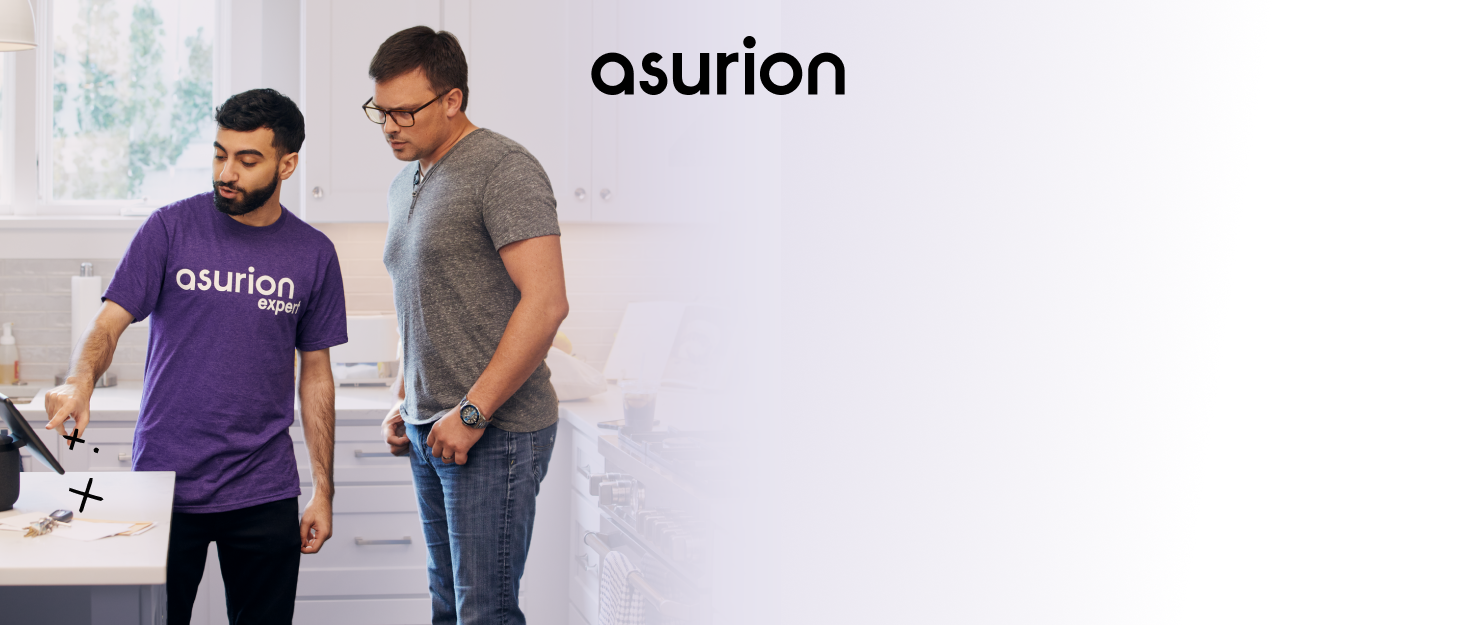
Image: "Protect it all." This visual depicts a television, a tablet, and a laptop, illustrating the broad spectrum of home technology devices that are eligible for coverage under the Asurion Home+ plan.
2. Coverage Details
The Asurion Home+ plan covers a wide range of home technology. Key aspects of coverage include:
- Breakdown Coverage: Protection for eligible home tech that breaks down or stops working due to mechanical or electrical failure.
- Accidental Damage: For portable devices, coverage extends to drops, spills, and cracked screens that occur during normal use.
- Flexible Coverage: The plan covers devices regardless of their purchase date or location, including items you already own, new purchases, and future acquisitions.
The core promise of Asurion Home+ is straightforward: if a covered item breaks down or stops functioning, Asurion will facilitate its repair, provide a replacement, or offer reimbursement for the item.

Image: "We protect and support all the tech under your roof." This diagram illustrates a house with various interconnected smart devices, including a router, TV, laptop, tablet, smart speaker, security camera, game controller, smart bulb, and thermostat, symbolizing the comprehensive coverage for all home technology.

Image: "We cover your old, new, and future tech purchases." This image features a background pattern composed of various tech devices, visually reinforcing the message that the plan covers devices regardless of their original purchase date.
3. Activating Your Plan
One of the key benefits of Asurion Home+ is its simplicity. There are no complex activation steps or forms required:
- No Registration Forms: You do not need to fill out any registration forms to activate your coverage.
- No Receipts Required: When filing a claim, you are not required to provide original purchase receipts for your devices.
- No Expiration Dates: Your coverage does not have an expiration date, providing continuous protection as long as your plan is active.
The plan is designed to be easy to use from the moment you enroll.

Image: "No receipts. No registrations. No expiration dates." This graphic uses crossed-out text to visually emphasize the hassle-free nature of the Asurion Home+ plan, highlighting that no receipts, registrations, or expiration dates are required for coverage.
4. Filing a Claim
If a covered device breaks down or is damaged, Asurion Home+ makes the claims process straightforward:
- Identify the Issue: Determine which covered device has experienced a breakdown or accidental damage.
- Contact Asurion: Reach out to Asurion's support team. Details on how to contact them are typically provided upon enrollment or can be found on the official Asurion website.
- Describe the Problem: Clearly explain the issue with your device to the Asurion representative.
- Resolution: Asurion will guide you through the next steps, which may include troubleshooting, arranging for a repair, providing a replacement device, or issuing a reimbursement.
The goal is to quickly resolve your tech issues so you can get back to using your devices without significant interruption.

Image: "Our promise is simple: If your home tech breaks down, we'll repair it, replace it, or reimburse you for it." This illustration visually represents the core promise of the Asurion Home+ plan, showing a broken laptop transforming into a fully functional one, symbolizing the repair or replacement service.

Image: "Life doesn't stop for broken tech." This overhead shot of a desk features a coffee cup, a notebook, glasses, and a tablet with a visibly cracked screen, emphasizing that the plan helps users quickly overcome tech malfunctions and continue with their daily activities.
5. Tech Support Services
Beyond breakdown coverage, Asurion Home+ provides access to expert tech support. This service is designed to assist with a variety of technical needs:
- Setup Assistance: Get help setting up new devices or configuring existing ones.
- Connectivity Issues: Receive support for problems related to internet connection, Wi-Fi, or device pairing.
- Troubleshooting: Expert guidance to diagnose and resolve various technical glitches and operational problems.
- General Tech Advice: Access to knowledgeable professionals for questions about your home tech ecosystem.
Asurion's team of tech experts is available to ensure your devices are working optimally and to provide solutions for any technical challenges you encounter.

Image: An Asurion expert assisting a customer with a tablet. This image illustrates the direct, personalized tech support available through the Asurion Home+ plan, showing a technician providing hands-on assistance.

Image: "Expert support for the technology you depend on." This collage features a smiling woman, an Asurion retail store, and an Asurion service van, collectively representing the extensive and accessible support network provided by Asurion.
6. Plan Management and Important Information
Understanding the operational aspects of your Asurion Home+ plan is crucial:
- Month-to-Month Basis: The Asurion Home+ program operates on a month-to-month subscription model.
- Cancellation: The plan will continue automatically until you choose to cancel it.
- Coverage After Cancellation: Upon cancellation, coverage for all products under the plan will cease 30 days after the cancellation date.
- Terms and Conditions: For complete details regarding coverage, exclusions, and specific terms, it is essential to review the full Terms and Conditions. These are typically available on the Asurion website or via a link provided during enrollment.
Familiarizing yourself with these details ensures a clear understanding of your protection plan.

Image: "Protection on all your favorite purchases and expert support and repairs on all the tech in your life—after all, we're the tech experts." This image displays a tablet with a broken screen alongside a new, sparkling tablet, symbolizing the comprehensive protection and repair services offered by Asurion.

Image: "Protection that $aves you more." This image features a blue electric bicycle accompanied by a shield icon, suggesting that the Asurion Home+ plan provides cost-effective protection for a variety of valuable items.

Image: "Reliable repairs or replacements to get you up and running fast." This image shows a smartwatch alongside a rocket and gear icon, symbolizing the speed and efficiency of Asurion's repair and replacement services.
7. Contact and Support
For any questions, to file a claim, or to access tech support, you can reach Asurion through their official channels. Please refer to the contact information provided at the time of your plan enrollment or visit the official Asurion website for the most current contact details.
Asurion is committed to providing reliable support and ensuring your home technology is protected and functioning correctly.
For more information, visit the Official ASURION Store on Amazon.
Related documentsHome+ Protection Plan


Ask a question about this manual
Ask about setup, troubleshooting, compatibility, parts, safety, or missing instructions. Manuals+ will review the question and use this page’s manual context to help answer it.