
Introduction
This instruction manual provides essential information for the safe and effective use of your GUY-TECH AC Adapter Charger, Model QDQ0020. This adapter is designed to provide reliable power to compatible devices, specifically the Cen-Tech 62747 5-in-1 Portable Power Pack. Please read this manual thoroughly before use and retain it for future reference.
Safety Information
To ensure safe operation and prevent damage, please observe the following precautions:
- Use the adapter only with devices that match its voltage and current specifications.
- Do not expose the adapter to water, moisture, or extreme temperatures.
- Avoid dropping or subjecting the adapter to severe impact.
- Do not attempt to disassemble or modify the adapter.
- Keep out of reach of children.
- Unplug the adapter from the power outlet when not in use or during electrical storms.
- If the adapter or cable appears damaged, discontinue use immediately.
Package Contents
Verify that all items are present in your package:
- 1 x GUY-TECH AC Adapter Charger (Model QDQ0020)
Setup
- Inspect the Adapter: Before first use, visually inspect the adapter and cable for any signs of damage.
- Connect to Device: Insert the barrel connector end of the adapter cable into the charging port of your Cen-Tech 62747 5-in-1 Portable Power Pack. Ensure a secure connection.
- Connect to Power Outlet: Plug the AC prongs of the adapter into a standard wall power outlet (100-240V AC).
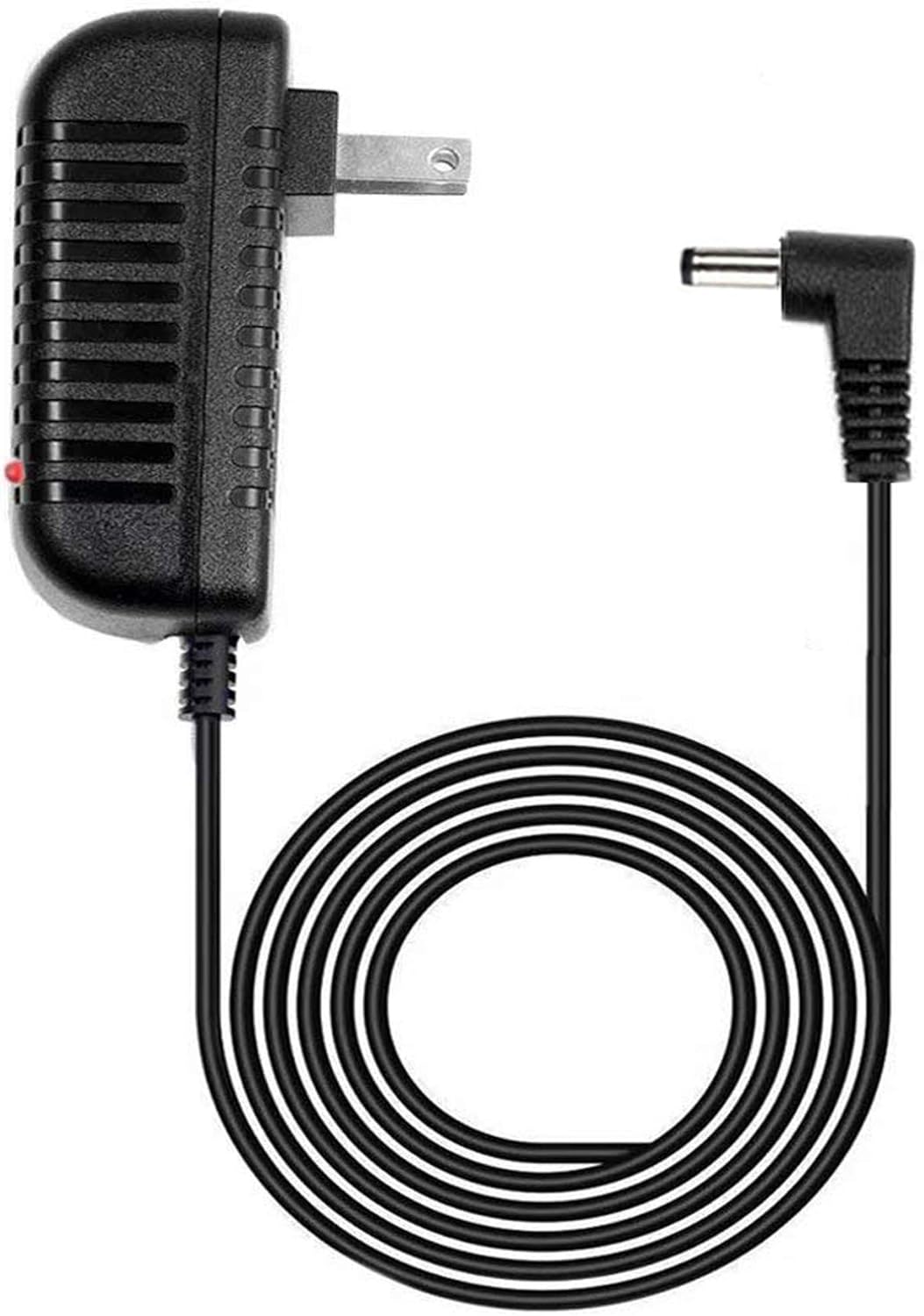
Image: The GUY-TECH AC Adapter Charger, showing the main unit with AC prongs and the attached 5-foot cable ending in a barrel connector. A small red LED indicator is visible on the adapter body.
Operating Instructions
Once properly connected, the adapter will begin supplying power to your device. The primary function is to charge the Cen-Tech 62747 5-in-1 Portable Power Pack.
- Ensure the power pack is turned off or in charging mode, if applicable, for optimal charging.
- Monitor the charging indicator on your Cen-Tech 62747 device to determine charging status and completion.
- Disconnect the adapter from the power pack and wall outlet once charging is complete or when the device is not in use.
LED Indicator Guide
The adapter features an LED indicator to provide visual feedback:
- Red LED On: Indicates that the adapter is receiving power from the wall outlet and is ready to supply power to the connected device.
- LED Off: Indicates no power is being supplied to the adapter, or the adapter is faulty.

Image: A graphic emphasizing the 5-foot cable length and the presence of an LED indicator light on the adapter.
Maintenance
- Keep the adapter clean by wiping it with a dry, soft cloth.
- Do not use liquid cleaners or abrasive materials.
- Store the adapter in a cool, dry place when not in use.
- Avoid tightly coiling the cable to prevent damage.
Troubleshooting
| Problem | Possible Cause | Solution |
|---|---|---|
| Adapter LED is off, device not charging. | No power from outlet; loose connection; faulty adapter. |
|
| Device not charging, but adapter LED is on. | Loose connection to device; device charging port issue; incompatible device. |
|
Specifications
- Brand: GUY-TECH
- Model Number: QDQ0020
- Compatible Devices: Cen-Tech 62747 5-in-1 Portable Power Pack
- Connector Type: Barrel Connector
- Input Voltage: 100-240 Volts AC
- Wattage: 24 watts
- Cable Length: Approximately 5 feet
- Special Feature: Short Circuit Protection, LED Indicator
- Item Weight: 2.89 ounces
- Package Dimensions: 6.34 x 4.21 x 1.14 inches
Warranty and Support
For warranty information or technical support, please refer to the documentation provided with your purchase or contact GUY-TECH customer service. Keep your purchase receipt as proof of purchase.
For further assistance, please visit the GUY-TECH official website or contact their support channels.