
Introduction
This manual provides essential information for the safe and efficient operation of your Behringer PK112 Passive 600 Watt 12" PA Speaker System. Please read these instructions thoroughly before use to ensure proper setup, operation, and maintenance. Retain this manual for future reference.
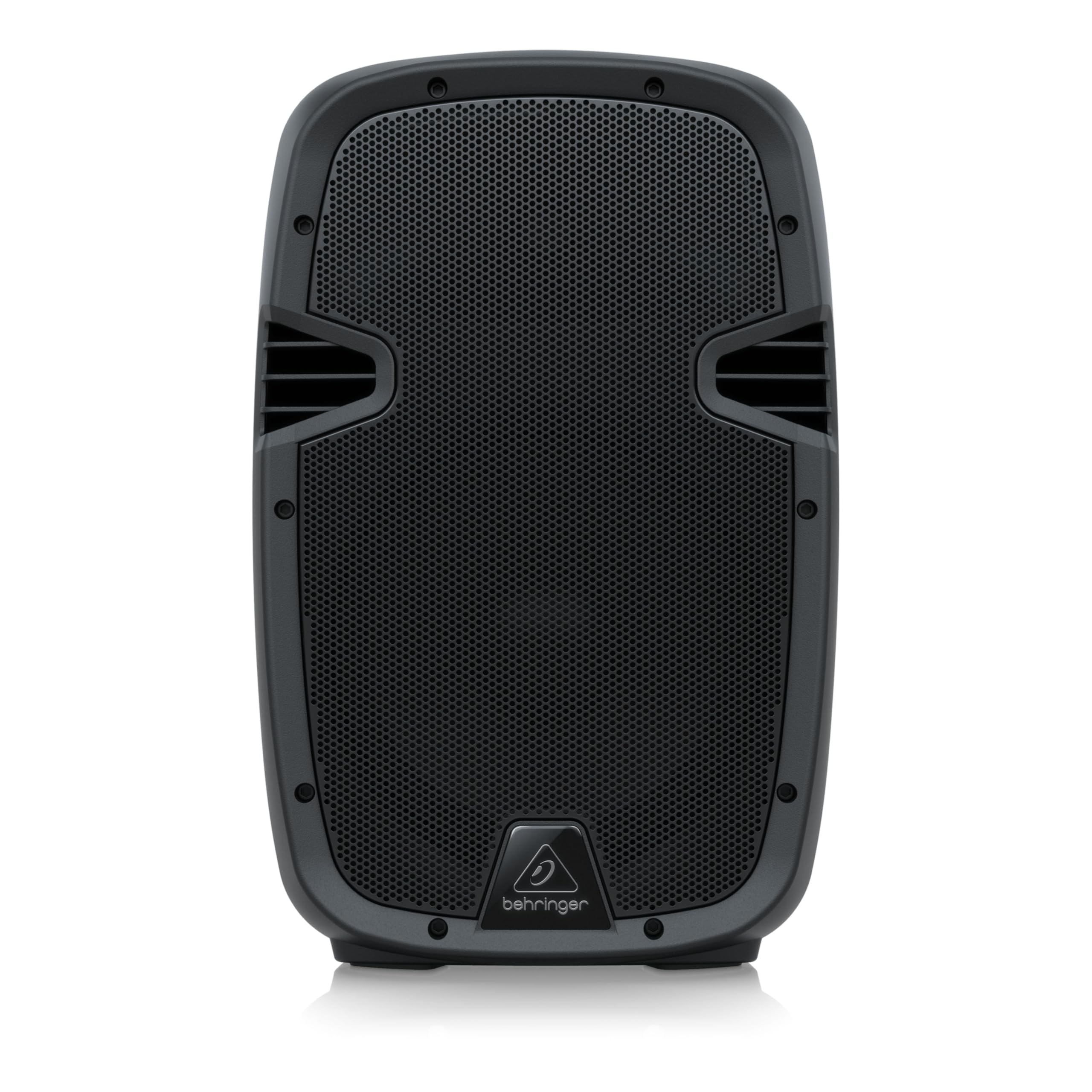
Image: Front view of the Behringer PK112 Passive PA Speaker, featuring a robust black grille and the Behringer logo at the bottom. This speaker is designed for sound reinforcement applications.
Important Safety Instructions
- Read these instructions.
- Keep these instructions.
- Heed all warnings.
- Follow all instructions.
- Do not use this apparatus near water.
- Clean only with a dry cloth.
- Do not block any ventilation openings. Install in accordance with the manufacturer’s instructions.
- Do not install near any heat sources such as radiators, heat registers, stoves, or other apparatus (including amplifiers) that produce heat.
- Only use attachments/accessories specified by the manufacturer.
- Refer all servicing to qualified service personnel. Servicing is required when the apparatus has been damaged in any way, such as power-supply cord or plug is damaged, liquid has been spilled or objects have fallen into the apparatus, the apparatus has been exposed to rain or moisture, does not operate normally, or has been dropped.
Setup
1. Unpacking
Carefully remove the speaker from its packaging. Inspect the unit for any signs of damage that may have occurred during transit. If damage is found, contact your dealer immediately.
2. Placement and Mounting
The PK112 speaker can be placed on a flat, stable surface (tabletop mount) or mounted on a standard 35mm speaker pole. Ensure the mounting surface or pole is capable of supporting the speaker's weight (approximately 22.18 pounds or 10.06 kg).

Image: Side view of the Behringer PK112 PA Speaker, highlighting the integrated handle designed for easy transport and setup.
3. Connections
The PK112 is a passive speaker and requires an external power amplifier. Connect the speaker to your amplifier using appropriate speaker cables with Speakon-compatible connectors. The rear panel features an INPUT for the audio signal from your amplifier and a LINK OUTPUT to daisy-chain the signal to another passive speaker.
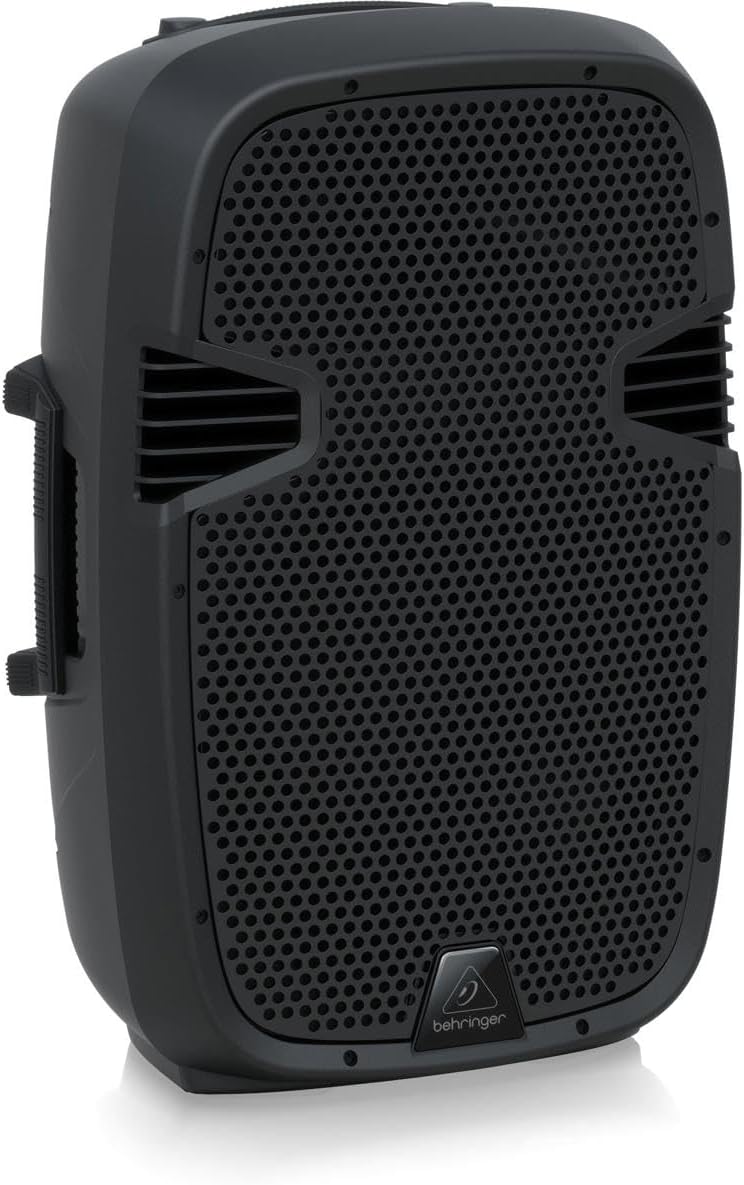
Image: Rear panel of a Behringer PA Speaker, displaying the INPUT and LINK OUTPUT connections. These are standard Speakon-compatible ports for connecting to an amplifier and linking to additional speakers.
- Input: Connect your power amplifier's output to this input.
- Link Output: Use this output to send the audio signal to another passive speaker.
Ensure all connections are secure before powering on your amplifier.
Operating
1. Powering On
Since the PK112 is a passive speaker, it does not have its own power switch. Power is supplied by the connected external amplifier. Always ensure your amplifier is turned off before making or changing any connections to the speaker.
2. Signal Flow and Volume Control
The audio signal originates from your source (e.g., mixer, instrument) and passes through your power amplifier before reaching the PK112 speaker. All volume adjustments and equalization should be managed at your mixer and/or amplifier. Start with the amplifier's volume at its lowest setting, then gradually increase it to the desired listening level.
3. USB and Bluetooth Connectivity
While the product specifications mention USB and Bluetooth connectivity, these features are typically integrated into active PA systems or associated mixers/amplifiers, not passive speakers like the PK112. If you are using a Behringer mixer or amplifier with these capabilities, refer to that device's manual for instructions on utilizing USB for computer-based audio applications or Bluetooth for wireless audio streaming.
Maintenance
1. Cleaning
To clean the speaker, use a soft, dry cloth. Do not use any liquid cleaners, solvents, or abrasive materials, as these can damage the enclosure and components. Regularly wipe down the grille to prevent dust buildup.
2. Storage
When not in use, store the speaker in a dry, cool environment, away from direct sunlight and extreme temperatures. If transporting, consider using a protective cover or case to prevent physical damage.
3. General Care
Avoid exposing the speaker to excessive moisture or rain. Do not place heavy objects on top of the speaker. Handle the speaker by its integrated handles to prevent damage to the enclosure or grille.
Troubleshooting
- No Sound:
- Ensure the power amplifier is turned on and receiving power.
- Check all speaker cable connections between the amplifier and the PK112.
- Verify that the audio source (mixer, instrument) is sending a signal and its volume is up.
- Confirm the amplifier's output level is not set to minimum.
- Distorted Sound:
- Reduce the volume level on your amplifier or mixer. Overdriving the speaker can cause distortion.
- Check for damaged speaker cables.
- Ensure the amplifier's impedance matches the speaker's requirements.
- Intermittent Sound:
- Inspect all cable connections for looseness or damage.
- Test with different cables if possible.
Specifications
| Feature | Specification |
|---|---|
| Brand | Behringer |
| Model Number | PK112 |
| Speaker Type | Passive 2-way PA Speaker System |
| Maximum Output Power | 600 Watts |
| Woofer Diameter | 12 Inches |
| Tweeter Diameter | 1 Inch |
| Frequency Response | 2.2 KHz (Crossover Frequency) |
| Enclosure Material | Plastic |
| Mounting Type | Tabletop Mount, 35mm Pole Mount |
| Item Weight | 22.18 Pounds (10.06 kg) |
| Item Dimensions (D x W x H) | 30.8"D x 37.5"W x 58.3"H (78.2cm D x 95.3cm W x 148.1cm H) |
| Power Source | Corded Electric (via external amplifier) |
| Connectivity | Speakon-compatible Input/Link Output |
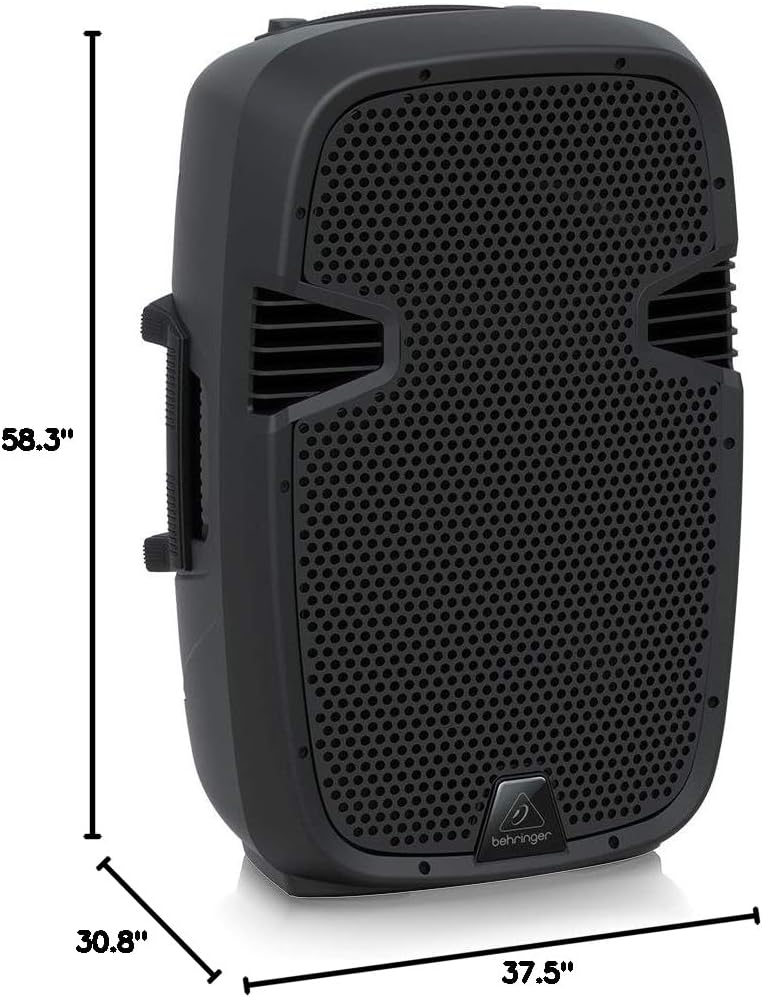
Image: Dimensional diagram of the Behringer PK112 PA Speaker, illustrating its height, width, and depth for planning placement and transport.
Warranty
The Behringer PK112 comes with a Limited Warranty. For detailed information regarding warranty terms, registration, and claims, please visit the official Music Tribe community website: community.musictribe.com.
Support
For technical support, service inquiries, or additional product information, please visit the Behringer section of the Music Tribe website or contact your local Behringer dealer. Online resources, FAQs, and support contacts can typically be found on the official brand website.


