
Hisense WFQE9014EVJM
Hisense WFQE9014EVJM Front Load Washing Machine User Manual
Model: WFQE9014EVJM
1. Introduction
This manual provides essential information for the safe and efficient operation of your Hisense WFQE9014EVJM Front Load Washing Machine. Please read it thoroughly before installation and use, and keep it for future reference.
For a complete PDF version of this manual, please refer to the Official User Manual (PDF).
2. Safety Information
Always follow basic safety precautions when using electrical appliances to reduce the risk of fire, electric shock, and injury to persons.
- Ensure the appliance is properly grounded.
- Do not allow children to play on or in the appliance.
- Unplug the appliance before cleaning or performing any maintenance.
- Do not operate the appliance if it is damaged or malfunctioning.
- Keep flammable materials away from the appliance.
3. Setup and Installation
Proper installation is crucial for the performance and safety of your washing machine. Refer to the detailed instructions below.
3.1 Unpacking and Positioning
Carefully remove all packaging materials. The washing machine dimensions are approximately 61 cm (Depth) x 59 cm (Width) x 85 cm (Height). Ensure adequate space for installation and ventilation.

Image: Front-left view of the Hisense WFQE9014EVJM washing machine, showing its overall dimensions (Width: 595mm, Depth: 610mm, Height: 845mm). Key features like Steam Wash, Inverter Motor, Drum Clean, and Pause & Add are highlighted on the right side.
3.2 Removing Transport Bolts
Before operating the washing machine, you must remove the transport bolts located at the rear of the appliance. Failure to do so can cause severe damage during operation. Store the bolts for future transport.
3.3 Leveling the Appliance
Adjust the adjustable feet at the bottom of the washing machine to ensure it is perfectly level. A level appliance reduces vibration and noise during operation.
3.4 Water and Electrical Connections
- Connect the water inlet hose to a cold water tap.
- Position the drain hose into a suitable drain or sink.
- Plug the power cord into a grounded 220V AC electrical outlet.
4. Operating Instructions
Your Hisense WFQE9014EVJM washing machine features a digital LED display and touch controls for intuitive operation. It offers 15 programs and a 9 kg capacity.
4.1 Loading Laundry
Open the front door and load laundry into the stainless steel drum. Do not overload the machine; ensure there is enough space for clothes to tumble freely. The maximum capacity is 9 kg.
4.2 Adding Detergent and Softener
Add appropriate amounts of detergent and fabric softener to their respective compartments in the dispenser drawer. Refer to detergent packaging for dosage recommendations.
4.3 Selecting a Program
Turn the program selector knob or use the touch controls to choose one of the 15 available washing programs. The LED display will show the selected program and estimated time.
- Quick Program 15': Ideal for lightly soiled items requiring a fast wash cycle.
- Steam Programs: Utilize steam for deep hygiene, removing odors, allergens, and bacteria, resulting in softer fabrics. View SGS Performance Test Certificate for Steam Wash.
- Anti Allergy: A specialized program for allergy sufferers.
- Wool: Gentle program for wool garments.
- Other programs include options for cotton, synthetics, delicates, and more.

Image: Visual representation of the steam wash function, showing steam particles penetrating fabric to remove impurities. This feature provides deep hygiene and softens clothes.
4.4 Adjusting Settings
You can adjust temperature, spin speed (up to 1400 RPM), and other options using the touch controls. The LED display provides feedback on your selections.
4.5 Starting and Pausing a Cycle
Press the Start/Pause button to begin the selected program. If you need to add or remove items after the cycle has started, use the Pause & Add function. The machine will pause, allowing you to open the door safely.

Image: A woman and a child interacting with the Hisense washing machine, demonstrating the "Pause & Add" feature. The washing machine door is open, and a glowing play/pause icon is visible on the drum, indicating the ability to add forgotten items during a cycle.
4.6 Child Lock
Activate the Child Lock feature to prevent accidental changes to settings or program interruption by children.
5. Maintenance
Regular maintenance ensures optimal performance and extends the lifespan of your washing machine.
5.1 Drum Clean Function
Utilize the dedicated Drum Clean program periodically. This automatic hygiene program cleans the drum thoroughly, removing detergent residues, mold, and bacteria to maintain optimal washing conditions.
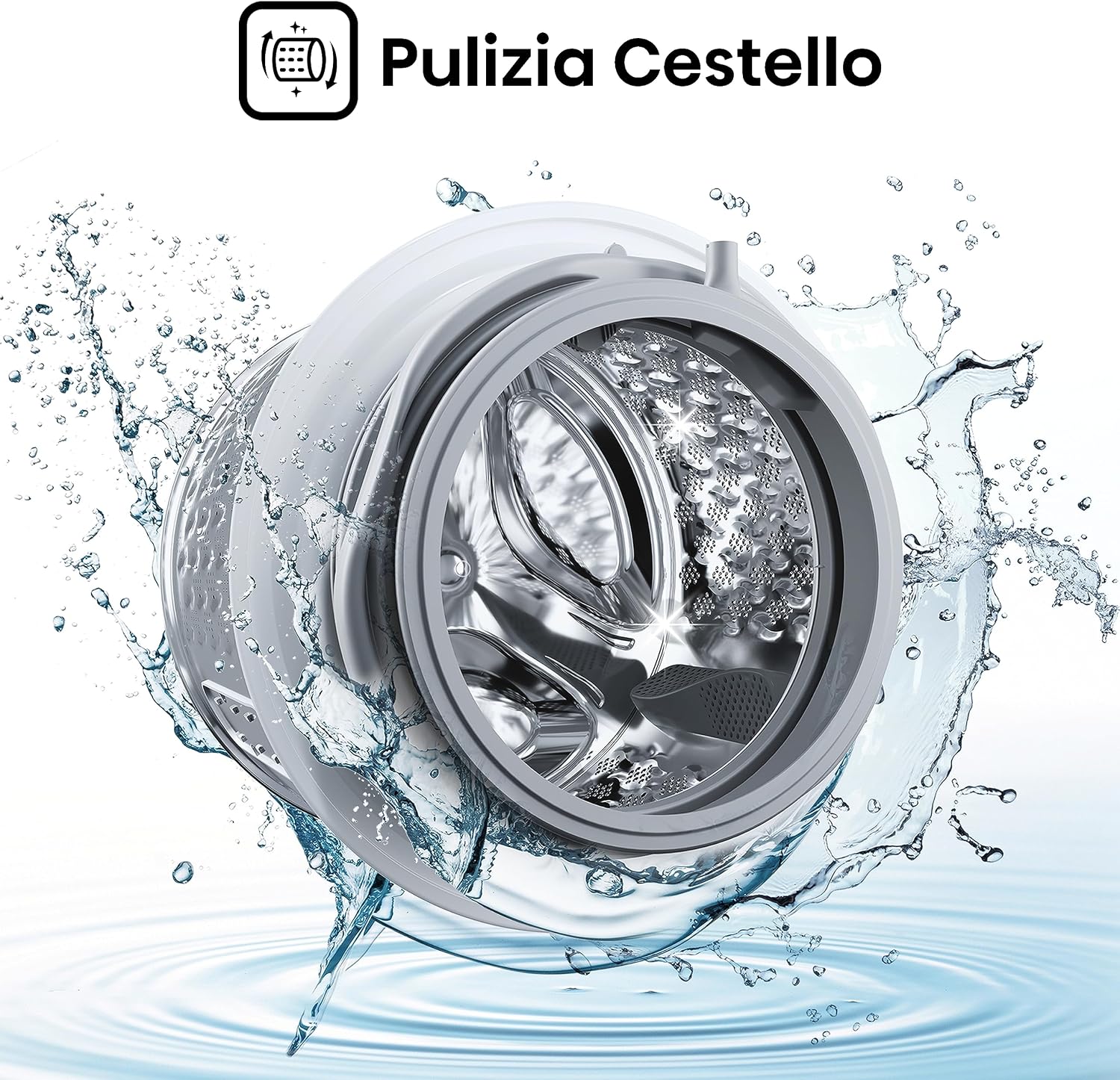
Image: A close-up view of the washing machine drum during a cleaning cycle, with water splashing inside. The "Pulizia Cestello" (Drum Clean) icon is displayed, indicating the automatic self-cleaning function.
5.2 Cleaning the Detergent Dispenser
Regularly remove and clean the detergent dispenser drawer to prevent buildup of detergent and softener residues.
5.3 Cleaning the Filter
Check and clean the drain pump filter periodically to remove lint and small objects that may obstruct drainage.
5.4 Exterior Cleaning
Wipe the exterior of the washing machine with a soft, damp cloth. Avoid abrasive cleaners.
6. Troubleshooting
This section provides solutions to common issues you might encounter.
| Problem | Possible Cause | Solution |
|---|---|---|
| Machine does not start | Power cord unplugged, door not closed properly, program not selected. | Check power connection, ensure door is latched, select a program and press Start. |
| Excessive vibration/noise | Transport bolts not removed, machine not level, uneven load. | Remove transport bolts, adjust leveling feet, redistribute laundry inside the drum. |
| Water not draining | Drain hose kinked or blocked, drain pump filter clogged. | Check drain hose for obstructions, clean the drain pump filter. |
| Clothes not clean | Overloading, insufficient detergent, incorrect program selection. | Reduce load size, use correct detergent amount, select appropriate program. |
7. Specifications
Detailed technical specifications for the Hisense WFQE9014EVJM washing machine.
- Model: WFQE9014EVJM
- Type: Front Load Washing Machine
- Capacity: 9 kg
- Energy Class: A (Climate Pledge Friendly certified) View EU Energy Label
- Max Spin Speed: 1400 RPM
- Programs: 15 (including Quick 15', Steam, Anti Allergy, Wool)
- Motor: Inverter Motor (Quiet, reliable, durable)
- Display: Digital LED
- Controls: Touch
- Dimensions (D x W x H): 61 cm x 59 cm x 85 cm
- Weight: 60 kg
- Noise Level (Spin): 72 dB
- Drum Material: Stainless Steel
- Voltage: 220V AC
- Special Features: Pause & Add, Child Lock, Drum Clean, High Efficiency
- Included Components: Transport cover

Image: The EU Energy Label for the Hisense WFQE9014EVJM washing machine, indicating its Class A energy efficiency, 9.0 kg capacity, 49 kWh/100 cycles energy consumption, 3:48 program duration, 49 liters water consumption, and 72 dB noise level.

Image: A product data sheet detailing the specifications of the Hisense WFQE9014EVJM washing machine, including dimensions, capacity, energy efficiency, spin speed, noise levels, and other technical data.
8. Warranty and Support
Your Hisense WFQE9014EVJM washing machine comes with a 2-year manufacturer's warranty.
For technical assistance, service requests, or further information, please contact Hisense customer support or visit the official Hisense website.
- Official Website: global.hisense.com
- Online Store: Hisense Store on Amazon.it
Related documentsWFQE9014EVJM


Ask a question about this manual
Ask about setup, troubleshooting, compatibility, parts, safety, or missing instructions. Manuals+ will review the question and use this page’s manual context to help answer it.