
1. Product Overview
This manual provides essential information for the safe and efficient operation of your Hisense WD3S1543BT washer-dryer. Please read it thoroughly before installation and use.

Front view of the Hisense WD3S1543BT washer-dryer with its dark grey finish and large circular door.
Key Features
- Energy Efficiency Class A: Optimized for low energy consumption.
- Automatic Wash: Detects laundry weight and adjusts water and detergent automatically.
- Hygiene Guard: Antibacterial rubber seal and Pure Jet function for a clean door area.
- Steam Wash: High-temperature steam eliminates 99.9% of bacteria.
- Quick Wash+: Multiple fast programs for various needs.
- 2-in-1 Washer and Dryer: Combines washing and drying functions in one unit.
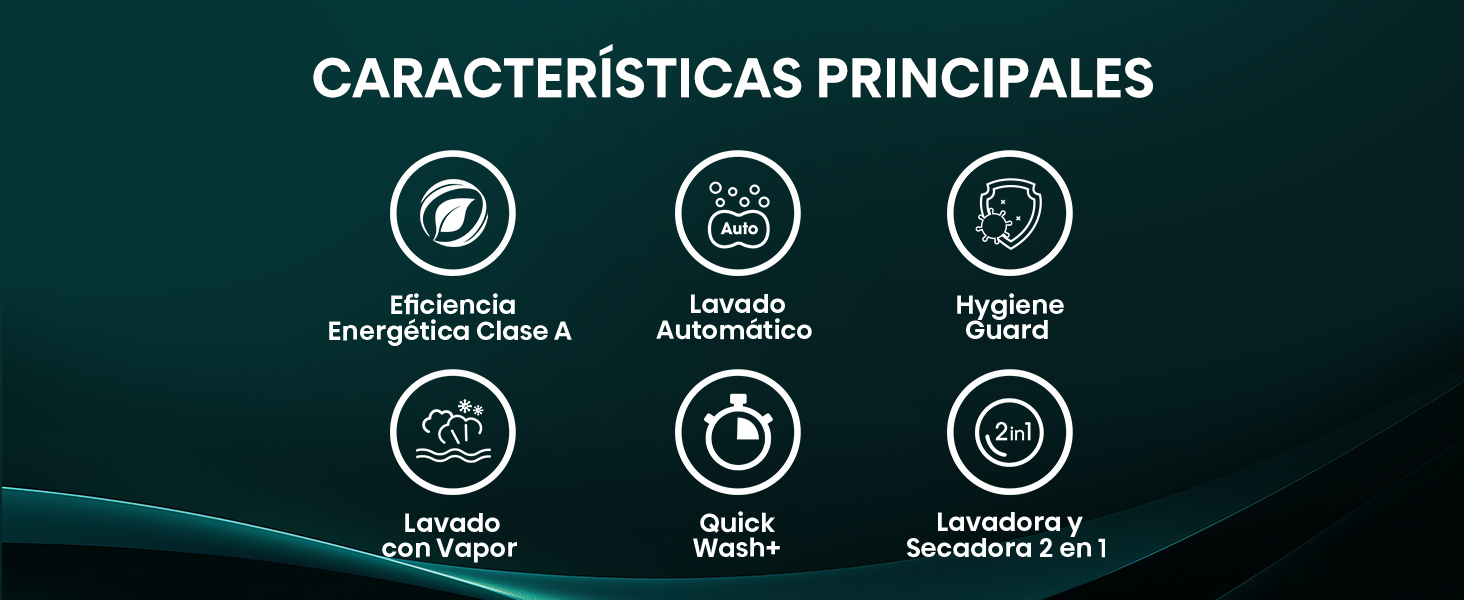
Visual representation of the main features of the Hisense WD3S1543BT washer-dryer.
2. Setup and Installation
Unpacking
Carefully remove all packaging materials. Ensure that all shipping bolts at the rear of the appliance are removed before use. Failure to remove these bolts can cause severe vibration and damage during operation.
Location and Leveling
Place the washer-dryer on a firm, level surface. Adjust the leveling feet to ensure the appliance is stable and does not rock. Proper leveling minimizes noise and vibration.
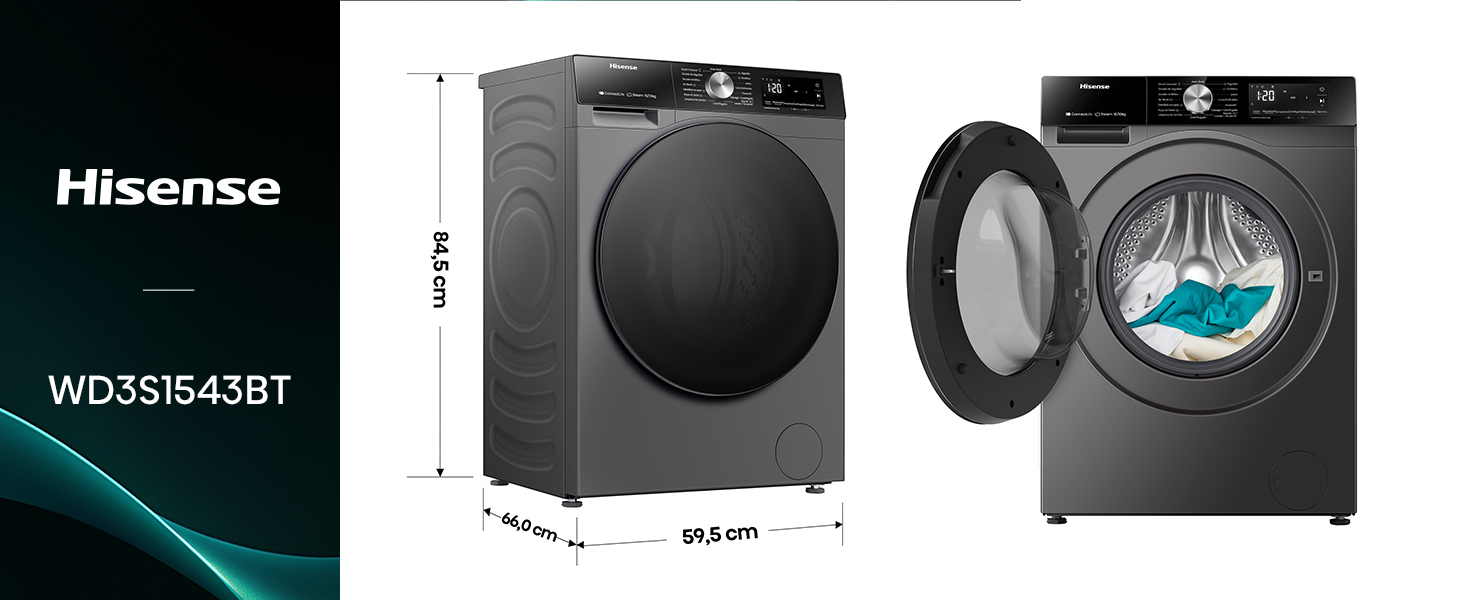
Diagram illustrating the dimensions of the washer-dryer: 84.5 cm height, 59.5 cm width, and 66.0 cm depth.
Water and Drain Connections
- Connect the inlet hoses to the hot and cold water supply valves. Ensure connections are tight to prevent leaks.
- Securely attach the drain hose to a standpipe or laundry tub, ensuring it is properly positioned to prevent siphoning.
Electrical Connection
Connect the appliance to a grounded 115 Volt electrical outlet. Do not use extension cords or adapters. Ensure the electrical supply meets the specifications of the appliance.
3. Operating Instructions
Control Panel Overview
The control panel features a central program selection knob, a digital display, and various function buttons. Familiarize yourself with these controls before starting a cycle.

Detailed view of the control panel, showing the program selection knob, digital timer, and various cycle options.
Loading Laundry
Open the door and load laundry into the drum. Do not overload the machine; ensure there is enough space for clothes to tumble freely. For optimal results, sort laundry by fabric type and color.
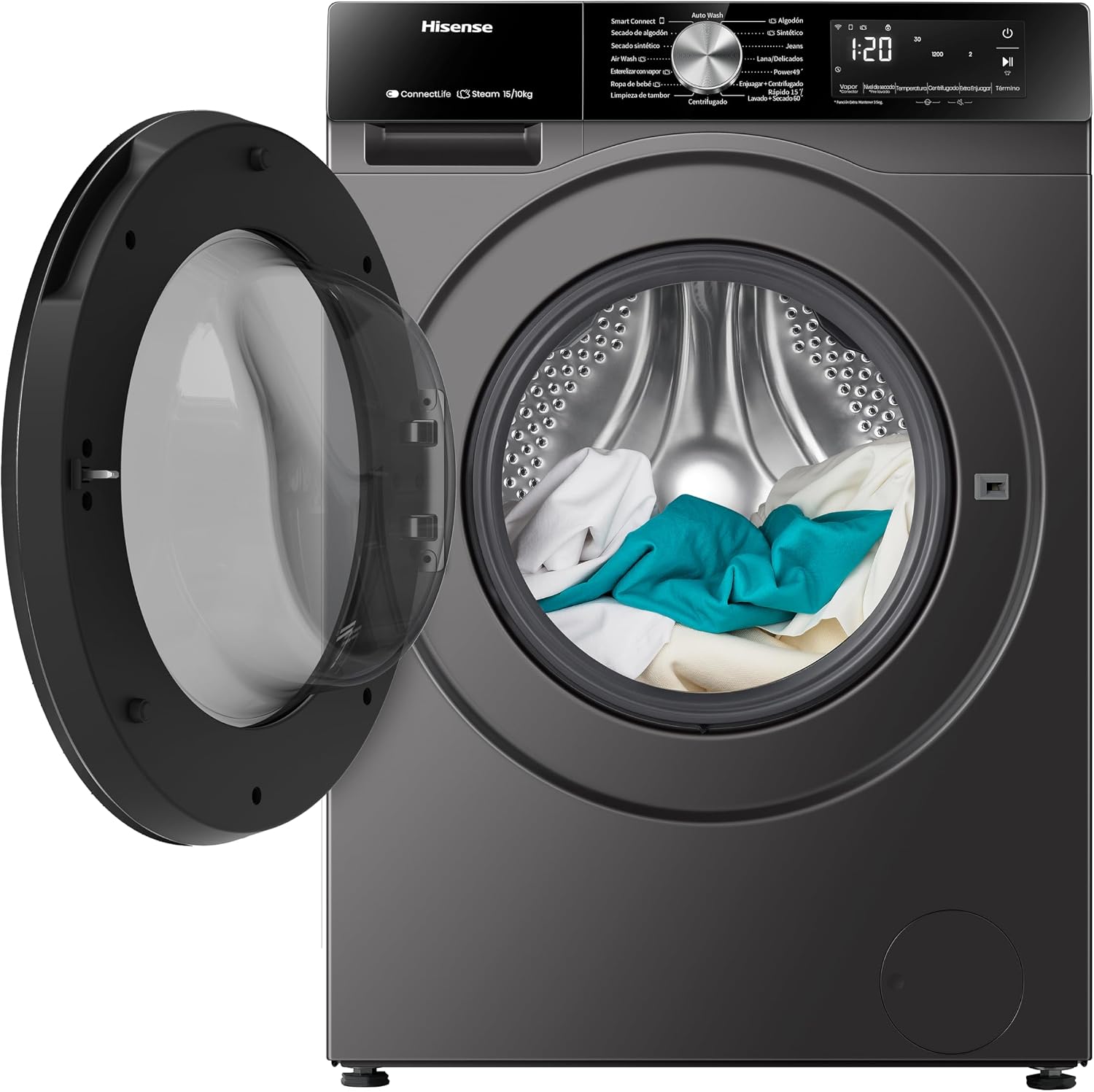
The washer-dryer with its door open, revealing the stainless steel drum loaded with laundry.
Adding Detergent and Softener
Pull out the detergent dispenser drawer and add the appropriate amount of detergent to the main wash compartment. Add fabric softener to its designated compartment if desired.
Selecting a Program
Turn the program selection knob to choose the desired wash or dry cycle. Available programs include:
- Cotton
- Synthetic
- Delicates
- Wool
- Baby Care
- Quick Wash+ (15, 30, 49 min options)
- Steam Wash
- Auto Wash
- Rinse & Spin
- Spin Only
- Drum Clean
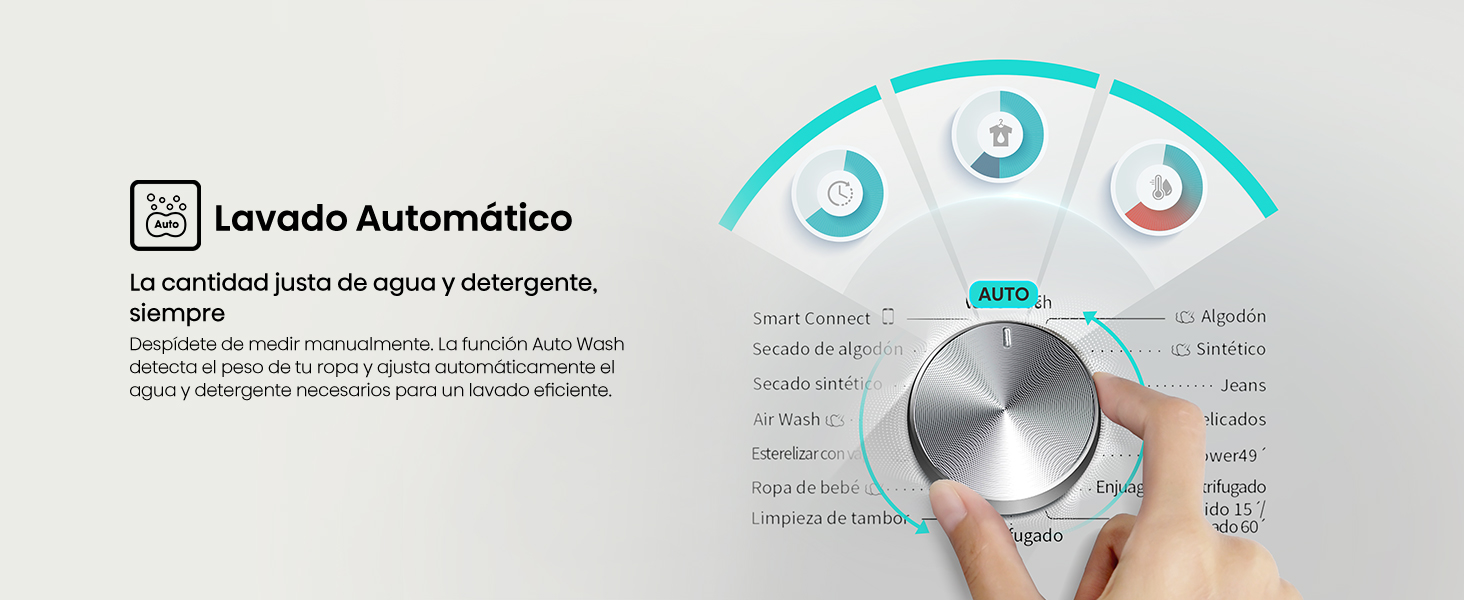
The Automatic Wash feature detects load weight and adjusts water and detergent for efficient cleaning.
Special Functions
- Steam Wash: This function uses high-temperature steam to eliminate 99.9% of bacteria from your garments.
- Quick Wash+: Designed for small loads, this feature offers rapid wash cycles of 15, 30, or 49 minutes.
- Hygiene Guard: The antibacterial rubber seal and Pure Jet function help keep the door and seal area clean and free from stains.
- Jet Wash: This system generates a powerful stream of water to quickly dissolve detergent and penetrate fabrics deeply, removing tough dirt for a more complete clean.
- Energy Monitoring: Use the ConnectLife app to monitor water and electricity consumption in real-time, helping you choose the best time to wash and save energy.
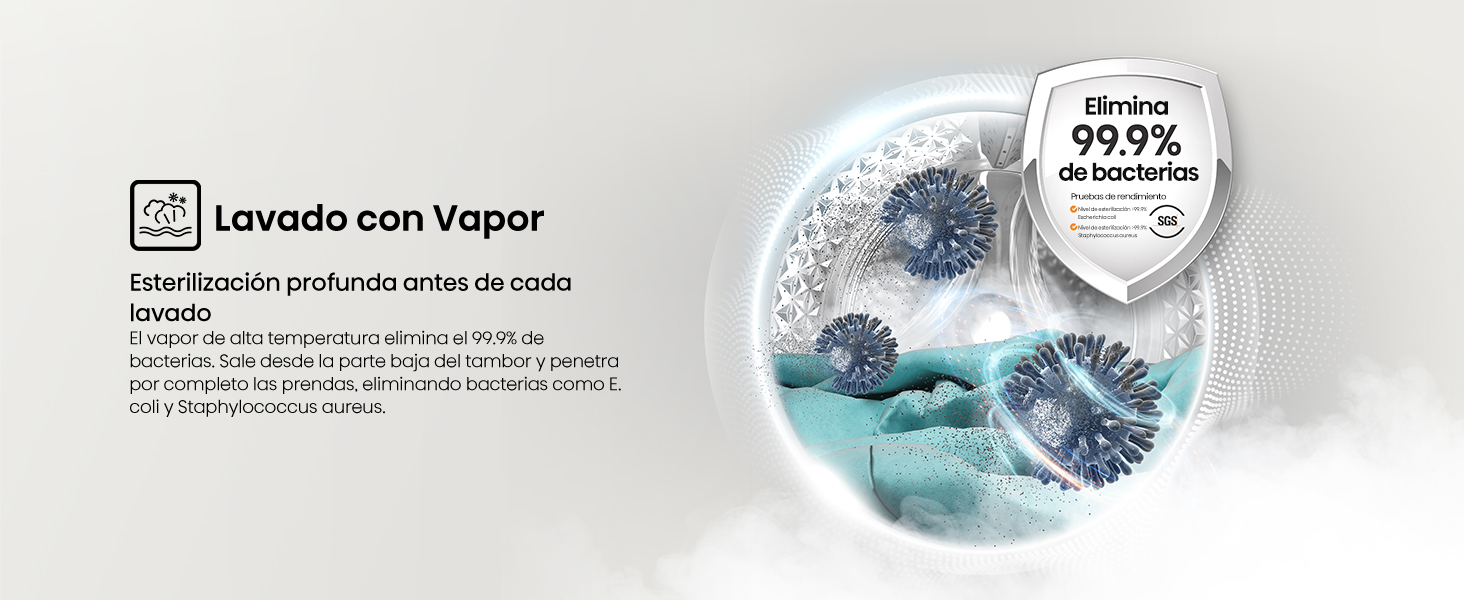
The Steam Wash function provides deep sterilization, eliminating 99.9% of bacteria before each wash.
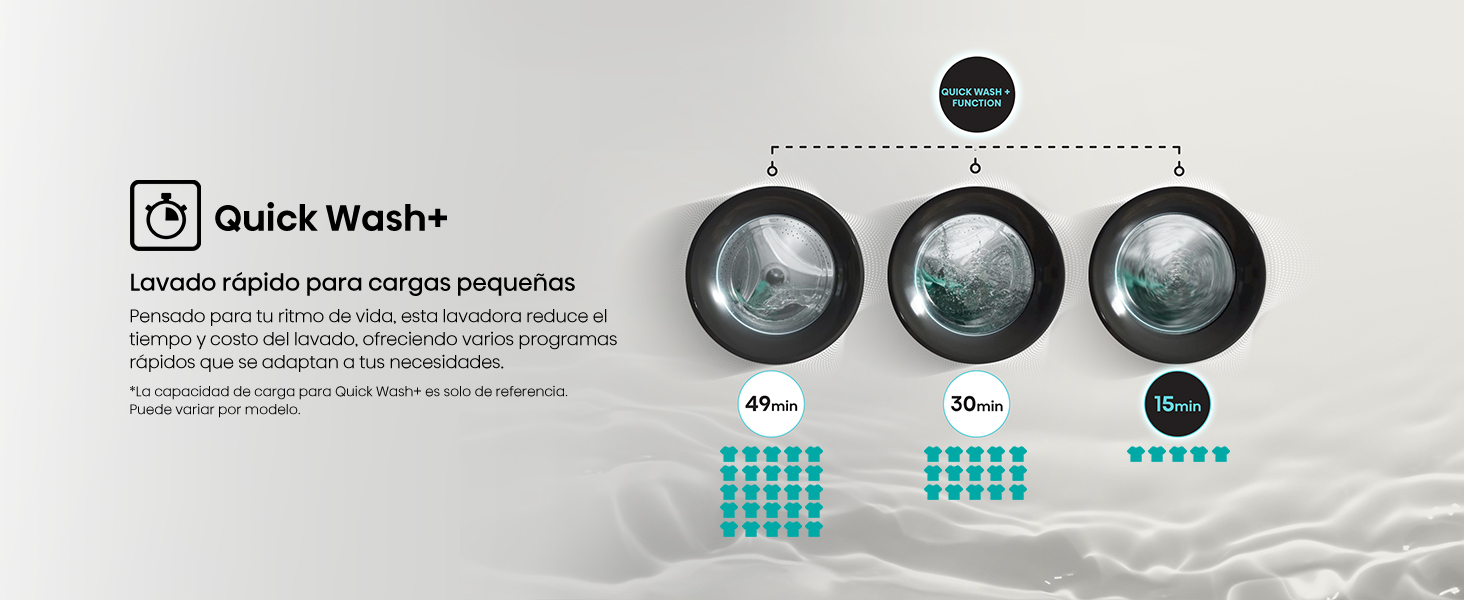
Quick Wash+ offers fast washing for small loads, with cycle times as short as 15 minutes.
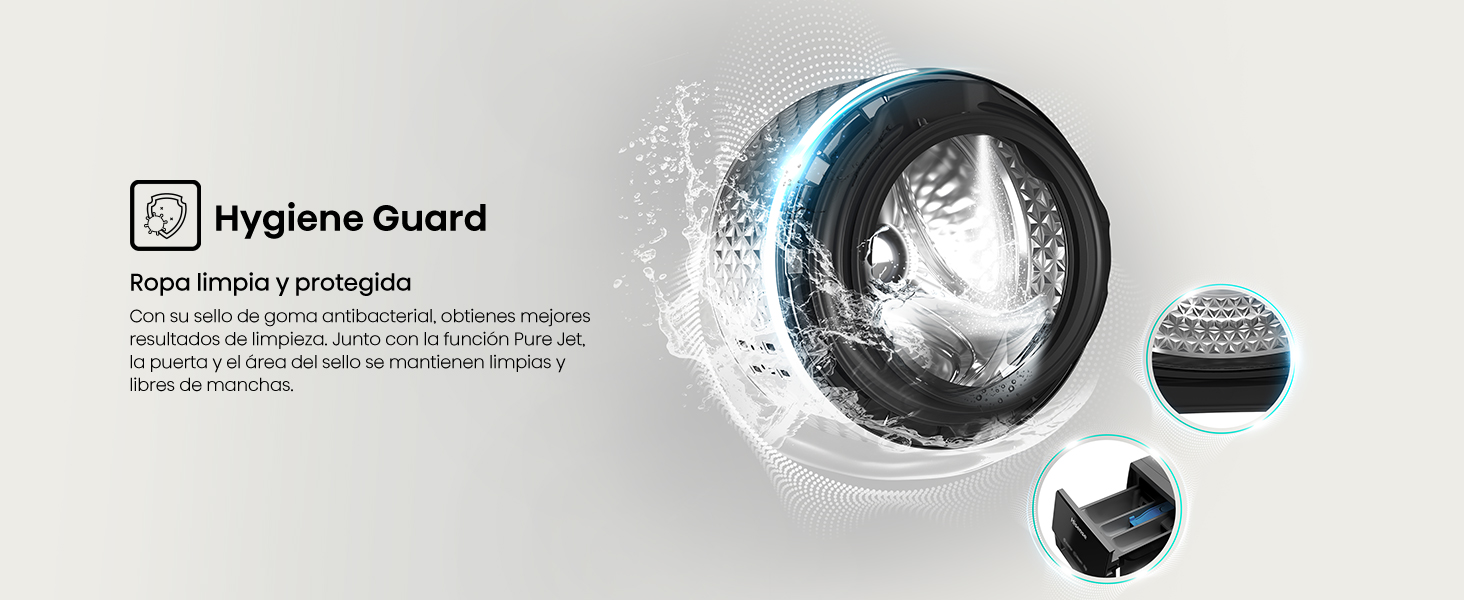
Hygiene Guard ensures clean and protected laundry with its antibacterial seal and effective cleaning of the drum area.
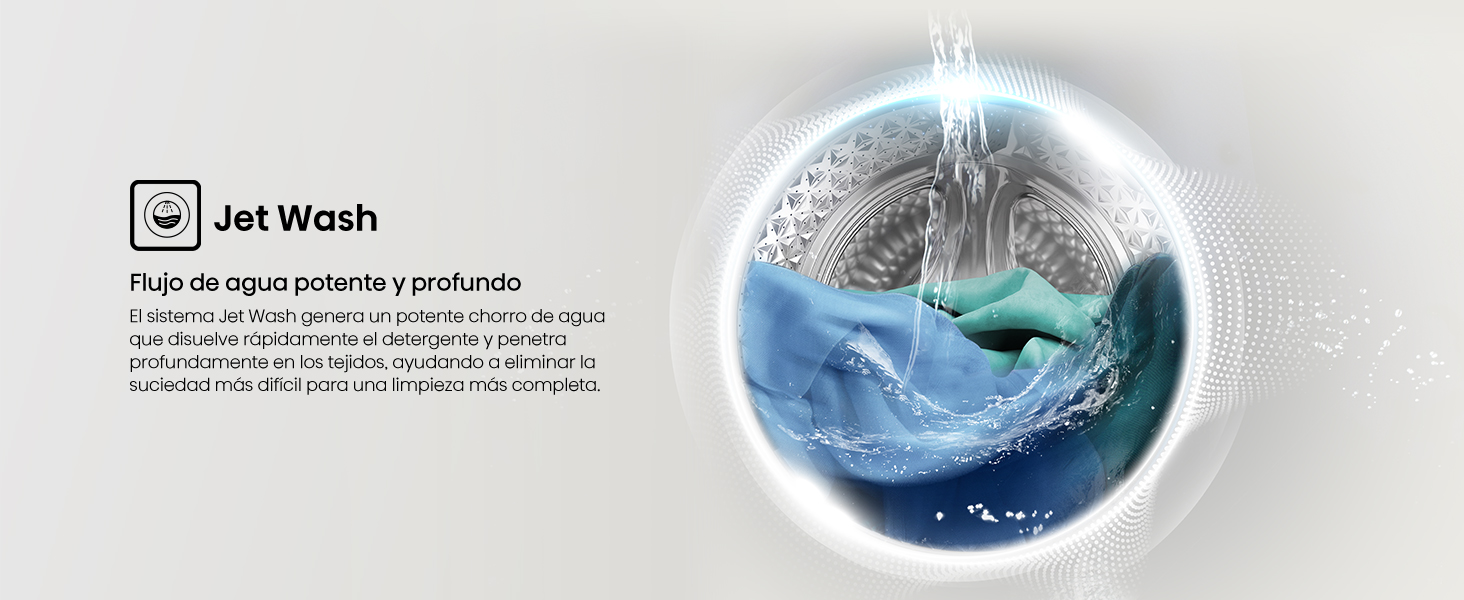
Jet Wash provides a powerful and deep water flow for effective cleaning.
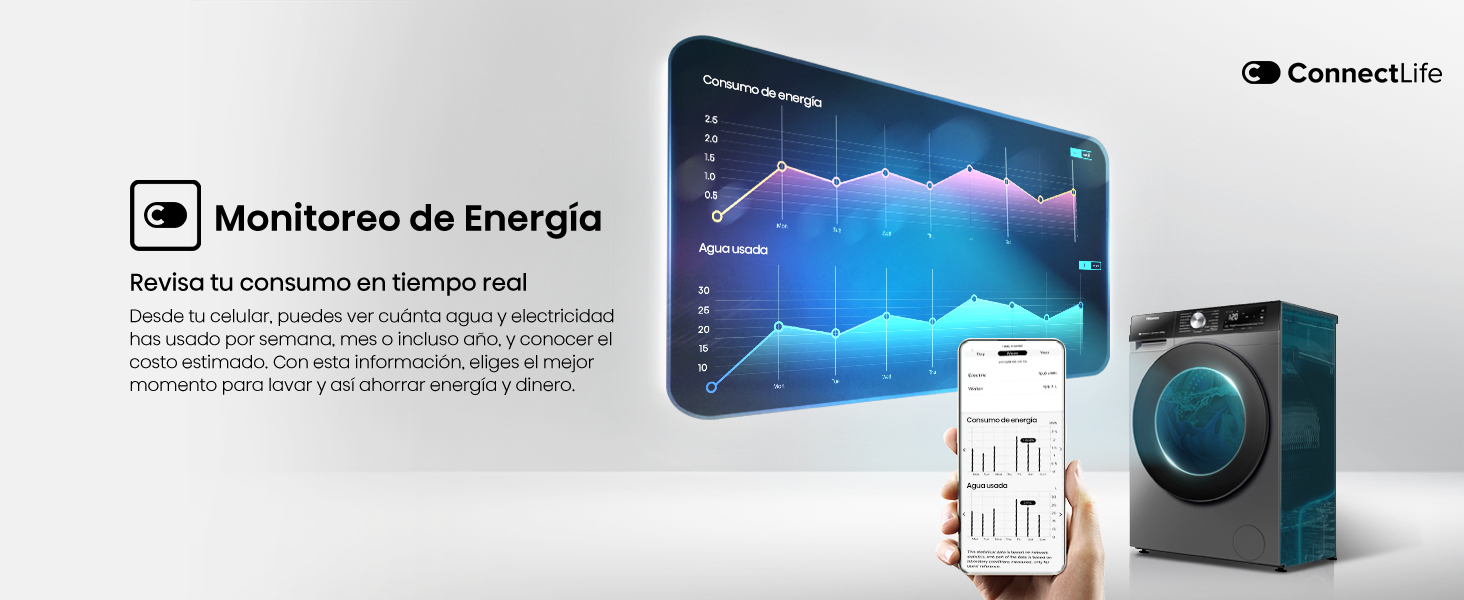
Monitor your energy consumption in real-time via the ConnectLife app.
Starting a Cycle
After selecting your program and any desired options, press the Start/Pause button to begin the cycle.
4. Maintenance
Cleaning the Exterior
Wipe the exterior surfaces with a soft, damp cloth. Avoid abrasive cleaners or solvents.
Cleaning the Detergent Dispenser
Regularly remove and clean the detergent dispenser drawer to prevent residue buildup. Rinse it under running water and dry before reinserting.
Cleaning the Drum
Use the 'Drum Clean' program periodically to clean the interior of the drum and remove any odors or residue.
Cleaning the Door Seal
After each wash, wipe the rubber door seal with a damp cloth to remove lint, dirt, or moisture. This helps prevent mold and odors.
Cleaning the Drain Pump Filter
Locate the drain pump filter, usually at the bottom front of the appliance. Open the cover, drain any residual water, and carefully remove and clean the filter. Reinstall securely.
5. Troubleshooting
If you encounter issues with your washer-dryer, consult the following common problems and solutions:
Appliance Does Not Start
- Ensure the power cord is securely plugged into a working outlet.
- Check if the door is fully closed.
- Verify that the water supply taps are open.
- Confirm that a program has been selected and the Start/Pause button pressed.
Water Not Draining (Error Code F03)
- This error code often indicates a problem with the drain pump.
- Check the drain pump filter for blockages (refer to Maintenance section).
- Ensure the drain hose is not kinked or obstructed.
- If the issue persists after checking these points, professional service may be required.
Excessive Vibration or Noise
- Ensure the appliance is properly leveled (refer to Setup section).
- Verify that all shipping bolts have been removed.
- Check if the load is unbalanced. Redistribute laundry evenly in the drum.
For other error codes or persistent issues, please refer to the full user manual or contact customer support.
6. Specifications
| Feature | Specification |
|---|---|
| Model Number | WD3S1543BT |
| Washing Capacity | 15 kg |
| Color | Grey |
| Dimensions (D x W x H) | 60 cm x 61 cm x 85 cm |
| Control Type | Knob |
| Maximum Spin Speed | 1400 RPM |
| Loading Type | Front Load |
| Number of Wash Cycles | 16 |
| Number of Dry Cycles | 12 |
| Drum Material | Stainless Steel |
| Voltage | 115 Volts |
| Energy Efficiency | Class A |
| Noise Class | Class A |
7. Warranty Information
This Hisense WD3S1543BT washer-dryer comes with a 1-year factory warranty. Please retain your proof of purchase for warranty claims. For detailed terms and conditions, refer to the warranty card included with your product or visit the official Hisense website.
8. Support
For any questions, technical assistance, or service requests, please contact Hisense customer support:

Hisense customer support details, including phone numbers and website for assistance.
Contact Options:
- Phone: 800 0088 880
- Website: Visit hisense.com.mx and click on 'Technical Support Chat' in the bottom left corner.
- Alternative Phone: +55 41 53 1200
Operating Hours:
- Monday - Friday: 9:00 AM to 9:00 PM
- Saturday: 9:00 AM to 3:00 PM
9. Official Product Videos
No embeddable official product videos from the seller were found in the provided data.


