
Introduction
Thank you for choosing the Salter 9218 GY3R Splash Digital Bathroom Scale. This scale is designed for accurate weight measurement in a modern bathroom environment. It features a durable, removable silicone cover for comfort and hygiene, and a clear digital display. Please read this manual thoroughly before use to ensure proper operation and maintenance.

The Salter 9218 GY3R Splash Digital Bathroom Scale, shown with the included AAA batteries.
Safety Information
- Always place the scale on a firm, flat surface. Avoid carpets or uneven flooring, as this may affect accuracy.
- The scale surface can be slippery when wet. Ensure the surface is dry before stepping on.
- Do not use the scale if you have a pacemaker or other internal medical device.
- Do not immerse the scale in water. The silicone cover is washable, but the electronic unit is not waterproof.
- Keep batteries out of reach of children. Dispose of used batteries responsibly.
- This scale is intended for domestic use only.
Package Contents
Please check the box for the following items:
- Salter 9218 GY3R Splash Digital Bathroom Scale
- Removable Silicone Cover (pre-installed)
- 3 x AAA Batteries
- Instruction Manual

An illustration showing the Salter Splash Digital Bathroom Scale, user manual, and three AAA batteries as included items.
Setup
1. Battery Installation
- Locate the battery compartment on the underside of the scale.
- Open the battery compartment cover.
- Insert the 3 x AAA batteries, ensuring the correct polarity (+ and -) as indicated inside the compartment.
- Close the battery compartment cover securely.
2. Initializing the Scale
After installing batteries, the scale needs to be initialized:
- Place the scale on a hard, flat surface.
- Press down firmly on the center of the platform with your foot.
- The display will show '0.0' or '0.00' and then turn off. This indicates the scale is ready for use.
Operating Instructions
1. Taking a Weight Reading
- Ensure the scale is on a firm, flat surface.
- Step onto the scale platform with bare feet. Stand still and centered.
- The display will illuminate and show your weight.
- Once the reading stabilizes, it will flash a few times and then remain on for a few seconds before turning off automatically.

The Salter Splash Digital Bathroom Scale positioned on a tiled bathroom floor, ready for a weight measurement.
2. Unit Conversion (kg/lb/st)
The scale allows you to switch between metric (kilograms) and imperial (pounds/stones) units.
- Locate the unit conversion button on the underside of the scale, near the battery compartment.
- With the scale off, press this button to cycle through the available units (kg, lb, st).
- The selected unit will be displayed on the screen during the next measurement.

The scale features a large, clear backlit display for easy reading of measurements.
Maintenance
Cleaning the Silicone Cover
The removable silicone cover is designed for easy cleaning:
- To clean, simply remove the silicone cover from the scale.
- The cover can be washed by hand with mild soap and water, or placed in a dishwasher.
- Ensure the cover is completely dry before placing it back on the scale.
- To clean the scale base, wipe with a damp cloth. Do not use abrasive cleaners or immerse in water.
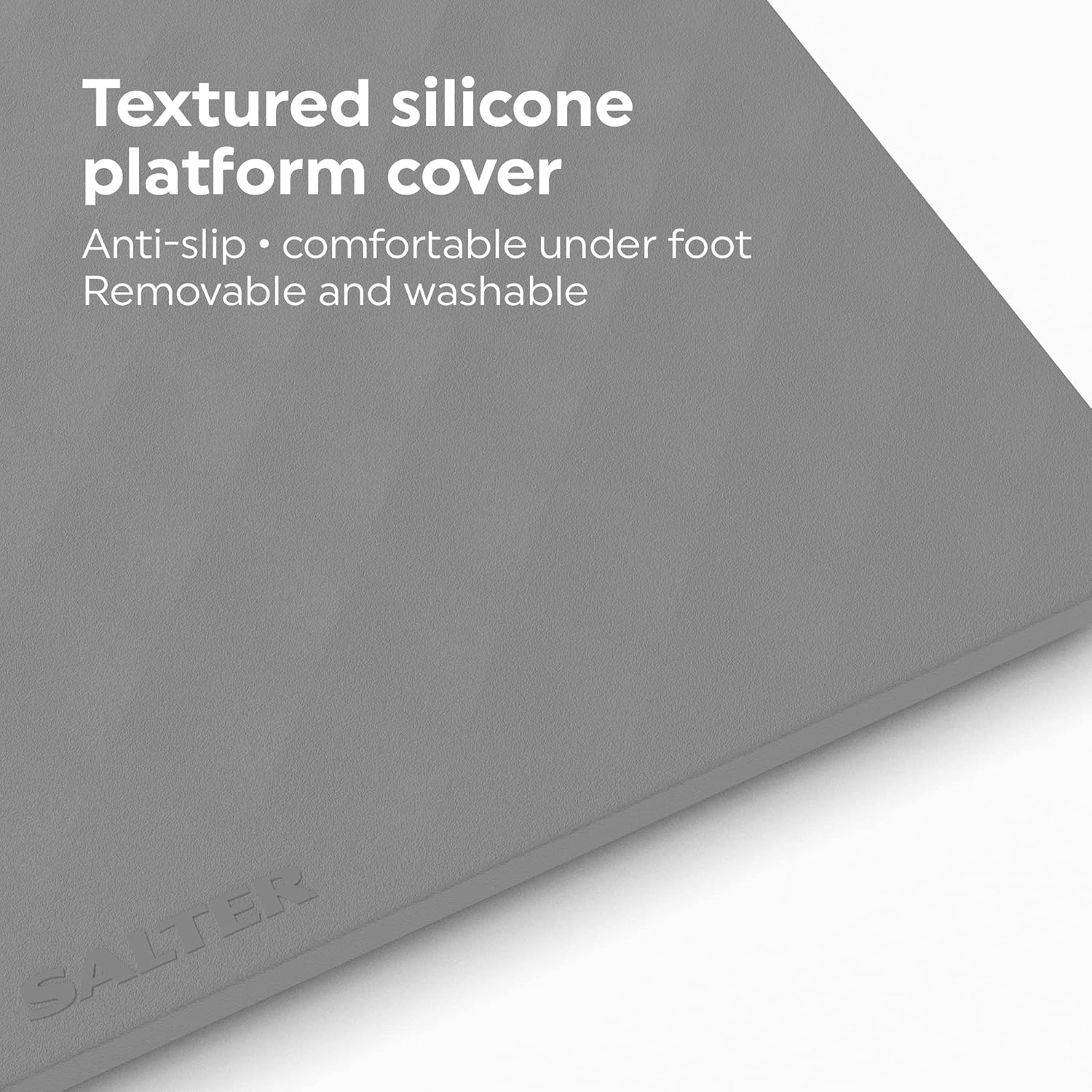
The textured silicone cover provides an anti-slip surface and is comfortable underfoot. It is also removable and washable for easy maintenance.
Battery Replacement
When the display shows a 'Lo' indicator, it's time to replace the batteries. Follow the battery installation steps in the Setup section.
Troubleshooting
| Problem | Possible Cause | Solution |
|---|---|---|
| No display / Scale does not turn on | Batteries are dead or incorrectly installed. | Check battery polarity or replace with new AAA batteries. |
| Inaccurate readings / Inconsistent readings | Scale is on an uneven surface or has not been initialized. | Place scale on a hard, flat surface. Re-initialize by pressing down firmly on the platform until '0.0' appears. Ensure you stand still and centered. |
| 'Lo' displayed | Low battery power. | Replace all 3 x AAA batteries. |
| 'Err' displayed | Overload or measurement error. | The maximum weight capacity is 180 kg. Step off the scale and try again. If the error persists, contact customer support. |
Specifications
- Model: Salter 9218 GY3R Splash Digital Bathroom Scale
- Capacity: 180 kg (396 lb / 28 st 4 lb)
- Graduation: 0.1 kg / 0.2 lb / 1/4 lb
- Display: Large Backlit LCD
- Power: 3 x AAA Batteries (included)
- Material: Glass platform with removable silicone cover
- Dimensions (approx.): 30cm x 30cm x 2.5cm (L x W x H)
- Weight: 1.6 kg

Approximate dimensions of the Salter Splash Digital Bathroom Scale.
Warranty and Support
This Salter product comes with a 15-year guarantee from the date of purchase, covering defects in materials or workmanship under normal use. Please retain your proof of purchase for warranty claims.
For further assistance, troubleshooting, or to make a warranty claim, please visit the official Salter website or contact their customer support directly. Contact details can typically be found on the product packaging or the Salter website.


