
SGILE SHJ-2001
SGILE Charging Cable for SHJ-2001 Remote Control Robot User Manual
Model: SHJ-2001 (Compatible Robot)
1. Introduction
This manual provides essential information for the safe and effective use of your SGILE USB Charging Cable, specifically designed for the SHJ-2001 Remote Control Robot. Please read this manual thoroughly before using the product to ensure proper operation and to prevent damage.
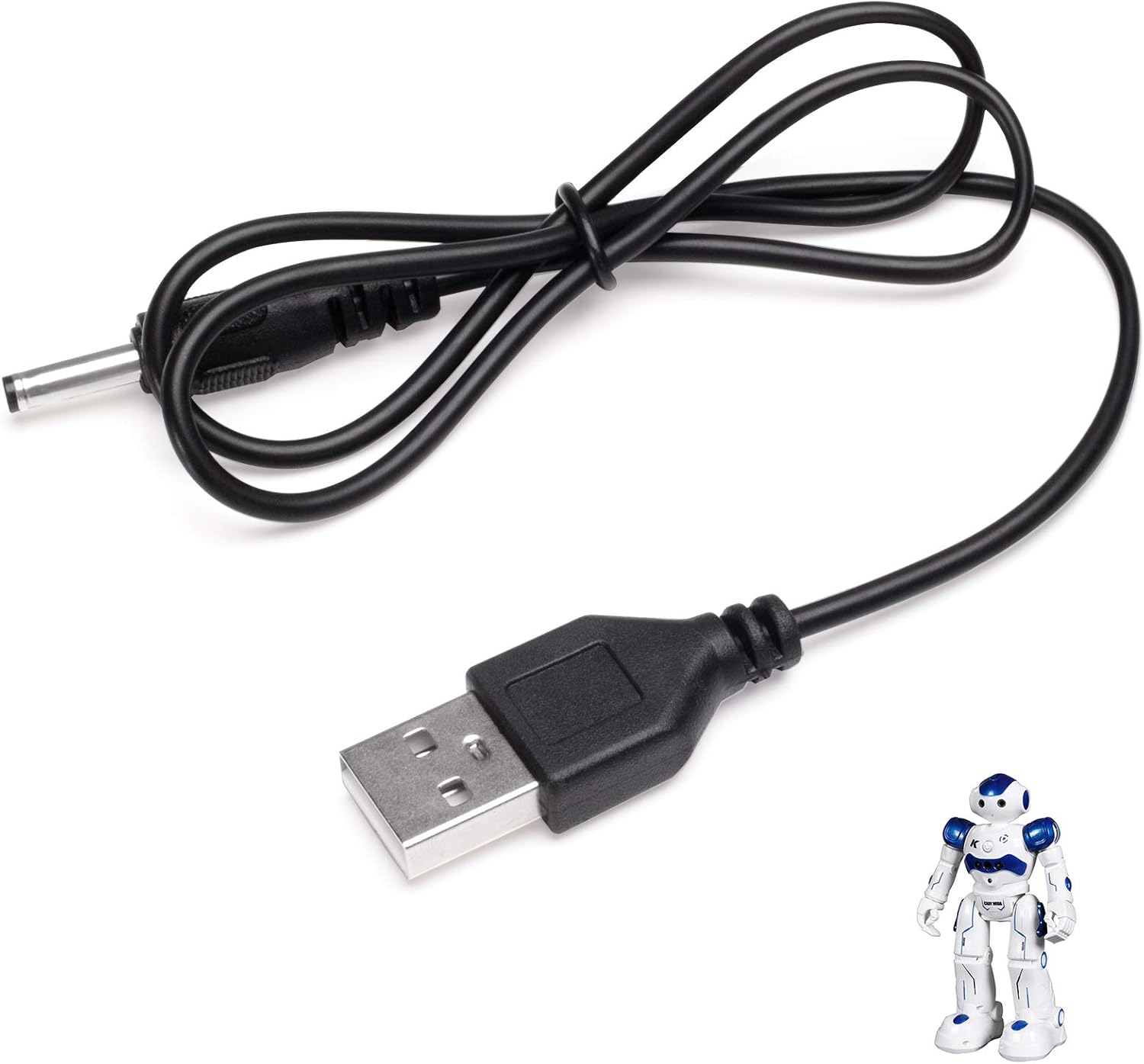
Figure 1: SGILE USB Charging Cable. This image displays the black USB charging cable, coiled neatly, with a standard USB-A connector on one end and a barrel jack connector on the other. A small white and blue remote control robot is visible in the bottom right corner, indicating the cable's intended use.
2. Setup and First Use
Before charging your SHJ-2001 Remote Control Robot, ensure you have a compatible USB power source (e.g., a USB wall adapter, computer USB port, or power bank).
- Connect to Power Source: Insert the USB-A end of the charging cable into a standard USB power adapter (not included) or a USB port on a computer. Ensure the power source provides a stable 5V output.
- Connect to Robot: Locate the charging port on your SHJ-2001 Remote Control Robot. Carefully insert the barrel jack connector of the charging cable into the robot's charging port. Do not force the connector.
- Verify Connection: Once connected, the robot's charging indicator light (if available) should illuminate, indicating that charging has begun. Refer to your SHJ-2001 Robot's manual for specific charging indicator behavior.
Important Safety Note:
- Always use a certified USB power adapter.
- Do not use the cable if it appears damaged or frayed.
- Ensure the charging environment is dry and well-ventilated.
3. Operating Instructions (Charging)
Follow these steps to charge your SHJ-2001 Remote Control Robot:
- Initiate Charging: After connecting the cable as described in the "Setup" section, charging will typically begin automatically.
- Monitor Charging: Observe the robot's charging indicator. Charging times may vary depending on the robot's battery level and the power source. Avoid overcharging by disconnecting the cable once the robot's battery is full (indicated by the robot's charging light changing color or turning off, as per the robot's manual).
- Disconnecting: Once charging is complete, gently pull the barrel jack connector straight out from the robot's charging port. Then, disconnect the USB-A end from the power source. Avoid pulling the cable by the wire itself to prevent damage.
Caution:
- Do not leave the charging cable connected to a power source unattended for extended periods after the robot is fully charged.
- If the cable or robot becomes excessively hot during charging, immediately disconnect the cable from both the power source and the robot.
4. Care and Maintenance
Proper care will extend the life of your SGILE charging cable:
- Storage: Store the cable in a cool, dry place away from direct sunlight and extreme temperatures. Avoid tightly coiling or bending the cable, especially near the connectors.
- Cleaning: If necessary, gently wipe the cable with a dry, soft cloth. Do not use liquid cleaners or abrasive materials.
- Handling: Always grasp the connectors when plugging or unplugging the cable. Do not pull on the cable itself.
- Inspection: Periodically inspect the cable for any signs of damage, such as cuts, fraying, or bent connectors. Discontinue use immediately if any damage is observed.
5. Troubleshooting
If you encounter issues while using your SGILE charging cable, refer to the following common problems and solutions:
| Problem | Possible Cause | Solution |
|---|---|---|
| Robot not charging. |
|
|
| Cable or robot gets hot during charging. |
|
|
| Cable breaks or comes apart easily. |
|
|
6. Product Specifications
| Feature | Detail |
|---|---|
| Brand | SGILE |
| Cable Type | USB |
| Compatible Devices | SHJ-2001 Remote Control Robot, Charging Adapter |
| Connector Gender | Male-to-Male |
| Shape | Round |
| Parcel Dimensions | 5 x 3 x 1 cm; 10 g |
| Manufacturer Recommended Age | 14 years and up |
7. Warranty and Support
For warranty information or technical support regarding your SGILE Charging Cable, please contact SGILE customer service directly. Details can typically be found on the product packaging or the official SGILE website.
Please retain your purchase receipt as proof of purchase for any warranty claims.
Ask a question about this manual
Ask about setup, troubleshooting, compatibility, parts, safety, or missing instructions. Manuals+ will review the question and use this page’s manual context to help answer it.