
1. Introduction
The NetumScan NS2055L is a high-speed, omni-directional 2D barcode scanner designed for hands-free operation. It efficiently reads 1D and 2D barcodes from various surfaces, including paper labels and digital screens, making it suitable for diverse applications. This manual provides essential information for setting up, operating, maintaining, and troubleshooting your NS2055L scanner.

Image: The NetumScan NS2055L 2D Desktop Barcode Scanner, highlighting its key features such as CMOS image scanning, 1D/2D code compatibility, high precision, plug-and-play functionality, buzzer, and hands-free design.

Image: The NetumScan NS2055L scanner shown in different settings including a supermarket, mall, medical facility, and convenience store, illustrating its versatile use.
2. Product Features
- 2D Barcode Scanning: The NS2055L scanner easily captures 1D and 2D barcodes from labels, paper, and mobile or computer screens with precision and accuracy.
- Plug and Play: No driver or software installation is required. Simply connect the scanner to a USB port on your Windows, Linux, or Mac PC. Supports automatic detection, beep sound adjustment, prefix, and suffix.
- Multi-language Keyboard Support: Automatically detects keyboard languages including English, French, German, Italian, Spanish, Russian, and Turkish. Supports virtual COM port, prefix/suffix, and volume adjustment.
- Efficient and Precise Design: Features an LED fill light design for enhanced scanning in low-light conditions. Equipped with a 32-chip processor for 5x faster scanning speed. The base is made of high-quality non-slip material and includes a buzzer. The scanner head has a 30-degree rotation for increased flexibility and scanning objects of different sizes.
- Decoding Capability:
- 2D: Data Matrix, QR Code, Micro QR Code, Aztec Code, Maxicode, PDF417, MicroPDF417, Composite Codes (CC-A, CC-B, CC-C).
- 1D: UPC/EAN/JAN, UPC-A, UPC-E, EAN-8, EAN-13, JAN-8, JAN-13, ISBN/ISSN, Code 39 (with full ASCII), Code (NW7), Code 128, EAN 128, Code 93, Interleaved 2 of 5 (ITF), Industrial 2 of 5, IATA Code, MSI/Plessey, GS1 DataBar (Omnidirectional, Truncated, Stacked, Omnidirectional Stacked, Limited, Expanded, Stacked).

Image: The NetumScan NS2055L demonstrating its ability to scan various 1D and 2D barcodes, including QR Code, Data Matrix, Maxicode, PDF417, Code 93, EAN13, Code 128, UPC-E, and UPC-A, from both a smartphone screen and printed labels.
3. Setup
Follow these steps to set up your NetumScan NS2055L barcode scanner:
- Connect the USB cable from the scanner to an available USB port on your computer (Windows, Linux, or Mac OS).
- The scanner is plug-and-play and does not require any driver installation.
- The device will be automatically recognized by your operating system.
- You can adjust settings like beep sound, prefix, and suffix by scanning specific configuration barcodes. Refer to the included quick setup guide or the manufacturer's website for these barcodes.

Image: The NetumScan NS2055L scanner connected to a laptop via USB, emphasizing its plug-and-play feature with no driver installation needed. It also shows flags representing supported keyboard languages: French, Italian, Spanish, English, German, and Japanese.
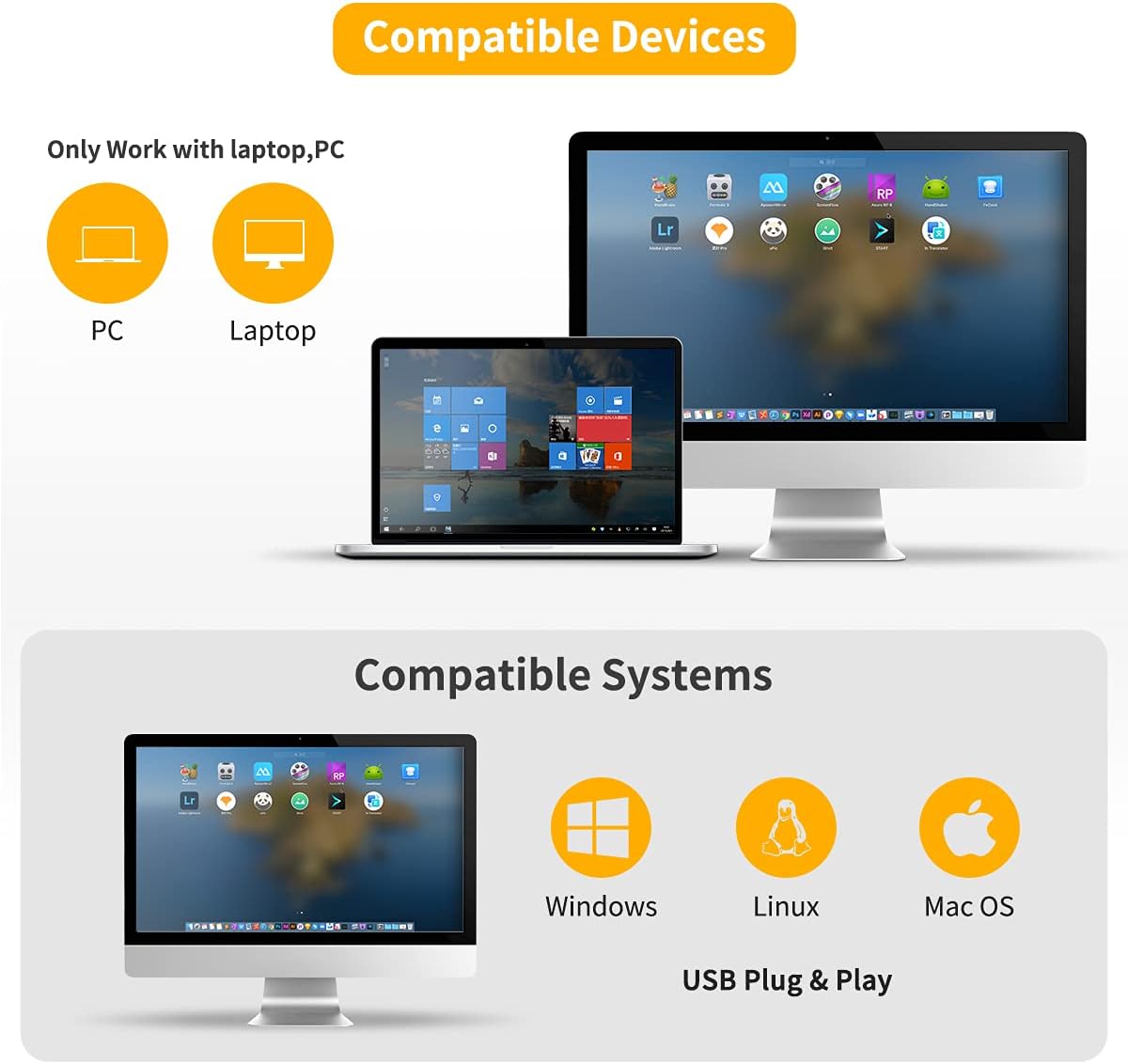
Image: Visual representation of the NetumScan NS2055L's compatibility with various devices (PC, Laptop) and operating systems (Windows, Linux, Mac OS) via USB Plug & Play.
4. Operating Instructions
Using your NetumScan NS2055L scanner is straightforward:
- Place the item with the barcode in front of the scanner's window.
- The scanner will automatically detect and read the barcode.
- A beep sound will indicate a successful scan (if enabled).
- The decoded data will be transmitted to your connected computer as keyboard input.
- For scanning barcodes from digital screens (e.g., mobile phones), ensure the screen brightness is adequate for optimal performance.

Image: The NetumScan NS2055L demonstrating its strong recognition ability and fast decoding speed by easily reading various types of barcodes, including those that might be partially obscured or on different surfaces.

Image: The NetumScan NS2055L engaged in multi-function scanning, showing its capability to read barcodes from courier receipts, product labels, and mobile payment screens, suitable for various retail and commercial uses.
5. Maintenance
Proper maintenance ensures the longevity and optimal performance of your scanner:
- Keep the scanner's scanning window clean. Use a soft, dry cloth to wipe away dust or smudges.
- Avoid using abrasive cleaners or solvents that could damage the device.
- Protect the scanner from extreme temperatures, humidity, and direct sunlight.
- Handle the device with care to prevent drops or impacts.
6. Troubleshooting
If you encounter issues with your NS2055L scanner, refer to the following common problems and solutions:
- Scanner not reading barcodes:
- Ensure the barcode is clean and not damaged.
- Check if the barcode is within the scanner's reading range and angle.
- Verify that the scanner is properly connected to the computer's USB port.
- Adjust screen brightness if scanning from a digital display.
- No data transmitted to computer:
- Confirm the USB connection is secure.
- Test the scanner on a different USB port or computer.
- Ensure no other software is interfering with keyboard input.
- Incorrect characters or language:
- Scan the appropriate configuration barcode to set the correct keyboard language (e.g., English, Turkish, etc.).
- No beep sound:
- Scan the configuration barcode to enable or adjust the beep sound volume.
7. Specifications
| Brand | NetumScan |
| Model | NS2055L |
| Part Number | NS2055L |
| Compatible Devices | Laptop, Desktop PC |
| Power Source | Wired Electric (USB Cable) |
| Batteries Included | No |
| Batteries Required | No |
| Connectivity Technology | USB Cable |
| Real View Angle | 30 Degrees |
| Product Dimensions | 21.08 x 14.22 x 11.43 cm |
| Product Weight | 360 grams |
| ASIN | B08CMLG6BQ |
| First Available Date | October 17, 2021 |
8. Warranty and Support
For warranty information, technical assistance, and customer support, please refer to the official NetumScan website or contact your authorized retailer. Keep your purchase receipt for warranty claims.


