
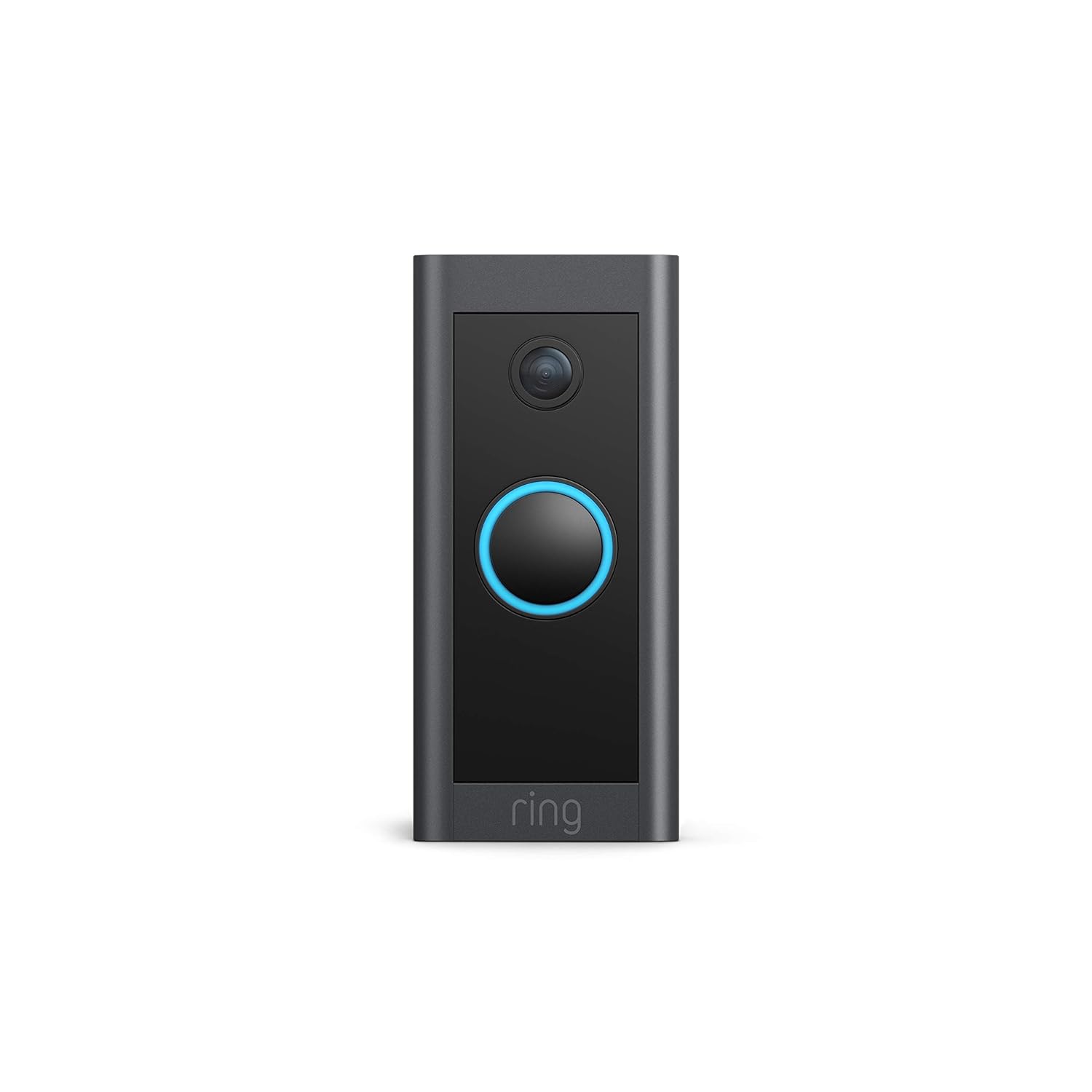
Ring Video Doorbell Wired
Ring Video Doorbell Wired Instruction Manual
Model: Video Doorbell Wired
Introduction
This manual provides comprehensive instructions for the installation, operation, and maintenance of your Ring Video Doorbell Wired. Please read this manual thoroughly before installation and use to ensure proper functionality and safety.
What's Included
Your Ring Video Doorbell Wired package includes the following items:
- Ring Video Doorbell Wired unit
- Installation tools and screws
- User manual (this document)
- Quick start guide
- Security stickers
Setup and Installation
The average installation time for the Ring Video Doorbell Wired is approximately 15 minutes. This device requires hardwiring to an existing doorbell system, a Ring plug-in adapter, or a compatible transformer.
Requirements:
- Standard doorbell system, Ring plug-in adapter, or transformer with 10-24 VAC, 40VA max, 50/60Hz or 24VDC, 0.5A, 12W.
- High-speed internet connection.
- 802.11 b/g/n Wi-Fi connection at 2.4 GHz.
Installation Steps:
- Turn off power: Before beginning, ensure the power to your existing doorbell system is turned off at the breaker.
- Remove existing doorbell: Disconnect and remove your old doorbell button.
- Connect Ring Doorbell: Connect the wires from your existing doorbell system to the terminals on the back of the Ring Video Doorbell Wired. Ensure a secure connection.
- Mount the doorbell: Secure the Ring Video Doorbell Wired to your wall using the provided screws and tools.
- Restore power: Turn the power back on at the breaker.
- In-app setup: Download the Ring app on your smartphone or tablet and follow the on-screen instructions to connect your doorbell to your Wi-Fi network and complete the setup process.

Operating Instructions
The Ring Video Doorbell Wired offers various features to enhance your home security and communication.
Key Features:
- 1080p HD Video: Provides clear, high-definition video with Live View and Night Vision for monitoring your front door.
- Two-Way Talk: Communicate with visitors at your door from anywhere using the Ring app. Features noise cancellation for clear audio.
- Advanced Motion Detection: Customizable motion zones allow you to receive alerts when motion is detected in specific areas.
- Real-time Alerts: Get instant notifications on your phone when someone rings the doorbell or motion is detected.
- Night Vision: Ensures clear visibility even in low-light conditions.
- Alexa Integration: Connects with Alexa-enabled devices to hear alerts or view a live feed on screens.


Using the Ring App:
The Ring app is essential for managing your Video Doorbell. Through the app, you can:
- View live video feed.
- Engage in two-way talk with visitors.
- Customize motion detection settings and zones.
- Access recorded videos (with a Ring Protect subscription).
- Manage device settings and privacy options.
Maintenance
To ensure optimal performance and longevity of your Ring Video Doorbell Wired, consider the following maintenance tips:
- Cleaning: Periodically wipe the camera lens and the doorbell's exterior with a soft, damp cloth to remove dust and dirt. Avoid abrasive cleaners.
- Software Updates: Ensure your Ring app and doorbell firmware are always up to date. Updates often include performance improvements and security enhancements.
- Connectivity Check: Regularly check your Wi-Fi signal strength in the Ring app to ensure a stable connection.
- Environmental Conditions: The doorbell is weather-resistant, designed to operate between -20°C to 50°C (-5°F to 120°F). Ensure it is not exposed to conditions outside this range.
Troubleshooting
If you encounter issues with your Ring Video Doorbell Wired, try the following troubleshooting steps:
- No Power/Not Turning On:
- Verify that the power to your doorbell system is on at the breaker.
- Check the wiring connections to ensure they are secure.
- Confirm your power source meets the required specifications (10-24 VAC, 40VA max, 50/60Hz, or 24VDC, 0.5A, 12W).
- Poor Video Quality/Offline:
- Check your Wi-Fi connection and signal strength in the Ring app.
- Ensure your internet service is active and stable.
- Restart your Wi-Fi router.
- Clean the camera lens.
- Motion Detection Issues:
- Adjust motion sensitivity and customize motion zones in the Ring app.
- Ensure there are no obstructions blocking the sensor's view.
- Two-Way Talk Problems:
- Check your device's microphone and speaker settings in the Ring app.
- Ensure your smartphone's volume is up.
- Verify a stable internet connection.
For further assistance, refer to the support section or contact Ring customer service.
Specifications
| Feature | Detail |
|---|---|
| Average Install Time | ~15 minutes |
| Video | 1080p HD Video, Live View, Night vision |
| Field of View | 155° horizontal, 90° vertical |
| Motion Detection | Advanced Motion Detection with customizable motion zones |
| Audio | Two-way audio with noise cancellation |
| Power | Hardwired (10-24 VAC, 40VA max, 50/60Hz, or 24VDC, 0.5A, 12W) |
| Internet Requirements | High-speed internet |
| Connectivity | 802.11 b/g/n Wi-Fi connection @ 2.4 GHz |
| Operating Conditions | -20°C to 50°C (-5°F to 120°F), weather resistant |
| Available Colours | Black |
| Dimensions | 101mm x 45.7mm x 22.4mm (3.98 in x 1.81 in x 0.88 in) |
| Generation | Ring Video Doorbell Wired 1st Generation – 2021 Release |
Warranty and Support
Warranty: The Ring Video Doorbell Wired comes with a 1-year limited warranty. Use of the Ring Video Doorbell is subject to the terms found on the official Ring website.
Support: For more information and assistance, please visit the official Ring Video Doorbell Wired support page. You can typically find this by searching for "Ring Video Doorbell Wired support" on the Ring website or your preferred search engine.
Related documentsVideo Doorbell Wired


Ask a question about this manual
Ask about setup, troubleshooting, compatibility, parts, safety, or missing instructions. Manuals+ will review the question and use this page’s manual context to help answer it.