
Introduction
This manual provides essential information for the safe and effective use of your OKIN Remote Control. This remote is specifically designed for adjustable beds equipped with two OKIN motors, such as the Okinmat II and other refined hospital beds. It features a 5-pin cable connector for controlling both the head and foot sections of the bed. Please read these instructions carefully before installation and operation.
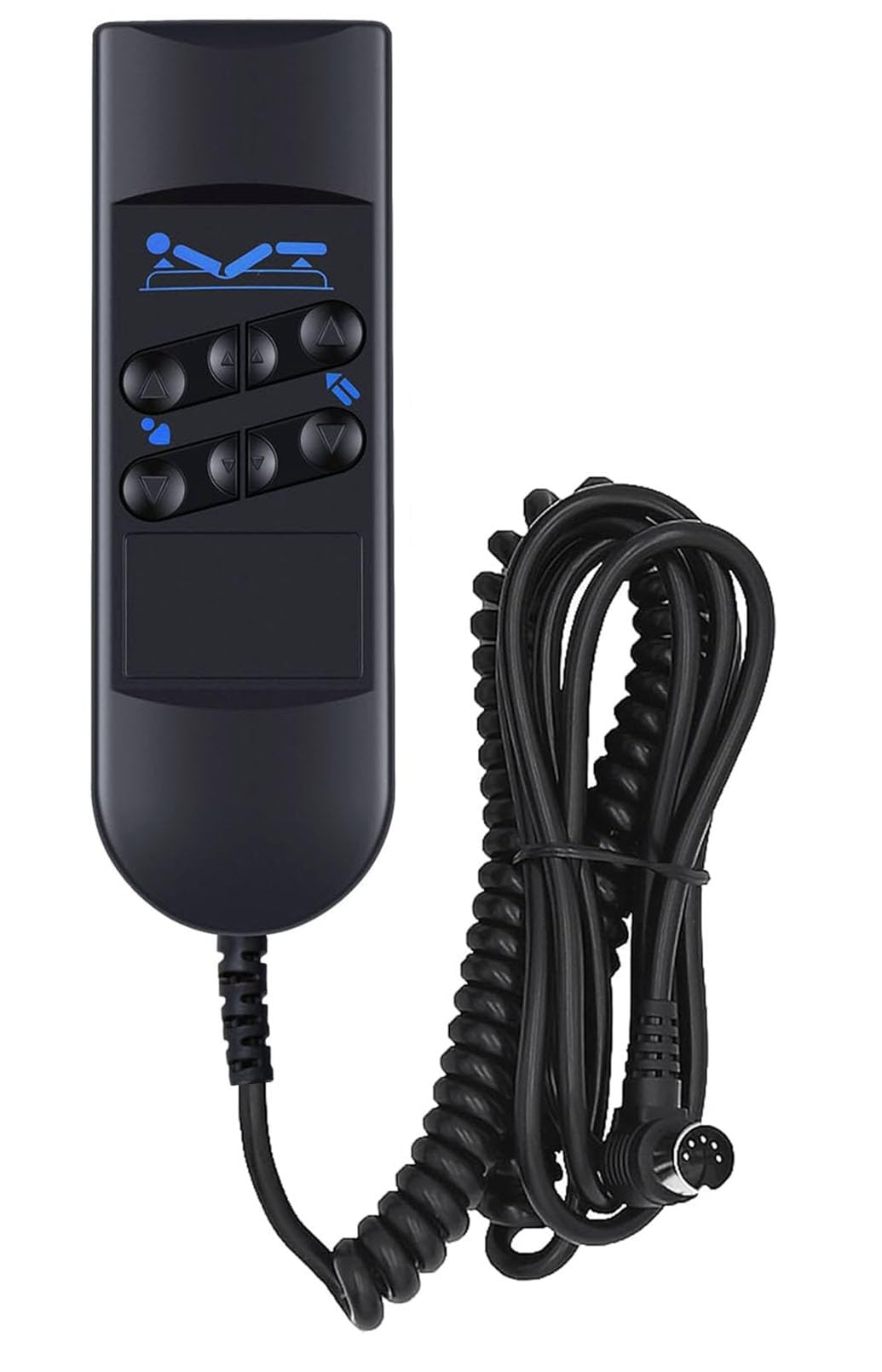
Image: The OKIN Remote Control shown in a bedroom setting, illustrating its compatibility with adjustable beds. The remote is designed for use with Okinmat II and refined hospital beds.
Setup Instructions
- Unpack the Remote Control: Carefully remove the remote control from its packaging. Inspect for any visible damage.
- Locate the Connection Port: Identify the 5-pin connection port on your adjustable bed's motor system. This port is typically located near the bed's motor unit.
- Connect the Remote: Align the 5-pin connector of the remote control cable with the bed's connection port. Gently push until it clicks securely into place. Do not force the connection.
- Secure the Cable: Ensure the cable is routed safely and does not pose a tripping hazard or get pinched by moving bed parts.
- Utilize the Hanging Hook: The remote control is equipped with a hanging hook on its back. This allows for convenient storage and easy access by hanging it on the side rail of the bed or another suitable location.

Image: The OKIN Remote Control showing its coiled cable and the 5-pin connector, ready for attachment to the bed's motor system.

Image: A view of the back of the OKIN Remote Control, highlighting the integrated hanging hook and the 5-pin connector cable.
Operating Instructions
The OKIN Remote Control features six distinct buttons for adjusting the position of your bed. Familiarize yourself with the button layout for proper operation.

Image: A detailed view of the OKIN Remote Control, illustrating the function of each of the six buttons for head and foot adjustments.
- Head Up: Press and hold the top-left button (up arrow) to raise the head section of the bed. Release to stop.
- Head Down: Press and hold the bottom-left button (down arrow) to lower the head section of the bed. Release to stop.
- Foot Up: Press and hold the top-right button (up arrow) to raise the foot section of the bed. Release to stop.
- Foot Down: Press and hold the bottom-right button (down arrow) to lower the foot section of the bed. Release to stop.
- Combined Head & Foot Operation: The two middle buttons are designed to operate both the head and foot sections simultaneously. Press and hold the upper middle button to raise both sections, and the lower middle button to lower both sections. Release to stop.
Always ensure there are no obstructions under or around the bed when adjusting its position to prevent damage or injury.
Maintenance
- Cleaning: Wipe the remote control with a soft, dry cloth. For stubborn dirt, a slightly damp cloth can be used, followed by immediate drying. Do not use abrasive cleaners or immerse the remote in water.
- Cable Care: Regularly inspect the cable for any signs of wear, cuts, or damage. If damage is observed, discontinue use and contact customer support for a replacement. Avoid sharp bends or kinks in the cable.
- Storage: When not in use, hang the remote control using its integrated hook to prevent it from falling or being damaged.
Troubleshooting
Remote Control Not Responding
- Check Connection: Ensure the 5-pin connector is fully and securely plugged into the bed's motor system. A loose connection is a common cause of unresponsiveness.
- Inspect Cable: Examine the remote control cable for any visible damage, such as cuts or frayed wires. If damage is found, the remote may need to be replaced.
- Power Supply: Verify that the adjustable bed itself is properly connected to a power source and is receiving power.
- Motor Function: If the remote is connected and the bed has power, but no movement occurs, there might be an issue with the bed's motor system. Consult your bed's instruction manual or contact the bed manufacturer.
If these steps do not resolve the issue, please contact the seller or manufacturer for further assistance.
Specifications
| Brand | OKIN |
| Model Number | 753510672686 |
| Connector Type | 5-pin |
| Number of Buttons | 6 |
| Compatibility | Adjustable beds with two OKIN motors (e.g., Okinmat II, Refined Hospital Beds) |
| Color | Black |
| Special Features | Hanging hook |
| Package Dimensions | 19.1 x 11.2 x 5.7 cm |
| Package Weight | 300 g |

Image: The back of the OKIN Remote Control, showing the product label with model and electrical specifications.
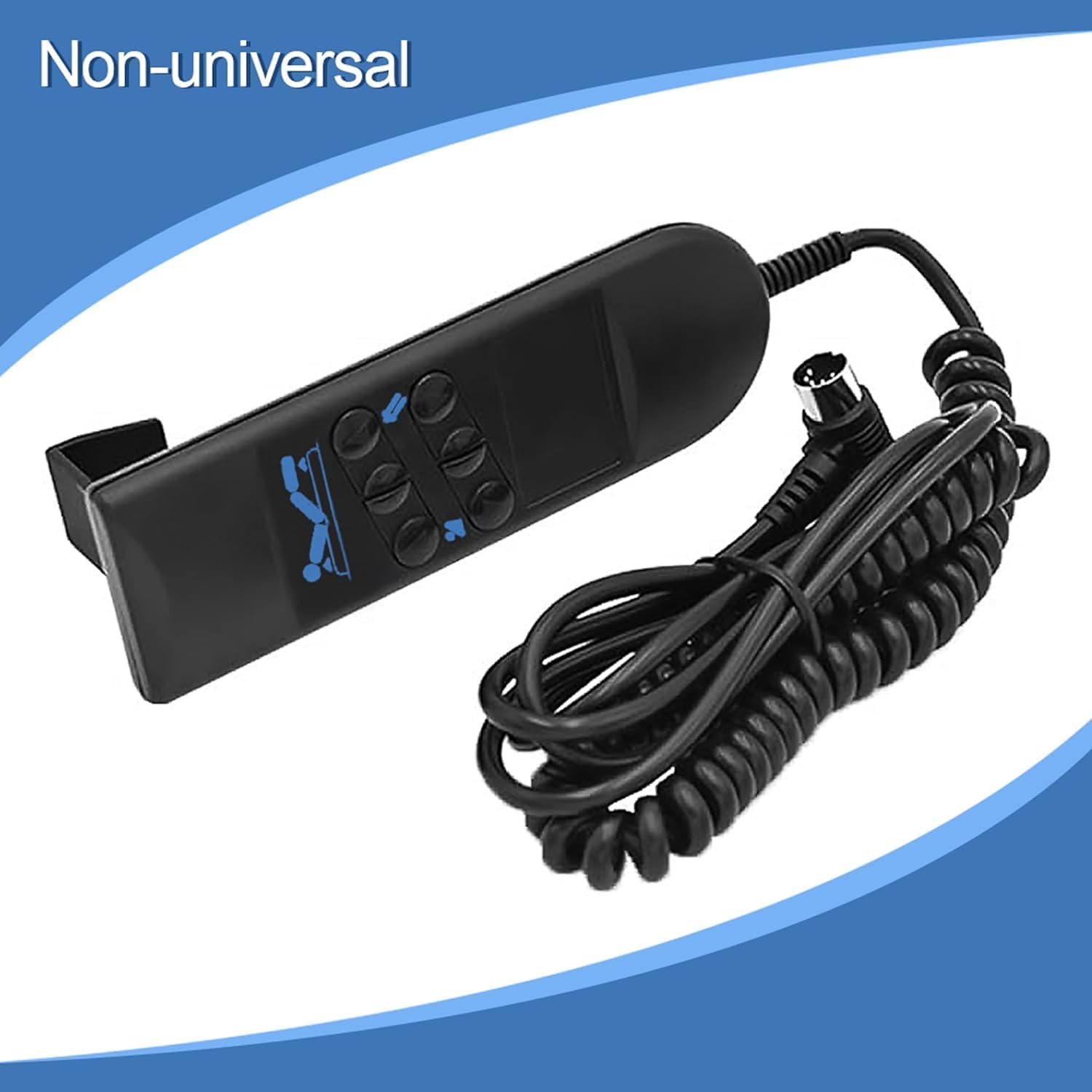
Image: The OKIN Remote Control with a label indicating it is 'Non-universal', emphasizing its specific compatibility requirements.
Warranty and Support
For warranty information, technical support, or replacement parts, please contact the original seller or the manufacturer, OKIN, directly. Keep your purchase receipt as proof of purchase.
Manufacturer: OKIN
ASIN: B089VMFC6X


