
1. Product Overview
The EASYGUARD IM001 is a 2.4GHZ vehicle immobiliser security system designed to enhance car security with automatic engine lock/unlock, anti-hijacking, and anti-theft features. This system is compatible with most DC12V vehicles, including sedans, SUVs, and pickups, but is not suitable for motorcycles or trucks.
Key features include:
- Engine Auto Lock/Unlock: Automatically locks the engine when the remote is 1-2 meters away and unlocks when the remote is within 1-2 meters. This function operates independently of door locking/unlocking.
- Anti-Hijacking: If the system cannot detect the remote signal while the vehicle is ignited, it will enter anti-hijacking mode. The system exits this mode upon detecting the remote signal.
- Emergency Override: Provides a method to start the vehicle if the remote control is lost or has a low battery.
- Low Battery Detection/Reminder: After 10 seconds of engine start, if the remote's battery voltage drops below 2.3V, the buzzer will beep 3 times, repeating every 3 seconds to remind the user to replace the battery.
- Back to Factory Setting: The system automatically reverts to factory default settings if vehicle power is suddenly cut off.
- Code Learning/Programming: New remotes can be programmed to the device if an existing remote is lost or its battery is depleted.

Figure 1: EASYGUARD IM001 Main Unit and Wiring Harness. This image displays the compact main unit connected to its various wiring harnesses, essential for installation.
2. Setup and Installation
Installation of the EASYGUARD IM001 system requires basic knowledge of car electrical systems. It is recommended to consult the detailed wiring diagram provided in the packaging for precise connections. If you are unsure, professional installation is advised.
2.1 Wiring Method
Refer to the following diagram for the correct wiring connections. Ensure all connections are secure and insulated to prevent short circuits.

Figure 2: Wiring Method Installation Diagram. This diagram illustrates the connections for the main unit, including power (red/black), ignition (green/red), starter (green), and buzzer (white/black, white).
2.2 Testing Method
Before final installation, you can test the device functionality using the following method. This helps verify the basic operation of the unit.

Figure 3: Testing Method Diagram. This diagram shows how to connect the main unit to a 12V battery and a switch/light for basic functionality testing.
2.3 Back to Factory Setting
In the event of a sudden power cut to the vehicle, the system is designed to automatically reset to its factory default settings. This ensures a consistent starting state for the immobiliser.
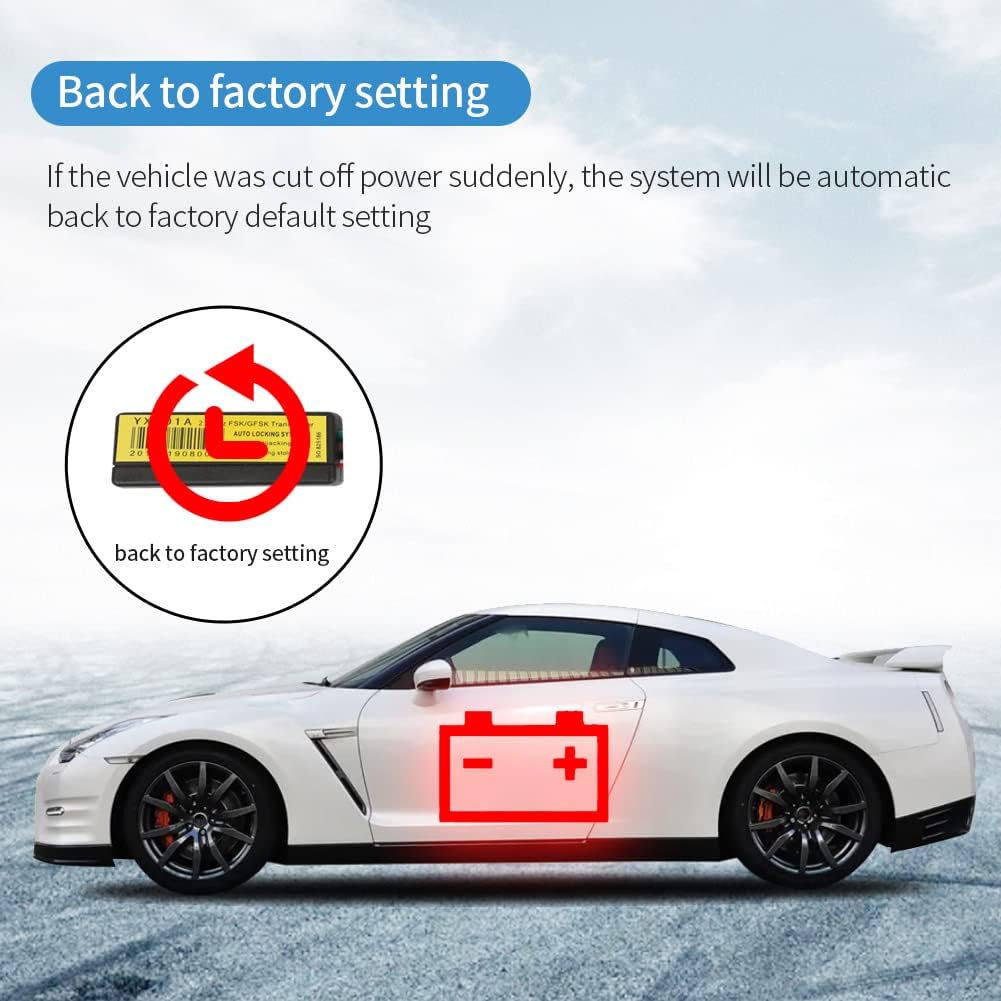
Figure 4: Back to Factory Setting Diagram. This image visually represents the system's automatic reset to default settings after a power interruption, indicated by a circular arrow on the main unit.
3. Operating Instructions
3.1 Engine Automatic Lock/Unlock
The system automatically manages engine locking and unlocking based on the proximity of the remote control. When the remote is within 1-2 meters of the car, the engine will unlock. When the remote moves 1-2 meters away, the engine will lock. This provides hands-free security.

Figure 5: Automatic Engine Lock/Unlock Range. This illustration demonstrates the 2-3 meter proximity range for the remote control to automatically lock or unlock the vehicle's engine.
3.2 Anti-Hijacking Feature
In an anti-hijacking scenario, if the vehicle is ignited and the system loses signal from the remote, it will enter anti-hijacking mode. The engine will shut off after approximately 70 seconds to prevent unauthorized use. The system will exit this mode if the remote signal is detected again.

Figure 6: Anti-Hijacking Feature. This graphic depicts a car with a locked engine icon, illustrating the anti-hijacking mode which activates if the remote signal is not detected while the ignition is on, leading to engine shutdown after 70 seconds.
Watch the video below for a demonstration of the anti-hijacking feature:
Video 1: Anti-Hijacking Demonstration. This video illustrates how the immobiliser system activates its anti-hijacking function, preventing the car from being driven away if the remote is not present.
3.3 Anti-Theft Functionality
The system provides robust anti-theft protection by immobilizing the engine. If an attempt is made to start the vehicle without the remote present, the engine will not start, effectively preventing theft.
Watch the video below for a demonstration of the anti-theft feature:
Video 2: Anti-Stealing Demonstration. This video shows the immobiliser preventing the engine from starting when the remote control is not detected, highlighting its anti-theft capabilities.
3.4 Emergency Override
Should the remote control be lost or its battery become critically low, preventing the car from starting, an emergency override procedure can be performed. This allows the user to start the vehicle manually. Specific steps for emergency override are detailed in the full user manual provided with the product.

Figure 7: Emergency Override Procedure. This image shows a car with an unlocked engine icon, indicating the ability to start the vehicle using the emergency override function when the remote is unavailable.
4. Maintenance
4.1 Remote Battery Replacement
The system includes a low battery detection feature for the remote control. If the remote's battery voltage falls below 2.3V after the engine starts, the buzzer will emit three beeps, repeating every three seconds. This indicates that the remote battery needs to be replaced promptly to ensure continuous functionality of the immobiliser system. The remote uses CR2 batteries.
4.2 General Care
Keep the main unit and remote controls dry and away from extreme temperatures. Avoid dropping the devices or exposing them to strong impacts. Clean with a soft, dry cloth if necessary.
5. Troubleshooting
If you encounter issues with the EASYGUARD IM001 system, consider the following:
- Engine not starting: Check the remote control battery. If low, replace it or use the emergency override procedure. Ensure the remote is within the operating range (1-2 meters).
- Unexpected engine lock: Verify the remote control is with you and its battery is not low. If the remote was taken away from the vehicle while the engine was running, the anti-hijacking feature may have activated.
- System not responding: Check all wiring connections for proper installation as per the wiring diagram. Ensure the main unit is receiving power.
For persistent issues, refer to the complete user manual or contact EASYGUARD customer support.
6. Specifications
| Feature | Detail |
|---|---|
| Item Weight | 10.6 ounces |
| Package Dimensions | 5.98 x 4.02 x 2.2 inches |
| Item Model Number | IM001 |
| Batteries Required | 2 CR2 batteries (included) |
| Wireless Remote | Yes |
| Brand | EASYGUARD |
| Compatible Devices | Cars, SUVs, Pickup, Sedan (DC12V vehicles) |
| Maximum Range | 2 Meters (for auto lock/unlock) |
| Noise Level | 20 Decibels |
| Date First Available | May 7, 2020 |
7. Warranty and Support
For warranty information, please refer to the documentation included with your product or contact the seller directly. For technical support, installation assistance, or any other inquiries, please reach out to EASYGUARD customer service through their official channels.

