Introduction
This manual provides detailed instructions for the proper use and maintenance of your Awei A799BL Foldable Gaming Wireless Headphone. Please read this manual thoroughly before using the product to ensure optimal performance and longevity. The Awei A799BL is designed for an immersive audio experience, featuring both wireless Bluetooth and wired connectivity options, a built-in microphone, and noise-cancelling capabilities.
Package Contents
Upon unpacking, please verify that all items listed below are present and in good condition:
- Awei A799BL Foldable Gaming Wireless Headphone
- USB Charging Cable
- 3.5mm Audio Cable (for wired connection)
- User Manual (this document)
Product Overview
Familiarize yourself with the various components and controls of your Awei A799BL headphones.

Image: Front view of the Awei A799BL Foldable Gaming Wireless Headphone, showcasing its black and silver design with red geometric patterns on the earcups.
Key Features:
- Foldable Design for portability.
- Wireless Bluetooth Connectivity (Bluetooth Version 5.0).
- Wired Connectivity via 3.5mm audio jack.
- Integrated Microphone for communication.
- Active Noise Cancellation (ANC) for an immersive audio experience.
- Over-Ear design for comfort during extended use.
Controls (Typical Layout - Refer to product for exact placement):
- Power Button: On/Off, Play/Pause, Answer/End Call.
- Volume Up/Next Track Button: Increase volume, skip to next track.
- Volume Down/Previous Track Button: Decrease volume, go to previous track.
- ANC Button: Activate/Deactivate Active Noise Cancellation.
- Microphone Port: For detachable microphone (if applicable).
- 3.5mm Audio Jack: For wired connection.
- Charging Port: Micro USB port for charging.
- LED Indicator: Displays power, charging, and pairing status.
Setup
1. Charging the Headphone
Before initial use, fully charge the headphone. Connect the provided USB charging cable to the headphone's charging port and the other end to a USB power source (e.g., computer USB port, wall adapter). The LED indicator will typically show red during charging and turn off or change color when fully charged. A full charge takes approximately 2 hours.
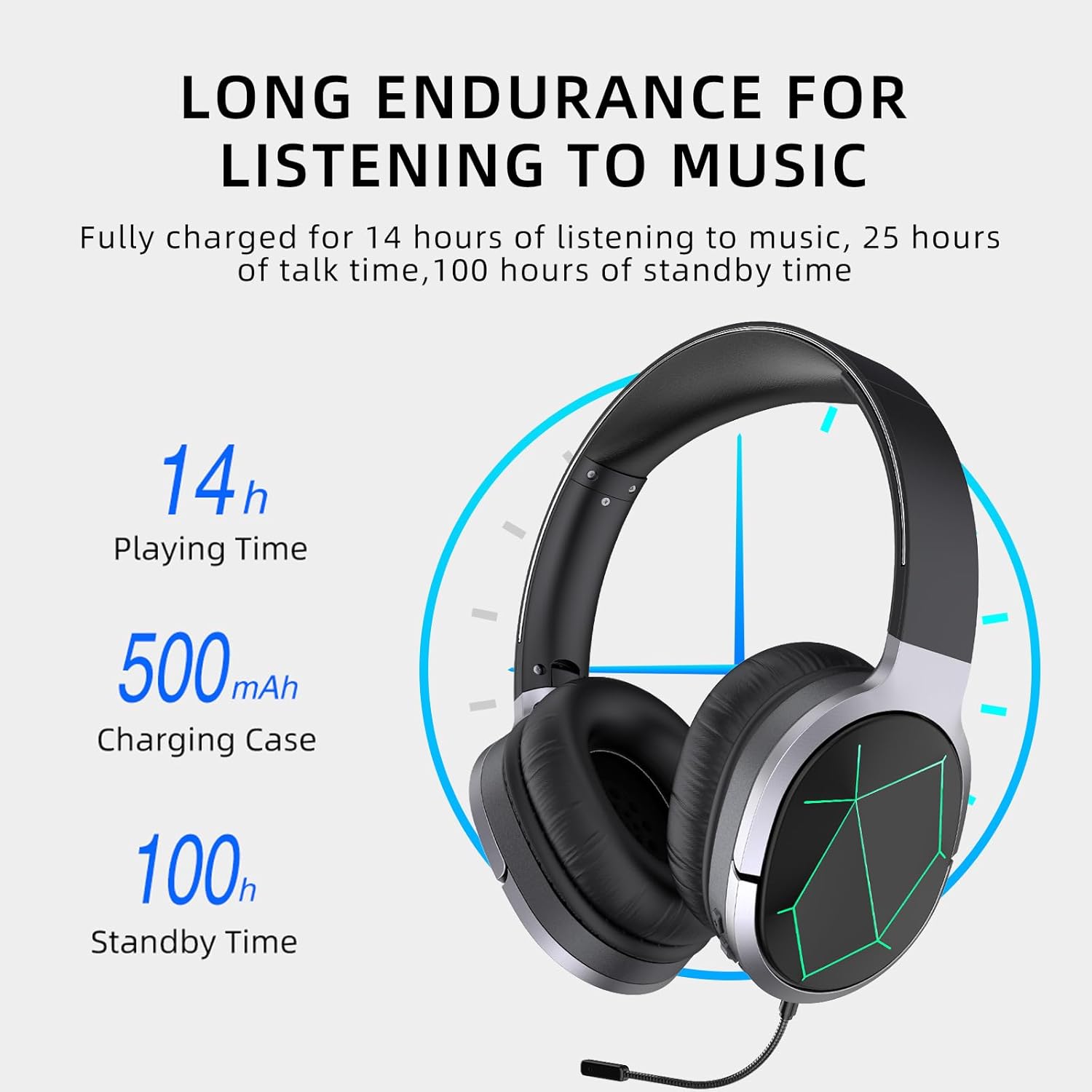
Image: Awei A799BL Headphone illustrating its long endurance with 14 hours play time, 500mAh battery capacity, and 100 hours standby time.
2. Bluetooth Pairing
- Ensure the headphone is charged and turned off.
- Press and hold the Power button until the LED indicator flashes blue and red alternately, indicating pairing mode.
- On your device (smartphone, tablet, computer), enable Bluetooth and search for available devices.
- Select "Awei A799BL" from the list of found devices.
- Once paired, the LED indicator will typically flash blue slowly or turn solid blue.
- If a password is required, enter "0000".

Image: Awei A799BL Headset with "Bluetooth Gaming Headset" text, emphasizing its wireless gaming capability.
3. Wired Connection (3.5mm Audio Cable)
To use the headphone in wired mode, connect one end of the 3.5mm audio cable to the headphone's 3.5mm jack and the other end to your audio source's 3.5mm output. This mode does not require battery power for audio playback, but the microphone and ANC features may require power.

Image: Awei A799BL Headphone connected via a 3.5mm audio cable to various devices, highlighting the alternative wired connection option.
Operating Instructions
Power On/Off:
- Power On: Press and hold the Power button for approximately 3 seconds until the LED indicator lights up.
- Power Off: Press and hold the Power button for approximately 3-5 seconds until the LED indicator turns off.
Music Playback (Bluetooth Mode):
- Play/Pause: Short press the Power button.
- Next Track: Long press the Volume Up button.
- Previous Track: Long press the Volume Down button.
- Volume Up: Short press the Volume Up button.
- Volume Down: Short press the Volume Down button.
Call Management (Bluetooth Mode):
- Answer/End Call: Short press the Power button.
- Reject Call: Long press the Power button for 2 seconds.
- Redial Last Number: Double-press the Power button.
Active Noise Cancellation (ANC):
Press the ANC button to activate or deactivate the noise cancellation feature. The LED indicator for ANC will light up when active.
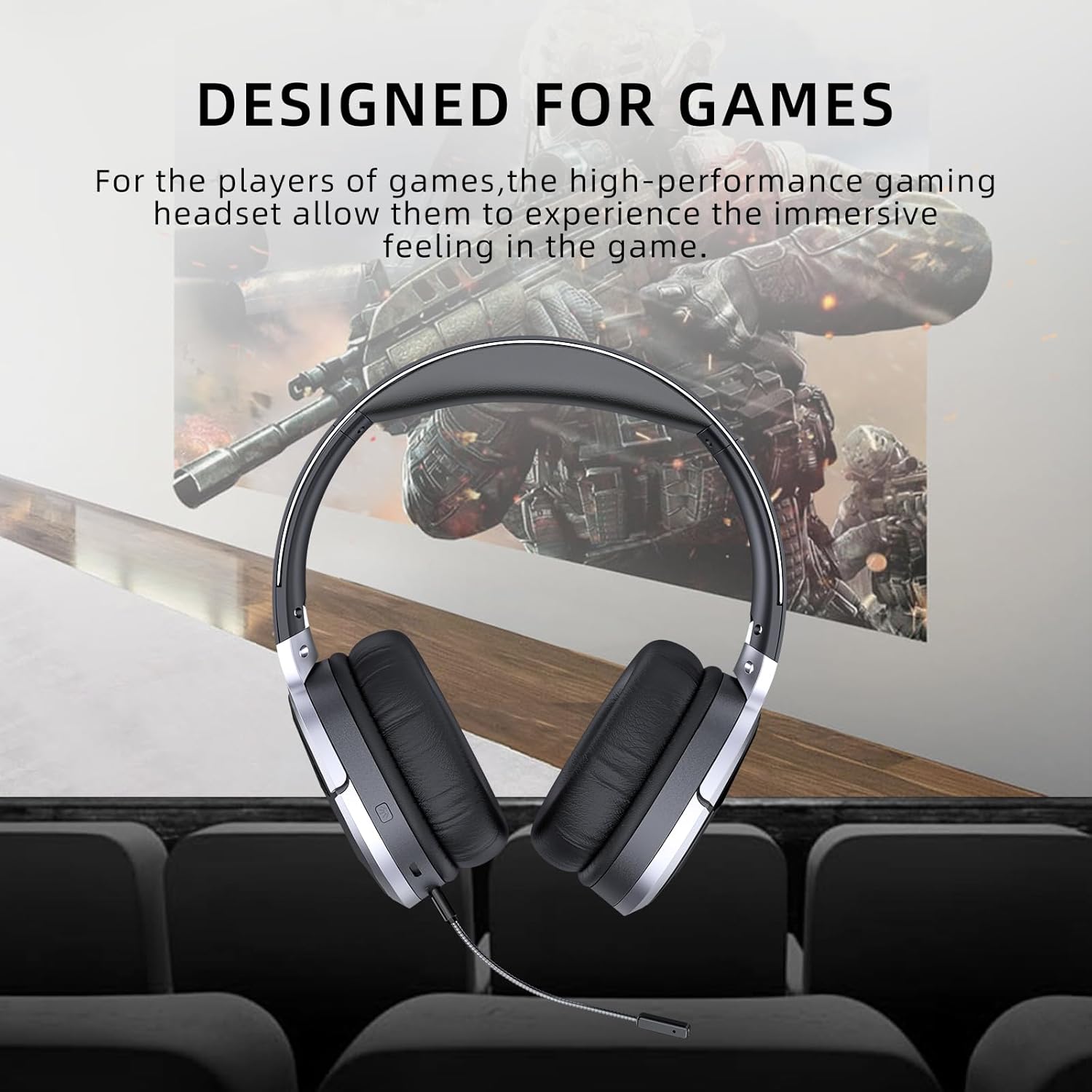
Image: Awei A799BL Headphone with "Designed for Games" text, indicating its suitability for gaming with immersive audio.
Maintenance
- Keep the headphone dry. Avoid exposure to moisture or liquids.
- Clean the headphone with a soft, dry cloth. Do not use abrasive cleaners or solvents.
- Store the headphone in a cool, dry place away from direct sunlight and extreme temperatures.
- Avoid dropping or subjecting the headphone to strong impacts.
- Do not attempt to disassemble or modify the headphone, as this will void the warranty and may cause damage.
Troubleshooting
| Problem | Possible Solution |
|---|---|
| Headphone does not power on. | Ensure the headphone is fully charged. Connect to a power source and try again. |
| Cannot pair via Bluetooth. |
|
| No sound in Bluetooth mode. |
|
| Microphone not working. |
|
| Sound quality is poor or distorted. |
|
Specifications

Image: Awei A799BL Headphone displaying its basic parameters and specifications.
| Parameter | Value |
|---|---|
| Model Number | A799BL |
| Bluetooth Version | 5.0 |
| Standby Time | 100 Hours |
| Talk Time | 25 Hours |
| Play Time | 14 Hours |
| Charging Time | 2 Hours |
| Frequency Response | 2.402G-2.480G |
| Battery Capacity | 500mAh/3.7V (Lithium Polymer) |
| Transmission Distance | 10 Meters |
| Supported Profiles | HSP/ HFP/ A2DP/ AVRCP |
| Impedance | 32 Ohm |
| Noise Control | Active Noise Cancellation (ANC) |
| Connectivity | Wireless (Bluetooth) and Wired (3.5mm Jack) |
| Product Dimensions | 4 x 10 x 16.5 cm |
| Product Weight | 4.54 g |
Warranty and Support
For warranty information and customer support, please refer to the warranty card included with your purchase or contact the retailer where the product was acquired. Keep your proof of purchase for warranty claims.
For further assistance, you may visit the official Awei website or contact their customer service department. Contact details are typically available on the product packaging or the brand's official online presence.


