Introduction
The WeatherTech LampGard is a high-performance polyurethane film designed to protect your vehicle's headlights and fog lights from scratching, cracking, and pitting. This kit is specifically compatible with select 2006-2010 Dodge Charger models. This manual provides comprehensive instructions for proper installation and care to ensure optimal performance and longevity of the product.
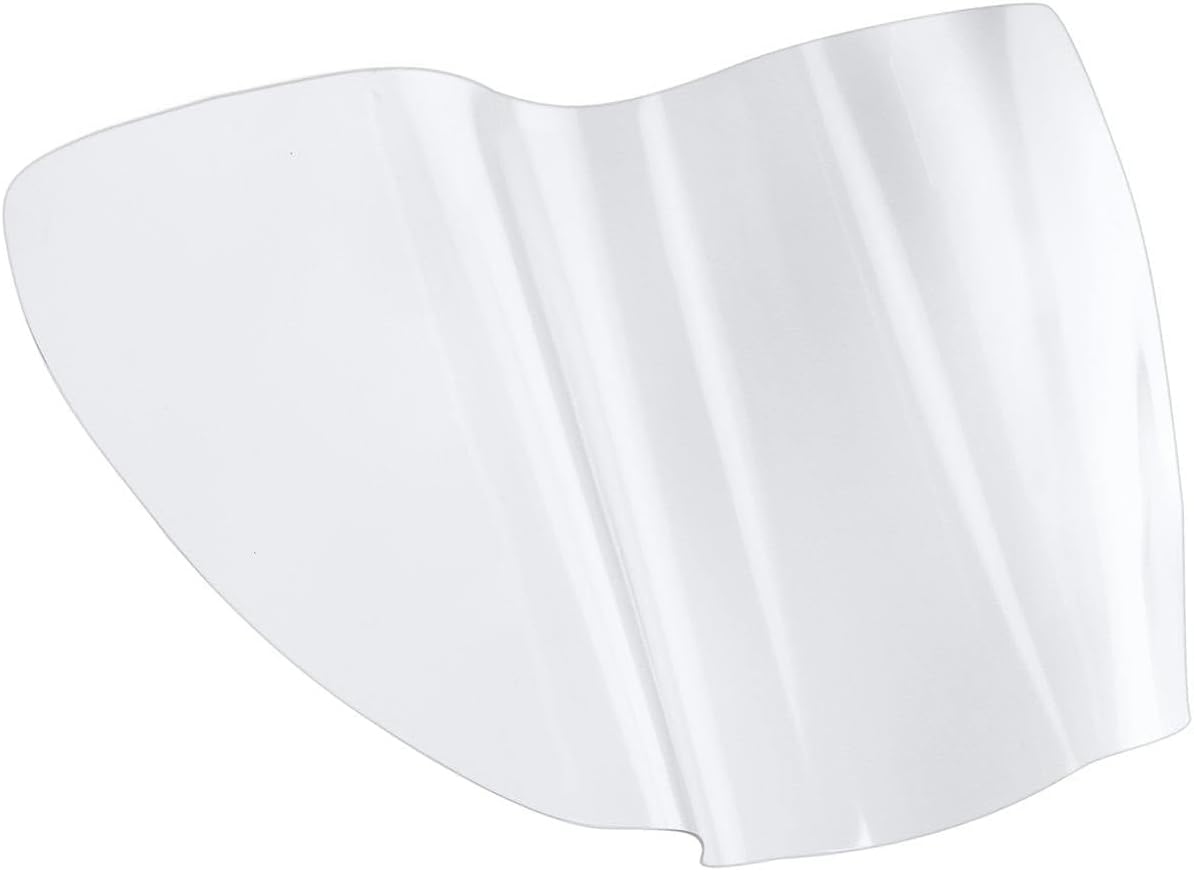
Image: A clear, custom-cut protective film designed for vehicle headlights.
Included Components
- Custom Film Set (Headlight and Fog Light Protective Film)
- Squeegee

Image: The WeatherTech LampGard packaging, showing the protective film and a squeegee tool.
Required Materials (Not Included)
- Spray Bottle
- 70% Isopropyl Alcohol
- Baby Shampoo
- Water
- Lint-Free Cloth
Note: Pre-mixed and ready-to-use Prep/Tack Solution and Slip Solution can be purchased separately from WeatherTech for convenience.

Image: Bottles of WeatherTech Prep/Tack Solution and Slip Solution, available for separate purchase.
Installation Instructions
Professional installation of the WeatherTech LampGard is highly recommended for best results. Follow these steps carefully:
- Prepare Cleaning Solution: Mix 1 part 70% Isopropyl Alcohol with 3 parts water in a spray bottle. This will be your cleaning solution.
- Clean Application Areas: Thoroughly clean the surface of the headlight and fog light lenses using the alcohol and water solution. Ensure the lenses are free of all contaminants such as grease, wax, tar, and dirt. Dry the lenses completely with a lint-free cloth.
- Prepare Slip Solution: Mix 1 part baby shampoo with 3 parts water in a separate spray bottle. This will be your slip solution.
- Test Fit: Before removing the templates from their paper backing, test each piece of LampGard on the corresponding lens to assure proper fit and orientation. For best results, the lenses should be warm to the touch.
- Prepare Hands: Spray your fingers with the slip solution to keep them wet during the process. Handling the adhesive with dry fingers can leave permanent visible marks.
- Spray Lens: Generously spray the lens you will be working on with the slip solution.
- Apply Film: Carefully remove the LampGard template from its backing paper. Generously spray the slip solution onto the adhesive side of the film. Apply the LampGard onto the appropriate lens and align it with the outer edges. The slip solution will allow the template to move around on the lens to the desired position.
- Remove Air Bubbles: Using the supplied squeegee, start from either the inner corner or the center of the lens (depending on the shape) and use short, firm strokes to force excess slip solution and air bubbles out to the edges of the LampGard template.
Video: A step-by-step guide demonstrating the installation process for WeatherTech LampGard protective film.

Image: A person's hands carefully applying the clear protective film to a vehicle's headlight.
Care and Maintenance
The LampGard is made of a high-performance polyurethane film with built-in ultraviolet inhibitors to prevent discoloring. Its self-healing technology delivers unsurpassed scratch resistance. To maintain its clarity and protective qualities:
- Clean the film regularly with mild soap and water, using a soft cloth.
- Avoid abrasive cleaners or harsh chemicals that could damage the film.
- If the film appears slightly hazy after initial installation, this is normal. The moisture trapped under the film will dissipate over a period of time depending on ambient temperature and humidity levels.
Troubleshooting
- Hazy Appearance After Installation: A slightly hazy appearance is normal and caused by residual moisture trapped under the film. This moisture will dissipate over a period of time, depending on ambient temperature and humidity levels.
- Excess Material: If there is excess material beyond the edges of the lens once installation is complete, it can be carefully removed with a sharp blade.
- Bubbles/Imperfections: Ensure thorough squeegeeing to remove all air bubbles and excess slip solution. Small bubbles may disappear over time as the film cures.
Specifications
| Brand | WeatherTech |
| Model | LampGard |
| Item Model Number | LG0380 |
| Color | Clear |
| Vehicle Service Type | Fits select 2006-2010 Dodge Charger Models |
| Special Feature | Waterproof |
| Auto Part Position | Front |
| Lens Color | Clear |
| UPC | 787765267373 |
| Assembly Required | No |
| Automotive Fit Type | Vehicle Specific Fit |
| Item Weight | 1 pounds |
| Package Dimensions | 25 x 16 x 1 inches |
Warranty and Support
For specific warranty information or technical support regarding your WeatherTech LampGard, please refer to the official WeatherTech website or contact their customer service directly. Keep your purchase receipt for warranty claims.


