
ECOVACS OZT8AIVI
ECOVACS Deebot T8 AIVI Robot Vacuum Cleaner User Manual
Model: OZT8AIVI | Brand: ECOVACS
Integrated suction, sweeping, and mopping robot vacuum with advanced AI object recognition and precision laser mapping.
1. Product Overview

The ECOVACS Deebot T8 AIVI Robot Vacuum Cleaner, shown from a top-down perspective, featuring its sleek black design and central control button. A smartphone displaying the mapping interface is positioned next to it.

Contents of the original package, including the Deebot T8 AIVI robot, charging dock, replacement side brushes, high-efficiency air filter, washable mopping pad, and disposable mopping pads.
The ECOVACS Deebot T8 AIVI is designed for simultaneous vacuuming and mopping, offering a comprehensive cleaning solution for various floor types including hard floors and carpets. It features advanced AIVI Technology for intelligent object recognition and precision laser mapping.
2. Setup Guide
2.1 Unboxing and Initial Preparation
- Carefully remove all components from the packaging. Ensure all protective films and packing materials are removed from the robot and accessories.
- Attach the side brushes: Match the colored brushes (green to green, red to red) to the corresponding posts on the underside of the robot and press firmly until they click into place.
- Install the mopping pad: Slide the washable mopping pad onto the mopping plate.
- Place the charging dock: Position the charging dock against a wall in an open, uncluttered area, ensuring at least 0.5 meters (1.6 feet) of clear space on both sides and 1.5 meters (4.9 feet) in front. Plug in the power adapter.
2.2 First Use and App Connection
- Power on the robot: Press and hold the power button on the robot until the indicator light illuminates.
- Place the robot on the charging dock: Ensure the charging contacts on the robot align with those on the dock. The robot will begin charging.
- Download the ECOVACS HOME App: Search for "ECOVACS HOME" in your smartphone's app store (iOS or Android) and install it.
- Connect to Wi-Fi: Follow the in-app instructions to connect your Deebot to your home Wi-Fi network. Ensure your Wi-Fi is on a 2.4GHz band for optimal connectivity.
- Initial mapping: Allow the robot to complete its first full mapping run of your home. This creates a detailed map for efficient cleaning and advanced features.
3. Operating Instructions
3.1 Cleaning Modes
- Auto Clean: The robot intelligently cleans your home area by area.
- Custom Clean: Use the ECOVACS HOME App to define specific areas for cleaning, set cleaning sequences, and adjust vacuum power or water flow levels.
- Area Clean: Select specific rooms or zones on the map for targeted cleaning.
- Continuous Clean: If the battery runs low during a cleaning cycle, the robot will return to the charging dock, recharge, and then resume cleaning from where it left off.
3.2 Navigation and Object Recognition

Diagram illustrating the AIVI Technology's ability to identify and avoid various obstacles such as socks, slippers, wires, and chairs, ensuring uninterrupted cleaning.
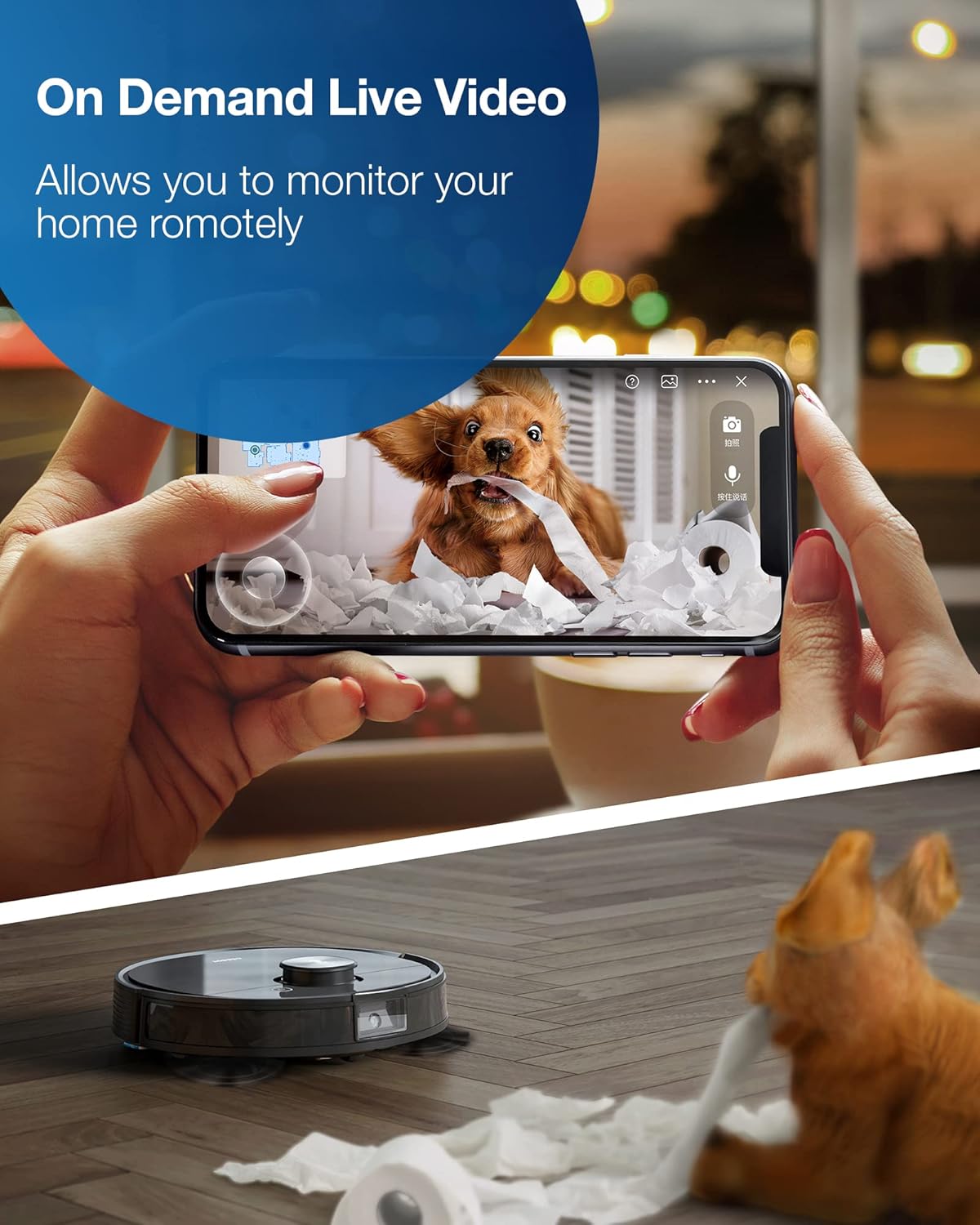
A smartphone screen showing the live video feed from the Deebot T8 AIVI, demonstrating its capability for remote monitoring of pets and home spaces.
The Deebot T8 AIVI utilizes True Mapping with precision laser technology and advanced dTOF sensors for highly accurate mapping and navigation. Its AIVI Technology identifies and recognizes objects like shoes, cables, and pet waste, intelligently deciding how to navigate around them to prevent collisions and ensure continuous cleaning. The robot can save maps of multiple floors, providing efficient cleaning across your home.
The On-demand HD Live Video feature allows you to drive the Deebot remotely via the app, view live footage, capture images, and use the built-in speaker for two-way communication, enhancing home monitoring.
3.3 Suction Power and Mopping

The Deebot T8 AIVI simultaneously vacuums and mops a hard floor, demonstrating its integrated cleaning capabilities for efficient floor care.
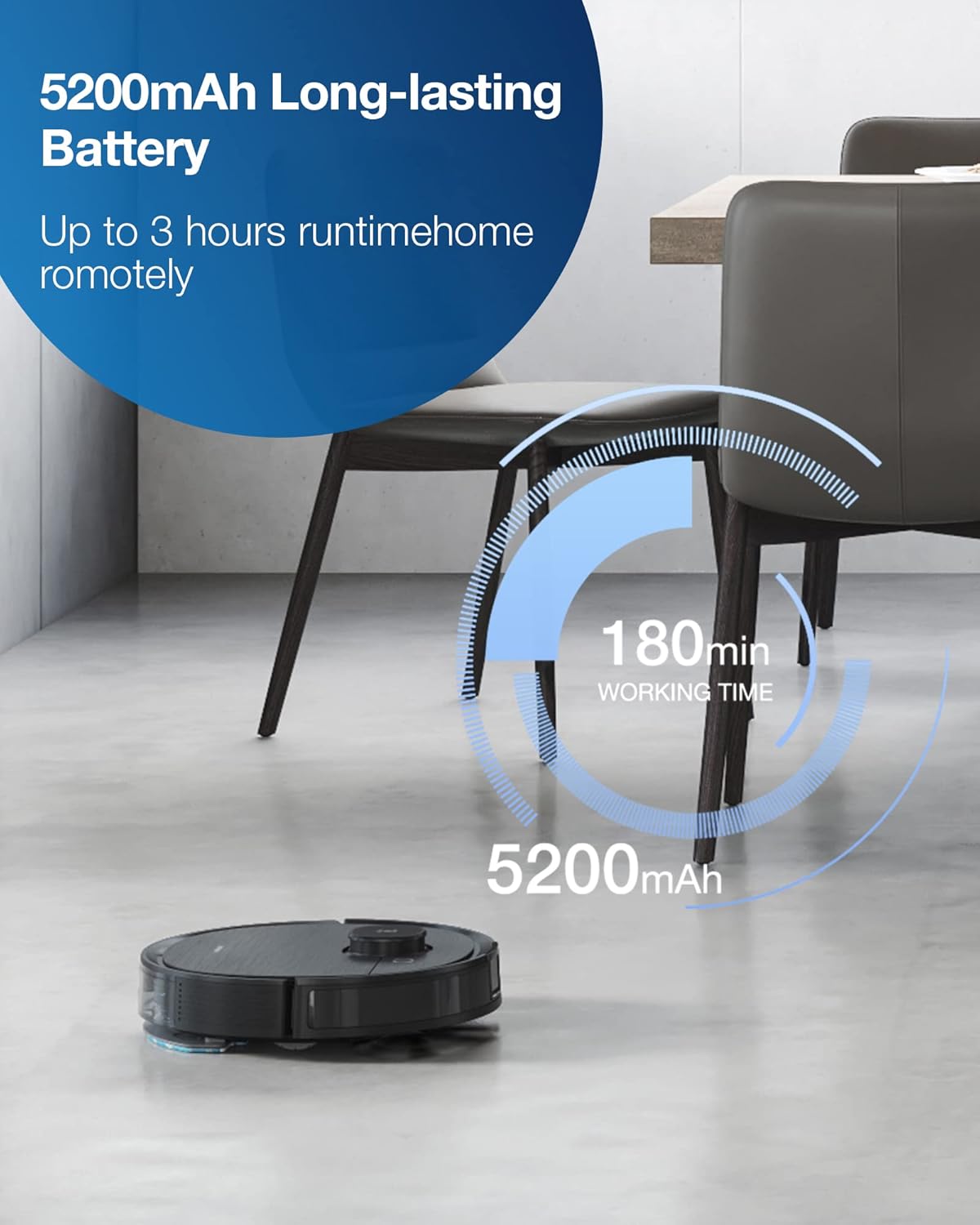
Illustration highlighting the 5200mAh long-lasting battery of the Deebot T8 AIVI, providing up to 180 minutes (3 hours) of working time for extensive cleaning.
The integrated OZMO mopping system allows for simultaneous vacuuming and mopping. It features a 240ml water tank and supports 4 levels of precise water control. The robot automatically boosts suction power when it detects carpet, ensuring thorough cleaning on different surfaces. With a 5200 mAh battery, it offers up to 3 hours of runtime, suitable for large areas.
4. Maintenance
4.1 Regular Cleaning
- Dustbin and Filter: Empty the dustbin after each cleaning cycle. Clean the high-efficiency filter regularly by tapping off excess dust. The mesh filter helps prevent buildup on the main filter.
- Main Brush: Remove the main brush and clean any tangled hair or debris. The main brush is designed for easy removal.
- Side Brushes: Check and clean the side brushes for tangled hair or debris. Replace them if they are worn or damaged.
- Mopping Pad: Wash the reusable mopping pad after each use and allow it to air dry. Replace disposable mopping pads as needed.
- Sensors: Wipe the anti-drop sensors, anti-collision sensors, and charging contacts with a clean, dry cloth to ensure optimal performance.
4.2 Auto-Empty Station (Sold Separately)
The Deebot T8 AIVI is compatible with the OZMO Pro oscillating scrubbing mop and a 2.5L Auto-Empty Station. The Auto-Empty Station automatically collects dirt and debris from your robot, providing a hands-free experience for up to 30 days. This accessory can be purchased separately.
5. Troubleshooting
If your Deebot T8 AIVI encounters an issue, refer to the following common troubleshooting tips:
- Robot getting stuck: Ensure the cleaning area is free of loose wires, small objects, or thick rugs that might impede movement. The AIVI technology is designed to avoid obstacles, but some items may still cause issues.
- Poor Wi-Fi connection: Verify your Wi-Fi network is operating on the 2.4GHz band. If issues persist, try restarting your router and the robot.
- Incomplete cleaning: Ensure the dustbin is not full and the brushes are free of debris. Check the app map to see if any no-go zones are inadvertently set.
- Robot not returning to dock: Ensure the charging dock is properly plugged in and has clear space around it. Clean the charging contacts on both the robot and the dock.
- Pet waste avoidance: While AIVI technology is advanced, it is not foolproof for pet waste. It is highly recommended to clear pet feces from the cleaning area before operation to prevent spreading.
For more detailed troubleshooting or specific error codes, please consult the ECOVACS HOME App or the official ECOVACS support website.
6. Specifications
| Feature | Detail |
|---|---|
| Brand | ECOVACS |
| Model Name | Deebot T8 |
| Item Model Number | OZT8AIVI |
| Color | Black |
| Product Dimensions | 13.7"L x 13.7"W x 3.6"H |
| Item Weight | 7.8 pounds |
| Battery Type | Li-ion 5200mAh (included) |
| Battery Life | Up to 3 Hours |
| Water Tank Capacity | 0.24 Liters (240ml) |
| Filter Type | Cartridge |
| Control Method | Voice, Smartphones |
| Compatible Devices | Smartphones, iPhones, Amazon Echo, Alexa, Android phones, Google Home |
| Special Features | Smart Mapping, Advanced custom clean, Dirt Detection Sensor, Works with Alexa |
| Specific instructions for use | Carpet |
7. Warranty and Support
The ECOVACS Deebot T8 AIVI comes with a 1-year manufacturer's warranty. For warranty claims, technical support, or additional assistance, please contact ECOVACS customer service or visit their official website. You can also find helpful resources and FAQs within the ECOVACS HOME App.
For further information, visit the ECOVACS Store.
Related documentsOZT8AIVI


Ask a question about this manual
Ask about setup, troubleshooting, compatibility, parts, safety, or missing instructions. Manuals+ will review the question and use this page’s manual context to help answer it.