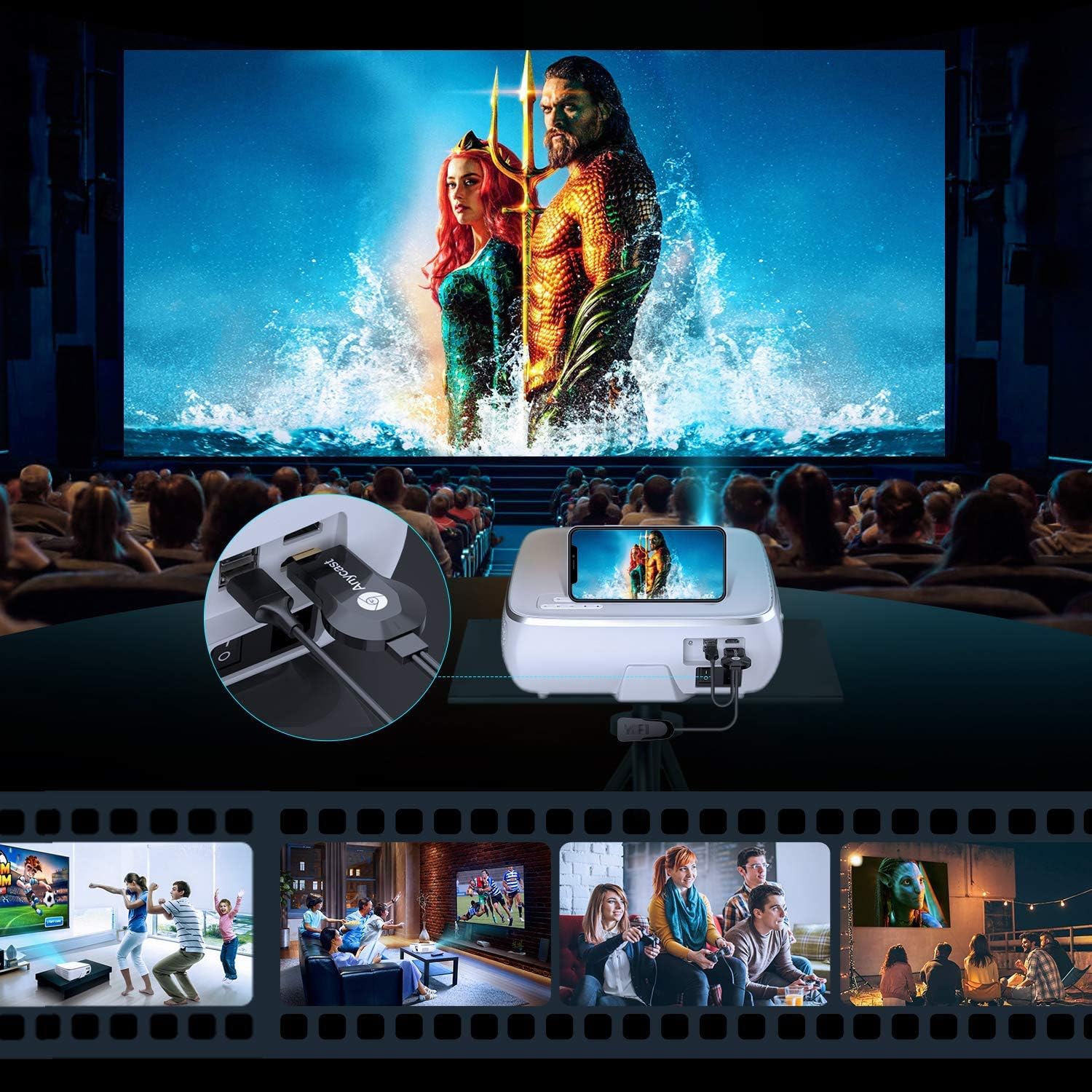
This user manual provides comprehensive instructions for the safe and efficient operation of your TOPTRO TR80 WiFi Bluetooth Projector. Please read this manual thoroughly before using the projector and retain it for future reference. This projector is designed for home entertainment, offering a large display experience with versatile connectivity options.
2. Important Safety Instructions
Do not look directly into the projector lens when the lamp is on. The bright light can cause eye damage.
Ensure proper ventilation. Do not block ventilation openings. Overheating can damage the projector.
Do not expose the projector to rain, moisture, or extreme temperatures.
Use only the power adapter supplied with the projector.
Do not attempt to disassemble or repair the projector yourself. Refer all servicing to qualified personnel.
Keep the projector away from water or other liquids.
Place the projector on a stable, level surface to prevent it from falling.
3. Package Contents
Please check that all items are present and in good condition:
TOPTRO TR80 Projector
HDMI Cable
VGA Cable
3-in-3 AV Cable
Cleaning Cloth
Lens Cover
Remote Control
Charging Cable
3-in-1 AV Cable
4. Product Overview
Figure 4.1: Front view of the TOPTRO TR80 Projector, showing the lens and ventilation grilles.
Figure 4.2: Rear view of the TOPTRO TR80 Projector, highlighting various input ports including HDMI, USB, VGA, and AV.
4.1. Ports and Controls
Lens: Adjust for focus.
Focus Ring: Manual adjustment for image clarity.
Keystone Correction Dial: Adjust for trapezoidal image distortion.
HDMI Ports (HDMI 1, HDMI 2): Connect to devices like TV sticks, laptops, gaming consoles.
USB Ports (USB 1, USB 2): Connect USB drives for media playback or power for streaming devices.
VGA Port: Connect to computers.
AV Port: Connect to older devices using the provided AV cable.
SD Card Slot: Insert SD cards for media playback.
Audio Out: Connect external speakers or headphones.
Power Button: Turns the projector on/off.
5. Setup
5.1. Placement and Projection Distance
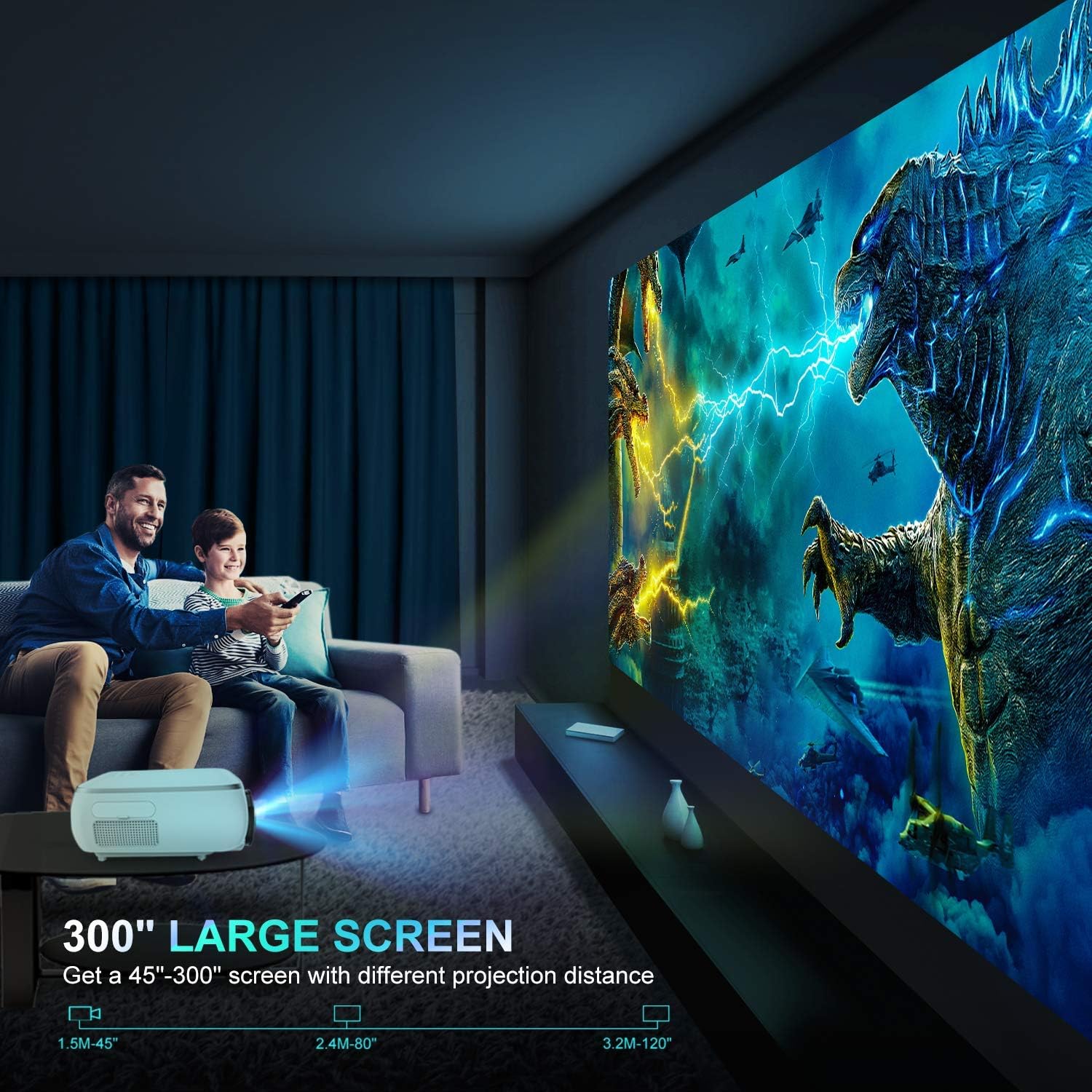
The TOPTRO TR80 projector can project a screen size from 45 inches to 300 inches, depending on the projection distance. For optimal viewing, ensure the projector is placed on a stable surface or mounted securely.
Figure 5.1: Recommended projection distances for various screen sizes. For example, 1.5 meters for a 45-inch screen, up to 3.2 meters for a 120-inch screen.
5.2. Power Connection
Connect the power cable to the projector's power input.
Plug the other end of the power cable into a wall outlet.
Press the power button on the projector or the remote control to turn it on.
5.3. Focus and Keystone Correction
After powering on, adjust the focus and keystone to achieve a clear and rectangular image.
Focus: Rotate the focus ring on the projector lens until the image appears sharp.
Keystone Correction: Use the keystone correction dial or the remote control to adjust the image if it appears trapezoidal (wider at the top or bottom). The TR80 supports 4D digital keystone correction.
Figure 5.2: Illustration of 4D Keystone Correction, showing how to adjust vertical and horizontal image distortion using the remote control.
6. Operating Instructions
6.1. Connecting Devices
The TOPTRO TR80 offers multiple connectivity options:
HDMI: Connect your TV Stick, laptop, PS4, X-Box, or other HDMI-enabled devices using the provided HDMI cable. Select the corresponding HDMI input from the projector's source menu.
USB: Insert a USB flash drive into a USB port to play media files directly.
VGA: Connect to a computer using the VGA cable.
AV: Use the 3-in-1 AV cable to connect to older devices with AV output.
Wireless Connection (WiFi): Mirror content from your mobile devices (phones, tablets) to the projector screen. Refer to the on-screen instructions for specific steps for iOS and Android devices.
Bluetooth 5.0: Connect external Bluetooth speakers or headphones for enhanced audio. Note: This function is for audio output only and cannot connect to phones/pads as an input source.
6.2. Menu Navigation
Use the remote control to navigate the projector's on-screen menu. The main menu typically includes options for input source selection, picture settings, sound settings, and system settings.
6.3. Picture Settings
Adjust image quality parameters:
Brightness: Adjust the overall luminance of the image.
Contrast: Control the difference between the lightest and darkest areas.
Color Temperature: Modify the warmth or coolness of the colors.
Aspect Ratio: Select between 16:9, 4:3, or auto to fit your content.
Zoom Function: The TR80 features a 50% X/Y zoom function via remote control, allowing you to adjust the screen size without moving the projector.
Figure 6.1: Demonstration of the 50% X/Y Zoom Function, showing how the image size can be reduced using the remote control.
6.4. Audio Settings
Access the audio menu to adjust volume, select audio output (internal speaker or external via Bluetooth/Audio Out), and other sound preferences.
7. Maintenance
7.1. Cleaning the Lens
Use the provided cleaning cloth or a professional lens cleaning paper to gently wipe the projector lens. Avoid using abrasive cleaners or cloths that could scratch the lens.
7.2. Cleaning the Dust Filter
Regularly clean the removable dust filter to maintain optimal performance and extend lamp life. A clogged filter can lead to overheating.
Figure 7.1: Illustration showing the location and removal of the dust filter for cleaning.
7.3. Cooling System
The TR80 features an upgraded cooling system with built-in fans to prevent overheating during long periods of use. Ensure adequate space around the projector for proper airflow.
Figure 7.2: Diagram illustrating the internal cooling system with multiple fans for efficient heat dissipation.
7.4. Lamp Life
The projector's LED lamp has an estimated life of up to 120,000 hours. Proper maintenance and usage can help maximize lamp longevity.
8. Troubleshooting
Problem
Possible Solution
No image displayed
Check power connection.
Ensure correct input source is selected.
Verify HDMI/VGA/AV cable connections.
Blurred image
Adjust the focus ring.
Adjust keystone correction if the image is trapezoidal.
No sound
Check volume levels on both projector and source device.
Ensure external speakers are properly connected or Bluetooth is paired.
Verify audio output settings in the projector menu.
Overheating warning
Ensure ventilation openings are not blocked.
Clean the dust filter.
Allow the projector to cool down before resuming use.
Remote control not working
Check and replace batteries.
Ensure there are no obstructions between the remote and the projector's IR receiver.
9. Specifications
Feature
Detail
Brand
TOPTRO
Model Number
TR80
Display Resolution
Native 1280x720P (Supports 1920x1080P)
Brightness
9500 Lumens
Contrast Ratio
10000:1
Lamp Life
120,000 Hours
Connectivity Technology
HDMI, USB, VGA, AV, SD Card, WiFi, Bluetooth 5.0
Special Feature
4D Digital Keystone Correction, 50% X/Y Zoom Function
Product Dimensions
12.01 x 10.75 x 4.29 inches
Item Weight
6.8 pounds
Visible Screen Diagonal
200" / 508 cm (Max recommended)
10. Warranty and Support
TOPTRO provides customer support for its products. If you encounter any issues or have questions regarding your TR80 projector, please contact TOPTRO customer service. Refer to the product packaging or the official TOPTRO website for the most up-to-date warranty information and contact details.
TOPTRO X9 User Manual: Setup, Features, and Troubleshooting Guide Comprehensive user manual for the TOPTRO X9 projector, covering setup, installation, specifications, smart features, connectivity, and troubleshooting. Learn how to get the most out of your TOPTRO X9 projector.
TOPTRO TR25 Projector User Manual User manual for the TOPTRO TR25 projector, covering setup, operation, features like WiFi and Bluetooth connectivity, and troubleshooting.
TOPTRO TP2 Projector User Manual Comprehensive user manual for the TOPTRO TP2 projector, covering setup, operation, specifications, troubleshooting, and support. Learn how to install, connect, and use your projector effectively.
TOPTRO TR27 Entertainment Projector User Manual Comprehensive user manual for the TOPTRO TR27 Entertainment Projector, detailing setup, operation, connectivity, and troubleshooting. Learn how to connect devices, adjust settings, and maximize your viewing experience.
TOPTRO X9 Projector User Manual: Setup, Features, and Troubleshooting Guide A comprehensive user manual for the TOPTRO X9 Projector, detailing installation, operation, smart features, connectivity options, specifications, and troubleshooting tips. Learn how to optimize your TOPTRO X9 for an enhanced viewing experience.