
Introduction
The HBN Smart Plug Mini 15A is a compact and intelligent device designed to bring smart control to your home appliances. With features like remote control, timer functions, and voice assistant compatibility, it offers convenience and energy efficiency. This manual provides comprehensive instructions for setting up, operating, and maintaining your smart plug.
Safety Information
- For indoor use only.
- Do not exceed the maximum load of 15 Amps / 1875 Watts.
- Ensure the plug is fully inserted into the outlet.
- Keep away from water and damp environments.
- Do not disassemble or modify the device.
- ETL-certified for safety.
Package Contents
- HBN Smart Plug Mini 15A (1-Pack)
- User Manual (this document)
Setup Guide
1. Physical Installation
Plug the HBN Smart Plug into any standard 120V wall outlet. Ensure it is securely seated.

Image: The HBN Smart Plug Mini 15A, a compact white device, is shown plugged into a standard wall outlet. This illustrates the initial physical installation step.
2. Download the HBN Smart App
Search for "HBN Smart" in your smartphone's app store (Google Play Store for Android or Apple App Store for iOS) and download the application.
3. Connect to Wi-Fi
Open the HBN Smart app and follow the on-screen instructions to add your device. Ensure your Wi-Fi network is 2.4GHz, as the smart plug only supports this frequency. The app will guide you through the pairing process, which may involve holding the power button on the plug for a few seconds until the indicator light blinks.

Image: A visual representation of the HBN Smart Plug highlighting its key features including Wi-Fi control, voice control, and timer functions.
4. Pair with Voice Assistants (Optional)
Once connected to the HBN Smart app, you can link your smart plug to Amazon Alexa or Google Home Assistant for voice control. Follow the instructions within the HBN Smart app under "Third-party Control" or refer to your voice assistant's app for detailed pairing steps.

Image: The HBN Smart Plug is shown in a living room setting with Amazon Alexa and Google Assistant devices, illustrating its compatibility with popular voice control platforms.
Operating Your Smart Plug
1. Manual Control
Press the physical ON/OFF button located on the top of the smart plug to manually turn the connected appliance on or off.
2. App Control
Use the HBN Smart app to control your devices from anywhere. You can:
- Remote Control: Turn appliances on or off instantly.
- Timer & Schedule Setting: Set countdown timers or create daily/weekly schedules for automatic operation (e.g., lights turning on at dusk, fans turning off at sunrise).
- Group Control: Group multiple HBN Smart Plugs together to control them simultaneously with a single command.
- Family Share: Share control of your smart plugs with family members through the app.

Image: The HBN Smart Plug is shown connected to a coffee maker, demonstrating its ability to set timers and schedules for automated appliance operation.
3. Voice Control
After pairing with Alexa or Google Home, use simple voice commands to control your smart plug. Examples:
- "Alexa, turn on the living room lamp."
- "Hey Google, turn off the fan."
Maintenance
To ensure optimal performance and longevity of your HBN Smart Plug:
- Clean the device with a soft, dry cloth. Do not use liquid cleaners.
- Avoid exposing the smart plug to extreme temperatures or direct sunlight.
- Regularly check for any signs of damage or wear.
Troubleshooting
| Problem | Possible Cause / Solution |
|---|---|
| Smart plug not connecting to Wi-Fi. | Ensure your Wi-Fi network is 2.4GHz. Move the smart plug closer to your router. Re-initiate the pairing process in the HBN Smart app. |
| Voice control not working. | Verify the smart plug is correctly linked in your Alexa or Google Home app. Check your internet connection. Ensure the device name is recognized by the voice assistant. |
| Sporadic functionality / Device goes offline. | Check Wi-Fi signal strength. Ensure no interference from other devices. Try restarting your router and the smart plug. |
| App control is slow or unresponsive. | Check your smartphone's internet connection. Ensure the HBN Smart app is updated to the latest version. |
Specifications
- Product Dimensions: 2.13 x 2.1 x 2.13 inches; 2.89 ounces
- Item Model Number: U152T-1
- Operation Mode: Automatically, Off
- Current Rating: 15 Amps
- Operating Voltage: 120 Volts
- Contact Type: Voice
- Connector Type: Plug In
- Circuit Type: 1-way
- Actuator Type: Push Button
- Wi-Fi Requirement: 2.4GHz only
- Certifications: ETL Certified
Warranty and Support
The HBN Smart Plug is ETL-certified, ensuring it meets rigorous safety standards. For warranty information or technical support, please refer to the official HBN website or contact their customer service. You can also find additional resources and FAQs on the HBN Smart app.
Official HBN Store: HBN Amazon Store
User Manual (PDF): Download PDF
Product Images

Image: The HBN Smart Plug is displayed with icons representing its features: ON/OFF Switch, Voice Control, Away Mode, Countdown, Device Share, WiFi Control, and Timer Function.

Image: A diagram showing the compact dimensions of the HBN Smart Plug: 2.1 inches by 2.1 inches by 1.3 inches.
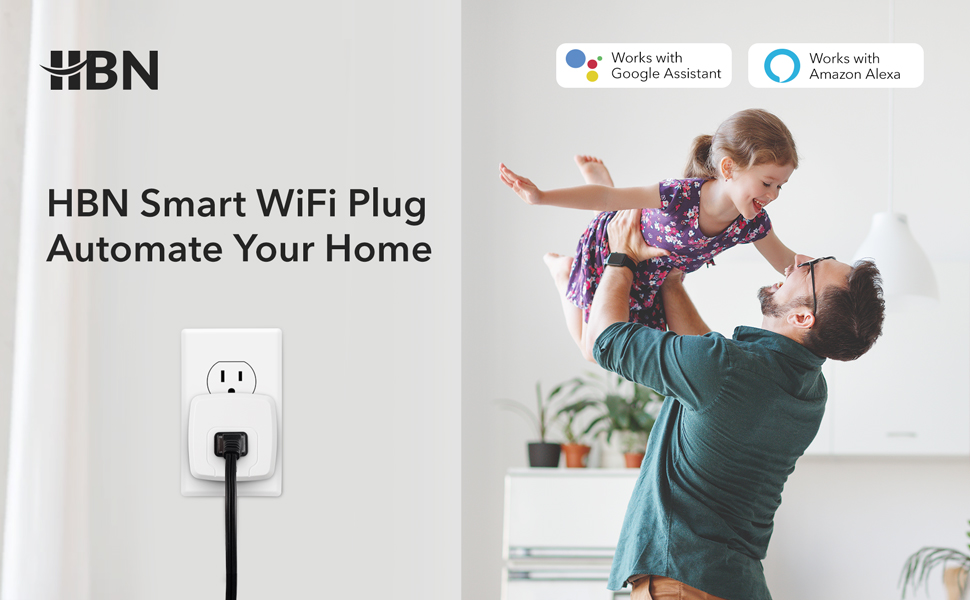
Image: A promotional image showing the HBN Smart WiFi Plug in a home setting, emphasizing its ability to automate home functions and compatibility with Google Assistant and Amazon Alexa.
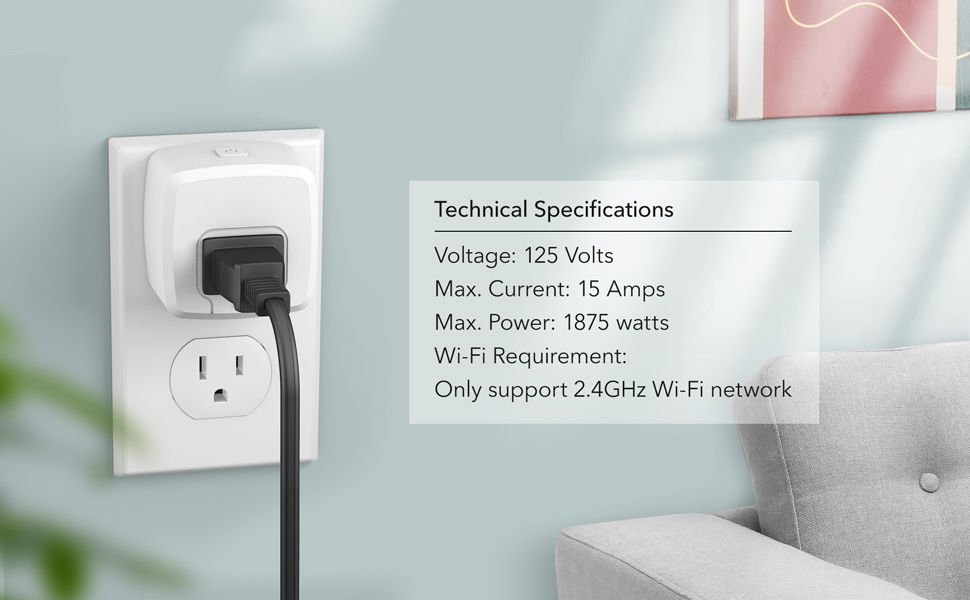
Image: This image displays the technical specifications of the HBN Smart Plug, including Voltage (125 Volts), Max. Current (15 Amps), Max. Power (1875 watts), and Wi-Fi Requirement (2.4GHz only).

Image: A visual demonstrating remote control capabilities of the HBN Smart Plug via the HBN Smart App, showing a smartphone controlling devices in a house from a distance.

Image: A close-up image illustrating the timer function of the HBN Smart Plug, showing a hand writing in a planner next to an alarm clock.
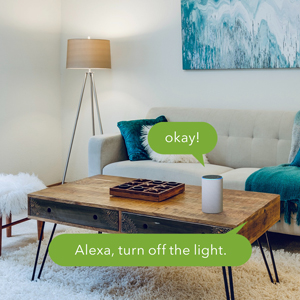
Image: A visual depicting voice control of the HBN Smart Plug, with an Alexa device on a coffee table and a speech bubble saying "Alexa, turn off the light."

Image: An overhead view of a house floor plan showing multiple HBN Smart Plugs in different rooms, indicating the group control feature.
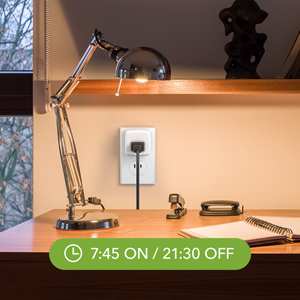
Image: A close-up of an HBN Smart Plug connected to a desk lamp, with a text overlay indicating a schedule of "7:45 ON / 21:30 OFF".
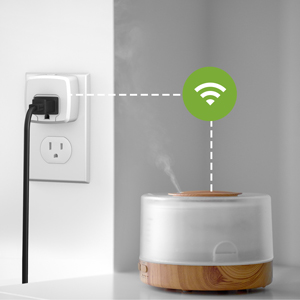
Image: An HBN Smart Plug connected to a humidifier, with a Wi-Fi symbol indicating wireless connectivity.

Image: Two women smiling and looking at a smartphone, representing the family share feature of the HBN Smart app.


