
1. Introduction
The MEDION P85295 Internet Radio 2.1 offers a versatile audio experience, combining traditional radio reception with modern streaming capabilities. This device allows you to access over 25,000 internet radio stations and numerous podcasts worldwide, along with DAB+ digital radio and FM radio. It features Wi-Fi connectivity, a 3.2-inch TFT color display, and a 2.1 sound system with an integrated subwoofer for enhanced audio quality. This manual provides detailed instructions for setting up, operating, and maintaining your MEDION P85295 Internet Radio.
2. Safety Information
Please read all safety instructions carefully before using the device. Keep this manual for future reference.
- Power Supply: Use only the provided power adapter. Ensure the voltage matches the requirements specified on the device.
- Ventilation: Do not block any ventilation openings. Place the device on a stable, flat surface with adequate space around it for proper airflow.
- Water and Moisture: Do not expose the device to rain, moisture, or dripping/splashing liquids. Do not place objects filled with liquids, such as vases, on the device.
- Heat Sources: Keep the device away from heat sources such as radiators, heat registers, stoves, or other heat-producing appliances.
- Cleaning: Disconnect the power before cleaning. Use a soft, dry cloth. Do not use liquid or aerosol cleaners.
- Servicing: Do not attempt to service this product yourself. Refer all servicing to qualified service personnel.
3. Package Contents
Verify that all items are present in the package:
- MEDION P85295 Internet Radio (MD 88295)
- Remote control with battery
- Power adapter
- User manual
- Warranty card
4. Product Overview
The MEDION P85295 features a user-friendly design with intuitive controls and a clear display.
4.1 Front Panel and Display
The front panel includes a 3.2-inch TFT color display, two rotary knobs for power/volume and navigation/selection, and several control buttons for various functions.

Image: Front view of the MEDION P85295 Internet Radio, highlighting the central 3.2-inch TFT color display. The display shows icons for various streaming services like Amazon Music, Spotify, Deezer, and an 'Internet Radio' icon. Two large rotary knobs are visible on either side of the display, along with several smaller buttons below, including MUTE, MODE, FAV, USB, Headphone, INFO, MENU, and Back.
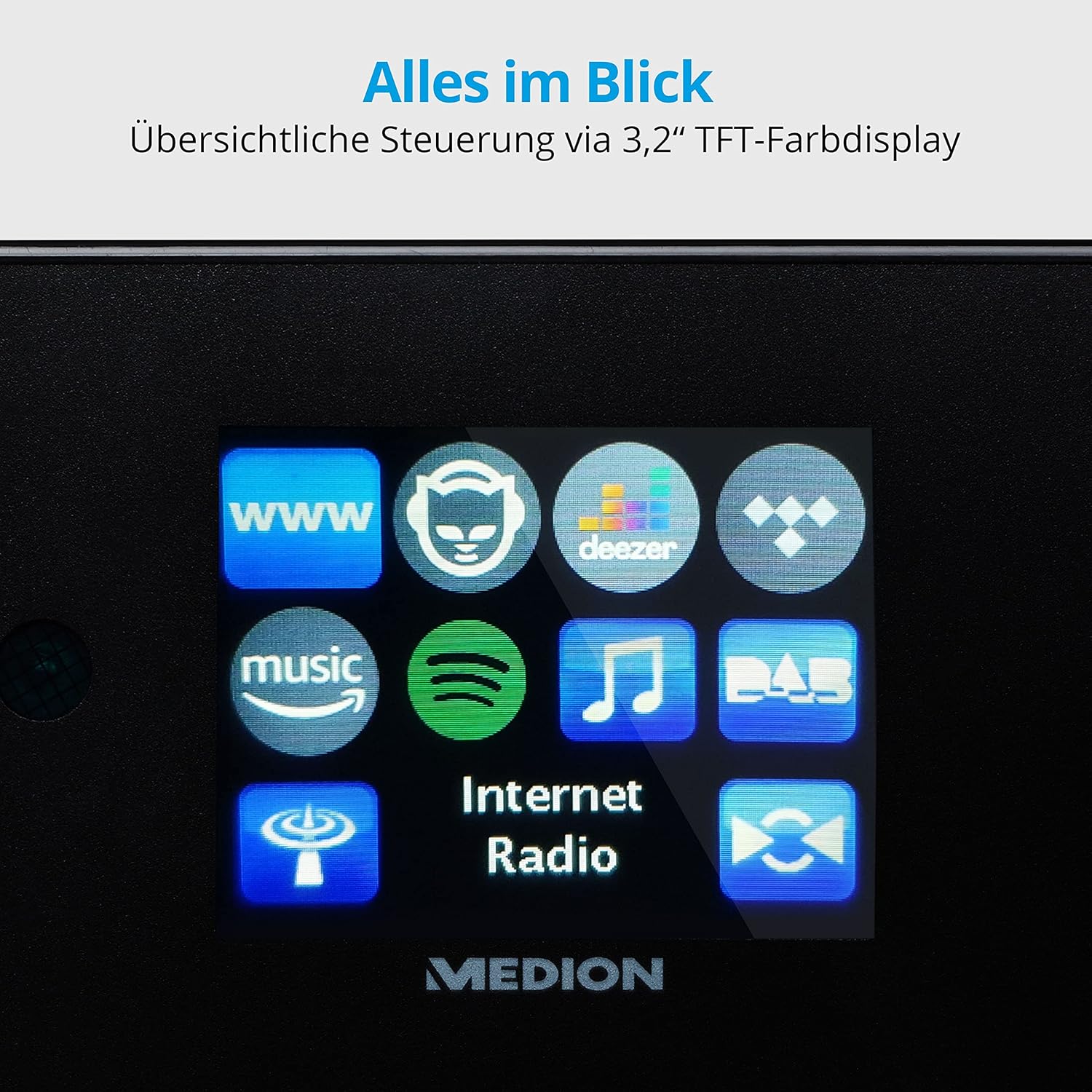
Image: A close-up view of the 3.2-inch TFT color display of the MEDION P85295 Internet Radio. The screen clearly shows various application icons, including WWW, a cat-like icon, Deezer, a music note, Amazon Music, Spotify, DAB, and Internet Radio, indicating the device's diverse functionalities.
4.2 Rear Panel and Connections
The rear panel provides various input and output ports for external devices and network connectivity.
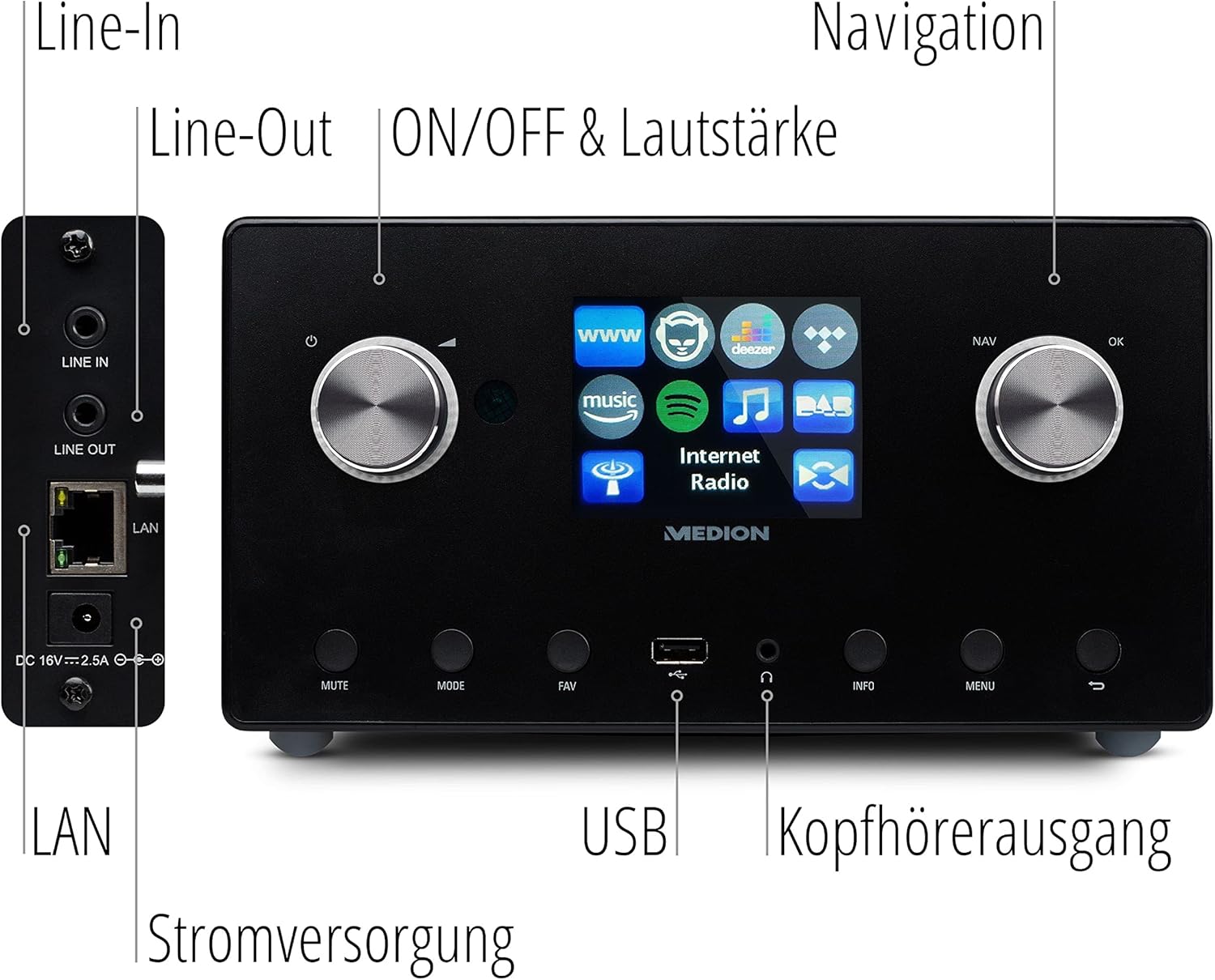
Image: A detailed view of the rear panel of the MEDION P85295 Internet Radio, with various ports clearly labeled. From top to bottom on the left side, there are Line-In and Line-Out jacks, followed by a LAN port and the DC 18V power input. On the front panel, below the display, a USB port and a headphone output are also indicated.
- Line In: Connect external audio sources.
- Line Out: Connect to an external amplifier or stereo system.
- LAN: For wired network connection.
- DC 18V Power Input: For connecting the power adapter.
- USB Port: For playing media from USB storage devices.
- Headphone Output: For private listening.
5. Setup
5.1 Power Connection
- Connect the power adapter to the DC 18V input on the rear of the radio.
- Plug the power adapter into a wall outlet.
5.2 Initial Setup Wizard
Upon first power-on, the device will guide you through an initial setup wizard:
- Language Selection: Use the navigation knob to select your preferred language and press OK.
- Time and Date: Set the current time and date. The device can synchronize this via the internet.
- Network Configuration:
- Wi-Fi Connection: Select 'Wireless Network' and choose your Wi-Fi network from the list. Enter the password using the on-screen keyboard and confirm.
- LAN Connection: If using a wired connection, connect an Ethernet cable to the LAN port on the rear of the device. The radio will automatically detect the connection.
6. Operating
6.1 Basic Controls
- Power/Volume Knob (Left): Turn to adjust volume. Press to power on/off or mute.
- Navigation/OK Knob (Right): Turn to navigate menus. Press to confirm selection.
- MODE Button: Switch between different operating modes (Internet Radio, DAB+, FM, USB, Line In).
- FAV Button: Access or save favorite stations.
- MENU Button: Access the main menu for settings and options.
- INFO Button: Display information about the current station or track.
6.2 Radio Modes
The MEDION P85295 supports multiple radio reception types:
- Internet Radio: Access over 25,000 stations and podcasts globally via Wi-Fi or LAN. Use the navigation knob to browse by genre, location, or search for specific stations.
- DAB+ Digital Radio: Enjoy high-quality digital radio broadcasts. The radio will automatically scan for available DAB+ stations.
- FM Radio: Tune into traditional FM broadcasts. Automatic and manual station search with automatic station storage is available.
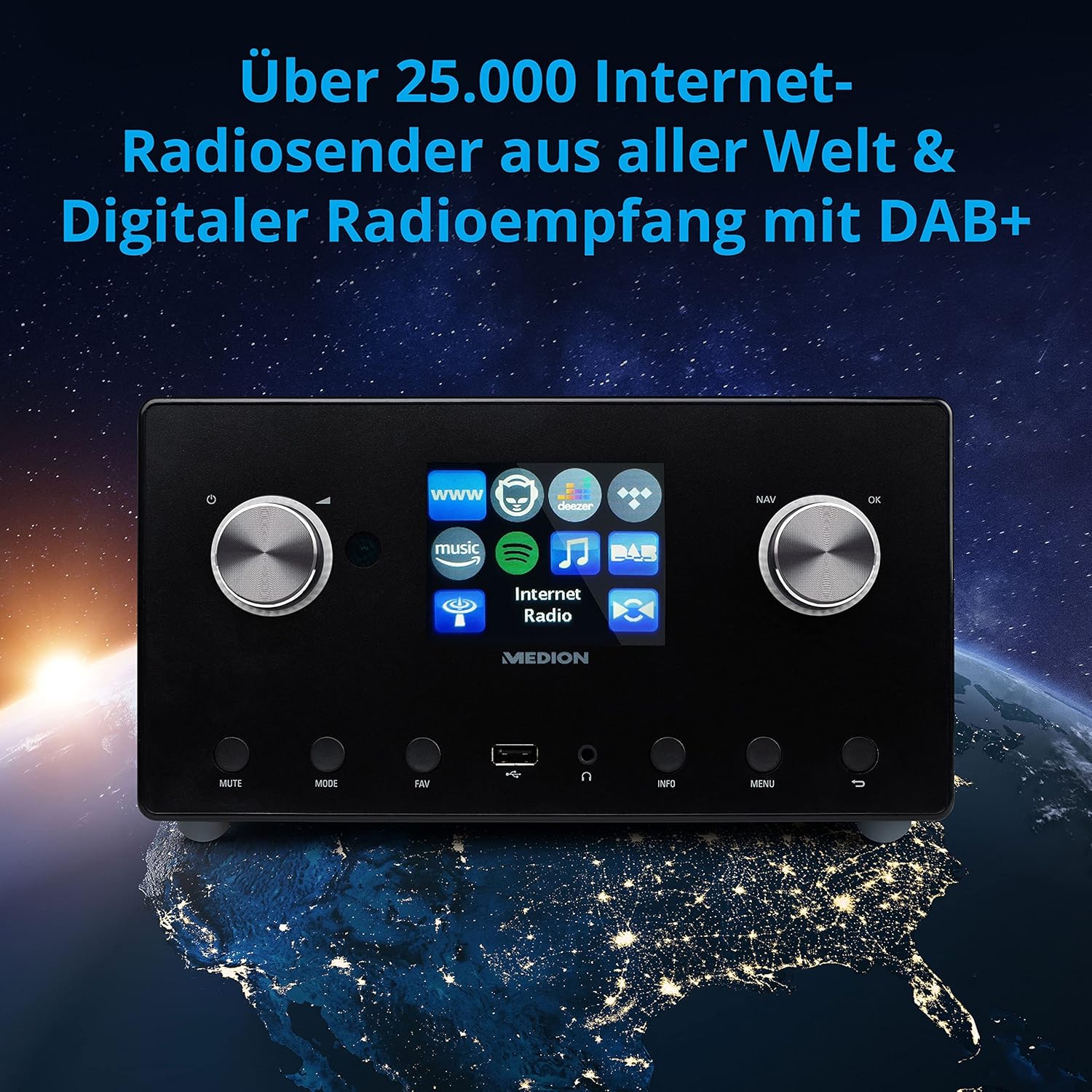
Image: The MEDION P85295 Internet Radio positioned on a stylized globe, emphasizing its capability to receive over 25,000 internet radio stations worldwide and digital radio reception with DAB+.
6.3 Streaming Services
The device supports various streaming services:
- Spotify Connect: Stream music directly from your Spotify account using the Spotify app on your smartphone or tablet.
- Amazon Music, Napster, Tidal, Deezer: Access these services directly from the radio's interface. A subscription may be required for some services.
6.4 Media Playback
- USB: Connect a USB storage device to the front USB port to play MP3 files.
- DLNA: Stream music from compatible devices on your home network (e.g., PC, NAS) using DLNA. Control is convenient via the MEDION LifeStream 2 App (Android or iOS).
6.5 Audio Features
The MEDION P85295 features a 2.1 sound system for rich audio:
- Output Power: 2 x 7.5 W + 1 x 15 W RMS.
- Integrated Subwoofer: Provides powerful bass.

Image: A diagram showing the MEDION P85295 Internet Radio with sound waves emanating from its sides and bottom, illustrating its 2.1 sound system and the additional subwoofer for powerful sound.
7. Alarm, Snooze, and Sleep Functions
The radio includes convenient time-based functions:
- Alarm Function: Set two individually adjustable alarm times.
- Snooze Function: Temporarily pause the alarm.
- Sleep Function: Set a timer for the radio to automatically turn off.
These functions can often be configured via the device's menu or a dedicated button on the remote control.
8. Maintenance
Proper care ensures the longevity of your device:
- Cleaning: Wipe the exterior with a soft, dry, lint-free cloth. Do not use abrasive cleaners, waxes, or solvents.
- Dust: Regularly dust the device, especially around ventilation openings, to prevent overheating.
- Storage: If storing the device for an extended period, disconnect it from power and store it in a cool, dry place.
9. Troubleshooting
If you encounter issues, refer to the following common problems and solutions:
| Problem | Possible Cause | Solution |
|---|---|---|
| No power | Power adapter not connected or faulty outlet. | Check power connections. Try a different outlet. |
| No sound | Volume too low, muted, or incorrect source selected. | Increase volume, check mute status, ensure correct input mode (e.g., Internet Radio, FM). |
| Cannot connect to Wi-Fi | Incorrect password, weak signal, or router issue. | Verify Wi-Fi password. Move radio closer to router. Restart router. |
| Internet radio buffering/disconnecting | Slow internet connection or network interference. | Check internet speed. Reduce network traffic. Try a wired LAN connection if possible. |
| DAB+/FM reception poor | Weak signal or antenna position. | Adjust the antenna. Perform a new station scan. |
If the problem persists, please contact customer support.
10. Specifications
- Brand: MEDION
- Model Number: P85295
- Color: Anthracite
- Display: 3.2-inch TFT Color Display
- Connectivity Technology: Wi-Fi, USB, LAN
- Supported Radio Bands: FM, DAB+, Internet Radio
- Special Features: DAB+, Auxiliary Input, USB, Spotify Connect, Amazon Music, DLNA, Alarm, Snooze, Sleep Function
- Sound System: 2.1 (2 x 7.5 W + 1 x 15 W RMS with integrated subwoofer)
- Compatible Devices: Headphones
- Power Source: Electric Cable (DC 18V)
- Product Dimensions: 24 cm (L) x 13.5 cm (W) x 19 cm (H)
- Included Components: Internet Radio P85295 (MD 88295), Remote Control with Battery, Power Adapter, User Manual, Warranty Card
- Batteries: 2 AAA batteries required (for remote control)

Image: The MEDION P85295 Internet Radio shown with its physical dimensions: 24 cm in length, 13.5 cm in width, and 19 cm in height, providing a clear understanding of its size.
11. Warranty and Support
Your MEDION P85295 Internet Radio comes with a manufacturer's warranty. Please refer to the included warranty card for specific terms and conditions.
For technical support, troubleshooting assistance, or warranty claims, please contact MEDION customer service. Contact information can typically be found on the MEDION official website or on the warranty card provided with your product.
Online Resources: Visit the official MEDION website for updated drivers, firmware, and additional support documentation.


