
Introduction
Thank you for choosing the Hoco ES26 Plus Bluetooth Earphones. This manual provides essential information for setting up, operating, maintaining, and troubleshooting your device. Please read it carefully before use to ensure optimal performance and longevity of your earphones.
Package Contents
Before you begin, please verify that all items are present in your package:
- Hoco ES26 Plus Bluetooth Earphones (Left and Right)
- Charging Case
- USB Charging Cable
- User Manual (this document)

Image: Hoco ES26 Plus earphones, charging case, and USB charging cable included in the package.
Setup
1. Initial Charging
Before first use, fully charge the earphones and the charging case.
- Place both earphones into the charging case.
- Connect the USB charging cable to the charging port on the case and to a power source (e.g., USB wall adapter, computer USB port).
- The indicator light on the charging case will show charging status. Once fully charged, the light will change or turn off.
2. Pairing with a Device
Follow these steps to pair your Hoco ES26 Plus earphones with your smartphone or other Bluetooth-enabled device:
- Ensure the earphones are charged.
- Open the charging case. The earphones will automatically power on and enter pairing mode.
- On your device, go to Bluetooth settings and enable Bluetooth.
- Search for available devices. Select "Hoco ES26 Plus" from the list.
- Once connected, you will hear a confirmation tone, and the earphones will be ready for use.

Image: Hoco ES26 Plus earphones in use, demonstrating connection to a mobile phone.
Operating Instructions
Power On/Off
- Power On: Open the charging case, and the earphones will automatically power on.
- Power Off: Place the earphones back into the charging case and close the lid. They will automatically power off and begin charging.
Music Playback
- Play/Pause: Tap either earphone once.
- Next Track: Double-tap the right earphone.
- Previous Track: Double-tap the left earphone.
Call Management
- Answer/End Call: Tap either earphone once.
- Reject Call: Press and hold either earphone for 2 seconds.
Voice Assistant
- Activate Voice Assistant: Triple-tap either earphone.
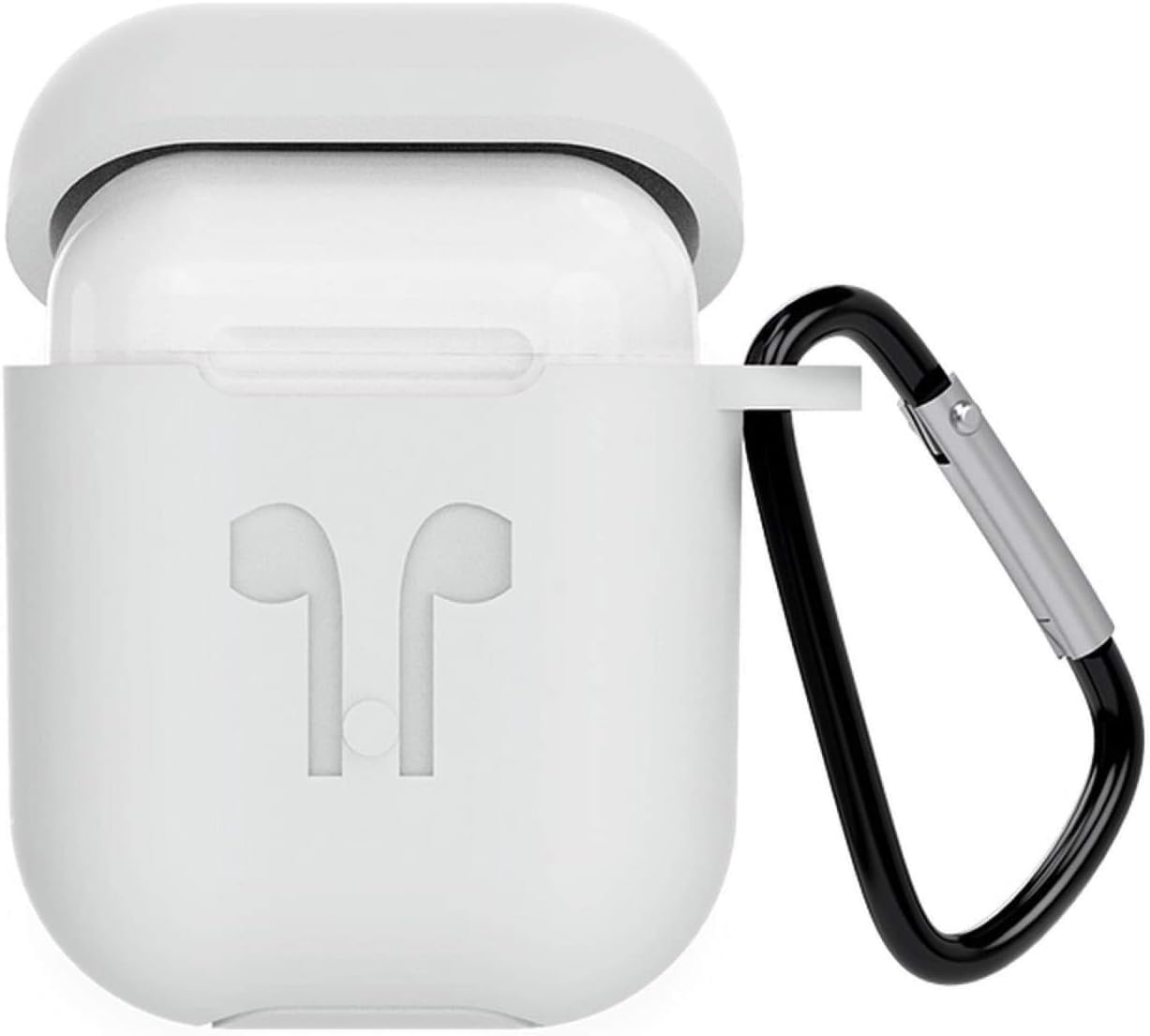
Image: Hoco ES26 Plus earphones resting in their charging case, ready for use or charging.
Maintenance
Cleaning
Regular cleaning helps maintain sound quality and hygiene.
- Use a soft, dry, lint-free cloth to wipe the earphones and charging case.
- Do not use abrasive cleaners, alcohol, or chemical sprays.
- Gently remove any earwax or debris from the earphone grilles using a small, soft brush or cotton swab.
Storage
When not in use, store the earphones in their charging case to protect them from dust and damage.
Battery Care
To prolong battery life:
- Avoid exposing the device to extreme temperatures.
- Charge the earphones regularly, even if not used frequently.
- Do not leave the device fully discharged for extended periods.
Troubleshooting
If you encounter issues with your Hoco ES26 Plus earphones, try the following solutions:
Earphones Not Pairing
- Ensure both earphones are charged.
- Turn off Bluetooth on your device and turn it back on.
- Forget/delete "Hoco ES26 Plus" from your device's Bluetooth list and try pairing again.
- Place earphones back in the case, close the lid, wait a few seconds, then open to re-enter pairing mode.
No Sound or Intermittent Sound
- Check the volume level on both your device and the earphones.
- Ensure the earphones are within the Bluetooth range of your device (typically 10 meters/33 feet).
- Restart your connected device.
- Try pairing with a different device to rule out device-specific issues.
Charging Issues
- Ensure the charging cable is securely connected to both the case and the power source.
- Try using a different USB charging cable or power adapter.
- Clean the charging contacts on the earphones and inside the case with a dry cotton swab.
Specifications
| Feature | Detail |
|---|---|
| Brand | Hoco |
| Model Number | ES26 Plus |
| Connectivity Technology | Wireless |
| Wireless Communication Technology | Bluetooth |
| Headphones Form Factor | In-Ear |
| Includes Microphone | Yes |
| Noise Cancelling | No |
| Compatible Devices | Mobile Phones (All devices) |
| Control Type | Volume Control |
| Material | Plastic |
| Special Features | Lightweight, Includes Microphone |
| Cable Feature | Cable-free |
| Included Components | Headband, Ear Cushions (Note: This may be a generic description, actual components are earphones, charging case, cable) |
| Number of Items | 1 (Product unit) |
| Manufacturer | Hoco |

Image: The retail packaging for the Hoco ES26 Plus earphones, displaying product information.
Warranty and Support
For warranty information and customer support, please refer to the documentation provided with your purchase or contact your retailer. Keep your proof of purchase for any warranty claims.


