
Introduction
Thank you for purchasing the Byron DBY-21132 Wireless Doorbell Set. This manual provides essential information for the safe and efficient installation, operation, and maintenance of your new doorbell system. Please read these instructions carefully before use and retain them for future reference.
Safety Information
- Ensure the doorbell chime is plugged into a suitable 220V mains socket.
- Do not expose the doorbell button to extreme temperatures or direct sunlight for prolonged periods.
- The doorbell button is IP44 weather-resistant, meaning it is protected against splashing water and solid objects larger than 1mm. It is not designed for submersion in water.
- Keep batteries out of reach of children. Dispose of used batteries responsibly.
- Do not attempt to open or repair the units yourself. Refer all servicing to qualified personnel.
Package Contents
Verify that all components are present in the package:
- 1 x Wireless Doorbell Chime (Receiver)
- 1 x Wireless Doorbell Button (Transmitter)
- 3 x CR2 Lithium Batteries (for doorbell button, included)
- 1 x Instruction Manual
- Mounting hardware (screws and adhesive pad)

Image: The Byron DBY-21132 Wireless Doorbell Set, showing the plug-in chime unit and the wireless doorbell button.
Key Features
- Wireless Range: Up to 100 meters (open field).
- Melodies: 36 selectable melodies.
- Volume Levels: 4 adjustable volume levels.
- Weather Resistance: Doorbell button rated IP44 for outdoor use.
- Easy Installation: Simple setup with included mounting hardware.
Setup
1. Install Batteries in Doorbell Button
- Carefully open the doorbell button casing.
- Insert the 3 CR2 lithium batteries, ensuring correct polarity (+/-).
- Close the casing securely.
2. Position the Doorbell Chime
Plug the doorbell chime into a standard 220V electrical outlet indoors. Choose a location where the chime can be easily heard throughout your home.
3. Mount the Doorbell Button
Select a suitable outdoor location for the doorbell button, such as next to your front door. Ensure the surface is clean and dry.
- Using Adhesive Pad: Peel off the protective film from the adhesive pad and firmly press the doorbell button onto the desired surface for at least 30 seconds.
- Using Screws: Mark the positions for the screw holes. Drill pilot holes if necessary, then secure the doorbell button to the surface using the provided screws.

Image: The rear view of the doorbell button, indicating screw mounting points and the IP44 weather resistance rating.
Operating
1. Changing Melodies
On the side of the doorbell chime, locate the melody selection button. Press this button repeatedly to cycle through the 36 available melodies. The chime will play a preview of each melody as you press the button. Stop pressing when you hear your desired melody.
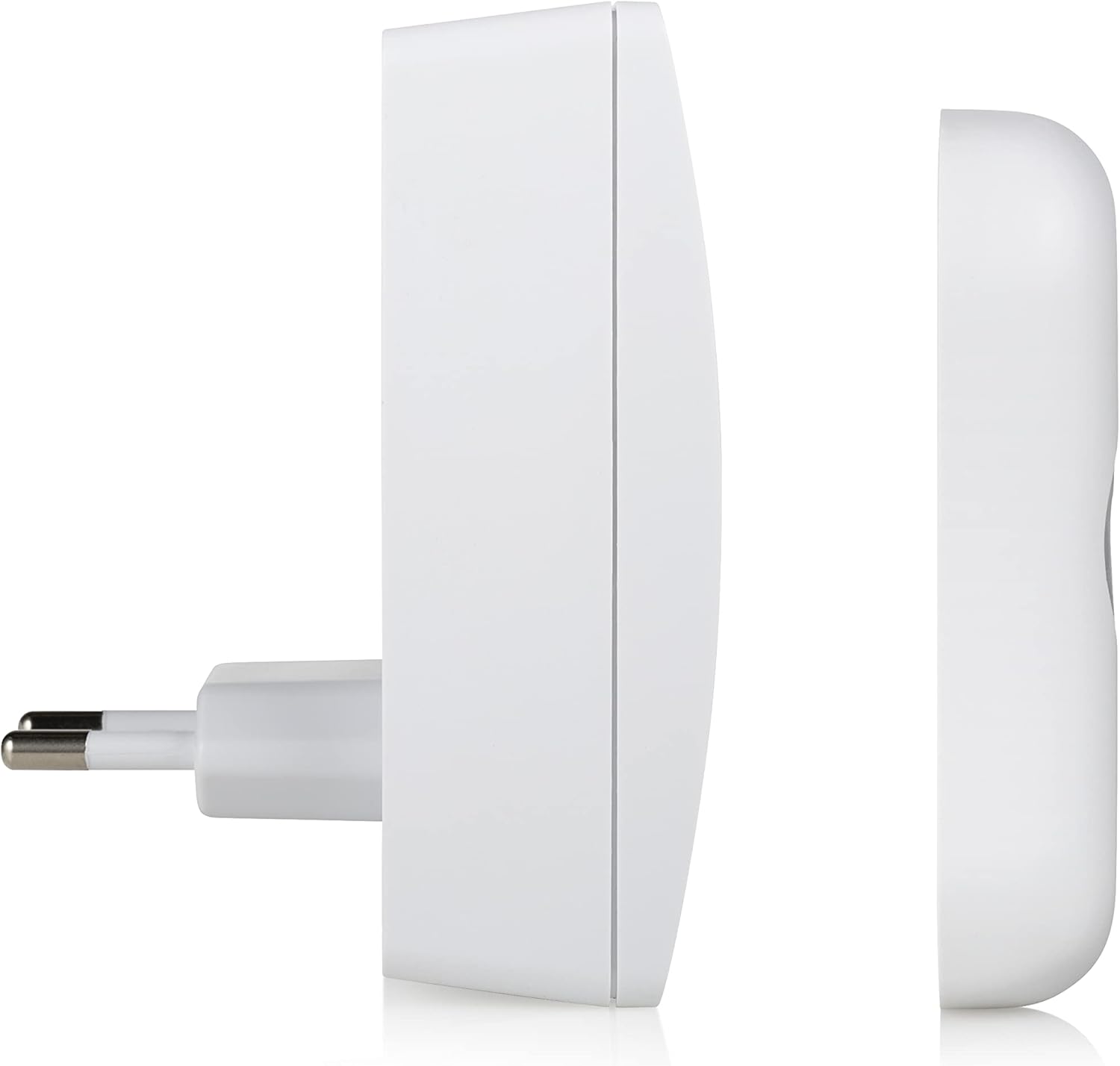
Image: Side view of the doorbell chime, highlighting the buttons for melody selection and volume control.
2. Adjusting Volume
Next to the melody selection button on the chime, you will find the volume control button. Press this button to cycle through the 4 available volume levels (Low, Medium, High, Mute). Select the volume level that best suits your environment.
3. Testing the Doorbell
Once the chime is plugged in and the button batteries are installed, press the doorbell button. The chime should sound the selected melody, and the LED indicator on the button may illuminate (depending on the model).

Image: The doorbell button with its red LED indicator illuminated, signifying activation.
Maintenance
- Cleaning: Wipe the doorbell chime and button with a soft, dry cloth. Do not use abrasive cleaners or solvents.
- Battery Replacement: If the doorbell button stops working or the range decreases significantly, replace the 3 CR2 lithium batteries. Ensure correct polarity.
- Environmental Protection: While the button is IP44 rated, avoid prolonged exposure to heavy rain or direct water jets to maximize its lifespan.
Troubleshooting
| Problem | Possible Cause | Solution |
|---|---|---|
| Doorbell does not ring. | Chime not plugged in or powered. Batteries in button are dead or incorrectly installed. Out of range. | Ensure chime is securely plugged into a live 220V socket. Replace batteries in the doorbell button, checking polarity. Move chime closer to the button or remove obstructions. |
| Short range or intermittent ringing. | Low batteries in button. Interference from other wireless devices. Thick walls or metal objects obstructing signal. | Replace batteries in the doorbell button. Relocate the chime or button away from other wireless devices. Adjust placement to minimize obstructions. |
| Chime volume is too low or too high. | Volume setting needs adjustment. | Press the volume control button on the chime to cycle through the 4 volume levels. |
Specifications
| Feature | Detail |
|---|---|
| Model Number | DBY-21132 |
| Brand | Byron |
| Item Weight | 150 grams |
| Product Dimensions | 7 x 6.52 x 9.3 cm |
| Power Source (Chime) | Mains powered (220V) |
| Power Source (Button) | 3 x CR2 Lithium Batteries (included) |
| Wireless Range | Up to 100 meters |
| Melodies | 36 selectable |
| Volume Levels | 4 adjustable |
| Weather Resistance (Button) | IP44 |
| Material | Plastic |
| Color | White |
Warranty and Support
Byron products are designed and manufactured to high-quality standards. For warranty information and customer support, please refer to the documentation provided with your purchase or visit the official Byron website. Keep your proof of purchase for any warranty claims.
For technical assistance or further inquiries, please contact Byron customer service through their official channels.


