
Introduction
This manual provides detailed instructions for the assembly, operation, and maintenance of your Tribesigns Modern L-Shaped Computer Desk. Please read all instructions carefully before beginning assembly and retain this manual for future reference.
The Tribesigns Modern L-Shaped Computer Desk is designed to offer a versatile workspace with integrated storage. Its reversible and rotating design allows for flexible configuration to suit various room layouts and user needs.
Setup and Assembly
1. Unpacking and Parts Verification
- Carefully open the packaging and remove all components.
- Lay out all parts on a clean, soft surface to prevent scratches.
- Refer to the included parts list (not provided in this manual) to ensure all components are present and undamaged. If any parts are missing or damaged, contact customer support immediately.
2. Assembly Instructions
Follow the step-by-step diagrams and instructions provided in your product's specific assembly guide (not provided in this manual). General steps typically include:
- Attach the metal frame components to the desk panels using the provided hardware.
- Assemble the storage shelves and integrate them with the main desk structure.
- Connect the rotating desk sections, ensuring the swivel mechanism is correctly aligned.
- Secure all screws and fasteners firmly, but do not overtighten to avoid damaging the materials.
- Place the CPU stand in your desired location.
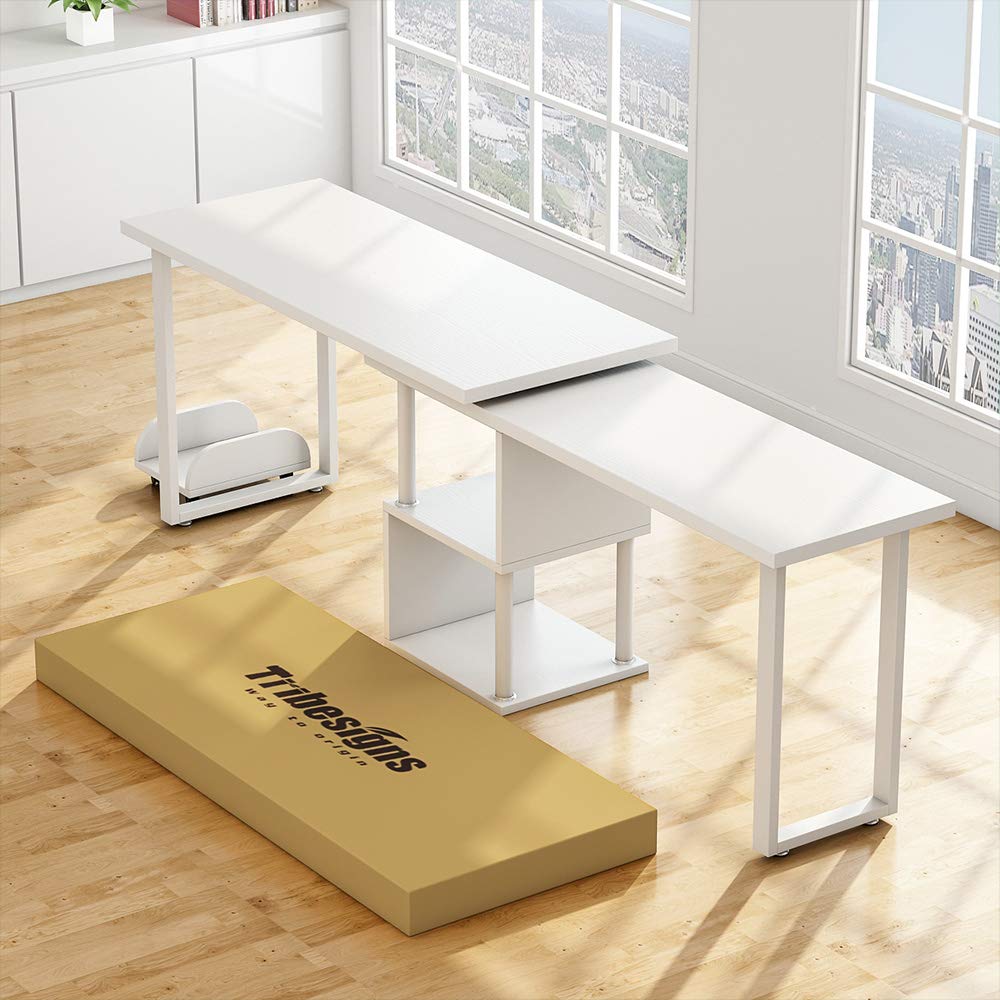
Figure 1: Product Dimensions Overview
This diagram illustrates the key dimensions of the L-shaped computer desk. The main desk sections measure approximately 55.27 inches by 21.73 inches and 47.32 inches by 15.78 inches. The overall height of the desk is about 28.93 inches on one side and 26.96 inches on the other. The integrated storage shelves are approximately 13.77 inches high and 15.74 inches deep. The included CPU stand measures about 13.77 inches by 10.03 inches with a height of 4.52 inches.
Operating Instructions
1. Utilizing the 360° Rotating Design
The desk features a 360° free rotating desktop, allowing you to adjust its configuration. To rotate the desk:
- Ensure all items on the rotating section are stable or removed to prevent falling.
- Gently push or pull the rotating desk section to achieve your desired L-shape or straight-line configuration.
- Avoid sudden or forceful movements to prevent damage to the swivel mechanism.
2. Using Storage Shelves and CPU Stand
- The two-tier shelves provide space for office supplies, books, routers, or cable boxes. Distribute weight evenly on shelves.
- The bonus CPU stand is designed to keep your computer tower off the floor, protecting it from dust and improving airflow.
Maintenance and Care
1. Cleaning
- Wipe surfaces with a soft, damp cloth.
- Avoid using harsh chemicals, abrasive cleaners, or polishes that may damage the finish.
- Immediately wipe up spills to prevent water damage or staining.
2. General Care
- Periodically check all screws and fasteners to ensure they remain tight. Retighten as necessary to maintain stability.
- Avoid placing extremely hot or cold items directly on the desk surface; use coasters or protective pads.
- Do not overload the desk or shelves beyond their weight capacity.
Troubleshooting
1. Desk Instability or Wobbling
- Issue: The desk feels unstable or wobbles after assembly or movement.
- Solution: Check all assembly screws and bolts. Ensure they are fully tightened. Uneven flooring can also cause wobbling; try adjusting the desk's position or using shims under the legs if applicable.
2. Difficulty Rotating Desk Section
- Issue: The rotating section is stiff or difficult to move.
- Solution: Ensure no objects are obstructing the rotation path. Check the swivel mechanism for any debris. If the issue persists, verify that the assembly of the rotating parts was done correctly according to the specific assembly guide.
Product Specifications
| Brand | Tribesigns |
| Model | Modern L-Shaped Computer Desk |
| Shape | L-Shape |
| Product Dimensions (D x W x H) | 55"D x 21.7"W x 29"H |
| Color | White |
| Style | Modern |
| Base Material | Metal |
| Top Material Type | Engineered Wood |
| Special Feature | Reversible, 360° Rotating Design |
| Item Weight | 36 Kilograms |
| Assembly Required | Yes |
Warranty Information
Tribesigns products typically come with a limited warranty covering manufacturing defects. Please refer to the warranty card included with your product or visit the official Tribesigns website for specific warranty terms and conditions. Keep your proof of purchase for warranty claims.
Customer Support
For assembly assistance, missing parts, or any other inquiries, please contact Tribesigns customer support. Contact information can usually be found on the product packaging, the official Tribesigns website, or through your retailer's customer service portal.
When contacting support, please have your product model name (Modern L-Shaped Computer Desk) and ASIN (B07WRW8876) available for quicker service.


