
Introduction
The Shure BLX288/SM58 Dual-Channel Wireless System provides dependable UHF wireless audio for two performers, presenters, or hosts requiring simultaneous handheld transmitters. This system operates on the H10 frequency band (542–572 MHz). It includes the BLX88 dual-channel receiver and two BLX2 handheld transmitters, each equipped with an SM58 dynamic microphone capsule. The system is designed for reliable performance in various settings, including live performances, houses of worship, presentations, conferences, and karaoke setups.
What's in the Box
The Shure BLX288/SM58 Dual-Channel Wireless Audio System includes the following components:
- BLX88 Dual-Channel Receiver
- Two (2) BLX2 Handheld Transmitters with SM58 Dynamic Microphone Capsules
- Two (2) Microphone Clips
- Power Supply
- Four (4) AA Batteries (for transmitters)
- User Guide/Documentation
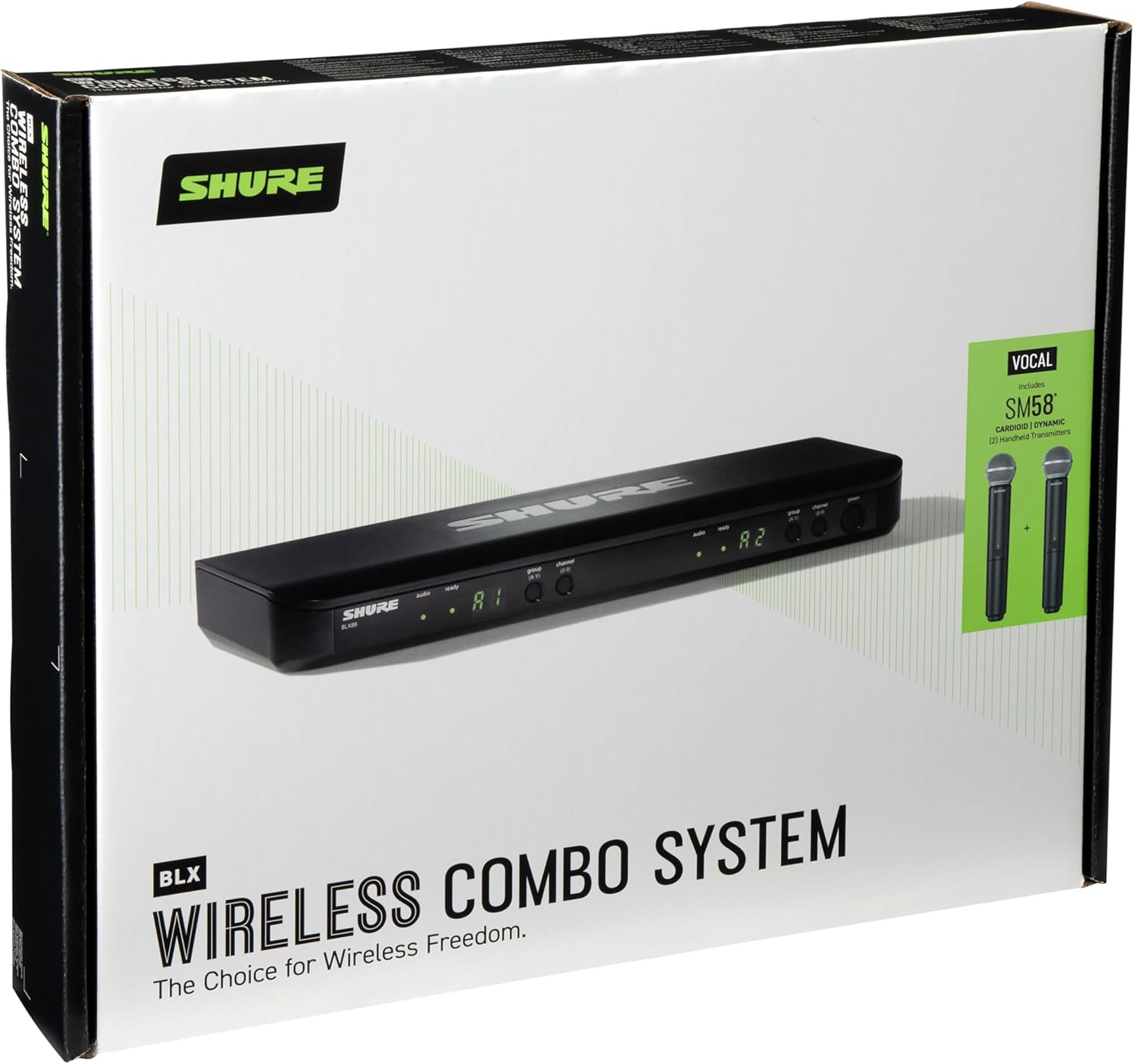
Image: All components included in the Shure BLX288/SM58 system, laid out for inspection.
Setup
1. Receiver Placement and Connection
Place the BLX88 receiver in a location where it has a clear line of sight to the transmitters. Avoid placing it near large metal objects or other wireless devices that could cause interference. Connect the included power supply to the receiver and a power outlet. Connect the audio outputs (XLR or 1/4-inch) from the receiver to your mixer or amplifier.

Image: Front panel of the BLX88 receiver, displaying channel information and controls.

Image: Rear panel of the BLX88 receiver, illustrating audio output and power connections.
Video: How to Set Up a Receiver
Video demonstrating the steps to properly set up the Shure BLX wireless receiver, including power and audio connections.
2. Transmitter Battery Installation
Unscrew the bottom portion of each BLX2 handheld transmitter to reveal the battery compartment. Insert the two included AA batteries, ensuring correct polarity. Securely reattach the bottom portion.

Image: BLX2 handheld microphone with the battery compartment open for battery insertion.
Video: How to Set Up a Transmitter
Video guide on installing batteries and preparing the Shure BLX wireless transmitter for use.
3. Frequency Selection and Pairing
Turn on the receiver. Use the QuickScan feature on the receiver to automatically find a clear, interference-free frequency. Once a frequency is selected, turn on each BLX2 transmitter and manually set its group and channel to match the receiver's display. This ensures proper communication between the components.
Video: How to Choose the Best Channel
Video tutorial on using the QuickScan feature to select an optimal frequency and pairing the transmitter with the receiver.
Video: How to Add a Receiver (Transmitter Pairing)
This video demonstrates how to set a transmitter to the same group and channel as the receiver, effectively pairing them for operation.
Operation
1. Power On/Off
To power on the receiver, press the power button on the front panel. To power on each BLX2 transmitter, press and hold the power button until the LED illuminates. To power off, press and hold the power button again until the LED turns off.
2. Adjusting Volume
Adjust the output volume from the receiver using the gain control knob on your mixer or amplifier. The BLX2 transmitters do not have external volume controls; gain adjustments are made on the receiver or connected audio equipment.
3. Performing a Soundcheck
Before live use, perform a soundcheck to ensure optimal audio levels and prevent distortion. Speak or sing into each microphone at typical performance levels. Observe the audio LED indicators on the receiver. If the LED consistently shows red, reduce the gain on your mixer or amplifier to prevent clipping. The goal is for the audio LED to primarily show green, with occasional yellow peaks.
Video: How to Perform a Soundcheck
Video guide on conducting a soundcheck with the Shure BLX wireless system to ensure clear audio and prevent distortion.
Maintenance
Regular maintenance helps ensure the longevity and performance of your Shure BLX288/SM58 system.
- Cleaning: Use a soft, dry cloth to clean the exterior of the receiver and transmitters. Avoid using harsh chemicals or abrasive cleaners.
- Battery Care: Remove batteries from transmitters if the system will not be used for an extended period to prevent leakage. Always use fresh, high-quality AA batteries.
- Storage: Store the system in a cool, dry place away from extreme temperatures and humidity.
- Antenna Care: Ensure receiver antennas are not bent or damaged. Position them correctly for optimal signal reception.
Troubleshooting
If you encounter issues with your Shure BLX288/SM58 system, refer to the following common troubleshooting steps:
| Problem | Possible Cause | Solution |
|---|---|---|
| No Sound | Transmitter or receiver not powered on; incorrect frequency pairing; audio cables disconnected; mixer/amplifier input issues. | Ensure all components are powered on. Verify transmitter and receiver are on the same group and channel. Check all cable connections. Confirm mixer/amplifier input is active and gain is set appropriately. |
| Interference/Static | Nearby wireless devices; environmental RF noise; incorrect frequency selection. | Perform a QuickScan on the receiver to find a clear frequency. Move the receiver away from other wireless devices or sources of electrical noise. Ensure line of sight between transmitter and receiver. |
| Low Audio Level/Distortion | Transmitter gain too low/high; receiver output level incorrect; low transmitter battery. | Adjust gain on your mixer/amplifier. Check transmitter battery status and replace if low. Ensure receiver output level is appropriate for the connected equipment. |
| Short Range/Dropouts | Obstructions; receiver antenna position; environmental factors. | Ensure clear line of sight between transmitter and receiver. Position receiver antennas vertically and away from metal objects. Avoid operating near large crowds or dense structures. |
Specifications
Key technical specifications for the Shure BLX288/SM58 Dual-Channel Wireless Audio System:
- Frequency Band: H10 (542–572 MHz) UHF
- Operating Range: Up to 300 ft (100 m) line-of-sight (typical conditions)
- Battery Life (Transmitter): Up to 14 hours with AA batteries
- Compatible Systems per Frequency Band: Up to 12
- Microphone Capsule: SM58 Dynamic, Cardioid
- Connectivity: XLR (output), 1/4-inch (output)
- Number of Channels: 2
- Audio Sensitivity: 56 dB
- Signal-to-Noise Ratio: 78 dB
- Frequency Response: 15000 Hz
- Power Source: Battery Powered (transmitters), AC Adapter (receiver)
- Item Weight: 3.5 pounds (system)
- Item Dimensions: 5.3 x 19.3 x 16.4 inches (packaging)
Warranty and Support
The Shure BLX288/SM58 Dual-Channel Wireless Audio System comes with a 2-Year Manufacturer's Warranty. For detailed warranty information, please refer to the official warranty document provided with your product or visit the Shure website.
For technical support, service, or additional inquiries, please contact Shure customer support or visit their official support portal. You can also refer to the User Manual (PDF) for further details.


