
What's in the Box
- VS-0866 Karaoke Machine
- 2 x UHF Wireless Microphones
- 1 x 3.5mm to RCA Cable
- 1 x 3.5mm to 3.5mm Audio Cable
- 1 x Remote Control
- 1 x Power Adapter
- 4 x Mic Holders
- 1 x Manual
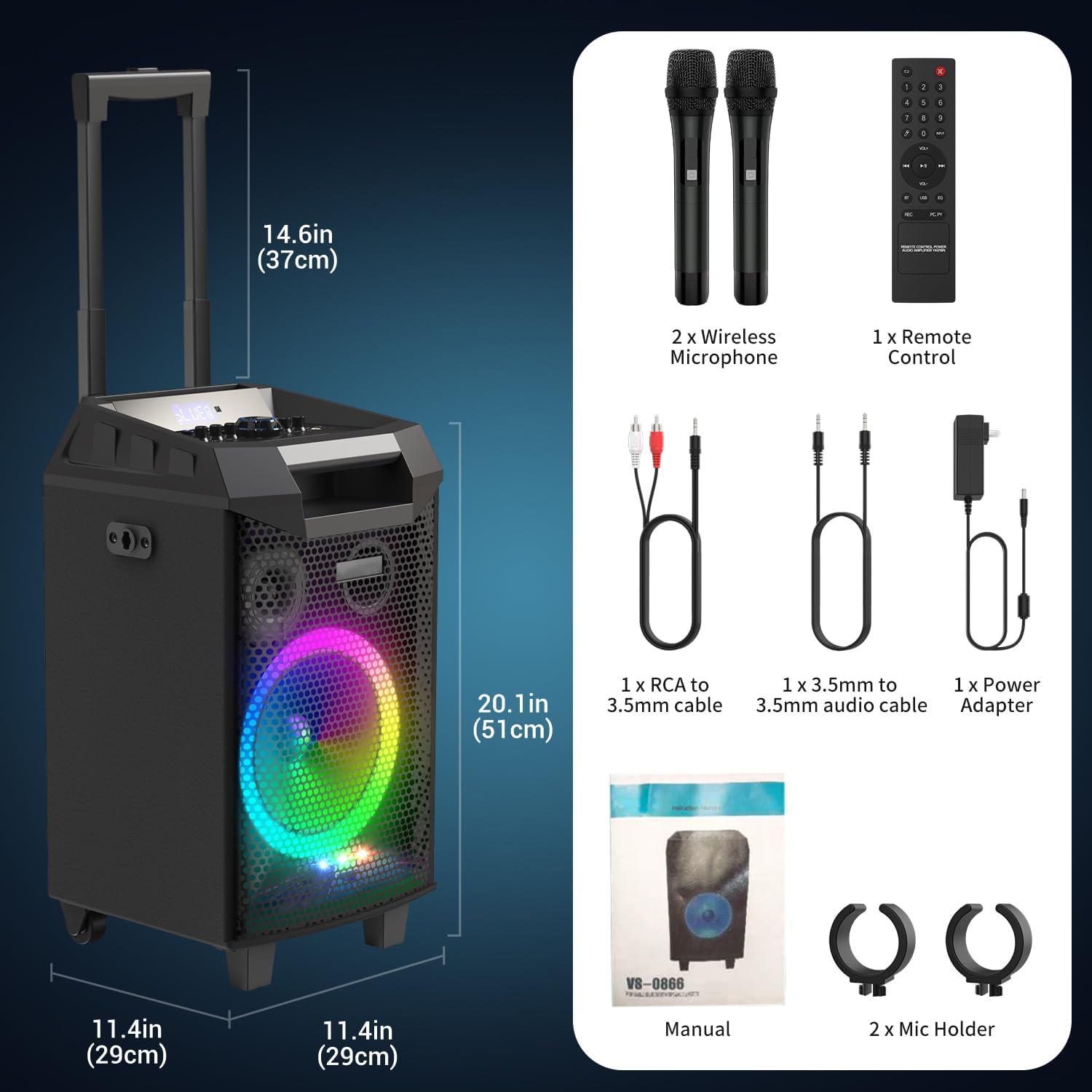
The image above displays all components included with your VeGue VS-0866 Karaoke Machine, ensuring you have everything needed for setup.
Product Overview
The VeGue VS-0866 is a versatile and portable karaoke machine and PA system designed for various entertainment needs. It features robust sound output, colorful LED lighting, and multiple connectivity options.
- Design for Convenience: Equipped with durable swivel wheels and a pull rod for easy portability, ideal for indoor and outdoor use. Includes 4 holders for wireless microphones.
- LED Light & UHF Wireless Mic: Features bright, colorful LED lights that synchronize with music, creating a festive atmosphere. Comes with 2 UHF wireless microphones for stable signals and long transmission distances.
- Great Sound Quality: Boasts an 8" subwoofer, 3" tweeter, and 500-watt peak power (250W RMS) for full-range stereo sound. Independent Treble/Bass adjustment allows for clear, strong audio without distortion.
- Multi-Function Speaker: Built-in Bluetooth for wireless audio streaming. Supports aux-in and aux-out for external devices. Includes TF card and USB ports for recording voice and music. Features a mic jack for an additional microphone and a guitar jack.
- Easy to Use: Microphones and speaker connect automatically upon power-on. Remote control allows for convenient playback control. Separate music and microphone volume controls for precise audio adjustment.

The main unit showcasing its vibrant LED lighting and robust design.

Designed for portability with a sturdy pull rod and smooth swivel wheels.
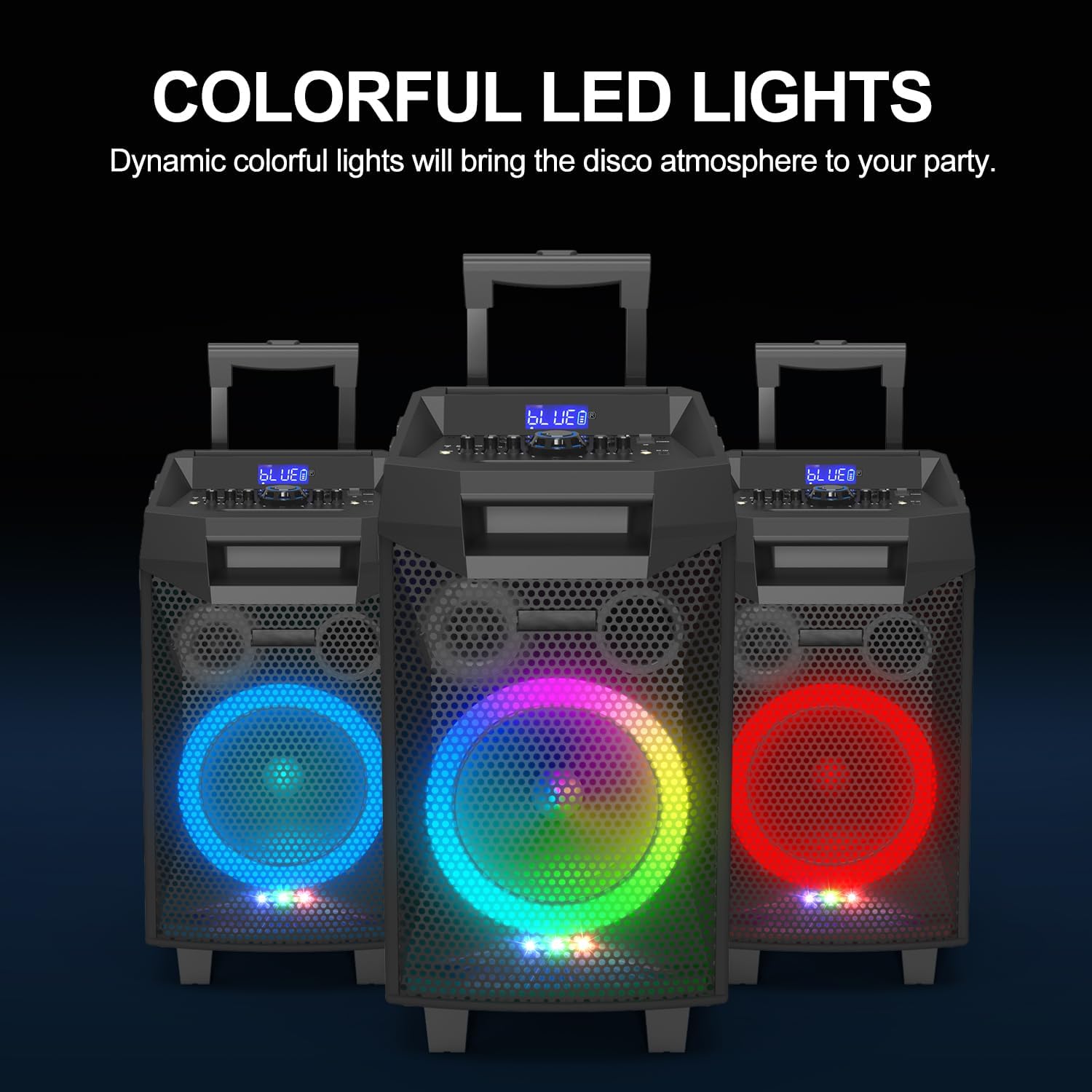
Dynamic colorful LED lights enhance the party atmosphere.

Equipped with two wireless microphones offering up to 100ft range.

Powerful 8-inch subwoofer and 3-inch tweeter for superior sound.
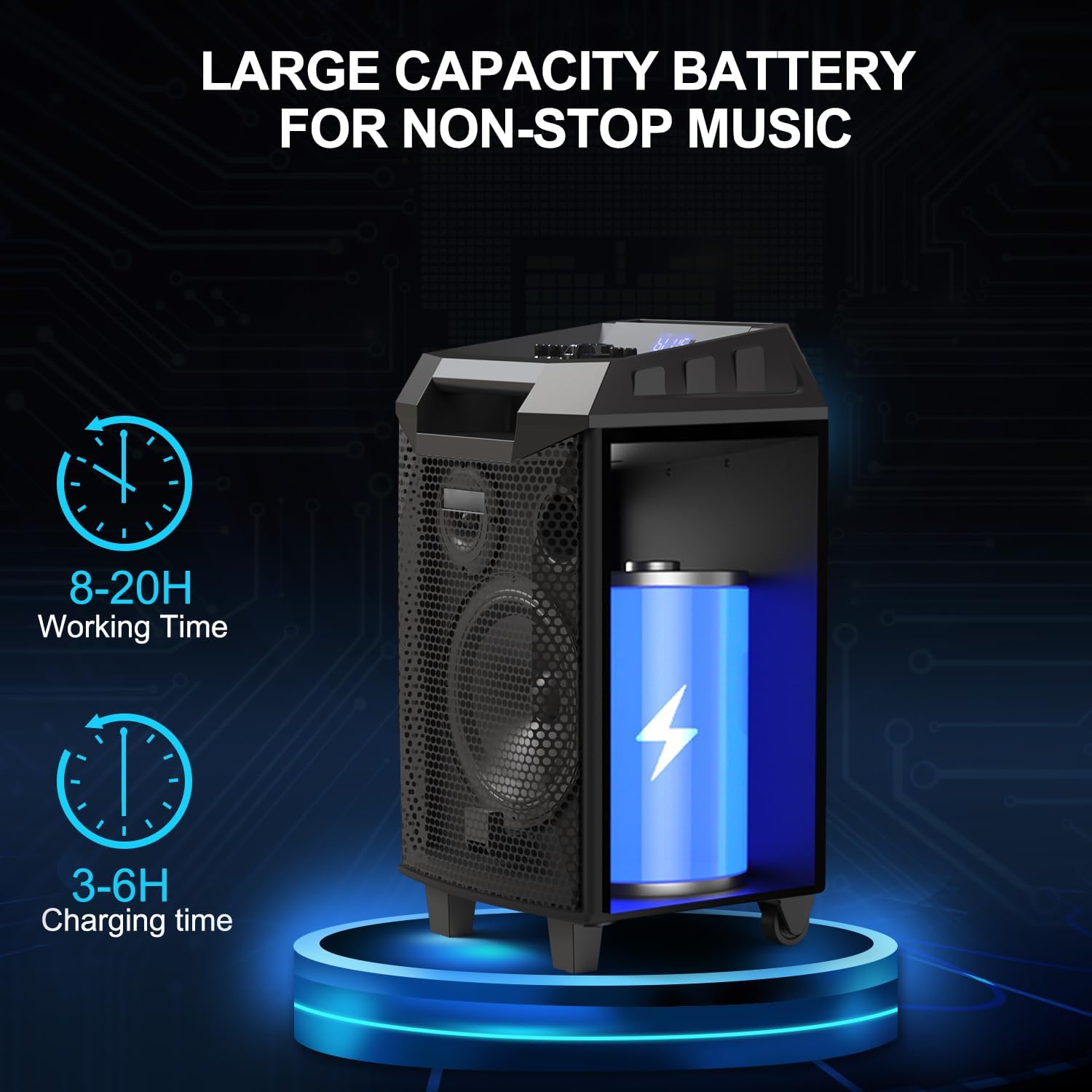
Large capacity battery provides extended working time.
Official Product Video
Watch this official video from VeGue Tech to see the VS-0866 Karaoke Machine in action, highlighting its features and design.
Setup Guide
- Initial Charging: Before first use, fully charge the karaoke machine using the provided power adapter. The unit has a long battery life (up to 8 hours of working time), but ensure it's charged for 3-6 hours. Do not charge while using, or keep charging for excessively long periods to ensure personal security and property.
- Microphone Pairing: The two UHF wireless microphones are designed to connect automatically to the speaker when turned on. No manual pairing is typically required. Ensure fresh AA batteries are inserted into the microphones.
- Positioning: Utilize the durable swivel wheels and pull rod to easily position the machine in your desired location.
Ensure your device is fully charged for optimal performance and portability.
Operating Instructions
- Power On/Off: Use the power switch on the control panel to turn the unit on or off.
- Bluetooth Connection: Activate Bluetooth on your smartphone or tablet. On the karaoke machine, select the Bluetooth input mode. Search for


