
PRUNUS J-725C
PRUNUS J-725C Portable Mini FM Radio Speaker Music Player User Manual
Model: J-725C
Introduction
This manual provides detailed instructions for the operation and maintenance of your PRUNUS J-725C Portable Mini FM Radio Speaker Music Player. Please read this manual thoroughly before using the device to ensure proper functionality and to maximize your user experience.
Product Overview
The PRUNUS J-725C is a compact and versatile device combining an FM radio, MP3 player, alarm clock, and emergency flashlight. It features a clear LED display and supports playback from USB drives and TF cards.

Figure 1: Front view of the PRUNUS J-725C portable radio, showing the LED display, control buttons, and speaker grille.
Key Features
- Compact and Portable Design: Measures 135 x 66 x 28mm and weighs 192g, equipped with a removable strap for easy carrying.

Figure 2: The PRUNUS J-725C shown next to an iPhone 7, illustrating its compact size and portability.
- FM Radio: Supports FM band (87.5-108MHz) with automatic and manual station search. Stores up to 99 stations.
- MP3 Player: Plays MP3 files from USB drives and TF cards. Features breakpoint memory.
- Clear Sound Quality: With its built-in 3W speaker, this digital radio offers clear audio. A standard 3.5mm headphone jack is also available for private listening.

Figure 3: Image depicting the PRUNUS J-725C in use, suggesting its clear sound output for music enjoyment.
- Long Battery Life: Two 1500mAh (total 3000mAh) rechargeable lithium batteries provide over 30 hours of playback at ≤1/3 volume.
- Alarm Clock Function: Integrated clock and alarm features.
- Emergency Flashlight: Built-in LED flashlight for convenience in low-light conditions.
- LED Display: Clear display shows time, frequency, and other relevant information.
Setup
1. Charging the Battery
- Connect the supplied Micro USB charging cable to the device's charging port.
- Connect the other end of the USB cable to a compatible USB power source (e.g., USB adapter, computer, car charger, power bank).
- The charging indicator light will illuminate red during charging.
- Once fully charged (approximately 8-10 hours), the indicator light will turn green. The device offers over 30 hours of playback on a full charge at moderate volume.
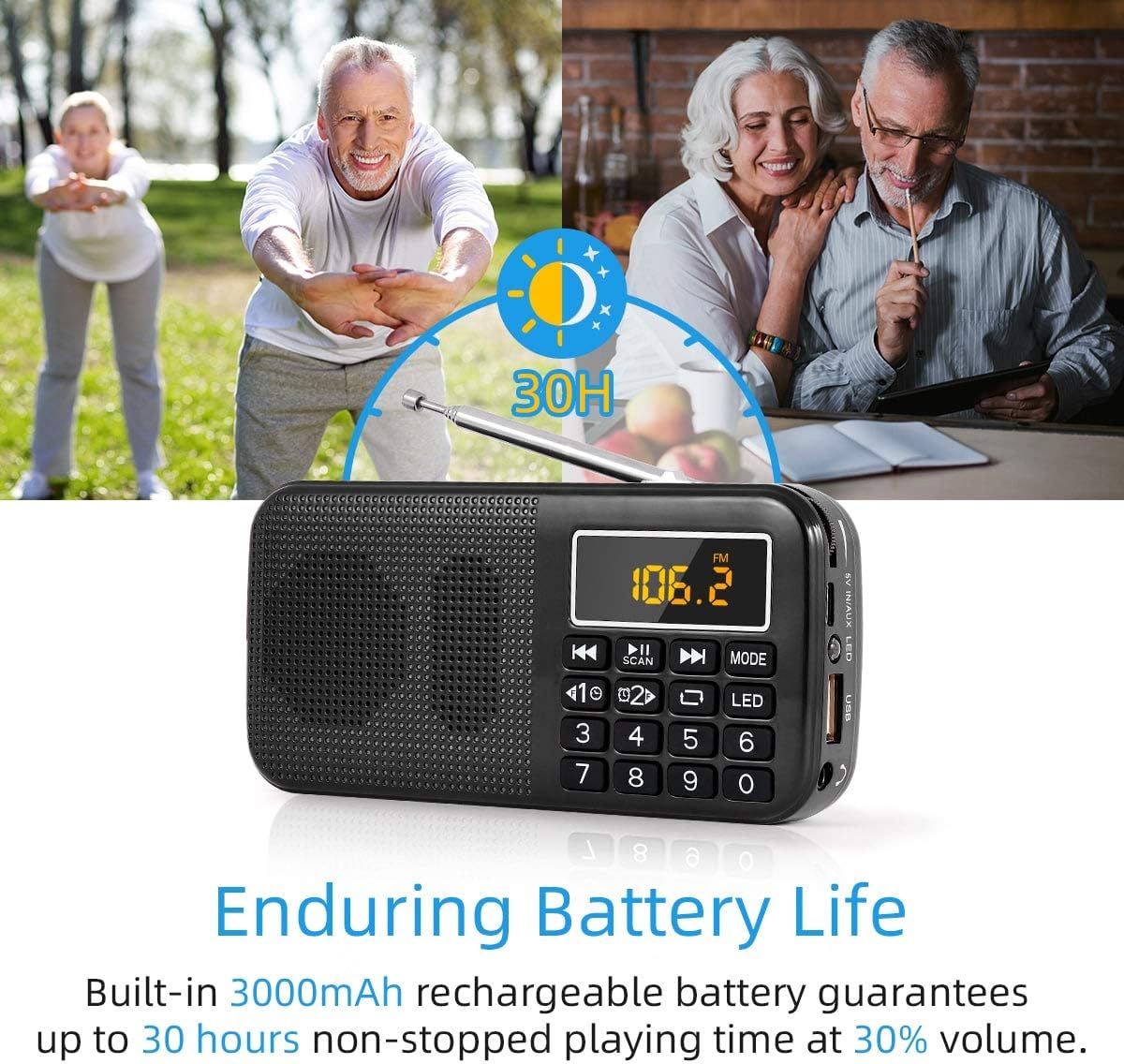
Figure 4: Visual representation of the PRUNUS J-725C's extended battery life, indicating up to 30 hours of use.
2. Inserting Storage Media
The device supports music playback from USB flash drives and TF (Micro SD) cards.
- USB Drive: Insert a USB flash drive containing MP3 files into the USB port on the side of the device.
- TF Card: Insert a TF (Micro SD) card containing MP3 files into the TF card slot on the side of the device.

Figure 5: Diagram illustrating the universal compatibility of the PRUNUS J-725C, showing inputs for Micro SD/TF card, USB flash drive, and AUX jack for connection to computers or smartphones.
Operating Instructions
1. Power On/Off
Locate the power switch on the top of the device. Slide it to the "ON" position to power on and to "OFF" to power off.
2. FM Radio Operation
- Switch to FM Mode: Press the MODE button until "FM" appears on the LED display.
- Automatic Station Search: Press and hold the SCAN (Play/Pause) button for 3 seconds. The radio will automatically search for and store available FM stations. Stations are numbered automatically.
- Manual Station Tuning:
- Use the number keys (0-9) to directly input the desired frequency. For example, to tune to 89.8 MHz, press 8, 9, 8.
- Alternatively, use the Previous (◀◀) and Next (▶▶) buttons to navigate through stored stations or fine-tune the frequency.
- Antenna: Extend the telescopic antenna for improved FM reception.
3. MP3 Player Operation
- Insert Media: Ensure a USB drive or TF card with MP3 files is inserted.
- Switch to MP3 Mode: Press the MODE button until "MP3" or the track number appears on the LED display. The device will automatically begin playing MP3 files.
- Play/Pause: Press the SCAN (Play/Pause) button to pause or resume playback.
- Next/Previous Track: Press the Next (▶▶) or Previous (◀◀) buttons to skip tracks.
- Volume Control: Use the rotary volume knob on the side of the device to adjust the volume.
- Loop Mode: The device supports single track loop and global loop. Refer to the device's on-screen indicators or specific button functions for toggling.
- AUX Input: Connect an external audio source (e.g., smartphone, computer) to the 3.5mm AUX input jack using an audio cable. Press the MODE button to select AUX input.
4. Clock and Alarm Functions
The device includes a clock and alarm feature. Specific button presses for setting the time and alarm are typically indicated by icons or require holding the MODE button. Consult the device's display for prompts.
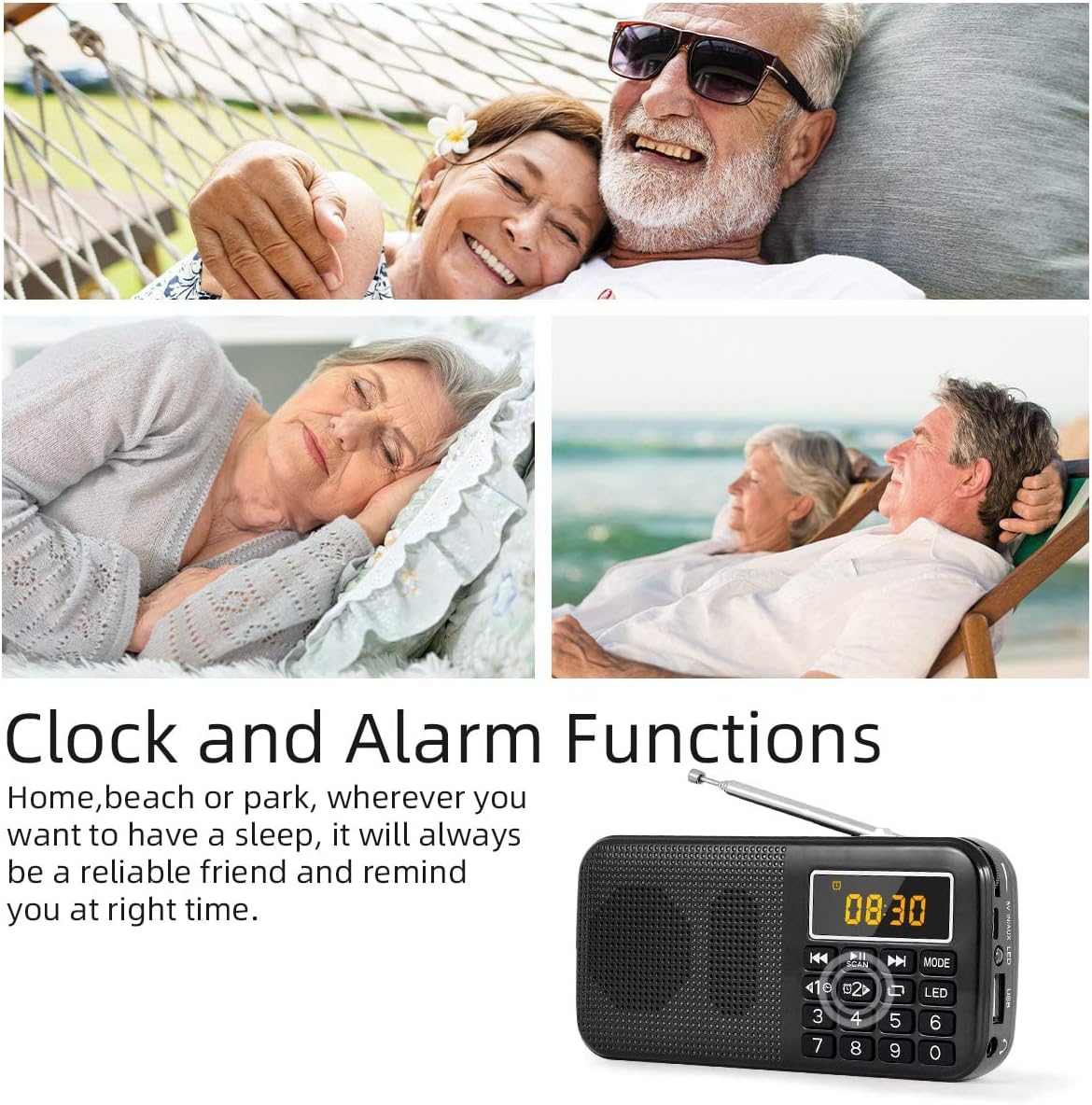
Figure 6: Image showing the PRUNUS J-725C displaying the time, highlighting its clock and alarm capabilities.
5. Emergency Flashlight
To activate the emergency flashlight, press the LED button located on the control panel. Press it again to turn off the flashlight.

Figure 7: A person using the PRUNUS J-725C's built-in LED flashlight to illuminate a dark area, demonstrating its utility.
Maintenance
- Cleaning: Use a soft, dry cloth to clean the exterior of the device. Avoid using harsh chemicals or abrasive cleaners.
- Battery Care: To prolong battery life, avoid fully discharging the battery frequently. Charge the device regularly, especially if it will not be used for an extended period.
- Storage: Store the device in a cool, dry place away from direct sunlight and extreme temperatures.
- Water Resistance: This device is not waterproof. Avoid exposure to water or high humidity.
Troubleshooting
| Problem | Possible Cause | Solution |
|---|---|---|
| No power | Battery is depleted. | Charge the device fully. |
| Poor FM reception | Antenna not extended; weak signal area. | Extend the telescopic antenna. Try moving to a location with better signal. |
| MP3 files not playing | Incorrect file format; media not inserted correctly; corrupted files. | Ensure files are in MP3 format. Reinsert USB drive/TF card. Check media for corruption on a computer. |
| No sound | Volume too low; headphones connected. | Increase volume. Disconnect headphones if using the speaker. |
Specifications
- Model: J-725C
- Dimensions (L x H x D): 135 x 66 x 28 mm
- Weight: 192g
- FM Frequency Range: 87.5 - 108 MHz
- Speaker Output: 3W
- Supported Audio Formats: MP3
- Storage Media: USB Drive, TF (Micro SD) Card
- Battery Type: 2 x 1500mAh Lithium-Ion (Total 3000mAh)
- Charging Time: 8-10 hours
- Playback Time: >30 hours (at ≤1/3 volume)
- Charging Voltage: DC 5V / 500mAh-1000mAh (up to 2A)
- Connectivity: 3.5mm AUX input, USB port, TF card slot
- Display: LED
- Special Features: Alarm Clock, Emergency Flashlight, Breakpoint Memory
Warranty and Support
Your PRUNUS J-725C comes with the following warranty and support:
- Warranty: 1-year warranty from the date of purchase.
- Returns/Exchange: 30-day no-questions-asked exchange or returns policy.
- Customer Support: For any inquiries or assistance, please contact customer support. Responses are typically provided within 24 hours on working days.
Related documentsJ-725C


Ask a question about this manual
Ask about setup, troubleshooting, compatibility, parts, safety, or missing instructions. Manuals+ will review the question and use this page’s manual context to help answer it.