
BOBLOV KJ21
BOBLOV KJ21 Body Camera User Manual
Model: KJ21
1. Product Overview
The BOBLOV KJ21 is a lightweight and portable body-worn camera designed for reliable high-definition recording. It features a 2850 mAh built-in battery, providing up to 10 hours of 1080P video recording. Equipped with advanced night vision, it ensures clear footage even in low-light conditions up to 32 feet away. The camera supports expandable storage via micro SD cards up to 256GB and offers flexible mounting options, including 360° belt and 180° shoulder clips.

Front and back view of the BOBLOV KJ21 Body Camera, showing the lens, screen, and control buttons.
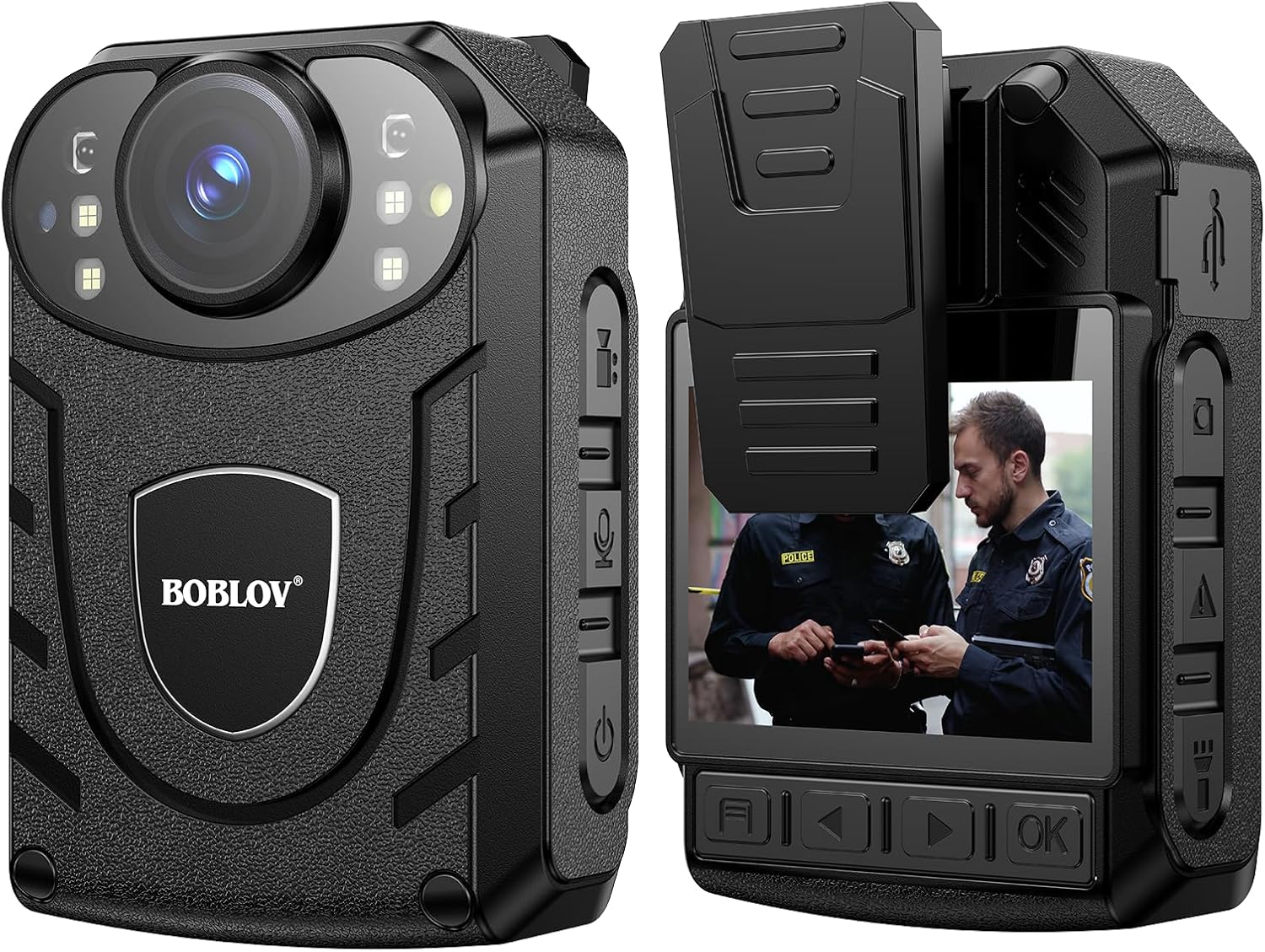
The BOBLOV KJ21 Body Camera, showcasing its compact design and the display screen.
2. What's in the Box
- KJ21 Body Camera x1
- Short 360° Back Clip x1
- Long 360° Shoulder Clip x1
- USB Cable x1
- Charger x1
- User Manual x1

Contents included in the BOBLOV KJ21 Body Camera package.
3. Setup Guide
3.1 Charging the Camera
Before first use, fully charge the BOBLOV KJ21 camera. Connect the provided USB cable to the camera's charging port and the other end to the included charger. A full charge typically takes approximately 5 hours and provides up to 10 hours of 1080P recording.
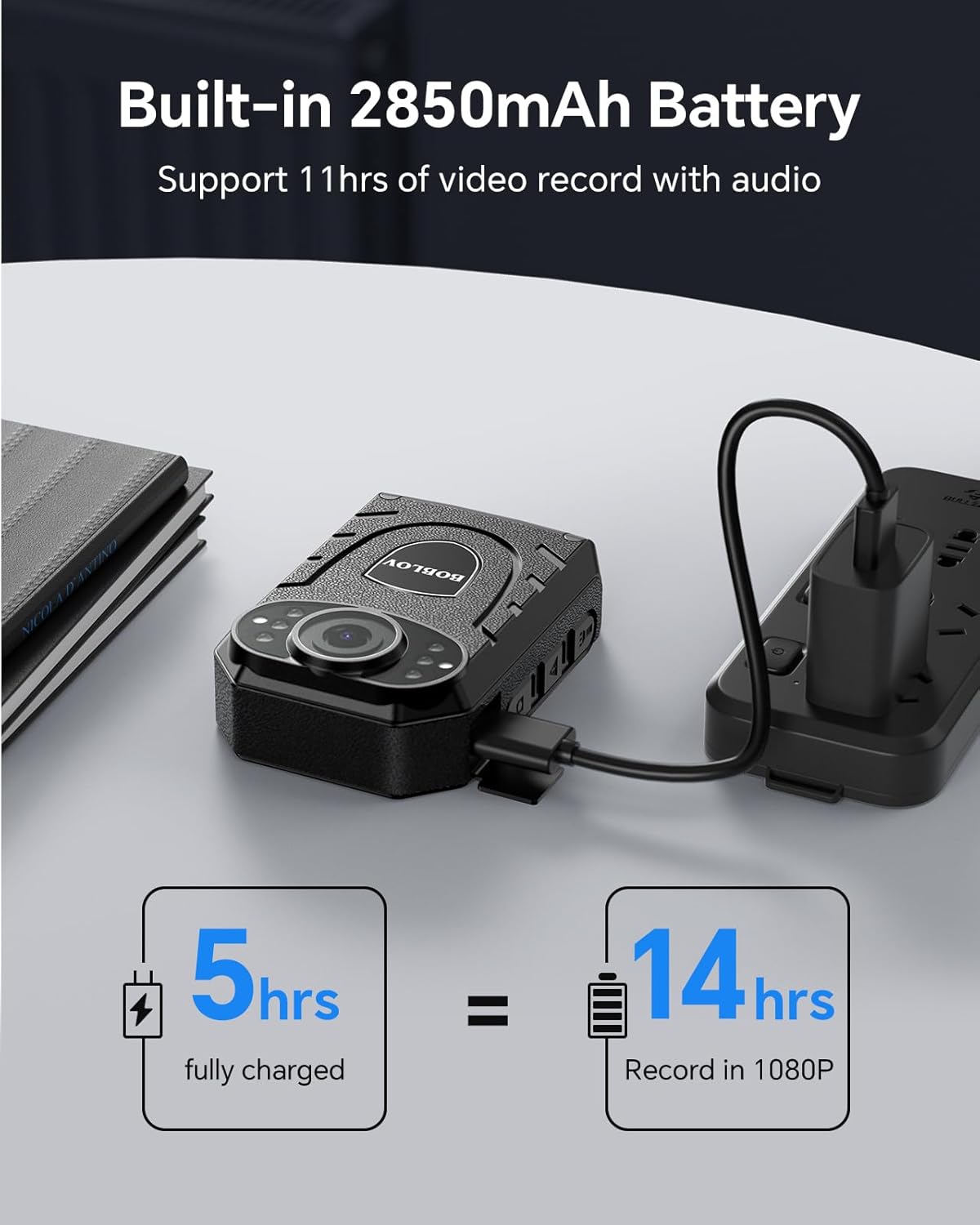
The BOBLOV KJ21 Body Camera connected to its charger for power replenishment.
3.2 Inserting a Micro SD Card
The KJ21 supports micro SD cards up to 256GB (not included). Locate the micro SD card slot on the side of the camera. Gently insert the card with the gold contacts facing the screen side of the camera until it clicks into place. Ensure the camera is powered off before inserting or removing the card.

Close-up view of a Micro SD card being inserted into the camera's slot.
3.3 Attaching the Clips
Select either the short 360° back clip or the long 360° shoulder clip based on your preferred mounting location. Attach the chosen clip securely to the camera's back. These clips allow for versatile attachment to uniforms, belts, or backpacks.

The short 360-degree back clip, designed for secure attachment.

The long 360-degree shoulder clip, offering versatile mounting options.
4. Operating Instructions
4.1 Power On/Off
To power on the camera, press and hold the Power button until the screen illuminates. To power off, press and hold the Power button again until the device shuts down.
4.2 Recording Video
With the camera powered on, press the Video Record button to start recording. The recording indicator light will illuminate. Press the button again to stop recording. Videos are saved automatically to the inserted micro SD card.
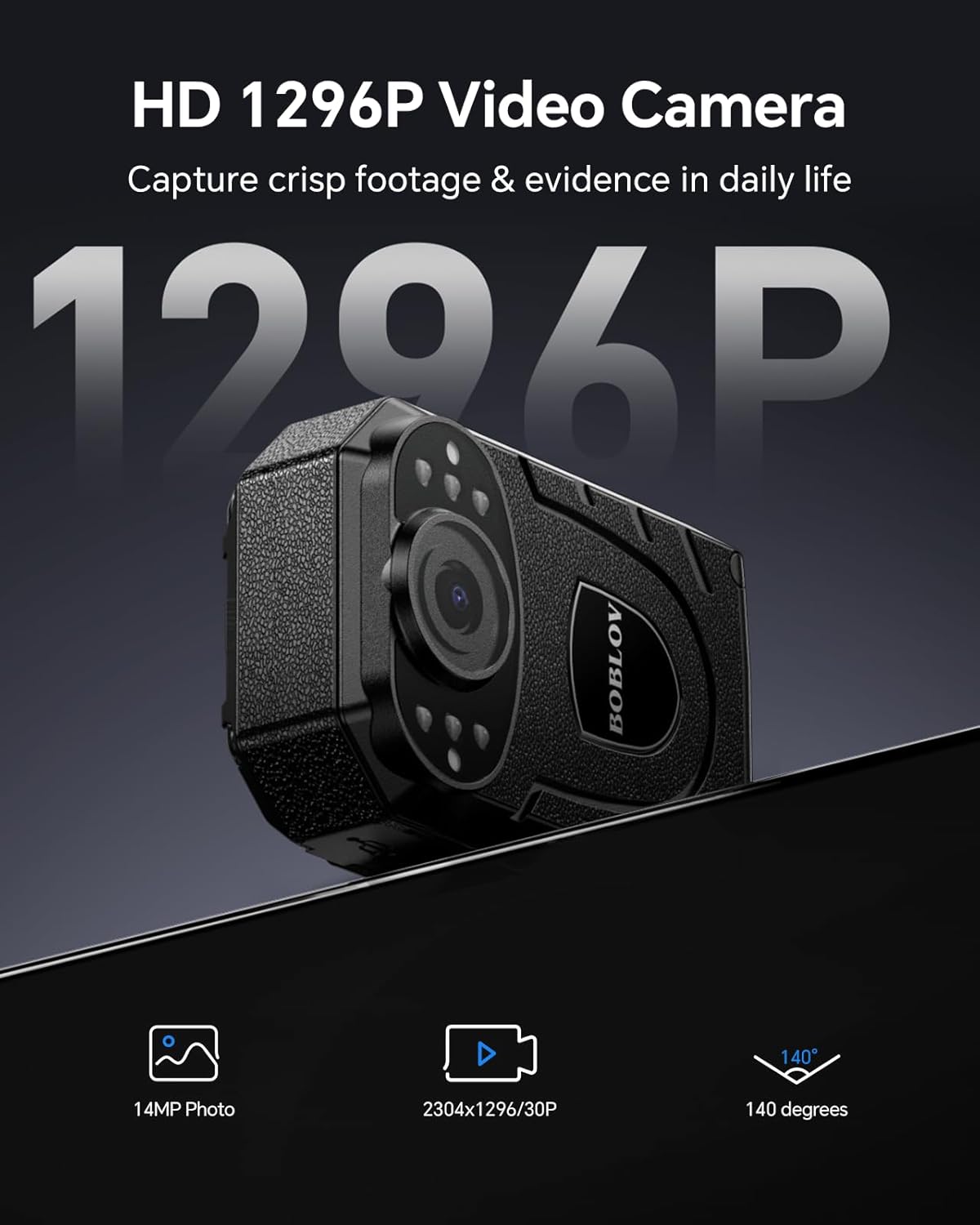
The BOBLOV KJ21 Body Camera, highlighting its capability to capture 1296P high-definition video.
4.3 Taking Photos
While in standby mode or during video recording, press the Photo button to capture a still image. Photos are saved to the micro SD card.
4.4 Activating Night Vision
The KJ21 features automatic infrared (IR) night vision for clear recording in dark environments. The camera will automatically switch to night vision mode when ambient light is low. Ensure the IR LEDs are not obstructed for optimal performance.
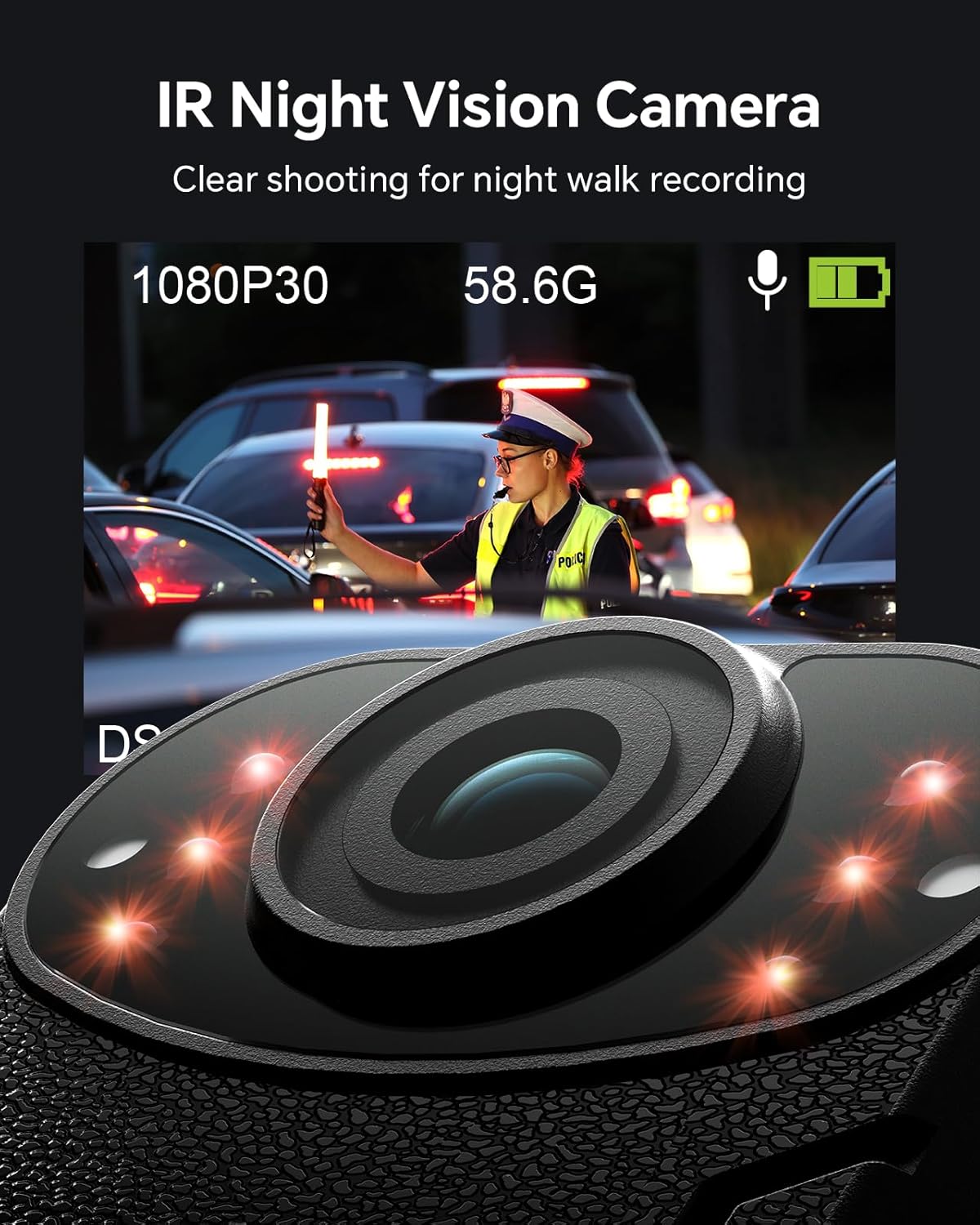
The BOBLOV KJ21 Body Camera demonstrating its IR night vision capabilities in a low-light setting.
4.5 Playback and File Management
Use the navigation buttons on the camera to browse recorded videos and photos on the screen. To transfer files to a computer, connect the camera using the provided USB cable. The camera will appear as a removable disk drive, allowing you to copy files directly.
4.6 Dash Camera Functionality
The KJ21 can also be used as a dash camera. An optional suction bracket (not included) is required for mounting in a vehicle. This allows for continuous loop recording, making it suitable for vehicle surveillance.
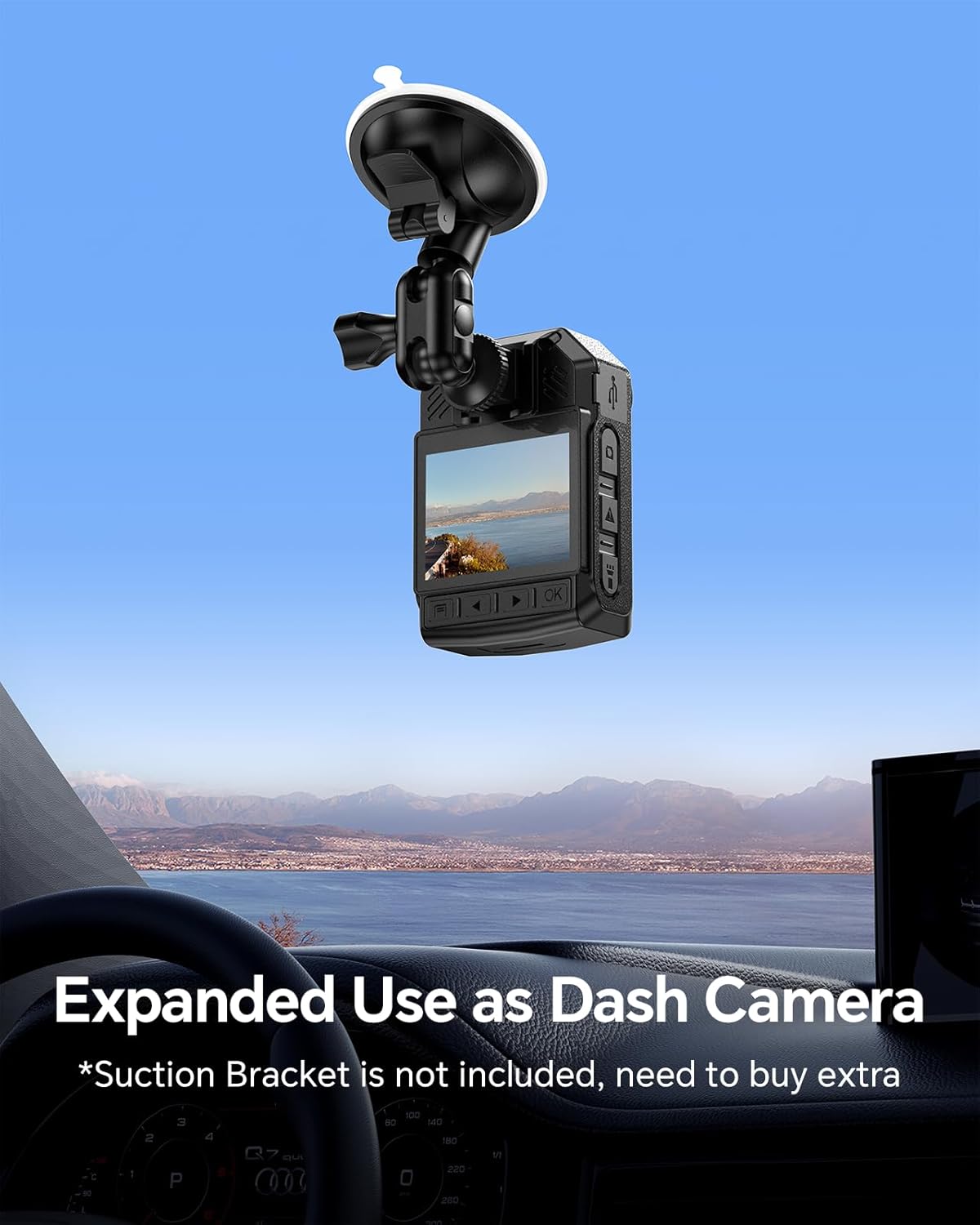
The BOBLOV KJ21 Body Camera configured for use as a dash camera, mounted on a car windshield.
5. Maintenance
5.1 Cleaning
Wipe the camera body with a soft, dry cloth. For the lens, use a specialized lens cleaning cloth and solution to avoid scratches. Do not use harsh chemicals or abrasive materials.
5.2 Storage
Store the camera in a cool, dry place away from direct sunlight and extreme temperatures. If storing for extended periods, ensure the battery is partially charged (around 50%) to prolong its lifespan.
5.3 Battery Care
To maximize battery life, avoid fully discharging the camera frequently. Charge the camera regularly, even if not in constant use. Do not expose the battery to extreme heat or cold.
6. Troubleshooting
Camera Not Turning On
- Ensure the battery is charged. Connect the camera to the charger and wait a few minutes before attempting to power on.
- Press and hold the Power button for at least 5 seconds.
Recording Issues (e.g., pixelated video, no recording)
- Check if a micro SD card is properly inserted and has sufficient free space.
- Format the micro SD card using the camera's settings (refer to the on-screen menu for instructions).
- Ensure the camera's lens is clean and free from smudges or obstructions.
- If video quality is consistently poor, try reducing the recording resolution in the camera settings.
Clip Not Holding Position
- Ensure the clip is securely attached to the camera and the garment/surface.
- For heavier garments or active use, consider using the long shoulder clip for better stability.
Camera Freezing/Unresponsive
- Perform a soft reset by pressing and holding the Power button until the camera forces a shutdown.
- If the issue persists, remove the micro SD card and try powering on the camera without it.
7. Specifications
| Feature | Specification |
|---|---|
| Brand | BOBLOV |
| Model Number | KJ21 |
| Item Weight | 14.5 ounces |
| Product Dimensions | 2.95 x 2.17 x 0.98 inches |
| Country of Origin | China |
| Batteries | 1 Lithium Polymer battery (included) |
| Color | Black |
| Special Features | Light Weight, Portable |
| Photo Sensor Technology | CMOS |
| Video Capture Resolution | 1296p |
| Maximum Focal Length | 100 Millimeters |
| Maximum Aperture | 2 f |
| Flash Memory Type | Micro SD (up to 256GB) |
| Video Capture Format | MP4 |
| Supported Audio Format | MP3, WAV |
| Screen Size | 2 Inches |
| Connectivity Technology | USB |
8. Warranty and Support
BOBLOV provides a 24-month product warranty for registered supporters. For any technical assistance or inquiries, BOBLOV offers quick response within 24 hours and lifetime technical support. Please refer to the official BOBLOV website or your purchase platform for contact information and warranty registration details.
No official product videos with 'Seller' creator type were available for embedding in this manual.
Related documentsKJ21


Ask a question about this manual
Ask about setup, troubleshooting, compatibility, parts, safety, or missing instructions. Manuals+ will review the question and use this page’s manual context to help answer it.