
1. Introduction
Thank you for choosing the SIMOLIO JH-712 Kids Bluetooth Headphones. These headphones are designed with children's safety and comfort in mind, featuring a 3-level volume limiter to protect sensitive ears. They offer both wireless Bluetooth connectivity and a wired option, along with a built-in microphone for calls and a share port for shared listening. The foldable design and durable construction make them ideal for various activities, including school, travel, and everyday use.
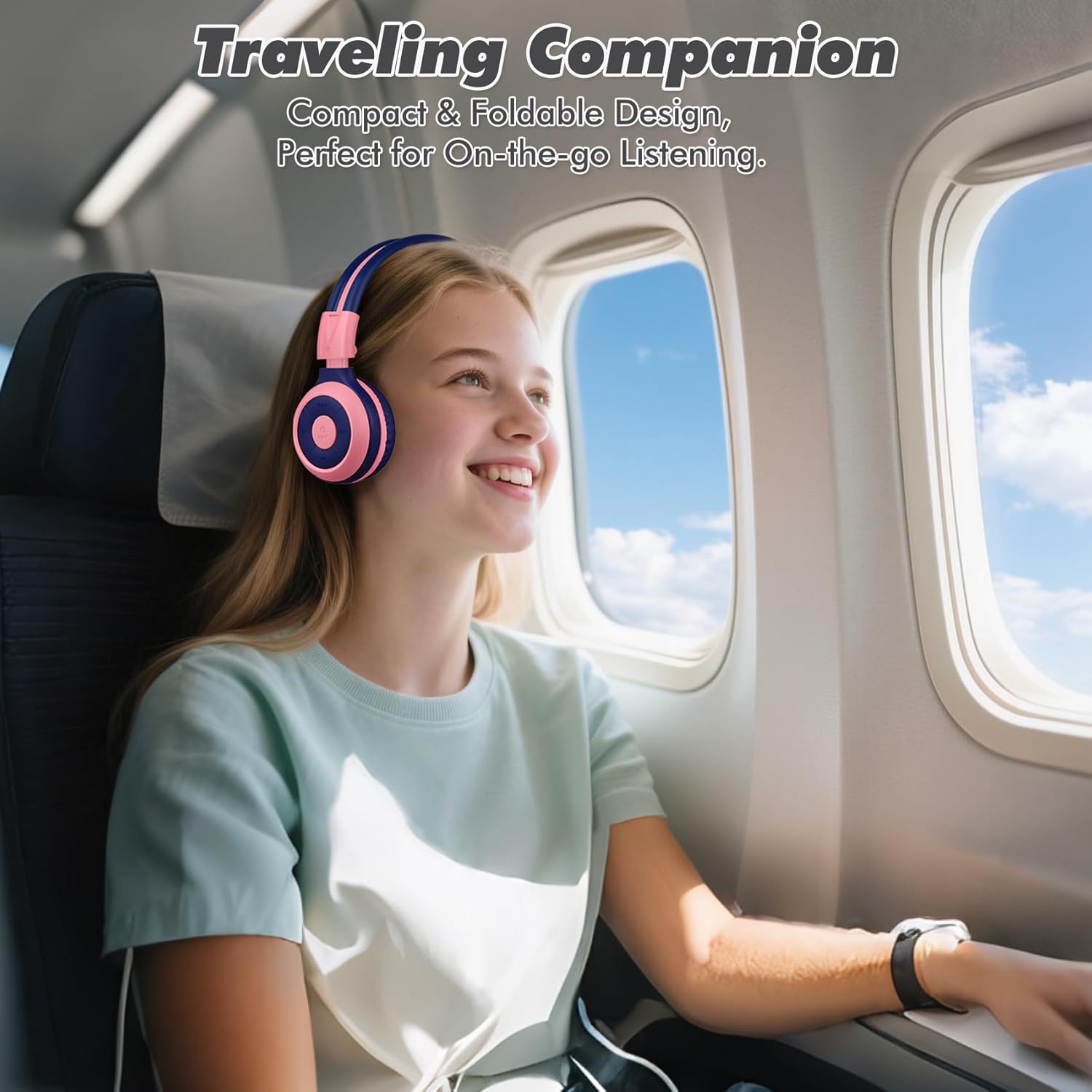
Image: The SIMOLIO JH-712 headphones are a perfect travel companion due to their compact and foldable design.
2. What's in the Box
Please check the package contents to ensure all items are present:
- SIMOLIO JH-712 Kids Bluetooth Headphones
- EVA Carrying Case
- USB Charging Cable
- 3.5mm Audio Cable
- User Manual (this document)
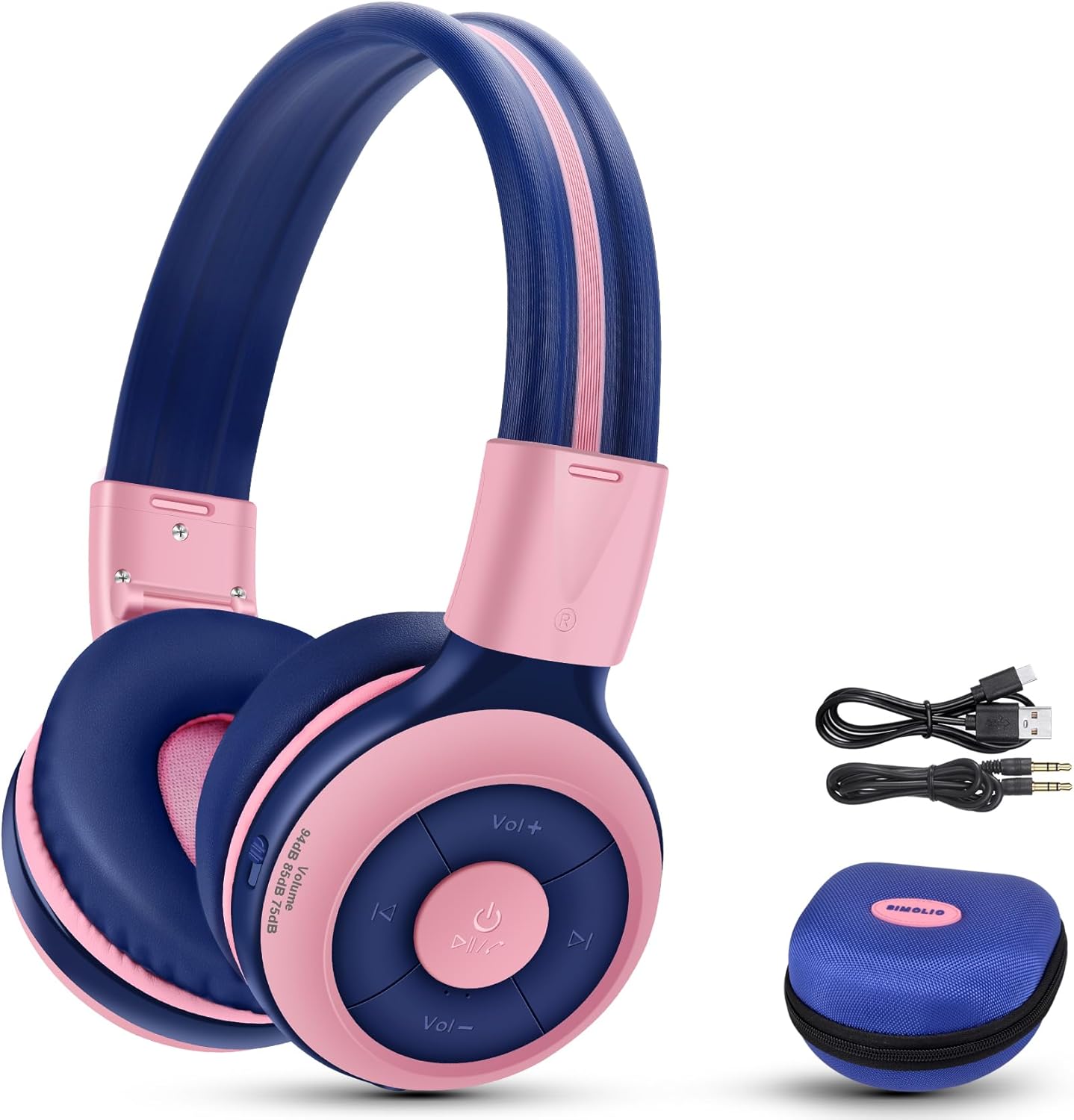
Image: Contents of the SIMOLIO JH-712 headphone package, including the headphones, cables, and EVA case.
3. Product Overview
The SIMOLIO JH-712 headphones feature a robust and comfortable design. Key components include:
- Adjustable Headband: Made with memory stainless steel strips for durability and flexibility, allowing for a custom fit.
- Soft Ear Cushions: Over-ear design with memory foam earmuffs provides comfort and helps isolate external noise.
- Control Buttons: Located on the earcup for power, volume, playback, and call management.
- Built-in Microphone: For hands-free calling and online learning.
- 3.5mm Audio Port: For wired connection.
- Charging Port: For recharging the internal battery.
- Share Port: Allows another headphone to daisy-chain for shared audio.
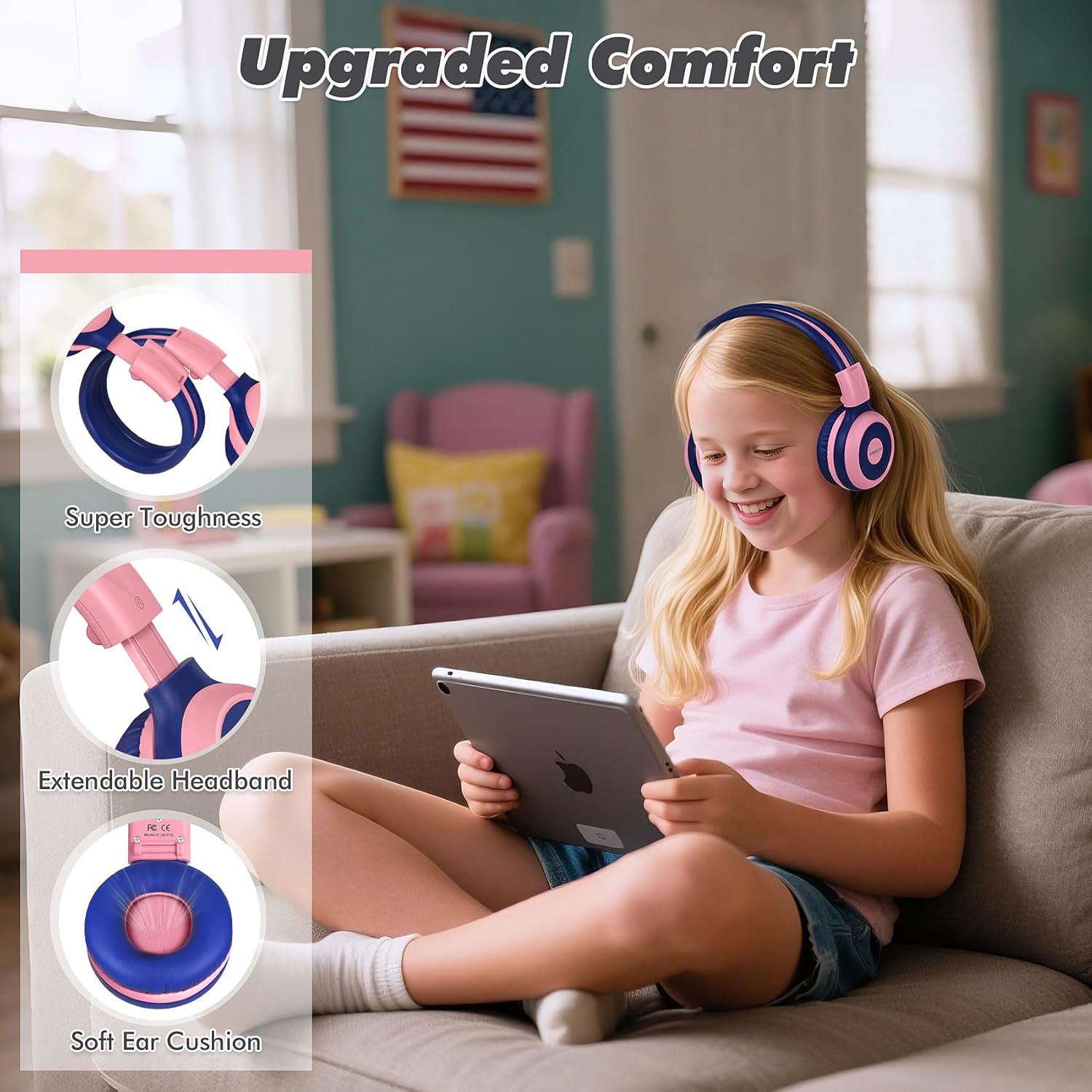
Image: Features highlighting the upgraded comfort, including super toughness, extendable headband, and soft ear cushions.

Image: Ergonomic design details showing soft earcups, adjustable and sturdy headband, and foldable functionality.
4. Setup
4.1 Charging the Headphones
Before first use, fully charge the headphones. A full charge takes approximately 3 hours.
- Connect the USB charging cable to the charging port on the headphones.
- Connect the other end of the USB cable to a compatible USB power source (e.g., computer USB port, wall adapter).
- The LED indicator will show charging status (refer to the LED indicator section in the full manual for details).
- Once fully charged, disconnect the charging cable.
4.2 Bluetooth Pairing
To connect your headphones wirelessly via Bluetooth:
- Ensure the headphones are powered off.
- Press and hold the Power button until the LED indicator flashes blue and red, indicating pairing mode.
- On your device (smartphone, tablet, computer), enable Bluetooth and search for available devices.
- Select "SIMOLIO JH-712" from the list of devices.
- Once connected, the LED indicator will typically show a solid blue light or flash slowly.
4.3 Wired Mode
You can use the headphones in wired mode when the battery is low or with devices that do not support Bluetooth.
- Connect one end of the 3.5mm audio cable to the audio port on the headphones.
- Connect the other end to the 3.5mm audio jack of your device.
- The headphones will automatically switch to wired mode.
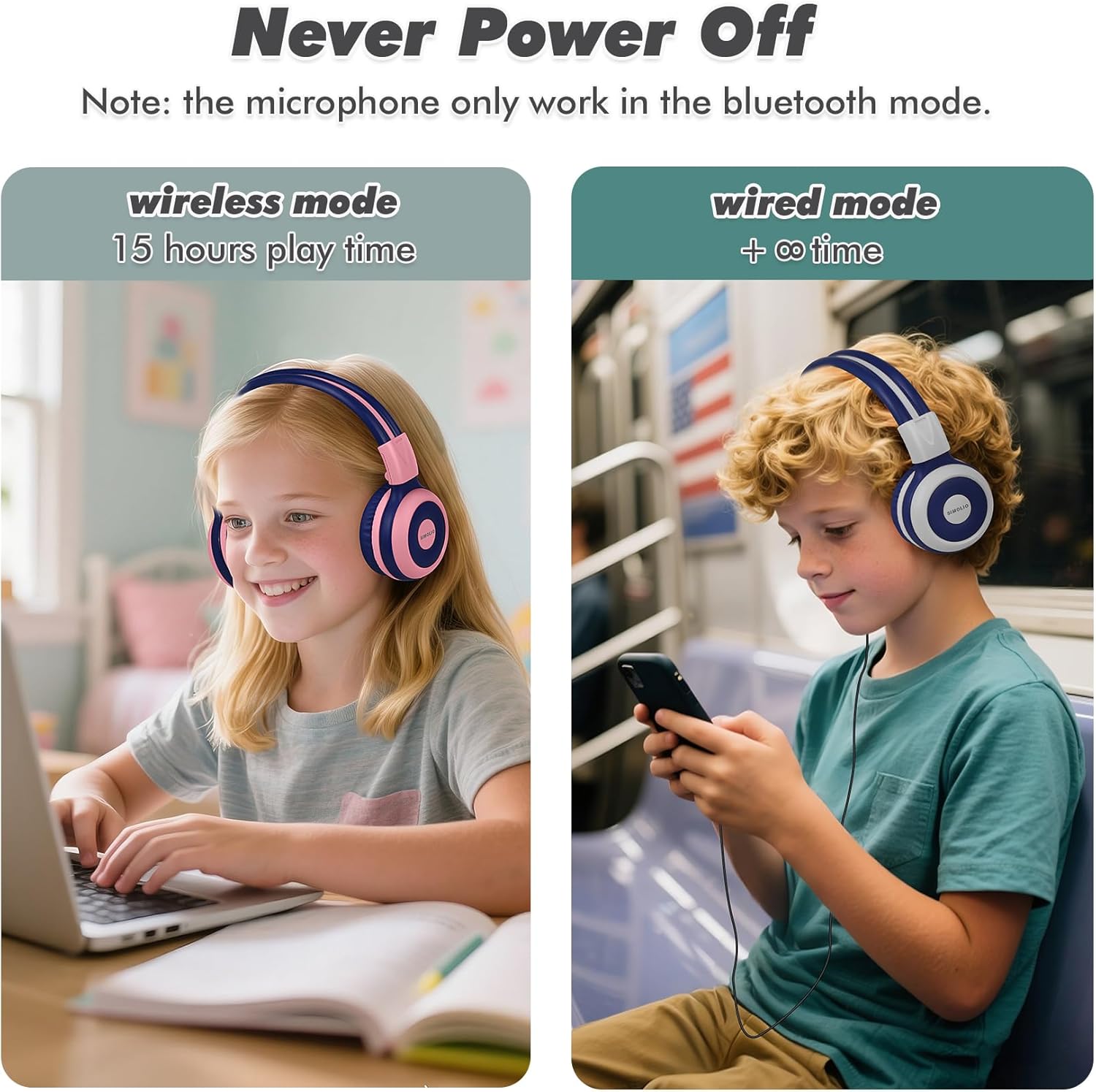
Image: Illustration of wireless mode with 15 hours play time and wired mode for continuous use.
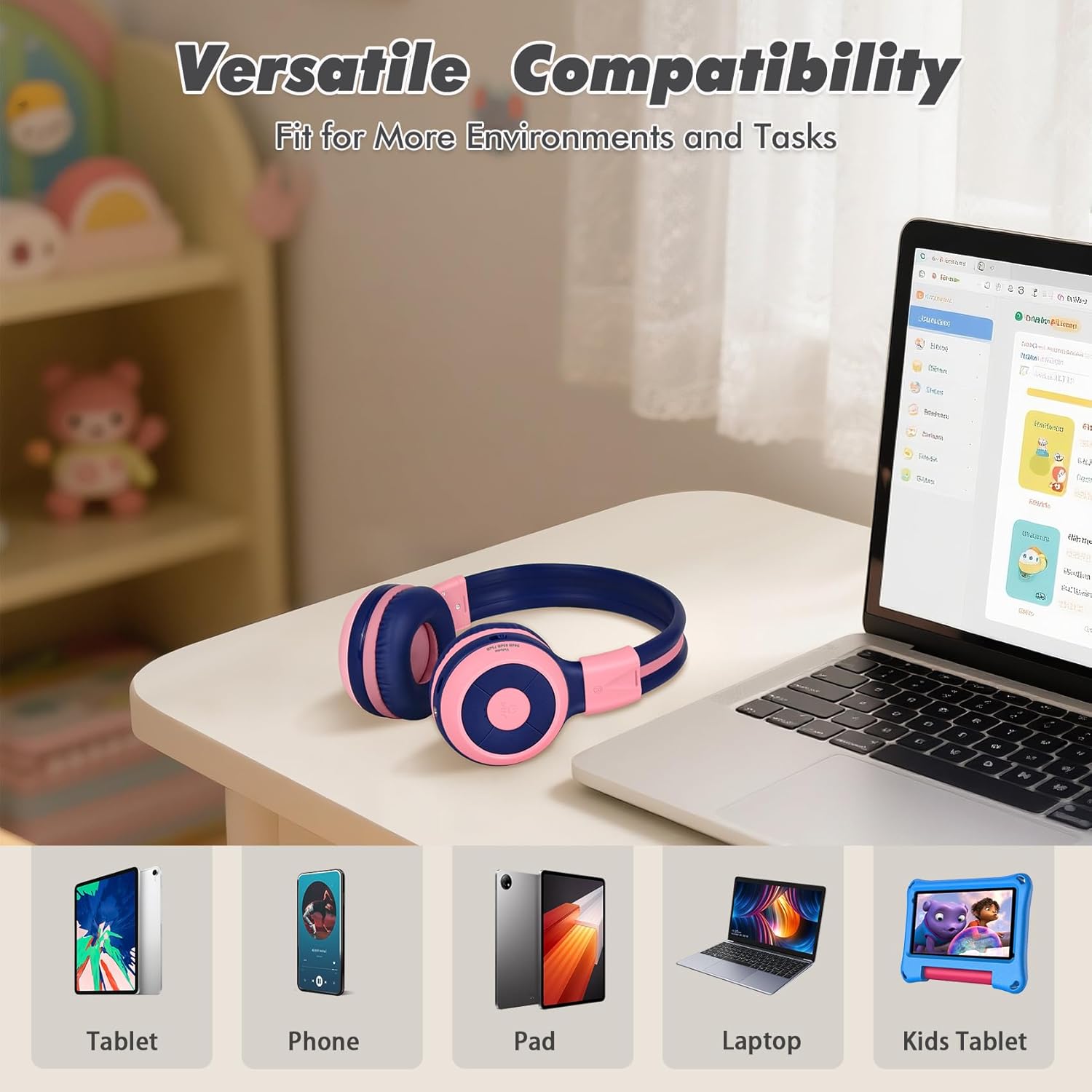
Image: Versatile compatibility with various devices including tablets, phones, iPads, laptops, and kids' tablets.
5. Operating Instructions
5.1 Power On/Off
- Power On: Press and hold the Power button for approximately 3 seconds until the LED indicator lights up.
- Power Off: Press and hold the Power button for approximately 3 seconds until the LED indicator turns off.
5.2 Volume Control and Limiter
The headphones feature a unique 3-level volume limiter to protect hearing:
- 75dB (Toddler Mode): For very young children.
- 85dB (Study Mode): Suitable for general listening and study.
- 94dB (Travel Mode): For noisier environments, providing a slightly higher but still safe volume.
Use the dedicated switch on the earcup to select the desired volume limit. Adjust the listening volume using the Vol+ and Vol- buttons.
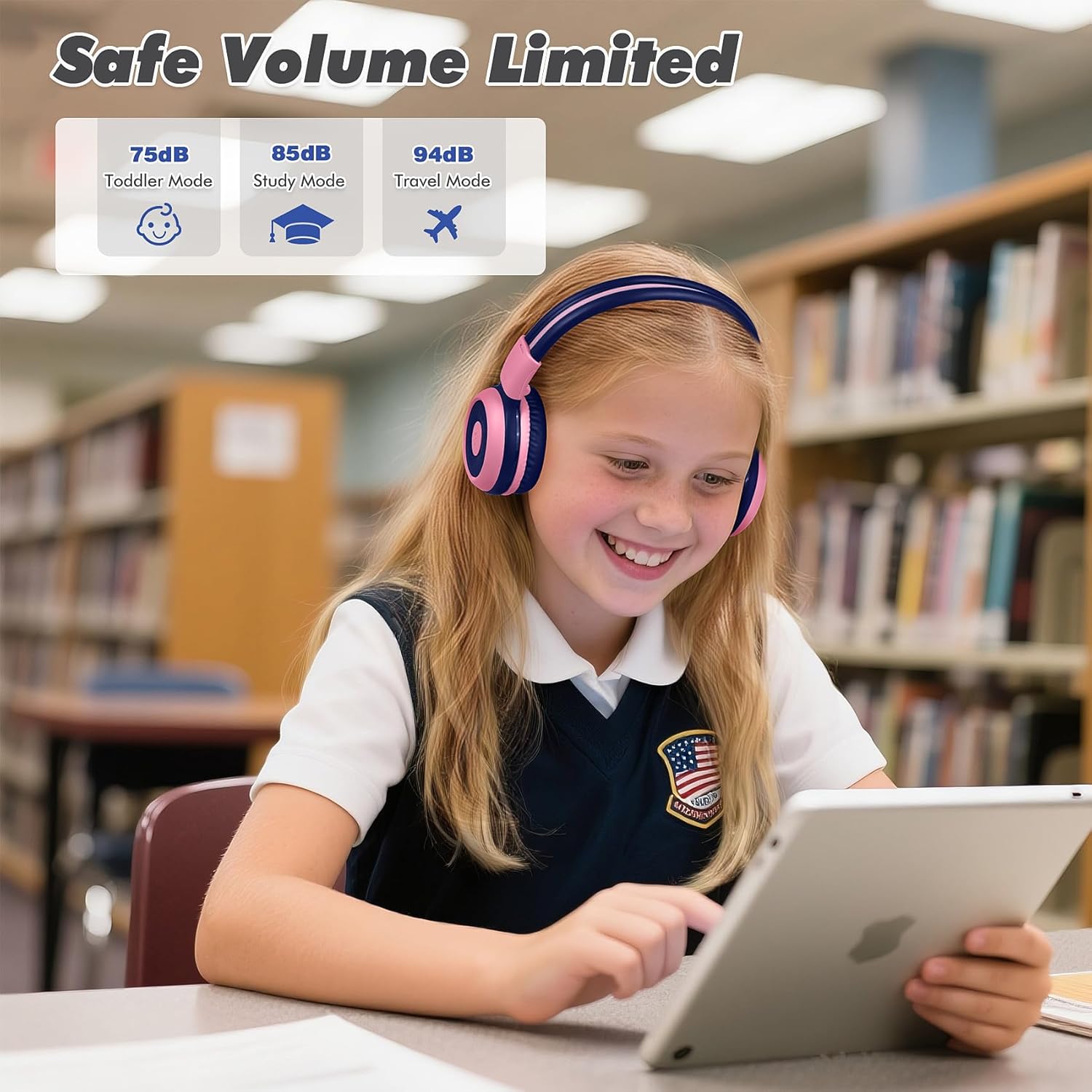
Image: Safe Volume Limited feature with three distinct modes for different age groups and environments.

Image: Detailed view of the 3-level volume limiter switch for kids' hearing protection.
5.3 Music Playback
- Play/Pause: Press the Play/Pause button once.
- Next Track: Press the Next Track button once.
- Previous Track: Press the Previous Track button once.
5.4 Call Management
The built-in microphone allows for hands-free calls when connected via Bluetooth.
- Answer/End Call: Press the Play/Pause button once.
- Reject Call: Press and hold the Play/Pause button for approximately 2 seconds.

Image: Crystal-clear calls and online learning anytime with the built-in HD microphone.
5.5 Share Port Function
The unique share port allows two headphones to listen to the same audio source simultaneously.
- Connect the first headphone wirelessly to your device.
- Connect one end of the 3.5mm audio cable to the share port of the first headphone.
- Connect the other end of the 3.5mm audio cable to the audio input of a second headphone.
- Both headphones will now receive audio from the same source.

Image: Double the fun with one device and two listeners using the unique sharing port.
6. Maintenance
Proper care will extend the life of your headphones.
- Cleaning: Use a soft, dry cloth to clean the headphones. Do not use liquid cleaners or aerosols.
- Storage: When not in use, store the headphones in the provided EVA carrying case to protect them from dust and damage. The foldable design makes storage compact.
- Avoid Extreme Conditions: Do not expose the headphones to extreme temperatures, humidity, or direct sunlight.
- Water Resistance: These headphones are not water resistant. Avoid contact with liquids.

Image: Folding the headphones and storing them in the hard EVA case for space-saving and easy carrying.
7. Troubleshooting
If you encounter issues with your SIMOLIO JH-712 headphones, please refer to the following common solutions:
| Problem | Possible Solution |
|---|---|
| Headphones won't power on | Ensure the headphones are fully charged. Connect to a power source and try again. |
| Cannot pair via Bluetooth | Make sure headphones are in pairing mode (flashing blue/red LED). Turn off and on your device's Bluetooth. Ensure headphones are not connected to another device. |
| No sound in wireless mode | Check if the headphones are successfully paired and connected. Adjust the volume on both the headphones and your device. Ensure the volume limiter switch is not set too low. |
| No sound in wired mode | Ensure the 3.5mm audio cable is securely connected to both the headphones and your device. Test with a different audio cable if available. |
| Microphone not working | The microphone only works in Bluetooth mode. Ensure headphones are connected via Bluetooth and selected as the input device on your system settings. |
| Sound is too low | Check the 3-level volume limiter switch on the headphones and adjust it to a higher setting (e.g., 85dB or 94dB). Increase volume on both the headphones and the connected device. |
8. Specifications
Detailed technical specifications for the SIMOLIO JH-712 Kids Bluetooth Headphones:
- Model Name: Kids Wireless Bluetooth Headphones JH-712P
- Connectivity Technology: Wireless (Bluetooth), Wired (3.5mm Jack)
- Bluetooth Version: 5.0
- Bluetooth Range: 10 Meters (33 feet)
- Audio Driver Type: Dynamic Driver
- Audio Driver Size: 40 Millimeters
- Impedance: 32 Ohms
- Noise Control: Sound Isolation
- Battery Life: Up to 15 Hours (wireless mode)
- Charging Time: Approximately 3 Hours
- Control Type: Media Control, Push Button
- Special Features: Adjustable Headband, Foldable, Built-in Microphone, Noise Isolation, 3-level Volume Limiter (75dB/85dB/94dB), Share Port
- Material: Stainless Steel (headband), Memory Foam (earmuffs), EVA (case)
- Item Weight: 9.2 ounces (260 Grams)
- Product Dimensions: 5.51 x 3.15 x 5.31 inches
- Water Resistance Level: Not Water Resistant
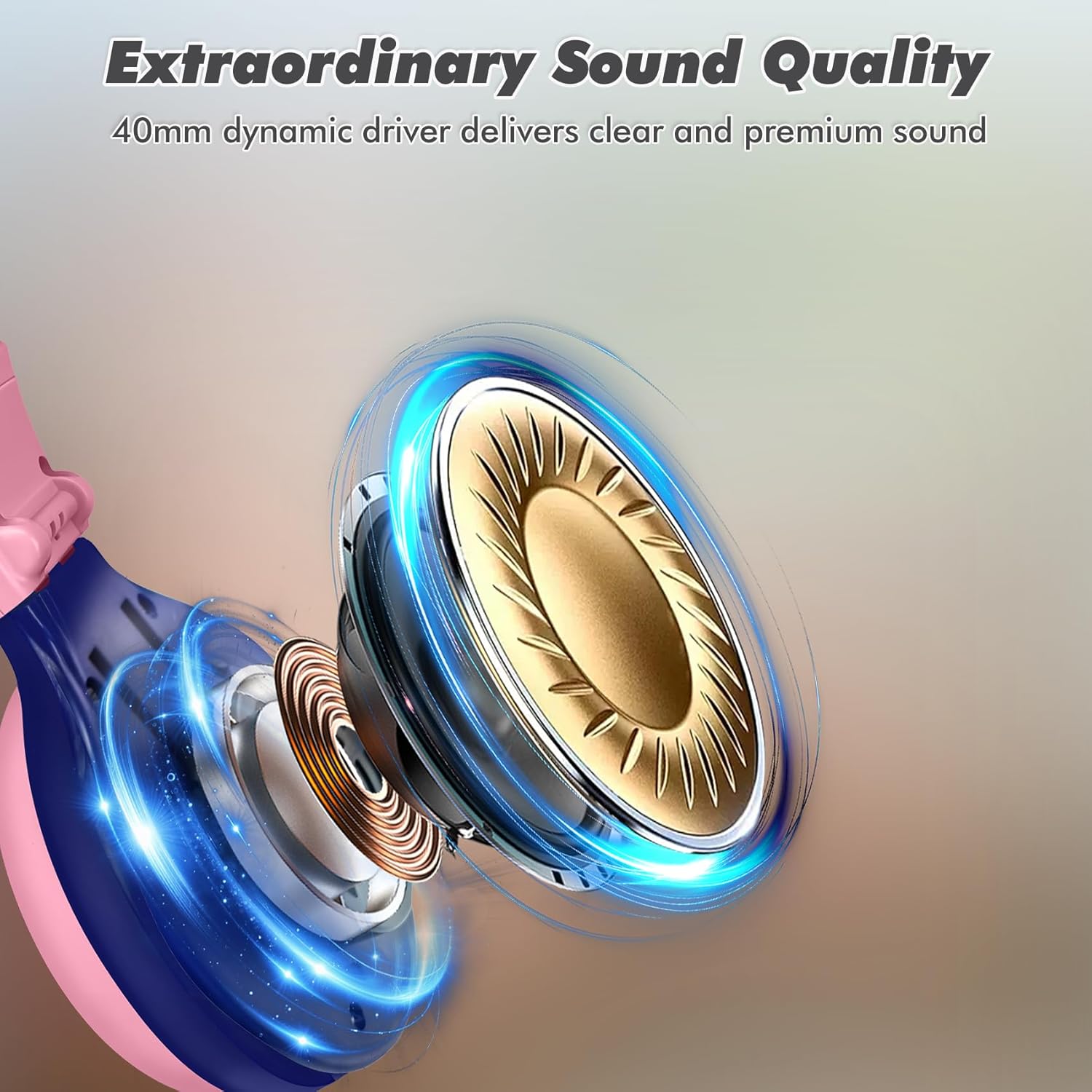
Image: Illustration of the 40mm dynamic driver, delivering clear and premium sound quality.
9. Warranty & Support
SIMOLIO provides a 12-month hassle-free warranty for the JH-712 Kids Bluetooth Headphones.
If you have any questions, concerns, or require technical assistance, please contact SIMOLIO customer service. Contact information can typically be found on the official SIMOLIO website or through your purchase platform.
For additional support and product information, you may visit the SIMOLIO Store on Amazon.
10. Product Video
Watch this official product video for a visual guide to the SIMOLIO Kids Bluetooth Headphones JH-712.
Video: SIMOLIO Kids Bluetooth Headphones with Mic JH-712. This video demonstrates the features and usage of the headphones.


