
Introduction
This manual provides detailed instructions for the installation, operation, and maintenance of your Geeni Smart Window & Door Sensors. These sensors are designed to enhance your home security by providing real-time alerts when windows or doors are opened or closed. Please read this manual thoroughly before using the product to ensure proper function and safety.
What's Included
- 2 x Geeni Smart Window & Door Sensors (Main Unit and Magnet)
- Batteries (CR2)
- Mounting Adhesive
- Mounting Screws
- User Manual
Product Overview
The Geeni Smart Window & Door Sensors consist of two parts: a main sensor unit and a smaller magnetic contact. When these two parts are separated (e.g., when a door or window opens), the sensor triggers an alert. The sensors connect to your home Wi-Fi network, allowing you to monitor their status remotely via the Geeni app.
Key Features:
- Windows & Doors: Detects opening and closing of windows and doors.
- Push Notifications: Sends instant alerts to your smartphone.
- Share Access: Allows sharing control with family members.
- Smart Automation: Integrates with other Geeni smart devices for automated actions.
- Home Security: Provides a layer of security monitoring for your home.
- Easy Setup: Simple installation process with adhesive or screws.
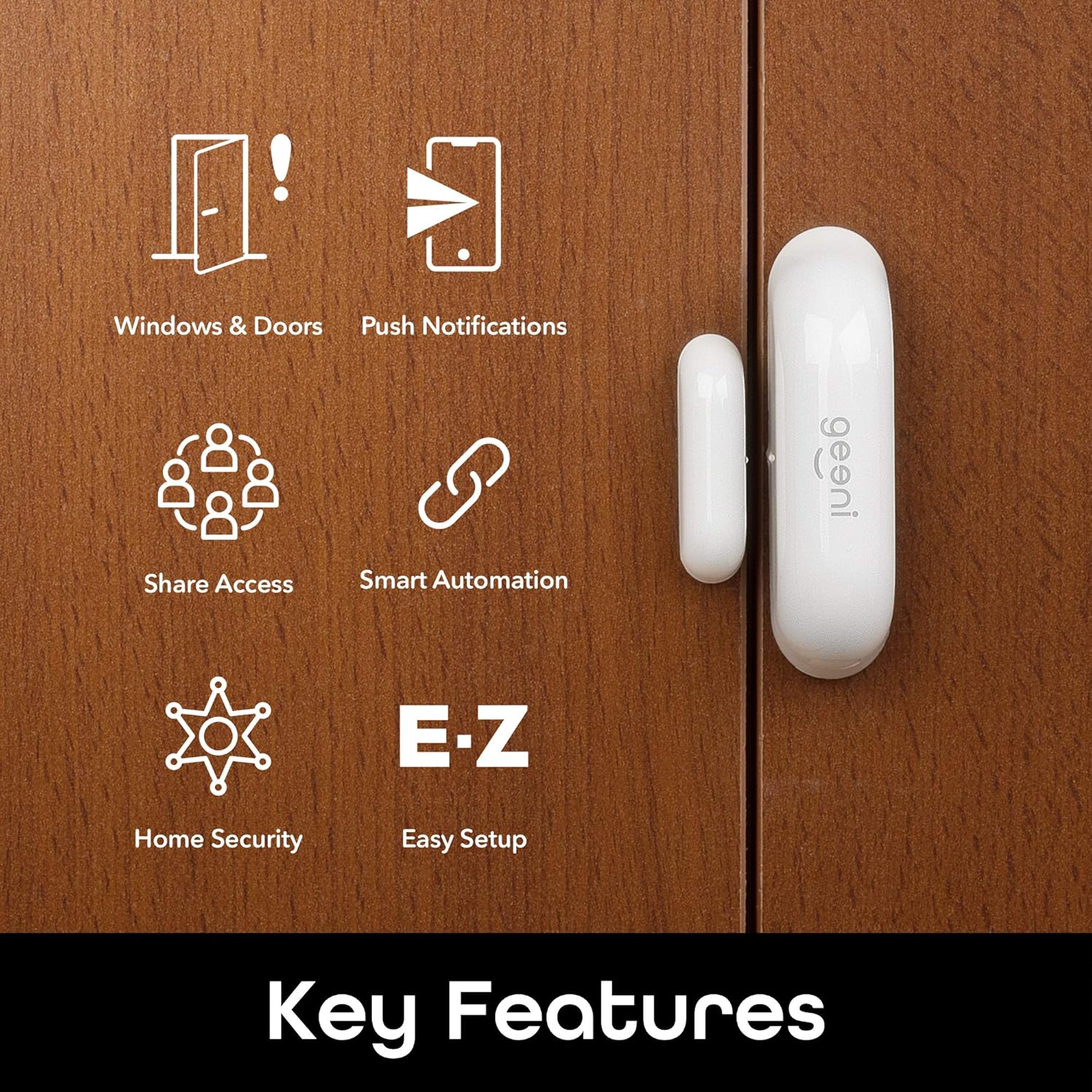
Image: Overview of the Geeni Smart Window & Door Sensor's key features, including detection for windows and doors, push notifications, shared access, smart automation, home security, and easy setup.
Installation Guide
1. Download the Geeni App
Before beginning installation, download the Geeni app from the App Store (for iOS devices) or Google Play Store (for Android devices). Register for an account or log in if you already have one.

Image: A diagram illustrating the simple setup process: 1. Download App, 2. Battery On, 3. Notification.
2. Battery Installation
The sensors require CR2 batteries. To install or replace batteries:
- Gently slide open the cover of the main sensor unit.
- Insert the CR2 battery, ensuring correct polarity (+ and -).
- Close the cover securely.

Image: A close-up view of the Geeni Smart Sensor main unit with its cover removed, showing the battery compartment and a CR2 battery being inserted. This illustrates the easy battery replacement process.
3. Mounting the Sensors
The sensors can be mounted using either the included adhesive backing or screws.
- Choose a Location: Select a clean, dry surface on your door or window frame. The main unit and magnet must be mounted within 1 cm (0.4 inches) of each other when the door/window is closed.
- Adhesive Mounting: Peel off the protective film from the adhesive pads on the back of both the main unit and the magnet. Press firmly onto the desired surface for at least 30 seconds.
- Screw Mounting: For a more permanent installation, use the provided screws to secure the mounting brackets to the door/window frame, then attach the sensor units to the brackets.

Image: A hand applying the adhesive backing to the Geeni Smart Sensor, demonstrating the tool-free installation method.

Image: A Geeni Smart Window & Door Sensor mounted on a white window frame, showing the main unit and magnet aligned.
4. Pairing with the Geeni App
Follow the in-app instructions to pair your sensors with your Wi-Fi network. This typically involves:
- Opening the Geeni app and selecting 'Add Device'.
- Choosing the correct device type (Door/Window Sensor).
- Following the on-screen prompts to connect the sensor to your 2.4GHz Wi-Fi network.

Image: A smartphone displaying the Geeni app interface, showing various connected smart home devices, including a door sensor notification.
Operating Instructions
Real-Time Alerts
Once successfully paired, your Geeni Smart Window & Door Sensors will send instant notifications to your smartphone whenever a monitored window or door is opened or closed. You can customize alert settings within the Geeni app.

Image: A smartphone screen showing an instant notification from the Geeni app indicating that a door sensor has been opened.
Smart Automations
Integrate your sensors with other Geeni smart devices to create automated routines. For example, you can set Geeni smart bulbs to turn on automatically when a door is opened, providing convenience and an added layer of security.

Image: A Geeni Smart Sensor and a Geeni smart bulb, illustrating how Geeni bulbs can turn on automatically when a door is opened, as part of smart automations.
Multi-Purpose Use
These versatile sensors can be used on various entry points and access points within your home, including:
- Doors (front, back, garage, interior)
- Windows
- Cabinets (e.g., for child safety or securing valuables)

Image: A collage showing various applications of the Geeni Smart Sensor, including monitoring a child near a door, a cat near a door, and a child near a cabinet, highlighting its multipurpose use for safety and security.
Maintenance
Battery Replacement
The Geeni Smart Window & Door Sensors are powered by CR2 batteries. The Geeni app will notify you when the battery level is low. To replace the battery, follow the steps outlined in the 'Battery Installation' section of this manual.
Cleaning
To maintain optimal performance, periodically clean the sensor units with a soft, dry cloth. Avoid using abrasive cleaners or solvents, as these can damage the device.
Troubleshooting
- Sensor not connecting to Wi-Fi:
- Ensure your Wi-Fi network is 2.4GHz. Check that the sensor is within range of your Wi-Fi router. Restart your router and try pairing again. Confirm your Wi-Fi password is entered correctly in the app.
- No alerts received:
- Verify that push notifications are enabled for the Geeni app in your smartphone's settings. Check the sensor's battery level in the app. Ensure the sensor is online and connected to Wi-Fi.
- False open/close notifications:
- Ensure the main sensor unit and magnet are properly aligned and within the recommended 1 cm (0.4 inches) distance when the door/window is closed. Check for any loose mounting or movement of the sensor components.
- Short battery life:
- Ensure you are using fresh, high-quality CR2 batteries. Frequent opening and closing of the monitored entry point can lead to increased battery consumption. If issues persist, contact customer support.
Product Specifications
| Brand | Geeni |
| Model Number | GN-SS000-PARENT |
| Mounting Type | Wall Mount |
| Sensor Technology | Contact Sensor |
| Smart Home Compatibility | Smart Home Compatible (Works with Geeni App, Google Assistant, Amazon Alexa) |
| Power Source | Battery Powered (CR2) |
| Control Method | App |
| Item Weight | 3.87 ounces |
| Package Dimensions | 5.43 x 3.58 x 2.05 inches |
| Installation Method | Screw In, Self Adhesive |
| Color | White |
Warranty and Customer Support
Geeni products typically come with a standard manufacturer's warranty. For specific warranty details, product support, or technical assistance, please refer to the Geeni website or contact their customer service directly. Keep your purchase receipt for warranty claims.
Geeni Smart Home Ecosystem Overview
The Geeni Smart Window & Door Sensors are part of a larger ecosystem of smart home devices designed to simplify your life. Watch this video for a general overview of how Geeni products can work together to create a connected home experience.
Video: An overview of the Geeni Smart Home Product line, showcasing various devices like security cameras, smart doorbells, smart lighting, smart plugs, and smart sensors working together.


