
Product Overview
The ThermoPro TM01 is a multifunctional digital timer designed to assist with various timing events, offering precision and ease of use. Its compact design and clear display make it suitable for a wide range of applications.

Front view of the ThermoPro TM01 Digital Kitchen Timer, showing its large display and control buttons.
Key Features:
- Count Up/Countdown Timer: Capable of timing up to 99 hours, 59 minutes, and 59 seconds, ideal for cooking, exercise, study, and other activities.
- Adjustable Alarm Volume: Features 4 volume levels (SILENT/LOW/MEDIUM/HIGH) to suit different environments and user preferences.
- Touch Backlight & Large LCD Digits: Ensures easy readability in various lighting conditions, including dim environments.
- Clock Mode: Functions as a digital clock, providing timekeeping functionality in addition to its timer features.
- Multiple Placement Options: Equipped with a durable tabletop stand and a strong magnetic back for convenient placement on surfaces or magnetic appliances.

The ThermoPro TM01 timer is versatile, suitable for a variety of applications including cooking, exercise, studying, skincare routines, and gaming.
Setup
Battery Installation:
The ThermoPro TM01 requires 2 AAA batteries for operation. These batteries are included with the product. To install, open the battery compartment on the back of the unit and insert the batteries, ensuring correct polarity (+/-).
Placement Options:
The timer offers flexible placement options:
- Tabletop Stand: Utilize the durable built-in stand to place the timer upright on any flat surface, such as a kitchen counter or desk.
- Magnetic Back: The strong magnetic back allows the timer to be securely attached to magnetic surfaces like refrigerators or metal cabinets.

The timer can be placed on a tabletop using its stand or attached to a magnetic surface like a refrigerator.
Operating Instructions
Modes:
The ThermoPro TM01 features three primary modes: Clock, Countdown Timer, and Count Up Timer. Press the MODE button to cycle through these modes.
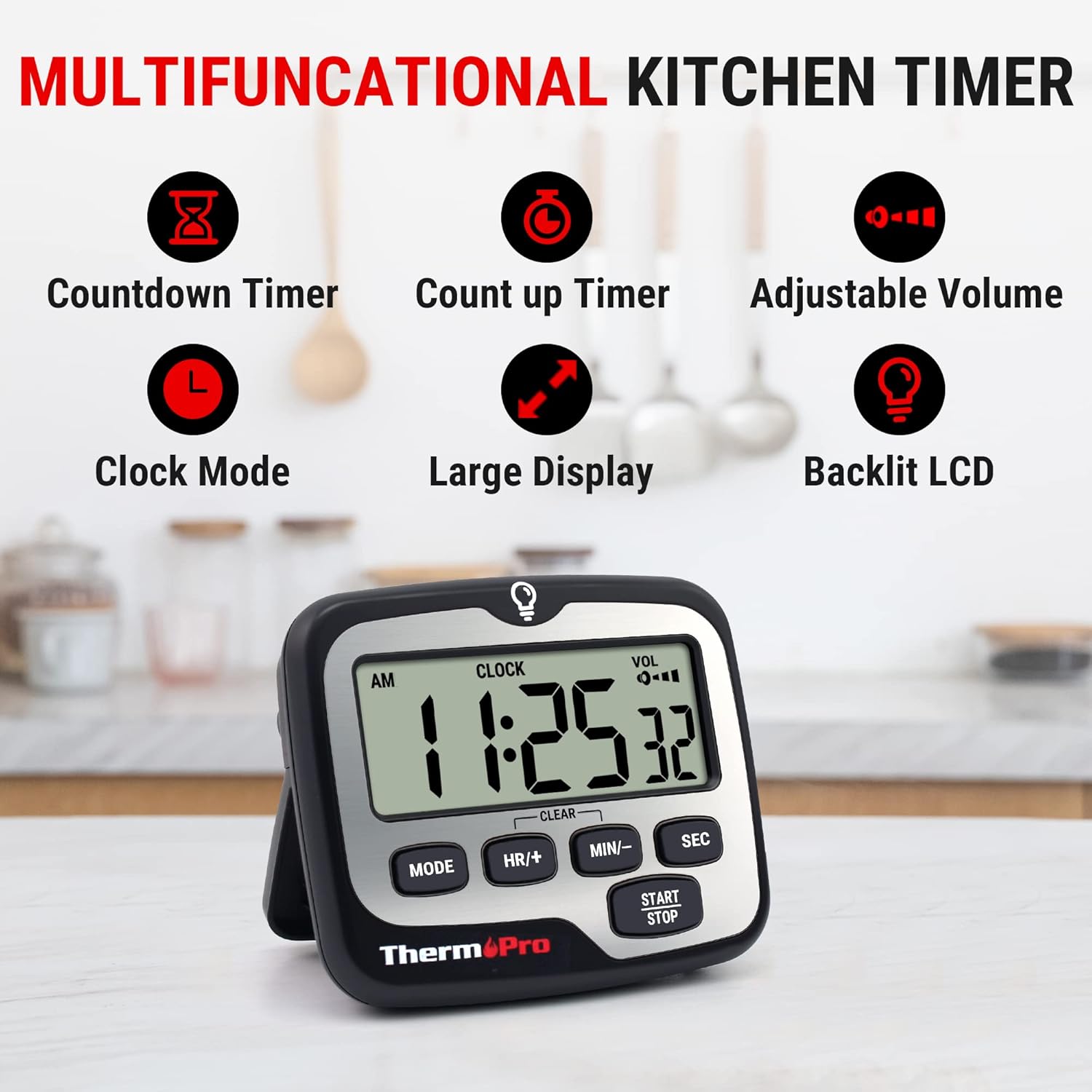
The timer offers multiple functions including countdown, count up, adjustable volume, clock mode, large display, and backlit LCD.
Setting the Countdown Timer:
- Press MODE until 'TIMER' is displayed.
- Use the HR/+, MIN/-, and SEC buttons to set the desired countdown time.
- Press START/STOP to begin the countdown.
- To pause, press START/STOP again. To resume, press START/STOP.
- To clear the timer, press HR/+ and MIN/- simultaneously.

The timer supports both count up and countdown functions, useful for various activities.
Using the Count Up Timer:
- Press MODE until 'TIMER' is displayed. Ensure the timer is cleared (00:00:00).
- Press START/STOP to begin counting up from zero.
- To pause, press START/STOP again. To resume, press START/STOP.
- To clear the timer, press HR/+ and MIN/- simultaneously.
Adjusting Alarm Volume:
The timer features a volume switch located on the back of the unit. Slide the switch to select one of the four available volume levels: SILENT, LOW, MEDIUM, or HIGH. This allows you to customize the alarm's loudness based on your environment and needs.

Choose from four volume settings, including a silent mode, to ensure the alarm is heard or remains discreet.
Using the Backlight:
The timer's display features a touch-activated backlight. Simply touch the light bulb icon at the top of the timer or any button to illuminate the screen, making it easy to read in low-light conditions. The backlight will automatically turn off after a few seconds to conserve battery life.
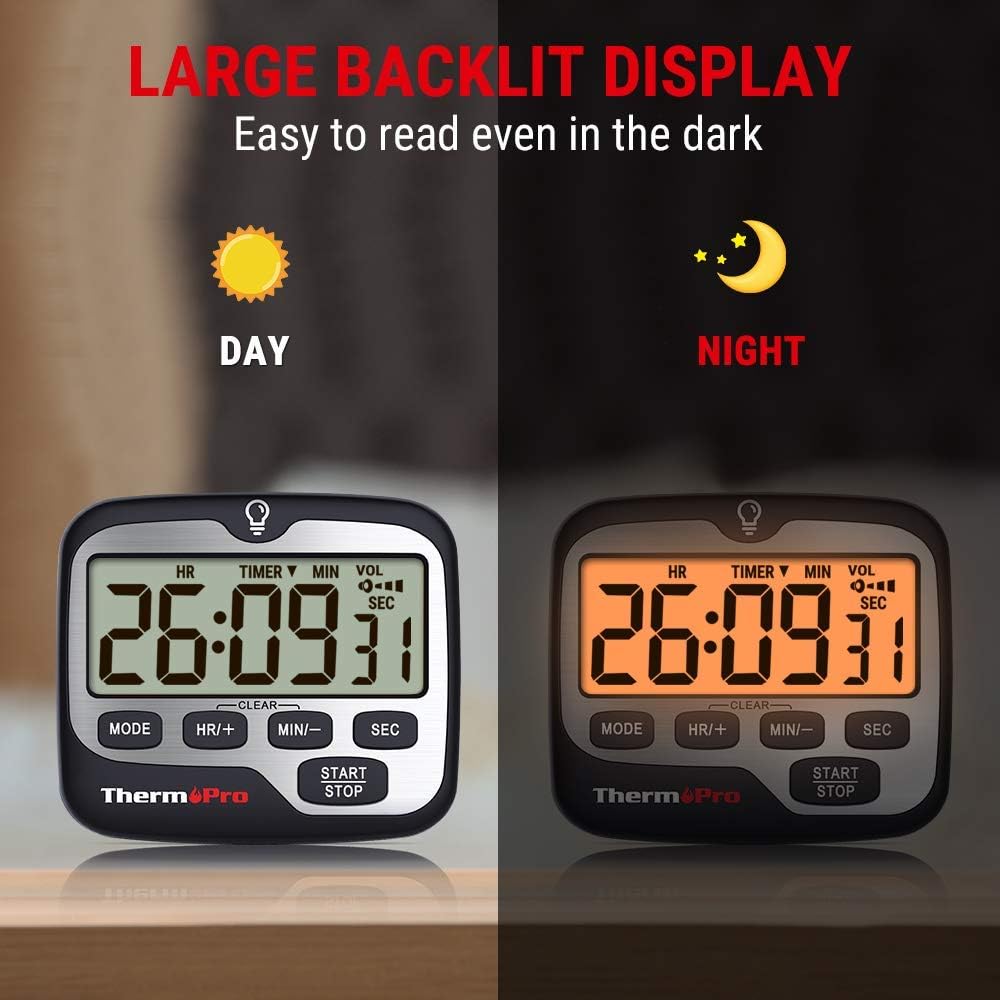
The large backlit display ensures the timer is easy to read both in bright daylight and in the dark.
Maintenance
To ensure the longevity and optimal performance of your ThermoPro TM01 timer, follow these simple maintenance guidelines:
- Cleaning: Wipe the timer with a soft, damp cloth. Do not use abrasive cleaners or immerse the unit in water.
- Battery Care: If the display becomes dim or the alarm volume decreases, replace the AAA batteries. Remove batteries if the unit will not be used for an extended period to prevent leakage.
- Storage: Store the timer in a cool, dry place away from direct sunlight and extreme temperatures.
Troubleshooting
If you encounter issues with your ThermoPro TM01 timer, refer to the following common troubleshooting tips:
- Alarm is too loud or too quiet: Adjust the volume switch located on the back of the timer to select your preferred level (SILENT, LOW, MEDIUM, HIGH).
- Display is dim or not visible: Check the batteries. Replace them with fresh AAA batteries if needed. The backlight can be activated by touching the light bulb icon or any button.
- Timer not responding: Try removing and reinserting the batteries to perform a soft reset. Ensure the batteries are correctly installed.
- Magnets not holding securely: Ensure the surface you are attaching the timer to is flat and made of a magnetic material. Clean both the timer's magnets and the surface.
Specifications
| Feature | Detail |
|---|---|
| Brand | ThermoPro |
| Model Number | TM01 |
| Color | Silver |
| Material | Plastic |
| Product Dimensions | 0.94"D x 2.8"W x 3.35"H |
| Item Weight | 3.84 ounces (109 Grams) |
| Number of Settings | 4 (Volume) |
| Screen Size | 3 Inches |
| Batteries | 2 AAA batteries required (included) |
| Country of Origin | China |

The timer features a large, compact display for easy readability.
Warranty and Support
ThermoPro products are designed for reliability and performance. For any questions, technical support, or warranty inquiries, please contact ThermoPro customer service. Refer to the product packaging or the official ThermoPro website for the most up-to-date contact information.
This product is sold by ThermoPro USA. Please retain your proof of purchase for warranty claims.


