1. Introduction
Thank you for choosing Intenso Energy Ultra AA Mignon LR6 Alkaline Batteries. These batteries are designed to provide reliable power for a wide range of everyday electronic devices. This manual provides important information on the safe and effective use of your batteries.
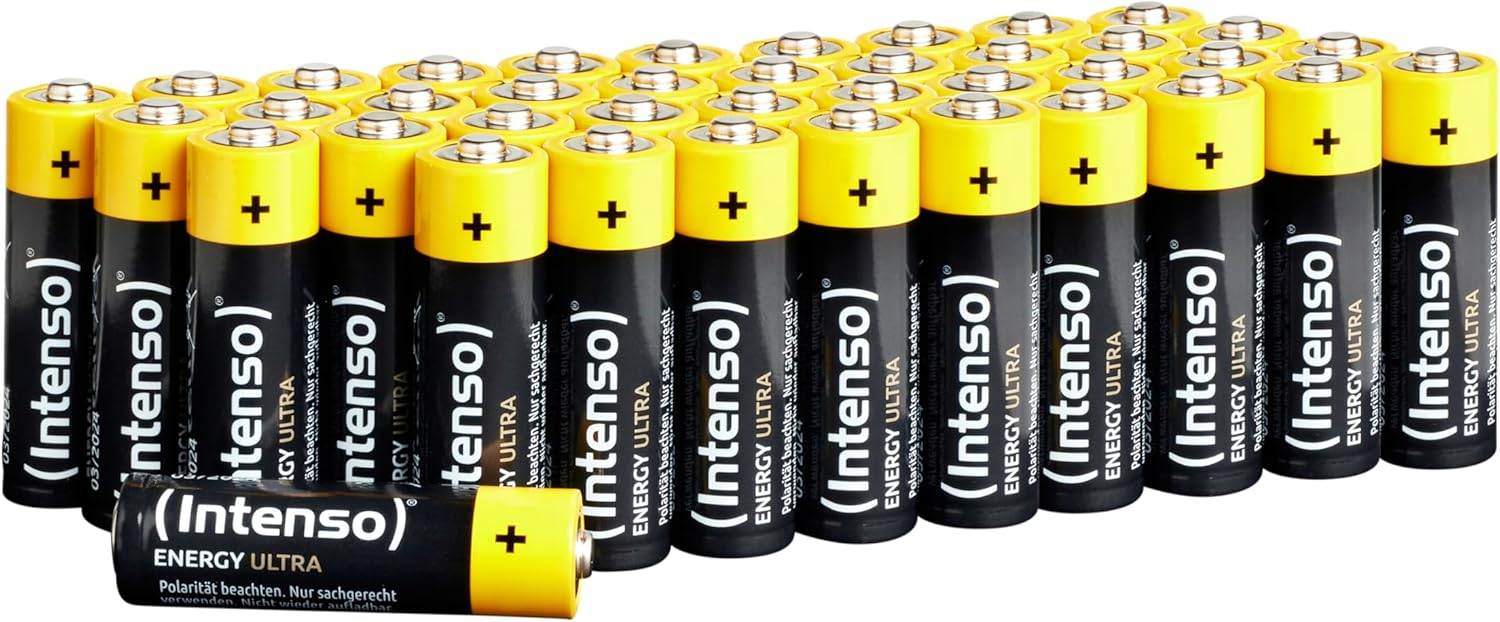
Image 1.1: A pack of 40 Intenso Energy Ultra AA Mignon LR6 Alkaline Batteries, showcasing the black and yellow design.
2. Safety Information
Please read and follow these safety instructions carefully to prevent personal injury or damage to your devices.
- Correct Polarity: Always insert batteries with the correct polarity (+ and -) as indicated in your device. Incorrect insertion can cause damage.
- Do Not Recharge: These are primary alkaline batteries and are not designed to be recharged. Attempting to recharge them can lead to leakage, fire, or explosion.
- Do Not Disassemble: Do not disassemble, crush, puncture, or modify the batteries.
- Avoid Short Circuits: Do not short-circuit the battery terminals.
- Heat Exposure: Do not expose batteries to excessive heat, fire, or direct sunlight.
- Keep Away from Children: Keep batteries out of reach of small children to prevent accidental ingestion. If swallowed, seek immediate medical attention.
- Mixing Batteries: Do not mix old and new batteries, or different types/brands of batteries. This can cause leakage or reduced performance.
- Leakage: If battery leakage occurs, avoid contact with skin and eyes. If contact occurs, rinse immediately with plenty of water and seek medical advice.
- Disposal: Dispose of used batteries according to local regulations. Do not dispose of in household waste.
3. Setup and Installation
Follow these steps to correctly install Intenso Energy Ultra AA batteries into your device:
- Identify the battery compartment on your electronic device.
- Open the battery compartment cover.
- Observe the polarity markings (+ and -) inside the compartment.
- Insert the Intenso AA batteries, ensuring that the positive (+) end of the battery aligns with the positive (+) marking in the compartment, and the negative (-) end aligns with the negative (-) marking.
- Close the battery compartment cover securely.

Image 3.1: Intenso AA batteries positioned near a remote control, illustrating a common application for battery installation.
4. Operating Instructions
Intenso Energy Ultra AA batteries are versatile and suitable for a wide range of devices that require consistent and reliable power. They are designed for both low-drain devices and those with short-term high power demands.
4.1. Recommended Applications
- Remote controls (TV, audio systems, garage door openers)
- Wall clocks and alarm clocks
- Digital cameras
- Flashlights and battery-powered LED lighting
- Children's toys
- Gaming controllers (e.g., Xbox controllers)
- Computer accessories (wireless mice, keyboards)
- Fever thermometers and baby monitors
- Various electronic tools and small appliances

Image 4.1: An Intenso AA battery placed near a gaming controller and a wireless keyboard, demonstrating its use in common electronic peripherals.
For optimal performance, always replace all batteries in a device at the same time. When a device stops functioning, replace the batteries promptly to prevent potential leakage.
5. Maintenance and Storage
5.1. Storage
- Store unused batteries in their original packaging in a cool, dry place at room temperature.
- Avoid extreme temperatures, both hot and cold, as these can reduce battery life and performance.
- Do not store batteries loose in a drawer or container where they could come into contact with metal objects, which might cause a short circuit.

Image 5.1: Several retail boxes of Intenso Energy Ultra AA batteries, illustrating how they are typically packaged for storage and sale.
5.2. Disposal
Used batteries should be disposed of responsibly. Do not throw them in regular household trash. Many communities have designated collection points for battery recycling. Check with your local waste management facility for proper disposal methods.
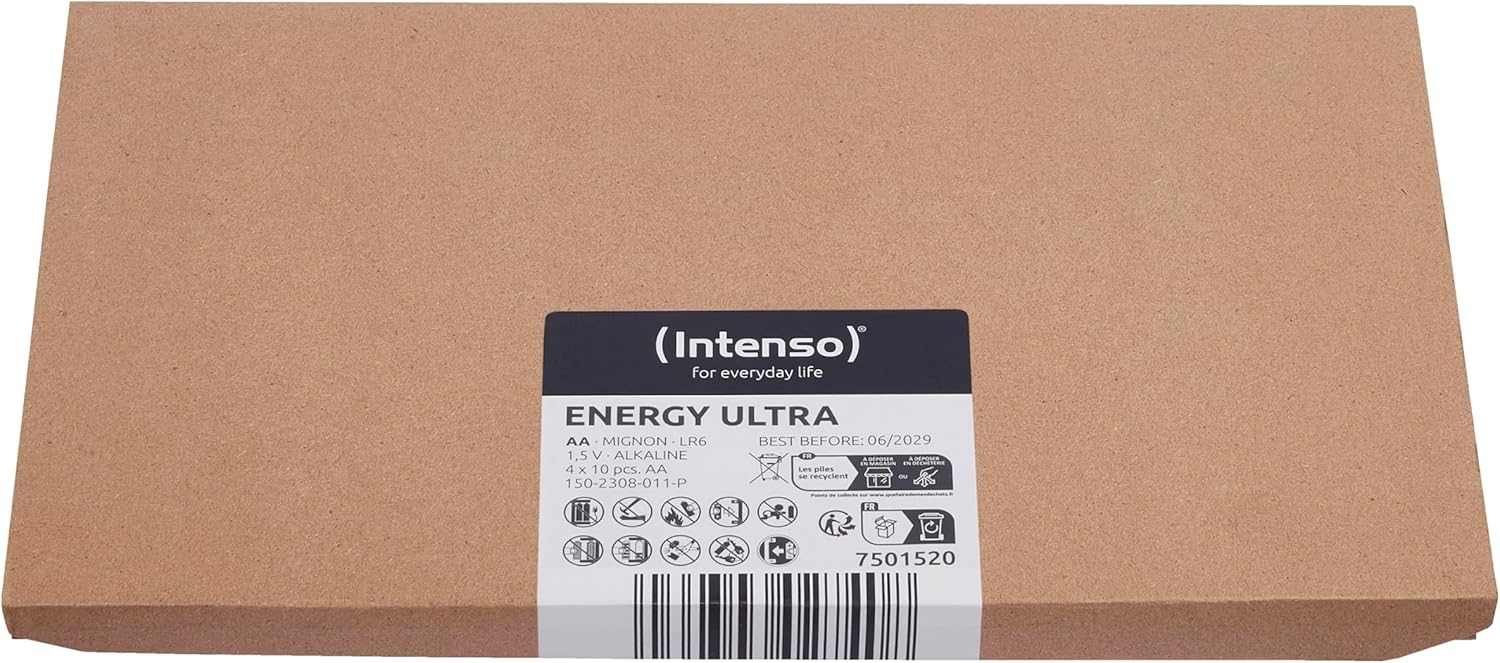
Image 5.2: The reverse side of the Intenso Energy Ultra AA battery packaging, displaying various symbols including recycling and disposal instructions.
6. Troubleshooting
6.1. Device Not Powering On
- Check Polarity: Ensure batteries are inserted with the correct positive (+) and negative (-) orientation.
- Replace Batteries: If the device still does not power on, replace all batteries with a fresh set of Intenso Energy Ultra AA batteries.
- Clean Contacts: Inspect the battery contacts in the device and on the batteries for any dirt or corrosion. Gently clean them with a dry cloth if necessary.
- Device Malfunction: If new batteries do not resolve the issue, the problem may lie with the device itself. Refer to the device's instruction manual or contact its manufacturer for support.
7. Specifications
| Feature | Detail |
|---|---|
| Battery Type | AA Mignon LR6 Alkaline |
| Voltage | 1.5 V |
| Battery Cell Composition | Alkaline |
| Capacity (Approx.) | 2600 mAh (typical) |
| Product Dimensions | 0.57 x 0.57 x 1.99 inches (per battery) |
| Item Weight (Pack of 40) | 2.18 pounds |
| Model Number | 7501520 |
| Manufacturer | Intenso |
8. Warranty and Support
Intenso Energy Ultra AA Mignon LR6 Alkaline Batteries are manufactured to high-quality standards. For any questions regarding product performance or safety, please contact Intenso customer support.
Please refer to the official Intenso website or product packaging for the most current warranty information and contact details.
Manufacturer: Intenso
Website: www.intenso.de (Example link, actual link may vary by region)


