
1. Introduction
Thank you for choosing MIATONE Wired In-Ear Earbuds with Microphone, Model LX-JM-012. This manual provides essential information for the proper setup, operation, and maintenance of your earbuds. Please read these instructions carefully before use to ensure optimal performance and longevity of your product.
2. Product Overview
The MIATONE LX-JM-012 earbuds are designed to deliver clear, dynamic sound with deep bass and high-resolution treble. They feature an ergonomic design for comfortable wear and include an in-line microphone and controller for convenient hands-free communication and music management.
Key Features:
- Dynamic Crystal Clear Sound: Equipped with an expanded 10mm driver for crisp sound and rich bass.
- Ergonomic Design: Engineered for a snug and gentle fit, ensuring comfort during extended use and providing ideal noise isolation.
- Built-in Microphone & Controller: Allows for hands-free calling and easy control of music playback (play/pause, next/previous track).
- Wide Compatibility: Connects to all devices with a standard 3.5mm audio jack, including smartphones, tablets, laptops, and MP3 players.
- IP4 Water Resistant: Designed to withstand sweat and splashes, suitable for sports and travel.
Product Components:
- MIATONE Wired In-Ear Earbuds
- Multiple pairs of silicone ear tips (Small, Medium, Large)

Image: MIATONE Wired In-Ear Earbuds, showing the overall design.

Image: Close-up of MIATONE earbuds highlighting powerful audio capabilities with 10mm drivers.

Image: A person wearing MIATONE earbuds, demonstrating the ergonomic fit.

Image: MIATONE earbuds illustrating their ability to block out ambient noise for an immersive experience.
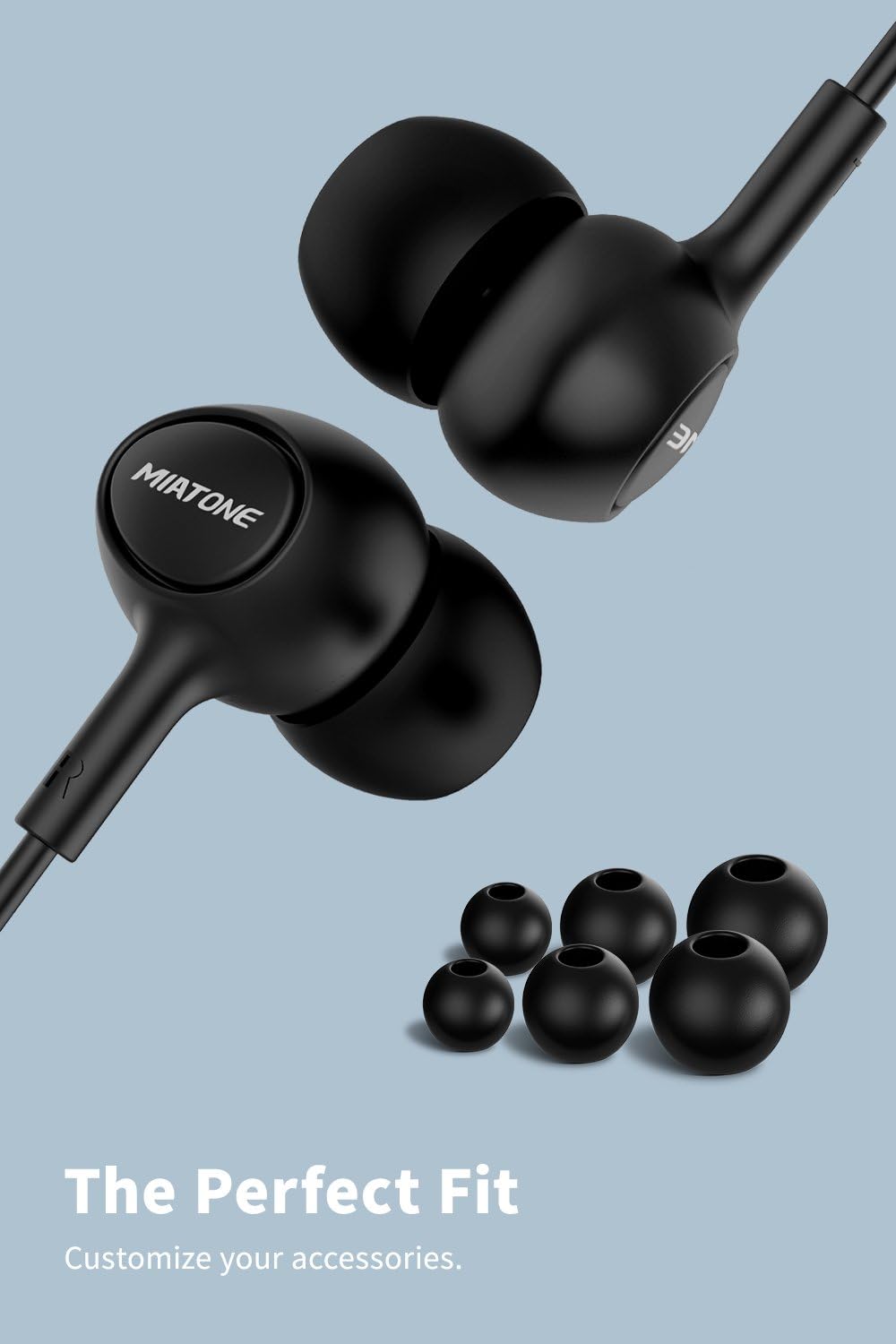
Image: MIATONE earbuds shown with various sizes of ear tips for a customized fit.
3. Setup
- Choose the Right Ear Tips: The earbuds come with multiple sizes of silicone ear tips. Select the pair that provides the most comfortable and secure fit for your ears. A good seal is crucial for optimal sound quality and noise isolation.
- Connect to Your Device: Insert the 3.5mm audio jack into the headphone port of your audio device (smartphone, tablet, laptop, etc.). Ensure the jack is fully inserted for a stable connection.
- For Devices Without a 3.5mm Jack: If your device (e.g., newer iPhone models, Pixel 2) does not have a 3.5mm jack, you will need a compatible adapter (not included) to connect the earbuds.

Image: Diagram illustrating the user-friendly design and how ear tips fit.
4. Operating Instructions
The MIATONE LX-JM-012 earbuds feature an in-line controller for easy management of audio and calls.
Music Control:
- Play/Pause: Press the center button once.
- Next Track: Press the center button twice quickly.
- Previous Track: Press the center button three times quickly.
Call Control:
- Answer/End Call: Press the center button once during an incoming call or an active call.
- Reject Call: Press and hold the center button for approximately 2 seconds during an incoming call.
5. Maintenance
Proper care will extend the life of your earbuds and maintain sound quality.
- Cleaning: Regularly clean the ear tips with a soft, dry cloth. If necessary, remove the ear tips and wash them with mild soap and water, ensuring they are completely dry before reattaching. Gently wipe the earbud body and cable with a dry cloth. Do not use harsh chemicals or abrasive materials.
- Storage: When not in use, store your earbuds in a clean, dry place, preferably in a small pouch or case to prevent tangling and damage to the cable or drivers.
- Water Resistance: The earbuds are IP4 water resistant, meaning they are protected against splashes and sweat. They are not designed for submersion in water. Avoid exposing them to heavy rain or showering. Ensure the 3.5mm jack is dry before connecting to a device.
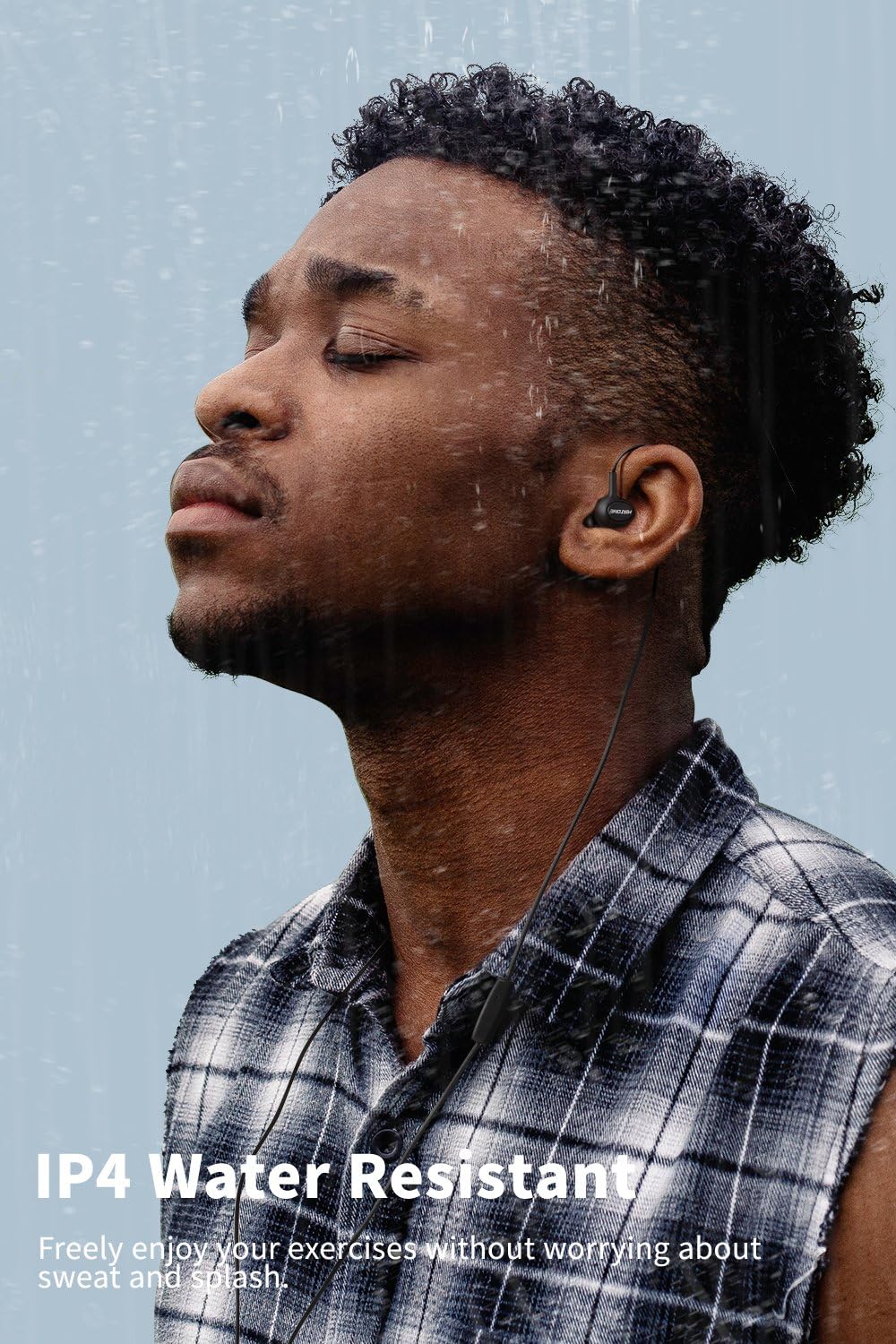
Image: A person using MIATONE earbuds in a light rain or misty environment, demonstrating IP4 water resistance.
6. Troubleshooting
If you encounter issues with your MIATONE earbuds, refer to the following common solutions:
- No Sound or Intermittent Audio:
- Ensure the 3.5mm jack is fully inserted into your device's port.
- Check the volume level on your device.
- Test the earbuds with another device to rule out a device-specific issue.
- Inspect the cable for any visible damage or kinks.
- Microphone Not Working:
- Ensure the earbuds are properly connected to your device.
- Check your device's audio settings to confirm the external microphone is selected.
- Clean the microphone opening if it appears obstructed.
- Test with another device or application to verify microphone functionality.
- Poor Sound Quality (Muffled, Distorted, or Low Bass):
- Ensure the ear tips create a good seal in your ear canal. Try different sized ear tips.
- Clean any debris from the earbud grilles.
- Check the audio source for quality issues.
- Controller Buttons Not Responding:
- Ensure the earbuds are securely connected.
- Some older devices or specific applications may not fully support all controller functions.
7. Specifications
| Model Name | LX-JM-012 |
| Connectivity Technology | Wired |
| Headphones Jack | 3.5 mm Jack |
| Ear Placement | In Ear |
| Audio Driver Type | Dynamic Driver |
| Control Type | Media Control (Touch) |
| Noise Control | Sound Isolation |
| Material | Plastic, Silicone |
| Item Weight | 11.6 Grams (0.409 ounces) |
| Product Dimensions | 47.24 x 0.12 x 0.12 inches |
| UPC | 605826918845 |
8. Warranty and Support
MIATONE products are manufactured to high-quality standards. For specific warranty information, please refer to the documentation included with your purchase or visit the official MIATONE brand store. If you require further assistance or have questions not covered in this manual, please contact MIATONE customer support through their official channels.
You can find more information and support at the MIATONE Brand Store.