
Introduction
This manual provides instructions for the setup, operation, maintenance, and troubleshooting of your new replacement remote control for Optoma projectors. This remote is designed to be compatible with a wide range of Optoma projector models, offering a convenient and reliable control solution.
Compatible Optoma Projector Models:
- HD26, X412, HD26B, HD26BR, UHD300X
- GT1080, GT1080E, GT1080DARBEE, GT1070X, VDGTGZBZ, GT1070Xe
- HD141X, HD143X, H181X, DH1008, DH1009
- HD37, UHD60, HDF536, HDF537ST, HD200D
- HD39DARBEE, VDHDNBDSE, UHD65, HD27, HD27E, HD27HDR, HD29DARBEE
- EH200ST, EH412ST, GT5600, VDHDNL, HD142X, HD144X, HD152X
- UHD550X, HD28HDR, HD28DSE, UHD40, UHD50, UHZ65, VDUHDLZ, ZH403, HD39HDR, UHD35
Please verify that your original remote control is identical to this replacement model for full functionality. If your original remote differs, some functions may not be fully compatible.
Setup
Battery Installation
The remote control requires two (2) AA batteries for operation. Batteries are not included with the remote control.
- Locate the battery compartment on the back of the remote control.
- Slide the battery compartment cover downwards or press the latch and lift to open.
- Insert two AA batteries, ensuring the positive (+) and negative (-) terminals align correctly with the markings inside the compartment.
- Replace the battery compartment cover by sliding it back into place until it clicks securely.

The remote control's rear panel, with the battery cover removed, revealing the battery compartment and regulatory markings.

The remote control's front, highlighting the requirement for two AA batteries for operation.
Operation
Basic Functions
Point the remote control directly at the infrared receiver on your Optoma projector. The maximum effective range is approximately 10 meters (33 feet).
A clear view of the remote control's front face, displaying all functional buttons including power, menu, volume, and source selection.
- ON/OFF: Press the 'ON' button to power on the projector. Press the 'OFF' button to power off the projector.
- Menu: Access the projector's on-screen display (OSD) menu.
- Navigation Buttons (Up, Down, Left, Right, Enter): Use these buttons to navigate through menu options and confirm selections.
- Volume +/-: Adjust the audio output level.
- Source: Cycle through available input sources (e.g., HDMI1, HDMI2, VGA1, VGA2, Video, YPbPr).
- Mute: Mute or unmute the audio.
- Brightness: Adjust the projector's brightness setting.
- Contrast: Adjust the projector's contrast setting.
- Keystone: Access keystone correction settings to adjust image geometry.
- Aspect Ratio: Change the image aspect ratio.
- Mode: Select different display modes.
- 3D: Activate or deactivate 3D mode (if supported by projector).
- Sleep Timer: Set a timer for the projector to automatically power off.
- Re-sync: Re-synchronize the input signal.
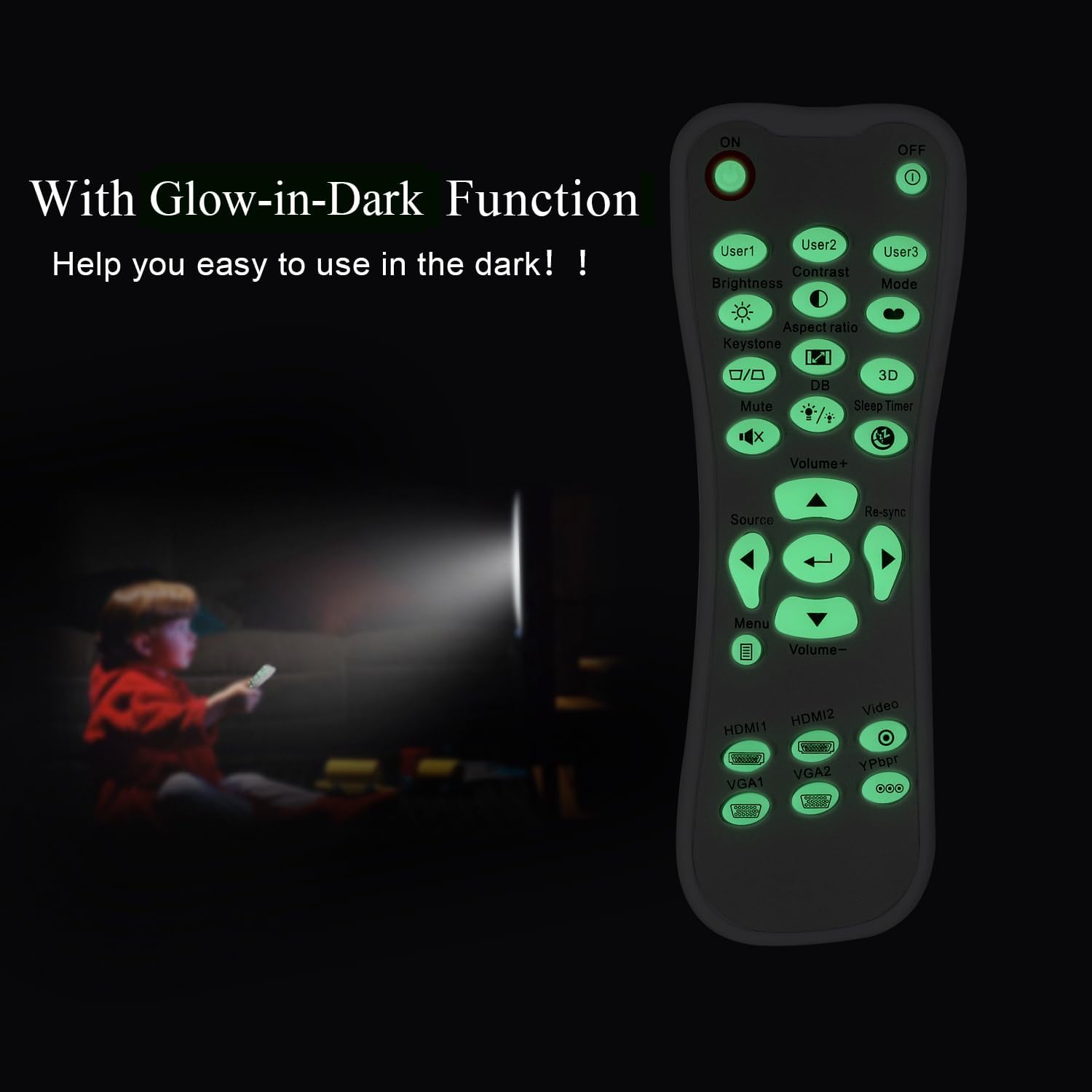
Glow-in-Dark Function
Certain buttons on this remote control are designed to glow in the dark, enhancing visibility and ease of use in low-light conditions. For optimal luminous effect, expose the remote control to bright light for a period before use in the dark.

The remote control features glow-in-the-dark buttons, making it visible and easy to use in low-light environments, such as a darkened room during projector use.
Operating Range
The remote control operates using infrared (IR) technology. Ensure a clear line of sight between the remote control and the projector's IR receiver. The effective operating distance is up to 10 meters (approximately 33 feet).
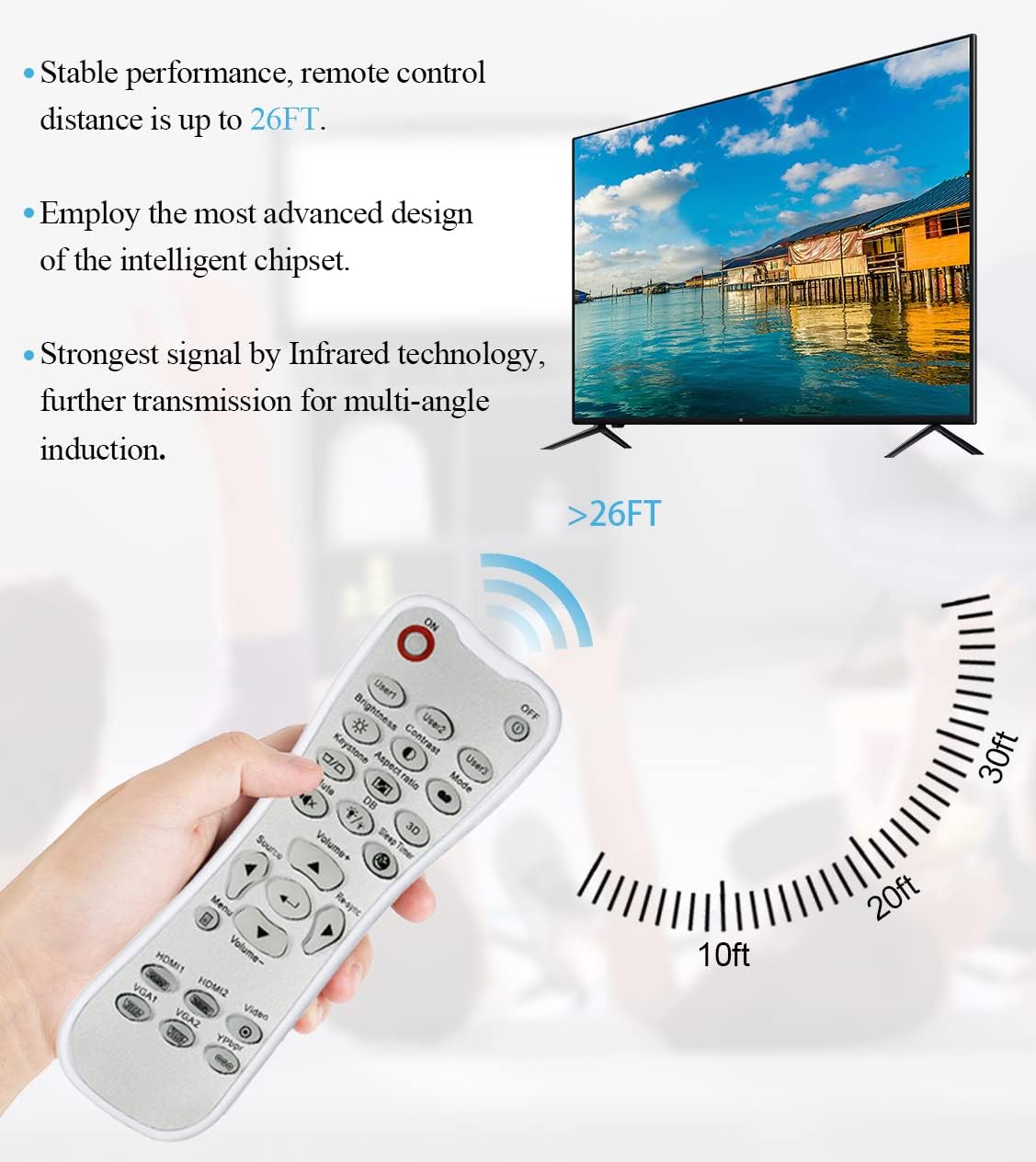
The remote control utilizes infrared technology for signal transmission, offering a reliable operating range of up to 26 feet (approximately 8 meters) for controlling your projector.
Maintenance
Cleaning
To clean the remote control, use a soft, dry cloth. Do not use liquid cleaners, abrasive pads, or chemical solvents, as these may damage the surface or internal components.
Battery Replacement
Replace batteries when the remote control's response becomes sluggish or stops working. Always replace both batteries at the same time with new AA batteries. Do not mix old and new batteries, or different types of batteries.
Storage
Store the remote control in a cool, dry place away from direct sunlight and extreme temperatures. If the remote will not be used for an extended period, it is recommended to remove the batteries to prevent leakage.
Troubleshooting
- Remote not responding:
- Ensure batteries are correctly installed with the correct polarity.
- Replace old batteries with new ones.
- Check for any obstructions between the remote control and the projector's IR receiver.
- Ensure you are within the effective operating range (up to 10 meters).
- Buttons are stiff or unresponsive:
- Ensure the remote control is clean and free from debris that might impede button movement.
- If buttons are consistently stiff, this may indicate a manufacturing issue.
- Glow-in-dark function is weak:
- Expose the remote control to bright light for a longer duration to charge the luminous material.
Specifications
| Feature | Specification |
|---|---|
| Model Name | L-27-5KEY |
| Brand Compatibility | Optoma Projectors |
| Special Feature | Universal Replacement, Glow-in-Dark Buttons |
| Color | White |
| Connectivity Technology | Infrared (IR) |
| Button Quantity | 5 (referring to the main function keys, though more buttons are present) |
| Controller Type | Button Control |
| Maximum Range | 10 Meters (approximately 33 feet) |
| Battery Type | 2 x AA Batteries (not included) |
| Material | Plastic |
| Item Dimensions (L x W x H) | 14.9 cm (5.9 in) x 5.3 cm (2.1 in) x 2.5 cm (1 in) |

A dimensional diagram illustrating the compact size of the remote control, measuring approximately 14.9 cm (5.9 inches) in length, 5.3 cm (2.1 inches) in width, and 2.5 cm (1 inch) in thickness.
Warranty and Support
For any issues not covered in this manual, or for warranty inquiries, please contact the seller or manufacturer directly through your purchase platform. Keep your purchase receipt as proof of purchase.


