1. Introduction
This instruction manual provides guidance on the proper use and care of your kwmobile Origami Case for the Kobo Clara HD e-reader. This case is designed to protect your device while offering versatile viewing options.
2. Product Features
- Compatibility: Specifically designed for the Kobo Clara HD e-reader.
- Material: Constructed from durable synthetic leather with a soft interior lining.
- Protection: Offers protection against shocks, falls, drops, scratches, and bumps.
- Origami Stand Function: The cover can be folded to create a stable stand for hands-free viewing.
- Magnetic Closure: Features strong magnets to secure the cover and keep the e-reader protected.
- Automatic Sleep/Wake: Supports automatic sleep and wake functionality when the cover is opened or closed (compatible with SmartCovers).
3. Compatibility
This kwmobile Origami Case is exclusively compatible with the Kobo Clara HD e-reader. It is not designed for other Kobo models such as Kobo Aura E 2 or Kobo Glo HD/Touch 2.0.

Image: Compatibility chart indicating the case is suitable only for Kobo Clara HD.
4. Setup and Installation
- Prepare your Kobo Clara HD: Ensure your e-reader is clean and free of dust or debris.
- Insert the e-reader: Gently align your Kobo Clara HD with the case's internal frame. Press the e-reader firmly but carefully into the case until it is securely seated. Ensure all ports and buttons are accessible and not obstructed.
- Close the cover: Close the front cover. The magnetic closure will secure it in place.
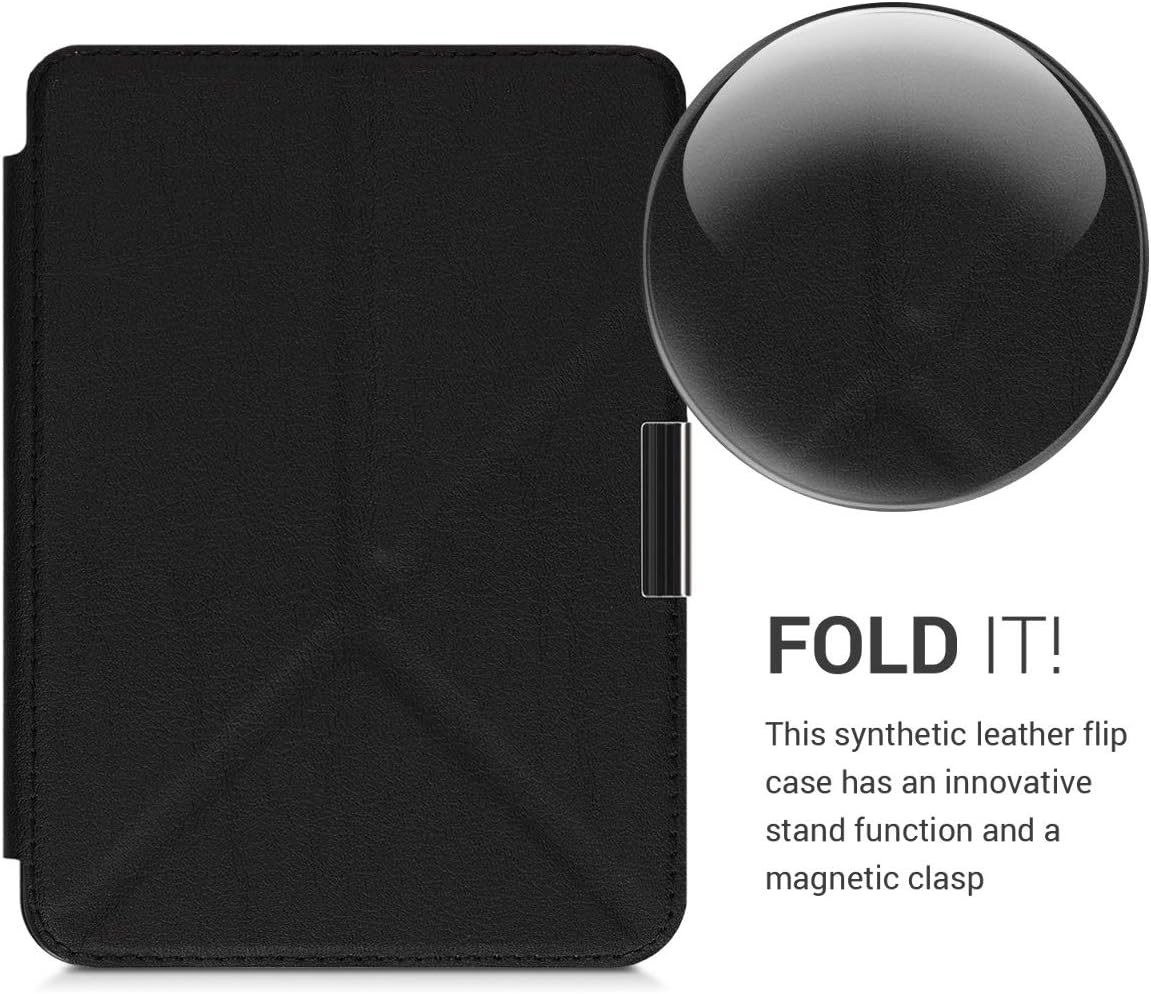
Image: The kwmobile Origami Case in its closed state, ready to protect the e-reader.
5. Operating Instructions
5.1 Using the Stand Function
The case features an origami-style folding mechanism to create a stand for your Kobo Clara HD. This allows for hands-free viewing in landscape orientation.
- Open the cover: Fully open the front cover of the case.
- Fold the back: Locate the pre-creased lines on the back of the cover. Fold the cover along these lines to form a triangular stand.
- Position the e-reader: Place the e-reader with the stand on a flat surface. Adjust the angle as desired for optimal viewing.

Image: The case opened and folded into a stand, with the Kobo Clara HD e-reader positioned for reading.

Image: Front view of the Kobo Clara HD securely held in the origami stand position.
5.2 Automatic Sleep/Wake Function
The case is equipped with magnets that enable the automatic sleep/wake function of your Kobo Clara HD. When you close the cover, the e-reader will enter sleep mode. Opening the cover will automatically wake the device.

Image: Detail of the magnetic clasp, which contributes to the secure closure and sleep/wake function.
6. Maintenance and Care
- Cleaning: To clean the exterior of the case, wipe it gently with a soft, damp cloth. Avoid using harsh chemicals or abrasive cleaners, as these may damage the synthetic leather.
- Interior: For the soft interior lining, use a dry, lint-free cloth to remove dust.
- Storage: Store the case in a cool, dry place away from direct sunlight and extreme temperatures to prevent material degradation.
- Avoid sharp objects: Keep the case away from sharp objects to prevent scratches or punctures.
7. Troubleshooting
- Issue: E-reader does not go to sleep or wake up automatically.
- Possible Cause: The e-reader may not be perfectly aligned within the case, or the magnetic sensors are not engaging correctly. In some instances, folding the cover completely back behind the device might interfere with the magnetic sensor, causing unintended sleep/wake cycles.
- Solution:
- Ensure your Kobo Clara HD is seated correctly and firmly within the case.
- When reading, avoid folding the cover completely flat against the back of the e-reader if it causes intermittent sleep/wake issues. Try holding the cover slightly open or using the stand function.
- Verify that the automatic sleep/wake function is enabled in your Kobo Clara HD's settings, if applicable.
- Issue: Stand function is unstable or does not hold position.
- Possible Cause: The folds may not be correctly formed, or the surface is uneven.
- Solution:
- Ensure the cover is folded precisely along the designated creases to create a stable triangular base.
- Use the stand on a flat, stable surface.
8. Specifications
| Product Dimensions | 10.62 x 7.85 x 0.54 inches |
| Item Weight | 3 ounces |
| Model Number | 45223.01_m001201 |
| Color | Black |
| Brand | kwmobile |
| Compatible Devices | Kobo Clara HD |
| Shell Type | Hard |
| Special Features | Flexible, Stand Function, Magnetic Closure, Automatic Sleep/Wake |
9. Warranty and Support
For warranty information or product support, please refer to the official kwmobile website or contact their customer service directly. Details are typically provided with your purchase documentation or on the manufacturer's website.
Note: This manual provides general instructions. Specific warranty terms and support procedures may vary.