
Introduction
This manual provides essential instructions for the safe and efficient use of your ANDHOT 2 Pack Mini Dual Port USB Car Charger Adapter (Model BC02). Please read this manual thoroughly before using the product to ensure proper operation and to prevent damage to the device or your connected electronics.
Product Features
- Dual USB Ports: Simultaneously charge two devices with a total output of 2.4 Amps (12 Watts).
- Smart Charging Technology: Automatically detects connected devices to deliver optimal charging current.
- Safety Protection: Built-in safeguards against overcharging, overcurrents, short circuits, and overheating.
- Compact Design: Miniaturized for discreet placement in your vehicle's cigarette lighter socket.
- Blue LED Indicator: Illuminates to confirm power connection and aids in locating ports in low-light conditions.
- Wide Compatibility: Supports a broad range of USB-powered devices including smartphones and tablets.
Package Contents
The package includes the following items:
- 2 x ANDHOT Mini Dual Port USB Car Charger Adapters (Model BC02)
Setup Instructions
- Locate your vehicle's 12V/24V cigarette lighter socket. This is typically found in the dashboard or center console.
- Insert the ANDHOT car charger firmly into the cigarette lighter socket. Ensure it is fully seated.
- Upon successful insertion, the blue LED indicator on the charger will illuminate, confirming that the charger is receiving power.
- Connect your device's USB charging cable (not included) to one of the charger's USB ports.
- Connect the other end of the USB cable to your electronic device (e.g., smartphone, tablet).

Image: The ANDHOT car charger with its blue LED light, connected to a device via a USB cable, demonstrating its user-friendly design and ease of connection in a vehicle.
Operating Instructions
- Once the charger is properly installed and the blue LED is lit, it is ready for use.
- Connect up to two devices simultaneously using their compatible USB charging cables.
- The charger will automatically detect the power requirements of your connected devices and deliver the appropriate current for efficient charging.
- Important Note on Dual Charging: The charger provides a maximum total output of 2.4 Amps. When two devices are connected, this current is shared between the two ports. Each device will receive approximately 1.2 Amps. This is suitable for most smartphones but may result in slower charging for devices that typically require higher amperage (e.g., some tablets).
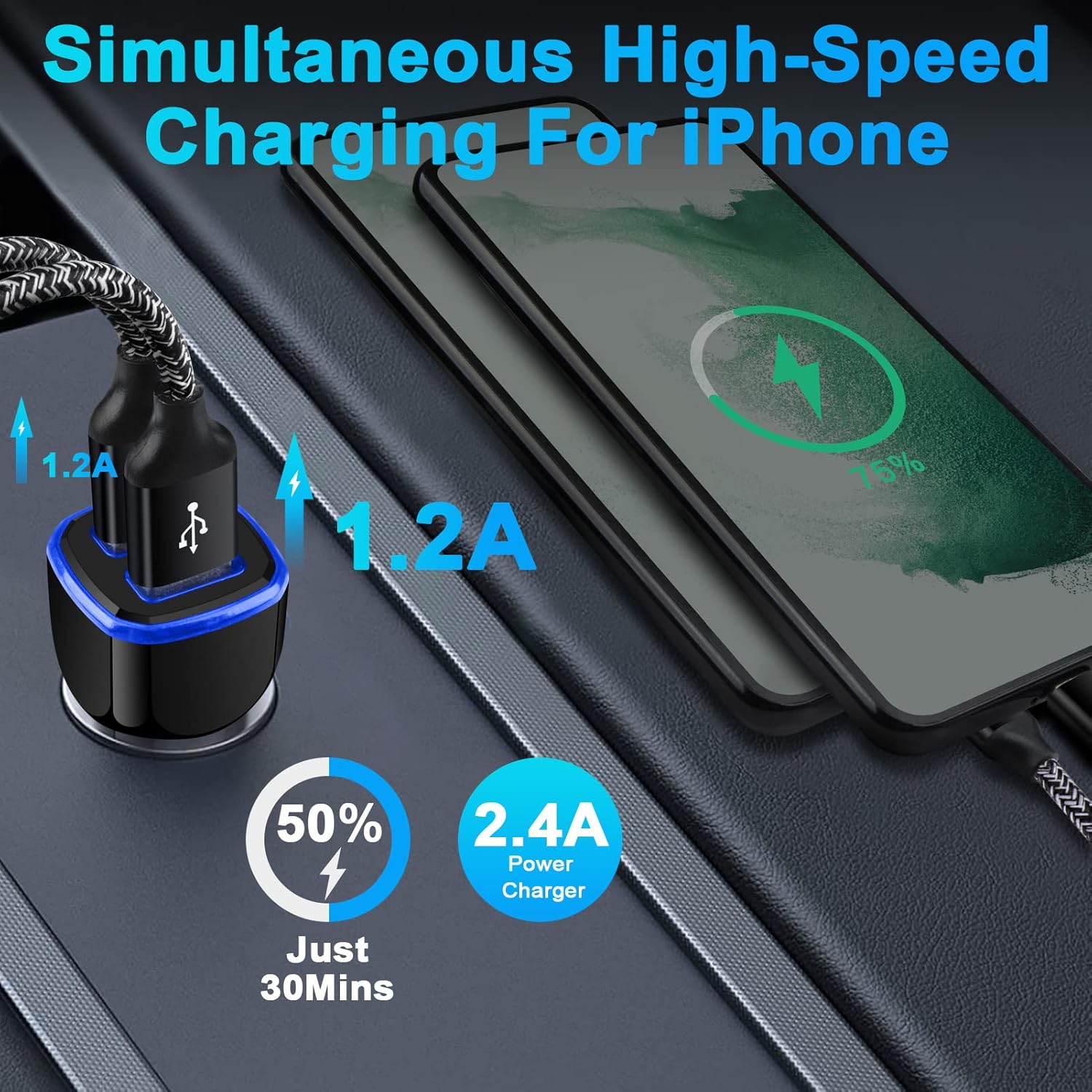
Image: The ANDHOT car charger providing simultaneous charging to two smartphones, illustrating the 1.2A output per port for a total of 2.4A.

Image: A close-up of the ANDHOT car charger connected to a smartphone, detailing its 12W total output and dual USB ports.
Maintenance
- Keep the car charger dry and clean. Avoid exposure to liquids or excessive moisture.
- Do not expose the charger to extreme temperatures (hot or cold) or direct sunlight for prolonged periods.
- Clean the exterior of the charger with a soft, dry cloth. Do not use abrasive cleaners or solvents.
- Do not attempt to disassemble, modify, or repair the charger. This will void any warranty and may cause damage or injury.
- Disconnect the charger from the vehicle's power outlet when not in use for extended periods.
Troubleshooting
Device Not Charging:
- Check Connection: Ensure the car charger is firmly seated in the vehicle's cigarette lighter socket.
- Vehicle Power: Verify that your vehicle's power outlet is active. Some vehicles require the ignition to be on for the outlet to function.
- USB Cable: Ensure the USB charging cable is securely connected to both the charger and your device. Try using a different USB cable to rule out a faulty cable.
- LED Indicator: Check if the blue LED indicator on the charger is lit. If not, the charger may not be receiving power from the vehicle.
- Test with Another Device: If possible, test the charger with a different device to confirm its functionality.
Slow Charging:
- Current Distribution: Remember that when two devices are connected, the 2.4A total output is shared, providing approximately 1.2A per port. This may result in slower charging for devices that can accept higher input currents.
- Device Usage: Close any power-intensive applications running in the background on your device during charging.
- Cable Quality: Ensure you are using a high-quality USB cable that supports efficient charging.
Specifications
| Feature | Detail |
|---|---|
| Model Number | BC02 |
| Input Voltage | DC 12-24V |
| Output | 5V/2.4A (Max Total) |
| Total USB Ports | 2 |
| Connector Type | USB Type A |
| Item Weight | 1.44 ounces |
| Special Features | Automatic Off, Charging Indicator, Lightweight Design, Short Circuit Protection |
| Compatible Devices | Cellular Phones, Tablets |
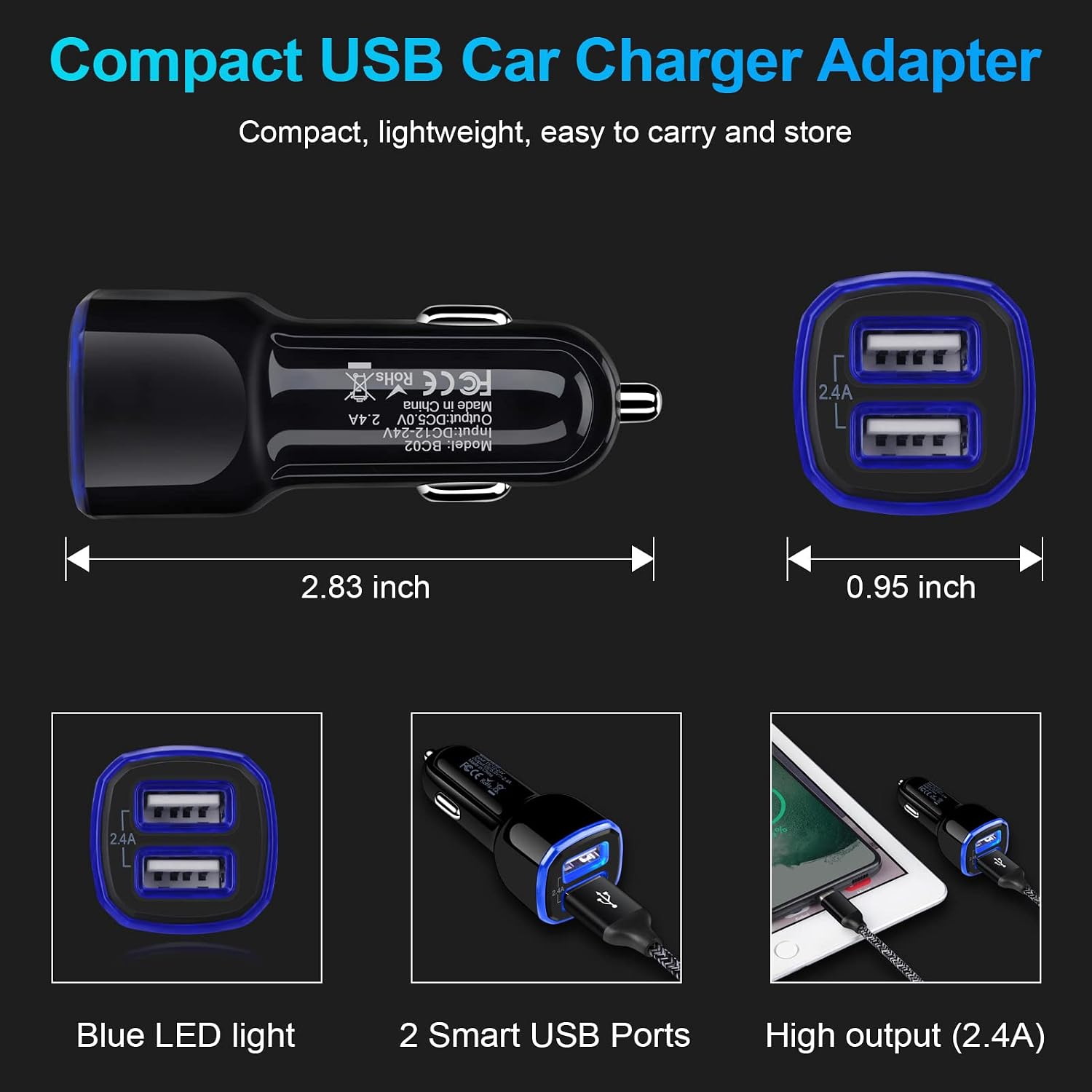
Image: A visual representation of the compact size of the ANDHOT car charger, detailing its dimensions.
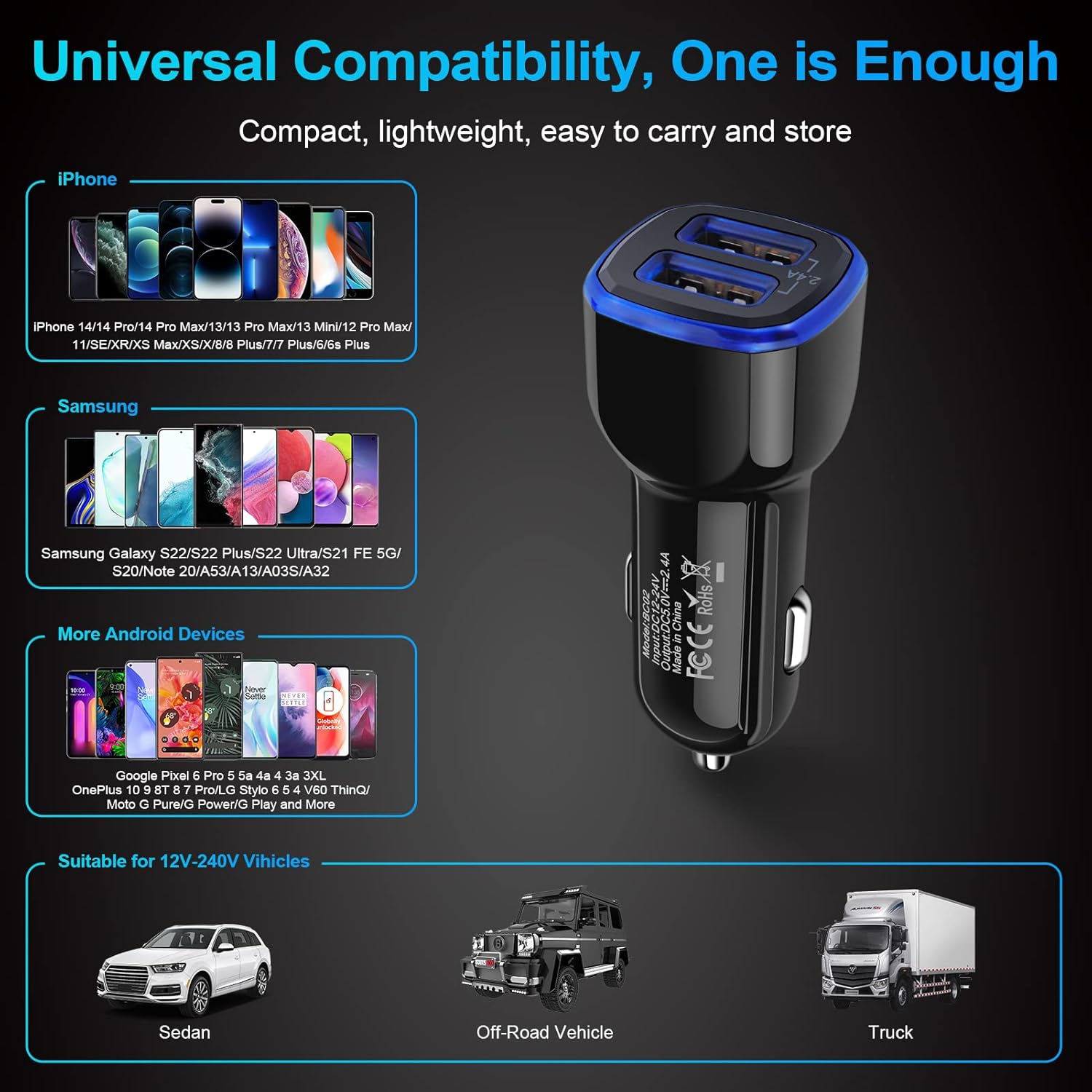
Image: The ANDHOT car charger demonstrating its universal compatibility with a wide range of smartphones, tablets, and 12V-24V vehicles.
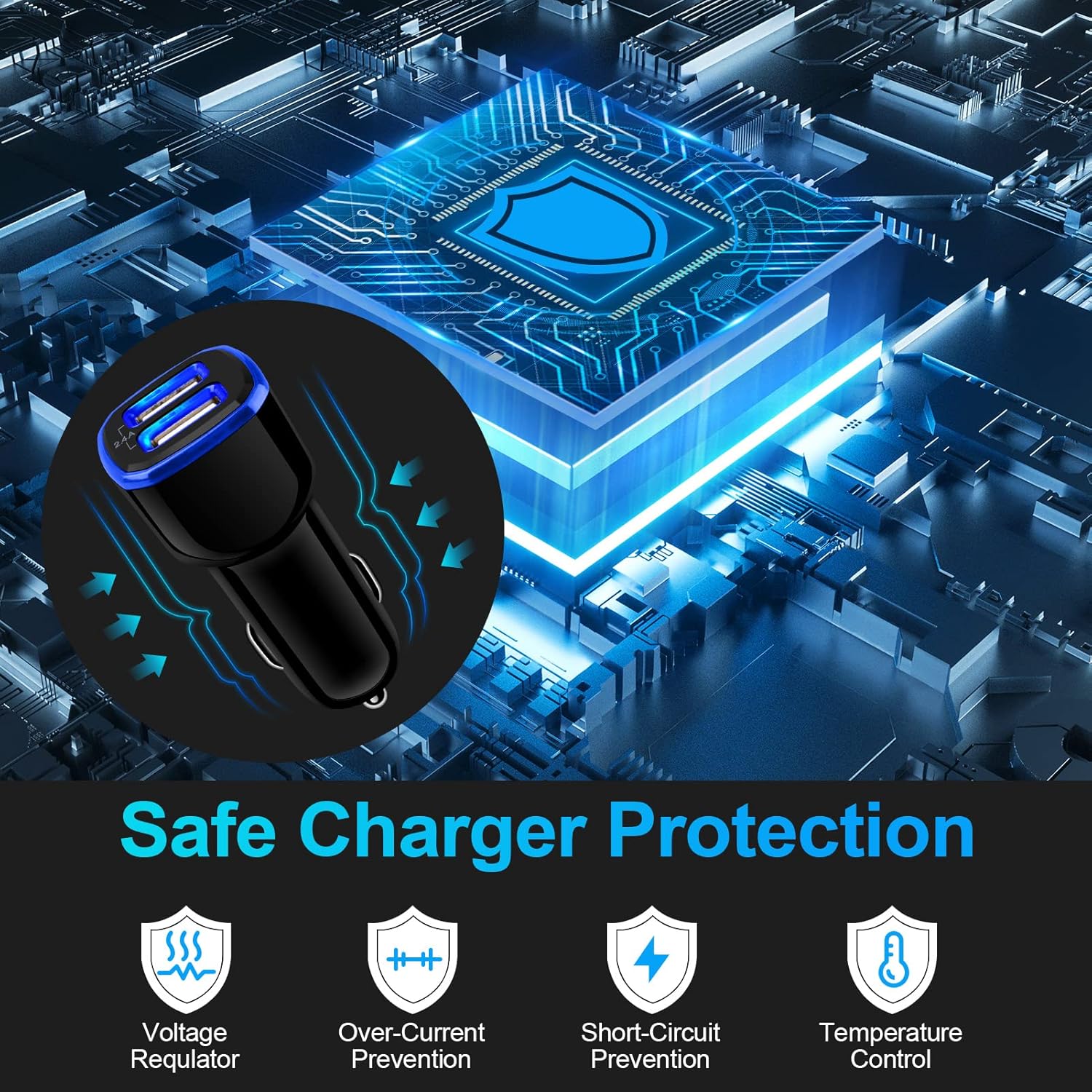
Image: An illustration highlighting the multi-layered safety protection system integrated into the ANDHOT car charger.
Warranty and Support
For warranty information and customer support, please refer to the documentation included with your product packaging or visit the official ANDHOT website. Keep your purchase receipt for warranty claims.