
1. Introduction
This manual provides essential information for the safe and effective use of your Fitkit FT200S Treadmill. Please read all instructions carefully before assembly, operation, or maintenance. Retain this manual for future reference.
2. Safety Information
- Always consult a physician before starting any exercise program.
- Ensure the treadmill is placed on a flat, stable surface with adequate clearance around it.
- Keep children and pets away from the treadmill during operation.
- Wear appropriate athletic footwear.
- Use the safety key clip during every workout.
- Connect the treadmill to a power point with adequate earthing to ensure discharge of extra current.
- It is advised to install a voltage stabilizer with the treadmill to protect the motor from power fluctuations and ensure its long life.
- Do not use the treadmill if it is damaged or malfunctioning.
- Maximum user weight capacity is 110 kg. Do not exceed this limit.
3. Package Contents
Verify that all components are present in the box:
- 1 x Fitkit FT200S Treadmill
- User Manual
- Tool Kit
- Warranty Card
4. Setup and Installation
The Fitkit FT200S Treadmill is designed for home use. Professional installation services are available in over 650+ cities across India. Please contact customer support after delivery to schedule your free at-home installation.
4.1 Unfolding the Treadmill
The treadmill features a hydraulic folding system for easy storage. To unfold, gently lower the running deck until it locks into place.

Image: The Fitkit FT200S Treadmill showcasing its hydraulic folding system for convenient storage and setup.
4.2 Moving the Treadmill
Transportation wheels are present for easy mobility. Once folded, tilt the treadmill and roll it to your desired location.

Image: An overview of the Fitkit FT200S Treadmill, illustrating its overall dimensions and key features like motor power and maximum user weight.
5. Operating Instructions
5.1 Console Overview
The treadmill features an LCD display console with various controls and feedback metrics. It includes a convenient bottle and phone holder.

Image: Detailed view of the treadmill's control panel, highlighting the LCD screen, speed and incline buttons, and integrated holders.
5.2 Starting a Workout
- Ensure the safety key is properly inserted into the console and clipped to your clothing.
- Step onto the treadmill belt.
- Press the 'Start' button to begin. The belt will start moving at a low speed.
- Adjust speed using the '+' and '-' buttons on the console or quick speed buttons. The speed range is 1-16 km/hr.
- Adjust incline using the 'Incline +' and 'Incline -' buttons. The treadmill offers 15 levels of auto inclination.
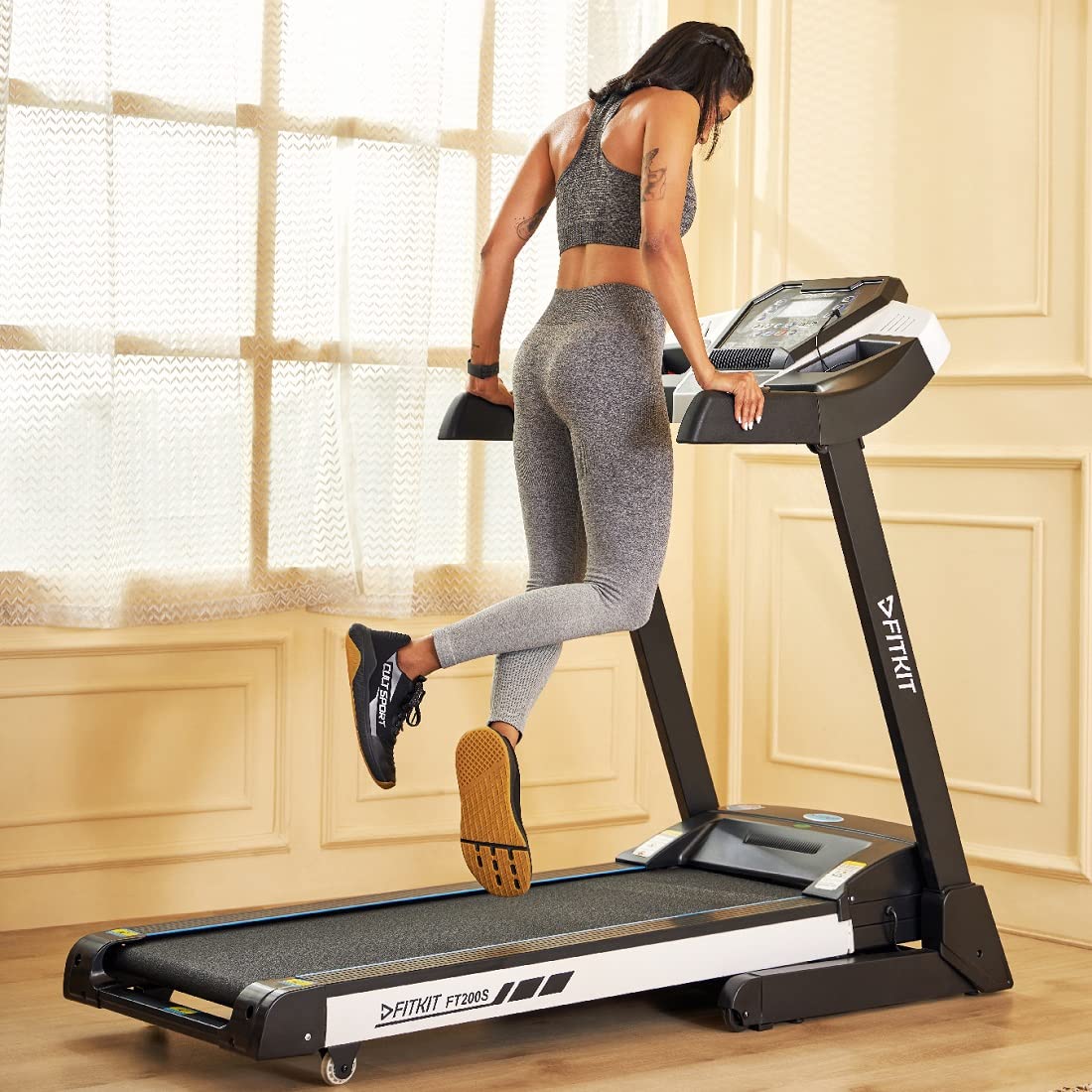
Image: A person actively using the Fitkit FT200S Treadmill, illustrating the ergonomic design and user experience.
5.3 Workout Programs
The treadmill includes 12 pre-set workout programs. Refer to the console instructions for selecting and customizing these programs.
5.4 Heart Rate Monitoring
Handheld heart rate sensors are integrated into the handlebars. Grip these sensors during your workout to monitor your heart rate on the display.
5.5 Running Belt Features
The running belt features an anti-skid surface for enhanced safety and grip during your workout.
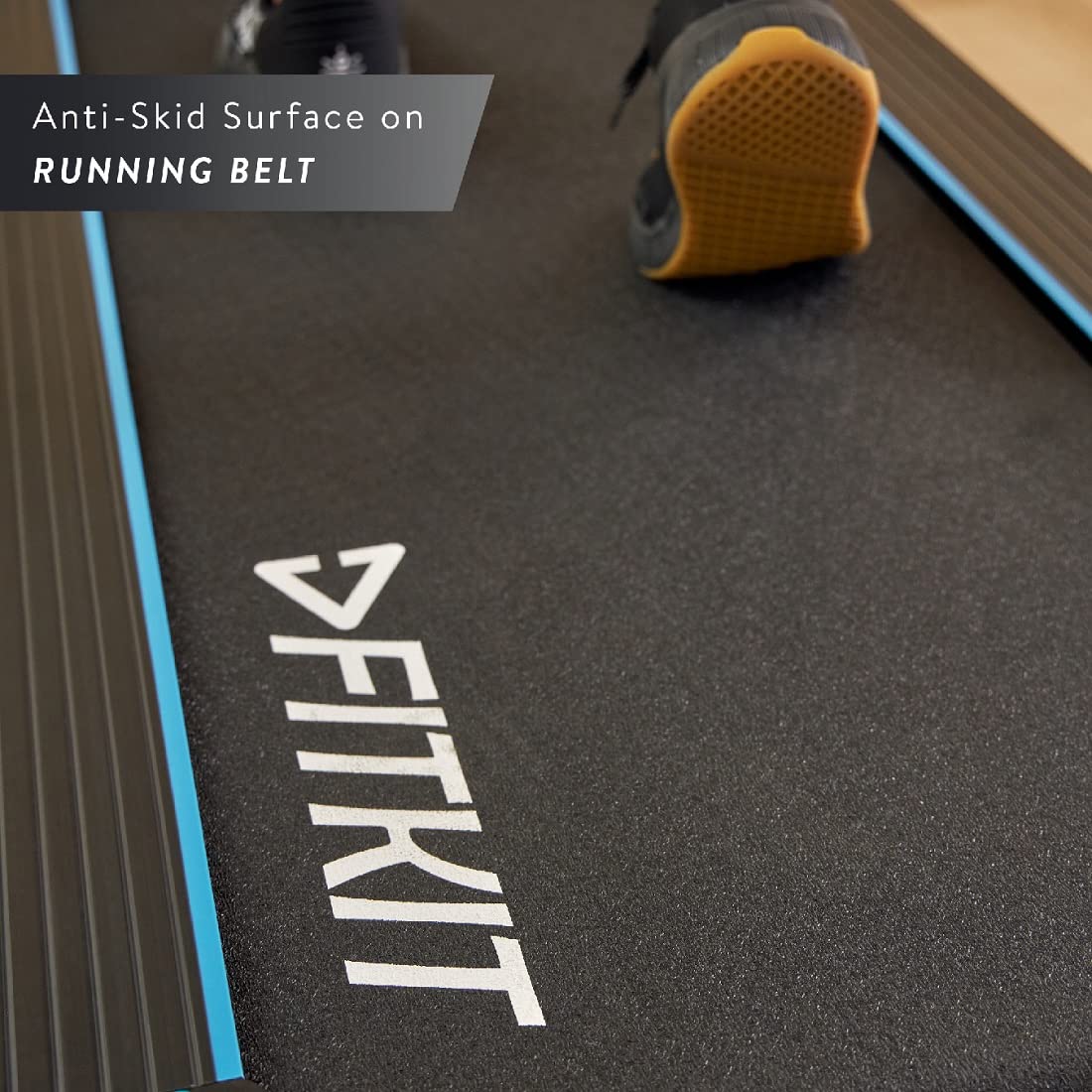
Image: A detailed view of the treadmill's running belt, showcasing its textured anti-skid surface for user safety.
5.6 App Connectivity
The treadmill supports Bluetooth connectivity for integration with the Cultsport App and Fitwarz Gaming App, enhancing your fitness experience.

Image: Key benefits of the Fitkit FT200S Treadmill, including its smart app integration and comprehensive support services.
6. Maintenance
6.1 Lubrication
The Fitkit FT200S features auto-lubrication. Regularly check the lubrication system and ensure the oil reservoir is adequately filled as per the instructions in the console or a separate guide.
6.2 Cleaning
Wipe down the treadmill after each use with a damp cloth to remove sweat and dust. Do not use abrasive cleaners.
6.3 Belt Adjustment
Periodically check the tension and alignment of the running belt. Adjust as necessary following the instructions in the full user manual or by contacting customer support.
7. Troubleshooting
If you encounter any issues with your treadmill, please refer to the troubleshooting section of the comprehensive user manual or contact customer support for assistance. Common issues often relate to power supply, safety key placement, or belt alignment.
8. Specifications
| Brand | Fitkit |
| Model Name | FT200S |
| Motor Horsepower | 4.5 HP Peak |
| Motor Type | DC-Motorized |
| Speed Range | 1-16 km/hr |
| Maximum Weight Support | 110 Kilograms |
| Running Belt Size | 1240 x 420 mm |
| Inclination Type | Auto |
| Inclination Levels | 15 |
| Pre-set Programs | 12 |
| Foldable | Hydraulic |
| Transportation Wheels | Present |
| Lubrication | Auto |
| Product Dimensions (L x W x H) | 168D x 70.5W x 129H Centimeters |
| Item Weight | 55 Kilograms |
| Material | Alloy Steel |
| Display Type | LCD |
| Connectivity Technology | Power Cord, Bluetooth (for app) |
9. Warranty Information
Your Fitkit FT200S Treadmill comes with the following warranty:
- 1 Year Warranty: On Motor and Manufacturing Defects.
- 3 Year Warranty: On Frame.
Please retain your warranty card and proof of purchase for any warranty claims.
10. Customer Support
For installation support, technical assistance, or any queries regarding your Fitkit FT200S Treadmill, please contact our customer support team:
- Toll-Free Number: Please refer to your warranty card or product packaging for the specific toll-free number.
- Working Hours: Monday to Saturday, 9 AM to 6 PM.
Service schedules may vary by location.


