
1. Introduction and Overview
The Lenco Xemio-768 is a versatile portable media player designed for music, video, photo, and e-book playback. It features an 8GB internal storage capacity, which can be expanded using a microSD card up to 32GB. The device is equipped with a 1.8-inch TFT LCD screen and Bluetooth 2.1 connectivity for wireless audio streaming. Key functionalities include a voice recorder and support for various media file formats.
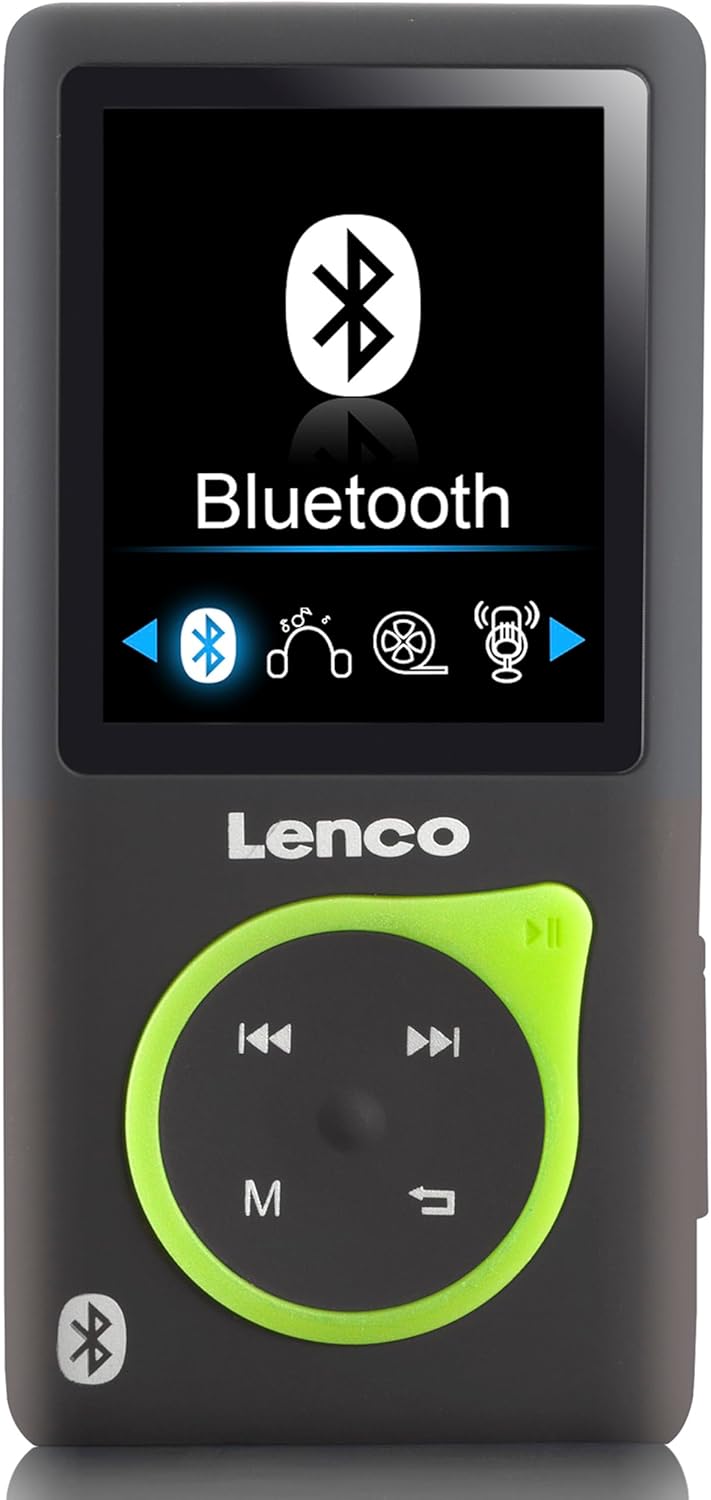
Figure 1.1: Front view of the Lenco Xemio-768 MP3/MP4 player, showing its 1.8-inch screen with the Bluetooth menu active, and the control buttons below.
2. Package Contents
Please verify that all items listed below are included in your package:
- Lenco Xemio-768 MP3/MP4 Player
- USB Cable
- In-ear Earphones
- 8GB MicroSD Card
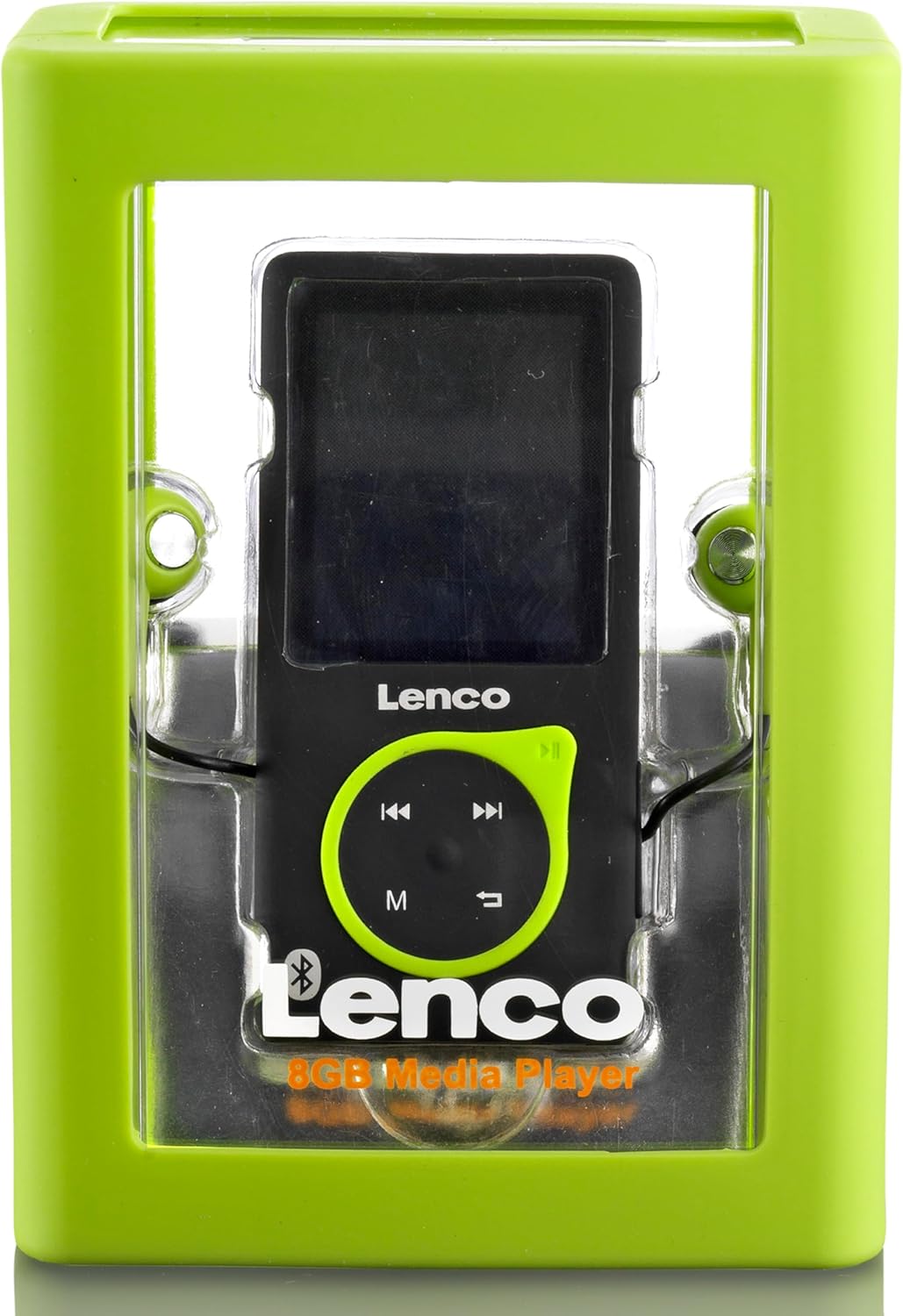
Figure 2.1: The Lenco Xemio-768 MP3/MP4 player shown inside its transparent retail packaging, highlighting the device and its included accessories.
3. Device Overview
Familiarize yourself with the physical components of your Xemio-768 player:
- 1.8-inch TFT LCD Screen: Displays menus, media content, and settings.
- Control Pad: Includes directional buttons (up, down, left, right) for navigation, a central Play/Pause button, an 'M' button for menu access, and a Return/Back button.
- Micro USB Port: Used for charging the device and transferring files to and from a computer.
- MicroSD Card Slot: For expanding storage capacity with a microSD card (up to 32GB).
- 3.5mm Headphone Jack: For connecting wired earphones or headphones.
- Power Button: Located on the side, used to turn the device on/off and lock/unlock the screen.
4. Setup
4.1 Charging the Device
Before first use, fully charge the Xemio-768. Connect the included USB cable to the Micro USB port on the player and the other end to a USB power adapter (not included) or a computer's USB port. The battery indicator on the screen will show charging status.
4.2 Inserting/Removing a MicroSD Card
To expand storage, gently insert a microSD card into the designated slot until it clicks into place. To remove, push the card inward until it springs out. Ensure the device is powered off before inserting or removing the card to prevent data loss.
4.3 Transferring Files
Connect the Xemio-768 to your computer using the USB cable. The device will appear as a removable disk. You can then drag and drop music, video, photo, and e-book files directly into the player's internal storage or the inserted microSD card.
5. Operating Instructions
5.1 Power On/Off and Screen Lock
- Power On: Press and hold the Power button until the screen lights up.
- Power Off: Press and hold the Power button until a power-off prompt appears, then confirm.
- Screen Lock/Unlock: Briefly press the Power button to lock or unlock the screen during operation.
5.2 Basic Navigation
Use the directional buttons on the control pad to navigate through menus and select options. The central Play/Pause button often acts as a confirmation button. The 'M' button typically brings up context-sensitive menus or returns to the main menu. The Return/Back button navigates back to the previous screen.
5.3 Music Playback
- From the main menu, select 'Music'.
- Browse your music library by artist, album, genre, or all songs.
- Select a song or album and press the Play/Pause button to begin playback.
- Supported audio formats include MP3, WAV, APE, and FLAC.
5.4 Video Playback
- From the main menu, select 'Video'.
- Browse your video files.
- Select a video and press the Play/Pause button to start playback.
5.5 Photo Viewing
- From the main menu, select 'Photos'.
- Browse your image files.
- Select an image to view it. Supported formats include JPG, BMP, and GIF.
5.6 E-book Reading
- From the main menu, select 'E-book'.
- Browse your text files.
- Select a TXT file to open and read it.
5.7 Voice Recording
- From the main menu, select 'Recorder'.
- Follow the on-screen prompts to start, pause, save, or delete recordings.
5.8 Bluetooth Connectivity
To connect wireless headphones or speakers:
- Ensure your Bluetooth audio device is in pairing mode.
- On the Xemio-768, navigate to the Bluetooth menu (usually found in Settings or as a direct option).
- Enable Bluetooth and select 'Search for devices'.
- Once your device appears in the list, select it to pair.
- Confirm pairing on both devices if prompted.
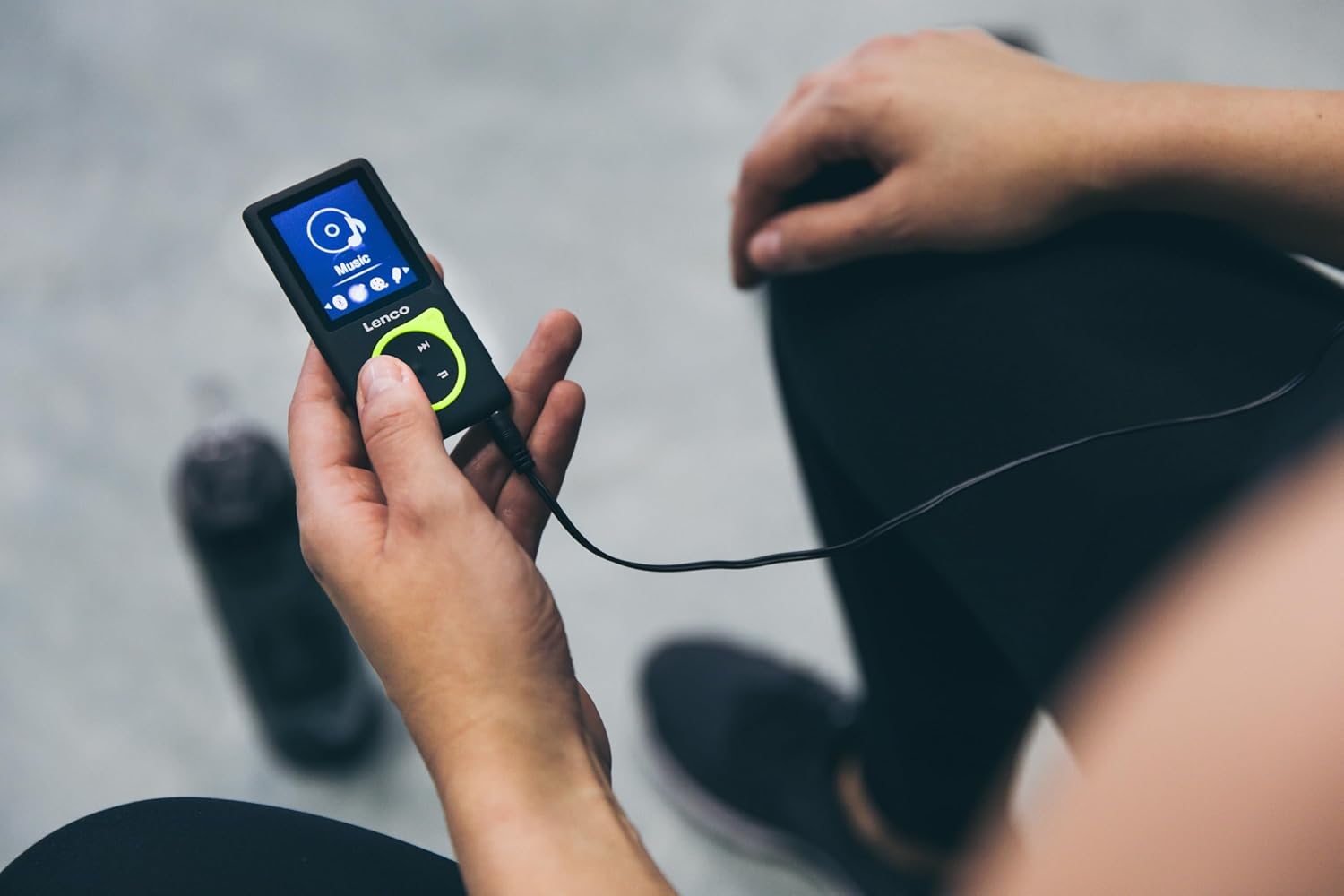
Figure 5.1: A person is shown holding the Lenco Xemio-768 MP3/MP4 player, connected to wired headphones, indicating active use for music playback.
6. Maintenance
6.1 Cleaning
Wipe the device with a soft, dry, lint-free cloth. Do not use liquid cleaners, aerosols, or solvents, as these may damage the device's finish or internal components.
6.2 Battery Care
To prolong battery life, avoid fully discharging the battery frequently. Charge the device regularly and avoid exposing it to extreme temperatures (hot or cold), which can degrade battery performance.
6.3 Storage
When not in use for extended periods, store the Xemio-768 in a cool, dry place, away from direct sunlight and moisture.
7. Troubleshooting
If you encounter issues with your Lenco Xemio-768, please refer to the following common solutions:
- Device not turning on: Ensure the battery is charged. Connect the device to a power source and try again.
- Cannot transfer files: Verify the USB cable is securely connected to both the player and the computer. Try a different USB port or cable. Ensure the device is recognized by your computer.
- Bluetooth not connecting: Make sure your Bluetooth audio device is in pairing mode and within range. Restart both the player and the Bluetooth device.
- MicroSD card not recognized: Ensure the microSD card is inserted correctly. Check if the card is formatted to a compatible file system (e.g., FAT32). Try a different microSD card to rule out card issues.
- Screen unresponsive: If the device is frozen, try performing a soft reset by pressing and holding the Power button for approximately 10-15 seconds until it restarts.
8. Specifications
| Brand | Lenco |
| Model Name | Xemio-768 |
| Screen Size | 1.8 inches TFT LCD |
| Internal Storage | 8 GB |
| Expandable Storage | MicroSD up to 32 GB |
| Connectivity | Bluetooth 2.1, Micro USB, 3.5mm Headphone Jack |
| Supported Audio Formats | MP3, WAV, APE, FLAC |
| Supported Photo Formats | JPG, BMP, GIF |
| Supported E-book Format | TXT |
| Battery Type | Integrated Lithium Polymer (3.7V, 250mAh) |
| Video Playback Time | Approximately 3 hours |
| Special Features | Voice Recorder |
9. Warranty and Support
For detailed warranty information, technical support, or service inquiries, please refer to the warranty card included with your purchase or visit the official Lenco website. Keep your proof of purchase for any warranty claims.


