
1. Introduction
This manual provides detailed instructions for the safe and effective use of your comiso X26 Bluetooth Speaker. Please read this manual thoroughly before operating the device and retain it for future reference. The comiso X26 is a portable, waterproof Bluetooth speaker designed to deliver 360° HD surround sound with enhanced bass, offering wireless dual pairing and extended playtime for various indoor and outdoor environments.

Image 1.1: Comiso X26 Bluetooth Speaker (White)
2. Product Overview
2.1 Key Features
- 360° HD Surround Sound: Equipped with two precision acoustic drivers and a passive bass radiator for rich, full-bodied audio.
- IPX4 Waterproof: Splashproof, dustproof, and sandproof design suitable for various environments.
- True Wireless Stereo (TWS) Pairing: Connect two X26 speakers for a synchronized, enhanced stereo sound experience.
- Extended Playtime: Up to 24 hours of continuous music playback on a full charge (at medium volume).
- Ultra-Portable Design: Compact and lightweight, designed for easy carrying.
- Built-in Microphone: Supports hands-free calling.
- Wireless Capability: Bluetooth 5.0 with a range of up to 10 meters (33 feet).
2.2 Speaker Components and Controls

Image 2.1: Comiso X26 Speaker Controls and Ports Diagram
- Power ON/OFF Button: Press and hold to power on or off.
- Play/Pause Button: Press to play or pause audio.
- Volume Down / Previous Track Button: Press to decrease volume; press and hold for previous track.
- TWS Pairing Button: Press to initiate True Wireless Stereo pairing.
- Volume Up / Next Track Button: Press to increase volume; press and hold for next track.
- Indicator Light: Displays power, charging, and Bluetooth status.
- Microphone (Mic): For hands-free calls.
- Charging Port: Micro USB input for charging.
- Reset Button: Small pinhole for factory reset.
3. Setup
3.1 Initial Charging
Before first use, fully charge the speaker. Connect the provided Micro USB cable to the charging port on the speaker and the other end to a USB power adapter (not included) or a computer's USB port. The indicator light will show charging status. A full charge typically takes approximately 6 hours.
3.2 Powering On/Off
- To Power On: Press and hold the Power ON/OFF button for approximately 3 seconds until the indicator light illuminates and you hear an audible prompt.
- To Power Off: Press and hold the Power ON/OFF button for approximately 3 seconds until the indicator light turns off and you hear an audible prompt.
4. Operating Instructions
4.1 Bluetooth Pairing
- Ensure the speaker is powered on and in pairing mode (the indicator light will flash).
- On your device (smartphone, tablet, etc.), enable Bluetooth and search for available devices.
- Select "COMISO X26" from the list of devices.
- Once connected, the indicator light will become solid, and you will hear a confirmation sound.

Image 4.1: Bluetooth 5.0 Connectivity
4.2 True Wireless Stereo (TWS) Pairing
To achieve a stereo sound experience with two comiso X26 speakers:
- Ensure both X26 speakers are powered on and not connected to any other Bluetooth device.
- On one speaker (this will be the master speaker), press the TWS Pairing button. The indicator light will flash rapidly.
- The two speakers will automatically connect to each other. Once connected, you will hear a confirmation sound, and the indicator light on the master speaker will flash slowly, while the other speaker's light will be solid.
- Now, connect your device to the master speaker via Bluetooth as described in Section 4.1.
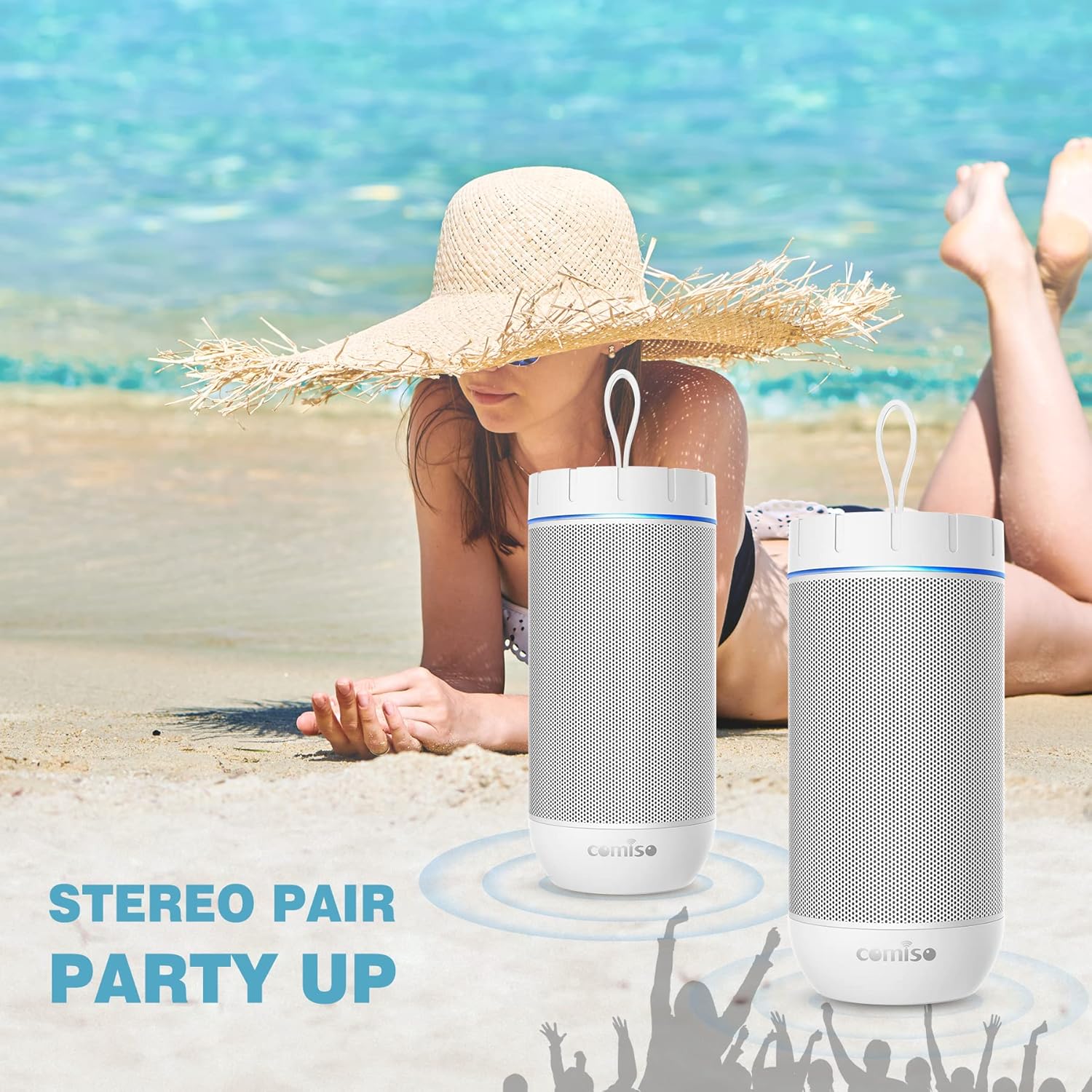
Image 4.2: Two Comiso X26 Speakers in TWS Pairing Mode
4.3 Audio Playback
- Play/Pause: Press the Play/Pause button.
- Volume Up/Down: Press the Volume Up (+) or Volume Down (-) buttons.
- Next Track: Press and hold the Volume Up (+) button.
- Previous Track: Press and hold the Volume Down (-) button.
4.4 Hands-Free Calling
When connected to your smartphone via Bluetooth, the built-in microphone allows for hands-free calls.
- Answer Call: Press the Play/Pause button once.
- End Call: Press the Play/Pause button once during a call.
- Reject Call: Press and hold the Play/Pause button.

Image 4.3: Hands-Free Calling Feature
5. Maintenance
5.1 Cleaning
The comiso X26 speaker is IPX4 waterproof, meaning it is resistant to splashing water from any direction. To clean the speaker, gently wipe it with a soft, damp cloth. Do not use harsh chemicals or abrasive cleaners. Ensure the charging port cover is securely closed before exposing the speaker to water.
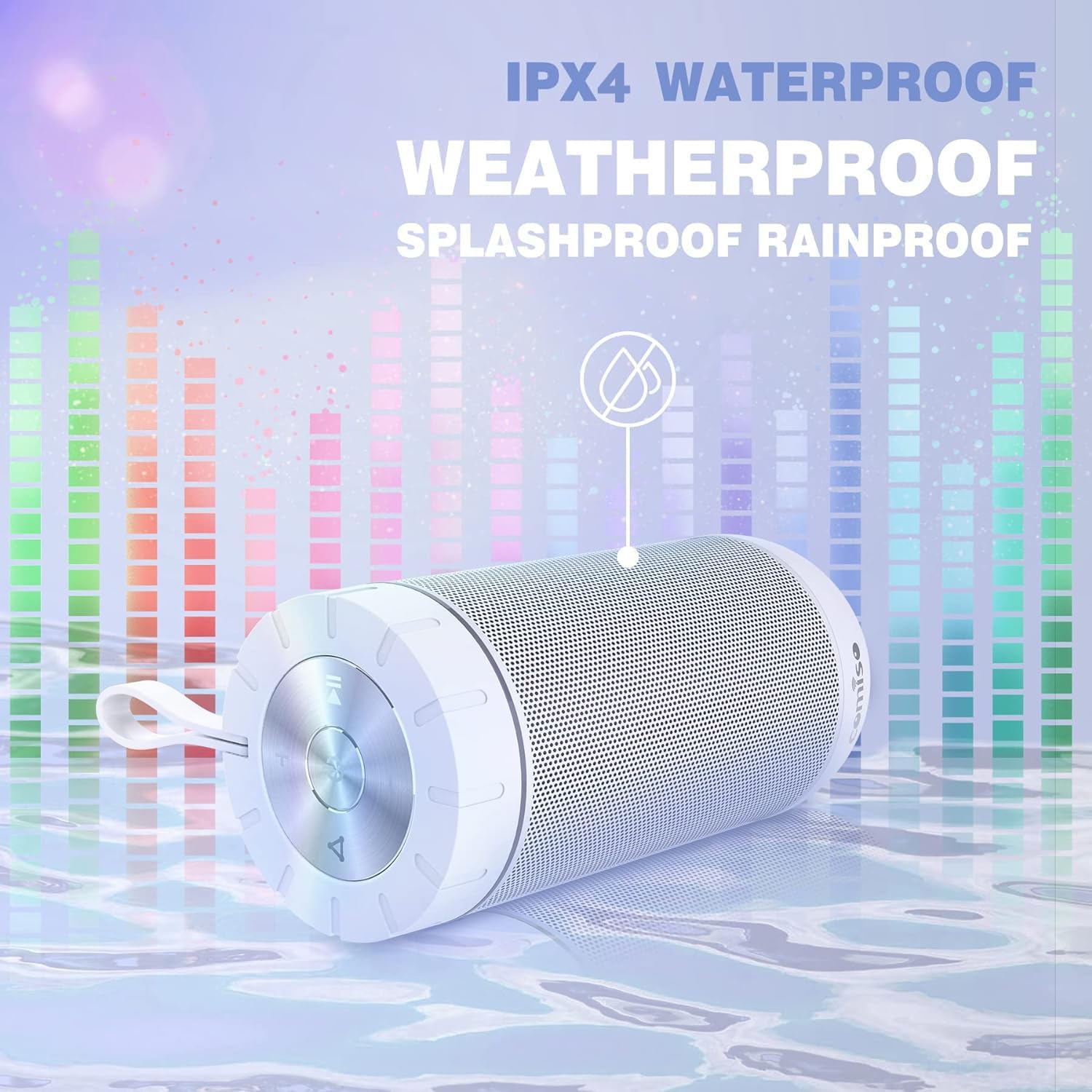
Image 5.1: IPX4 Waterproof Feature
5.2 Battery Care
- Avoid fully discharging the battery frequently.
- Charge the speaker regularly, even if not in use, to maintain battery health.
- Store the speaker in a cool, dry place when not in use for extended periods.
6. Troubleshooting
| Problem | Possible Cause | Solution |
|---|---|---|
| Speaker does not power on. | Low battery. | Charge the speaker fully. |
| Cannot pair via Bluetooth. | Speaker not in pairing mode; device Bluetooth off; too far from speaker. | Ensure speaker is in pairing mode (flashing indicator light). Turn on Bluetooth on your device. Move device closer to speaker (within 10m). |
| No sound. | Volume too low; speaker not connected; audio source issue. | Increase speaker and device volume. Re-pair Bluetooth. Check audio source playback. |
| TWS pairing fails. | Speakers already connected to another device. | Disconnect both speakers from any other Bluetooth devices before initiating TWS pairing. |
| Speaker unresponsive. | Software glitch. | Use a small pin to press the Reset button located near the charging port. |
7. Specifications
| Feature | Specification |
|---|---|
| Model Name | X26 |
| Brand | comiso |
| Connectivity Technology | Bluetooth 5.0 |
| Bluetooth Range | Up to 10 meters (33 feet) |
| Speaker Type | Surround Sound |
| Audio Output Mode | Stereo |
| Speaker Maximum Output Power | 20 Watts |
| Water Resistance Level | IPX4 (Splashproof) |
| Battery Capacity | 2200 mAh |
| Playtime | Up to 24 hours (at medium volume) |
| Charging Time | Approximately 6 hours |
| Product Dimensions | 2.7"D x 2.7"W x 5.9"H |
| Item Weight | 13.6 ounces |
| Special Feature | Built-in Microphone, True Wireless Stereo (TWS) |
8. Warranty and Support
8.1 Warranty Information
The comiso X26 Bluetooth Speaker comes with a limited warranty. For specific details regarding warranty coverage, terms, and conditions, please refer to the warranty card included with your product or contact comiso customer support directly.
8.2 Customer Support
If you encounter any issues or have questions not covered in this manual, please contact comiso customer support. Contact information can typically be found on the official comiso website or on the product packaging.


