1. Introduction
The Soehnle Page Compact 100 digital kitchen scale is designed for precise weighing of ingredients in the kitchen. It features a maximum load capacity of 5 kg with accurate 1-gram increments, an easy-to-read LCD display, and a practical tare function. Its compact and flat design allows for convenient, space-saving storage. The scale also includes an automatic switch-off feature to conserve battery life.

Image 1: Soehnle Page Compact 100 Digital Kitchen Scale, black with an LCD display showing '0 g'.
2. Package Contents
Please check that all items are present and in good condition:
- 1 x Soehnle Page Compact 100 Digital Kitchen Scale
- 1 x 3V CR2032 Battery (pre-installed or included separately)
3. Setup
3.1 Battery Installation
- Locate the screw-on battery compartment on the underside of the scale.
- Unscrew the cover using a suitable tool (e.g., a small screwdriver or coin).
- Insert the 3V CR2032 battery, ensuring the correct polarity (+/-).
- Replace the battery compartment cover and screw it securely to prevent accidental access, especially by children.
3.2 Initial Placement
For accurate measurements, place the kitchen scale on a flat, stable, and hard surface. Avoid placing it on soft or uneven surfaces, as this may affect weighing precision.
4. Operating Instructions
4.1 Power On/Off
To turn the scale on, press the ON/OFF/TARE button located on the front edge of the scale. The display will show "0 g" when ready for use. To turn the scale off, press and hold the ON/OFF/TARE button for a few seconds, or allow the automatic switch-off function to activate after a period of inactivity.

Image 2: Close-up view of the green ON/OFF/TARE button located on the front edge of the scale.
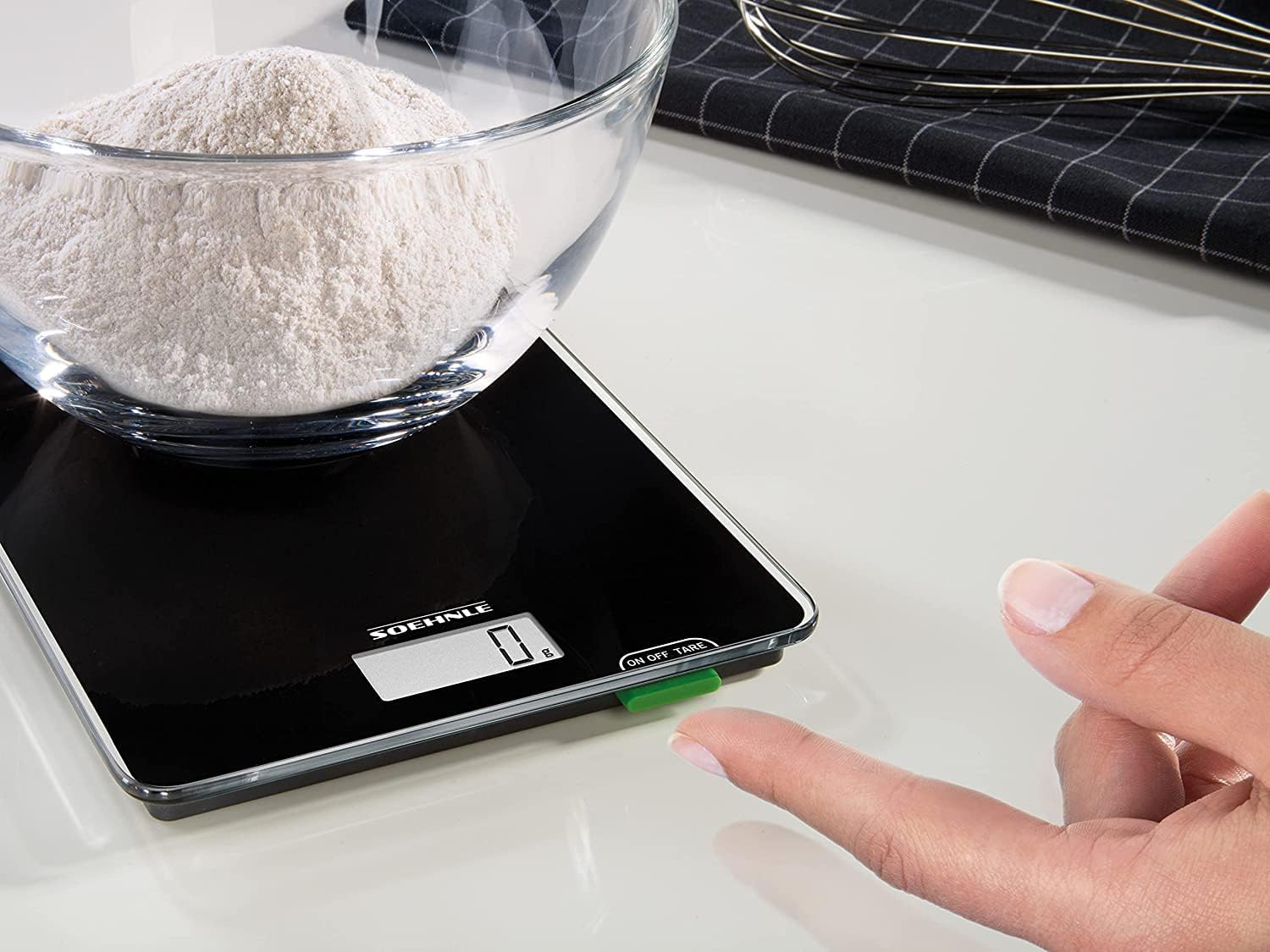
Image 3: A hand demonstrating how to press the ON/OFF/TARE button to operate the scale.
4.2 Weighing Ingredients
- Ensure the scale is on a stable surface and powered on, displaying "0 g".
- Place the item or container directly onto the center of the weighing surface.
- The weight will be displayed on the LCD screen in 1-gram increments.
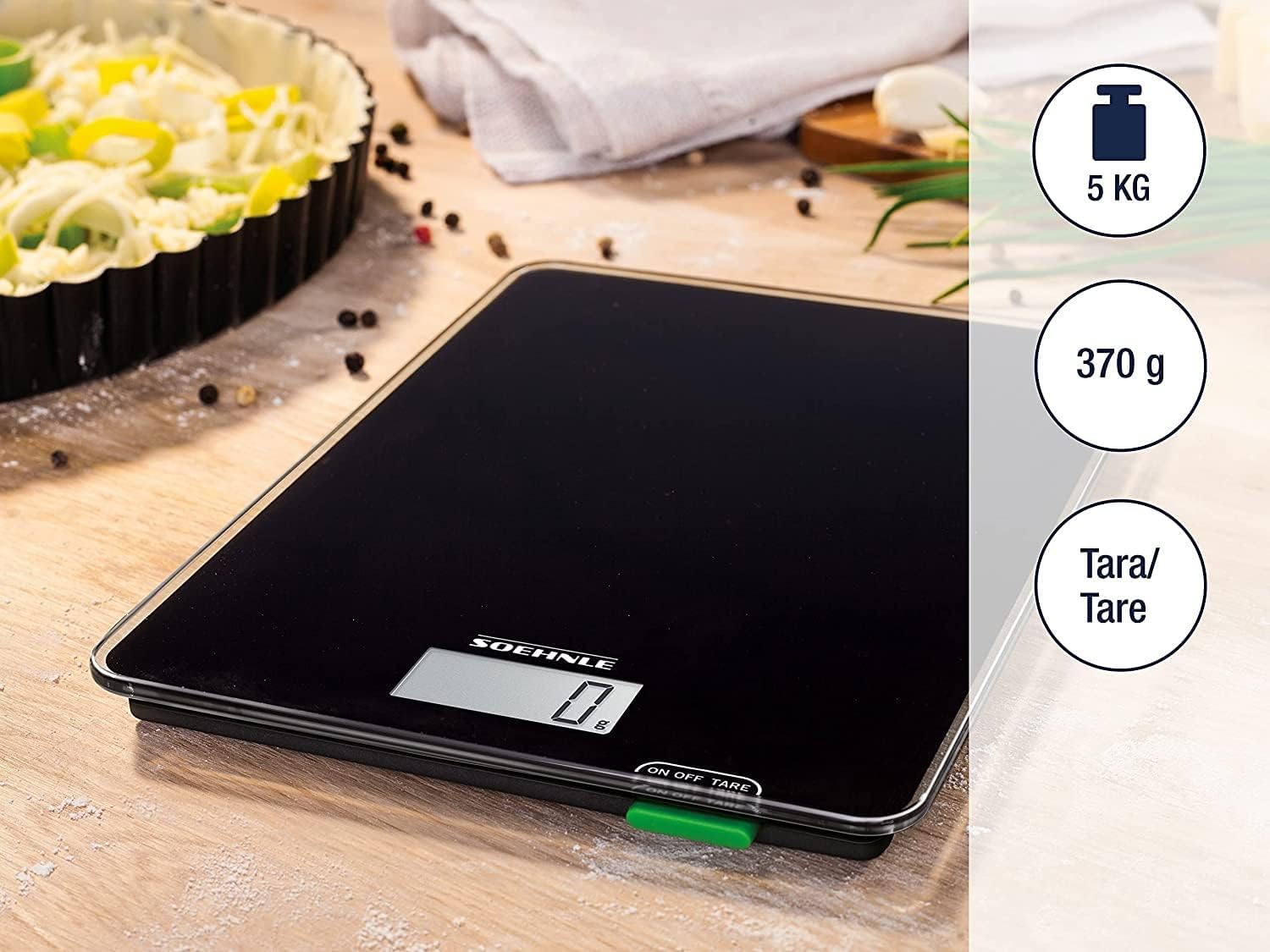
Image 4: The Soehnle kitchen scale in use, showing its capacity of 5 kg, accuracy of 1 g, and tare function.
4.3 Tare Function (Add-and-Weigh)
The tare function allows you to weigh multiple ingredients consecutively in the same container without emptying it.
- Place your first ingredient or an empty container on the scale. The display will show its weight.
- Press the ON/OFF/TARE button once. The display will reset to "0 g".
- Add the next ingredient to the container. The display will show the weight of only the newly added ingredient.
- Repeat this process for additional ingredients as needed.
5. Maintenance
5.1 Cleaning
To clean the scale, wipe the glass surface with a damp cloth. Do not use abrasive cleaners or immerse the scale in water. Ensure the scale is dry before storage or next use.
5.2 Storage
Thanks to its extra-flat and compact design, the scale can be stored easily in drawers, cabinets, or even vertically to save space.

Image 5: The compact design of the scale allows for vertical storage in a kitchen cabinet.
6. Troubleshooting
- Scale does not turn on: Check if the battery is correctly installed and has sufficient charge. Replace the battery if necessary.
- Inaccurate readings: Ensure the scale is placed on a flat, stable, and hard surface. Avoid placing it near strong electromagnetic fields or in areas with significant air currents.
- Display shows "Err": This usually indicates an overload. Remove the item from the scale immediately to prevent damage.
7. Specifications
| Brand | Soehnle |
| Model | 61500 |
| Maximum Load Capacity | 5 kg |
| Accuracy | 1 g increments |
| Display Type | LCD |
| Power Source | 1 x 3V CR2032 Lithium Metal Battery |
| Special Features | Tare function, Automatic switch-off |
| Material | Glass |
| Product Dimensions (L x W x H) | 19 x 14 x 1.3 cm |
| Item Weight | 340 g |

Image 6: Visual representation of the scale's dimensions and battery type (1x CR2032).


