
Dyson Cyclone V10 (Model 226319-01)
Dyson V10 Cordless Stick Vacuum Cleaner User Manual
Model: Cyclone V10 (Model 226319-01)
Introduction
Welcome to the user manual for your new Dyson V10 Cordless Stick Vacuum Cleaner. This manual provides essential information on the assembly, operation, maintenance, and troubleshooting of your vacuum cleaner. Please read this manual thoroughly before using the appliance to ensure safe and efficient operation.
The Dyson V10 offers powerful suction for deep cleaning across various surfaces, combining cord-free versatility with advanced filtration technology.
Components and What's Included
Your Dyson V10 Cordless Stick Vacuum Cleaner comes with several components designed for versatile cleaning. Familiarize yourself with each part before assembly.
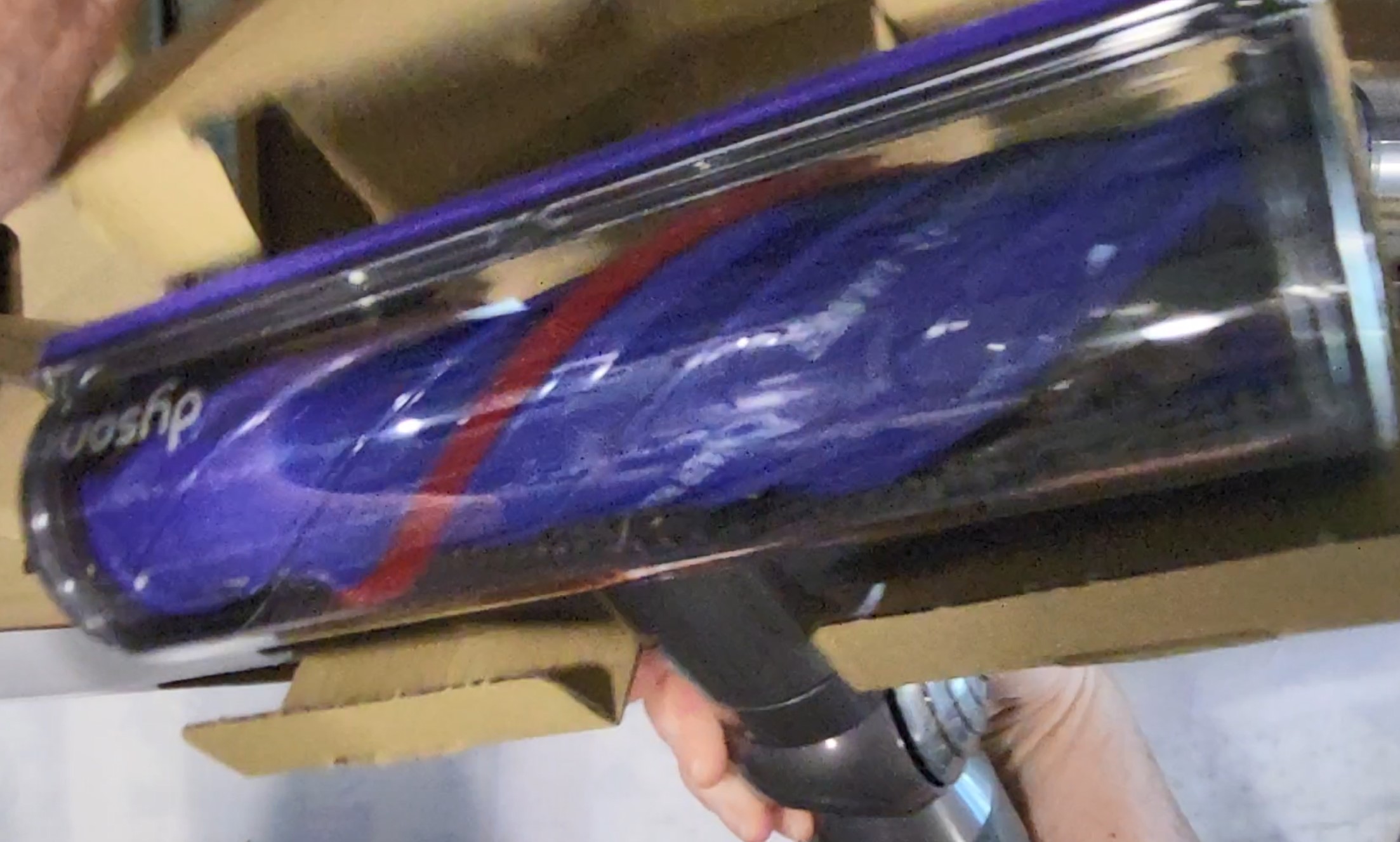
Image: All components of the Dyson V10 vacuum cleaner, including the main motor unit, long purple wand, Torque Drive cleaner head, charger, wall mount, and various accessory tools, laid out on a tiled floor.
Included Components:
- Vacuum Main Unit
- Charger
- Wall Mount
- Combination Tool
- Crevice Tool
- Mini Motorized Tool
- Mini Soft Dusting Brush
- Torque Drive Cleaner Head
Setup
Assembly:
- Unpack all components from the packaging.
- Attach the long wand to the main vacuum unit by aligning the connectors and pushing until it clicks into place.
- Attach the desired cleaner head (e.g., Torque Drive cleaner head) to the end of the wand, ensuring it clicks securely.
- For handheld use, detach the wand and attach tools directly to the main unit.
Charging:
Before first use, fully charge the vacuum. Connect the charger to the wall mount or directly to the vacuum's charging port. A full charge takes approximately 210 minutes. The battery indicator lights will show charging status.
Wall Mounting:
The included wall mount allows for convenient storage and charging. Choose a suitable location near a power outlet. Secure the wall mount to the wall using appropriate fasteners (not included) and then dock the vacuum for storage and charging.
Operating Instructions
Power Modes:
The Dyson V10 features three power modes to suit different cleaning tasks and floor types:
- Mode 1 (Low Power): Ideal for lighter debris and extended runtime on hard floors.
- Mode 2 (Medium Power): Balanced power for everyday cleaning on various surfaces.
- Mode 3 (Max Power/Boost): Provides maximum suction for stubborn dirt and deep cleaning on carpets. Note that this mode significantly reduces runtime.
To change power modes, locate the mode selection switch on the main unit and slide it to your desired setting.
Runtime:
The vacuum offers up to 60 minutes of fade-free power. Actual runtime will vary based on the power mode selected and the attachments used. For example, using the Max Power mode or motorized tools will consume battery faster.
Using Attachments:
The Dyson V10 comes with several tools for specialized cleaning:
- Torque Drive Cleaner Head: Designed to drive bristles deep into carpets to remove ground-in dirt and is effective on hard floors.
- Mini Motorized Tool: Excellent for removing pet hair and dirt from upholstery, stairs, and tight spaces.
- Combination Tool: A two-in-one tool with a wide nozzle and brush for quick switching between cleaning tasks.
- Crevice Tool: For cleaning in narrow gaps and around edges.
- Mini Soft Dusting Brush: For gentle dusting of delicate surfaces.
To attach a tool, align it with the end of the wand or the main unit and push until it clicks into place. To remove, press the red release button and pull the tool away.
Maintenance
Regular maintenance ensures optimal performance and extends the life of your Dyson V10 vacuum cleaner.
Hygienic Bin Emptying:
- Ensure the vacuum is switched off and disconnected from the charger.
- Hold the vacuum over a trash bin.
- Push the red lever forward to open the bin flap and eject debris. The bin slides down to hygienically empty dirt and dust.
- Close the bin flap firmly until it clicks into place.
Filter Maintenance:
The Dyson V10 features an advanced whole-machine filtration system. The filter should be washed regularly to maintain suction power and filtration efficiency.
- Locate the filter unit at the top of the main vacuum body.
- Twist the filter counter-clockwise to remove it.
- Wash the filter under cold running water until the water runs clear. Do not use detergents.
- Tap the filter gently to remove excess water.
- Allow the filter to dry completely for at least 24 hours in a warm place with good airflow. Do not dry in a tumble dryer, microwave, or near a naked flame.
- Once completely dry, reinsert the filter into the vacuum and twist clockwise to secure.
Cleaning the Brush Bar:
Periodically check the cleaner head's brush bar for tangled hair or debris. To clean:
- Ensure the vacuum is off and disconnected.
- Remove the cleaner head from the wand.
- Use a coin to unscrew the side cap of the brush bar.
- Slide the brush bar out.
- Remove any tangled hair or debris using scissors or your fingers.
- Slide the brush bar back into place and secure the side cap by twisting with a coin.
Troubleshooting
If you encounter issues with your Dyson V10, refer to the following common solutions:
| Problem | Possible Cause | Solution |
|---|---|---|
| No power/Vacuum not turning on | Battery not charged; Power button not pressed; Blockage | Ensure battery is fully charged. Press and hold the power trigger. Check for blockages in the cleaner head, wand, or main unit. |
| Reduced suction power | Full bin; Clogged filter; Blockage in airway; Brush bar tangled | Empty the bin. Wash and thoroughly dry the filter. Check for and clear any blockages. Clean the brush bar. |
| Vacuum cuts out during use | Overheating due to blockage; Battery low | Allow the vacuum to cool down for at least 1 hour. Clear any blockages. Recharge the battery. |
| Brush bar not spinning | Blockage in brush bar; Cleaner head not properly attached | Remove and clean the brush bar. Ensure the cleaner head is securely attached to the wand or main unit. |
For more detailed troubleshooting or persistent issues, please refer to the official Dyson support resources or contact customer service.
Specifications
- Brand: Dyson
- Model Name: Cyclone V10
- Model Number: 226319-01
- Special Feature: Cordless
- Filter Type: Disk (Whole-machine filtration)
- Capacity: 0.76 Liters
- Wattage: 350 watts
- Runtime: Up to 60 minutes (varies by mode/attachment)
- Charging Time: 210 minutes
- Form Factor: Stick
- Color: Purple
- Product Dimensions: 9.84"L x 10.08"W x 49.17"H
- Battery Type: Lithium-Ion
- Noise Level: 78 dB
- Item Weight: 5.86 pounds
- Number of Power Levels: 3
- Indoor/Outdoor Usage: Indoor
Warranty and Support
Warranty Information:
Your Dyson V10 Cordless Stick Vacuum Cleaner is covered by a 2-year manufacturer's warranty from the date of purchase. This warranty covers defects in materials and workmanship under normal household use. Please retain your proof of purchase for warranty claims.
Additional Resources:
- For the official User Manual (PDF), visit: Dyson V10 User Manual PDF
- Explore more Dyson products and support at the official Dyson Store: Dyson Store on Amazon
- For customer service and technical support, please visit the Dyson support website or contact their customer service line.
Related Documents - Cyclone V10 (Model 226319-01)
 |
Dyson Gen5detect Cordless Vacuum Cleaner User Manual Comprehensive user manual for the Dyson Gen5detect cordless vacuum cleaner, covering setup, operation, maintenance, troubleshooting, and care instructions. Learn about cleaner heads, tools, LCD screen features, battery management, and cleaning procedures. |
 |
Dyson V8 Cyclone Cordless Vacuum Cleaner User Manual User manual for the Dyson V8 Cyclone cordless vacuum cleaner, covering setup, operation, maintenance, cleaning, and troubleshooting. Includes instructions for filters, bin emptying, and tool care. |
 |
Dyson V12 Origin Cordless Vacuum Cleaner User Manual Comprehensive user manual for the Dyson V12 Origin cordless vacuum cleaner, covering setup, operation, maintenance, troubleshooting, and accessory usage. Learn how to charge, empty the dustbin, clean filters and brushes, and maintain your appliance for optimal performance. |
 |
Dyson V16 Piston Animal Cordless Vacuum Cleaner User Manual Comprehensive user manual for the Dyson V16 Piston Animal cordless vacuum cleaner, covering setup, operation, maintenance, troubleshooting, and accessory cleaning. Includes detailed instructions and diagrams. |
 |
Dyson Cyclone V10 Cordless Vacuum Cleaner User Manual A comprehensive user manual for the Dyson Cyclone V10 cordless vacuum cleaner, detailing setup, operation, maintenance, cleaning procedures, and troubleshooting for optimal performance. |
 |
Dyson Digital Slim Cordless Vacuum Cleaner User Manual Comprehensive user manual for the Dyson Digital Slim cordless vacuum cleaner, covering setup, operation, maintenance, troubleshooting, and tool usage for optimal performance. Includes guides on charging, LCD screen functions, cleaning, and various attachments. |