
1. Introduction
The OSRAM Encelium SWM-1200 is a 24V Dual-Technology Occupancy Sensor designed for wall or ceiling mounting. This sensor integrates both Passive Infrared (PIR) and Ultrasonic technologies to detect occupancy, providing reliable and efficient control of lighting or other systems. This manual provides essential information for the safe installation, operation, and maintenance of your SWM-1200 sensor.
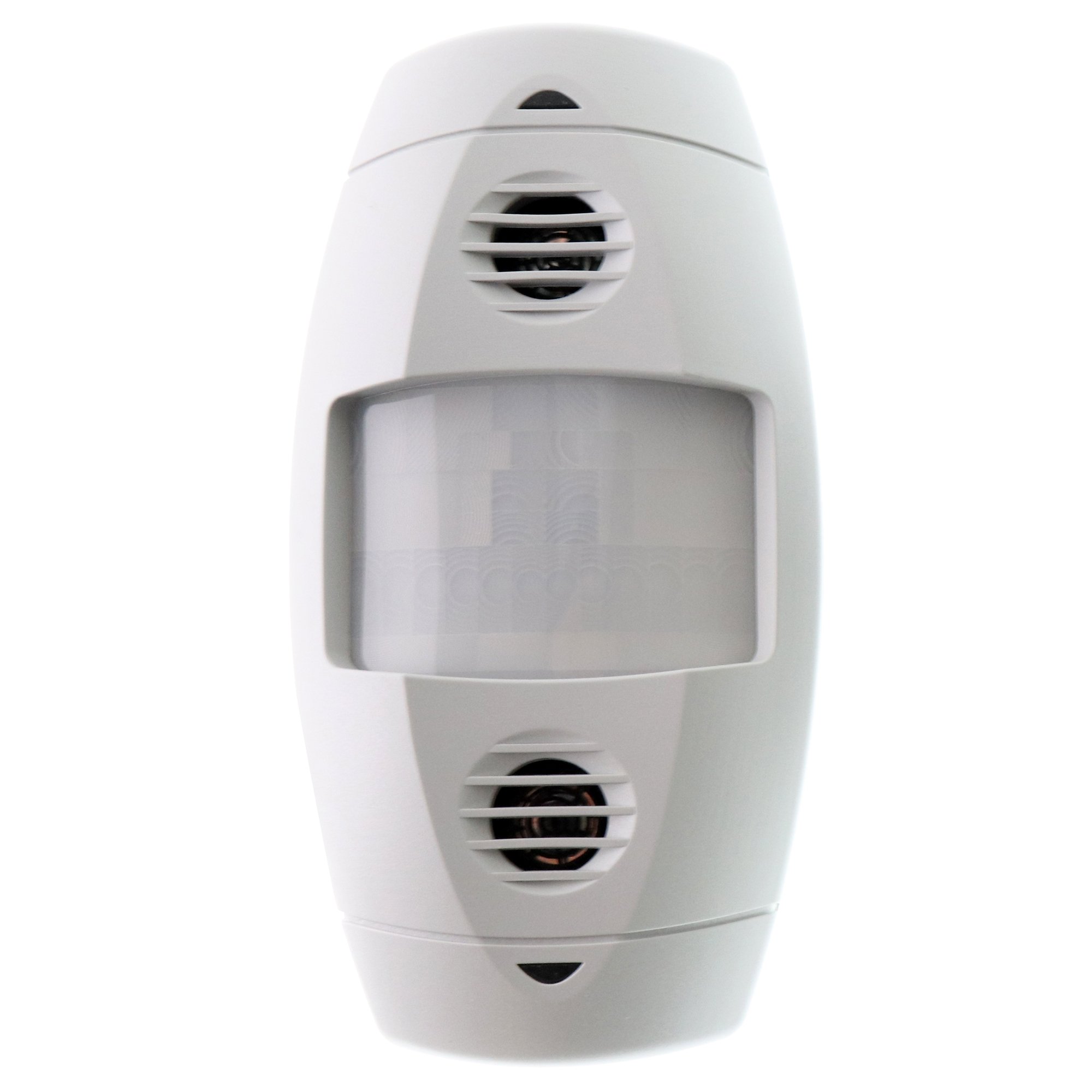
Image 1.1: Front view of the OSRAM Encelium SWM-1200 Dual-Tech Occupancy Sensor. This sensor is white and designed for discreet integration into various environments.
2. Safety Information
Please read and understand all instructions before installing or operating this device. Failure to follow these instructions may result in electrical shock, fire, or other hazards. This device must be installed by a qualified electrician in accordance with all national and local electrical codes.
- Disconnect power at the circuit breaker or fuse box before installation or servicing.
- Ensure the power supply is 24V DC, as specified for this device. Connecting to incorrect voltage may damage the sensor and pose a safety risk.
- Do not install in locations where the ambient temperature exceeds the operating range specified in the technical specifications.
- Do not attempt to modify or repair the sensor. Refer all servicing to qualified personnel.
3. Package Contents
Verify that all components are present before beginning installation:
- OSRAM Encelium SWM-1200 Dual-Tech Occupancy Sensor (White)
- Mounting Hardware (screws, anchors)
- Instruction Manual (this document)
4. Setup and Installation
The SWM-1200 sensor can be mounted on a wall or ceiling. A 24 Volt power pack is required for operation (sold separately).
4.1. Site Selection
- For optimal performance, select a location that provides an unobstructed view of the area to be monitored.
- Avoid mounting near heat sources (e.g., HVAC vents, incandescent lights) or in direct sunlight, as this can interfere with PIR detection.
- Avoid mounting near sources of ultrasonic noise (e.g., air diffusers, fans, machinery) that could cause false triggers.
- The sensor offers a 110-degree sensing angle and up to 1200 feet of coverage. Consider the desired coverage area when selecting the mounting location.
4.2. Mounting
- Disconnect Power: Ensure power to the circuit is OFF at the breaker.
- Prepare Mounting Surface: Mark the desired mounting location on the wall or ceiling.
- Install Mounting Bracket: Secure the sensor's mounting bracket to the surface using the provided screws and anchors.
- Wire the Sensor: Connect the 24V power supply wires and control wires to the sensor terminals as per the wiring diagram (refer to the diagram provided with your 24V power pack or system documentation). Ensure correct polarity for the 24V DC input.
- Attach Sensor: Secure the SWM-1200 sensor body to the mounting bracket.
- Restore Power: Once installation is complete and all connections are secure, restore power to the circuit.
5. Operating Instructions
The SWM-1200 sensor utilizes dual-technology detection, combining Passive Infrared (PIR) and Ultrasonic sensing for enhanced accuracy and false-trigger immunity. Once powered, the sensor will begin detecting occupancy based on its factory default settings or any configured parameters from your Encelium system.
- PIR Detection: Detects changes in infrared energy caused by human movement. Effective for detecting movement across the sensor's field of view.
- Ultrasonic Detection: Emits high-frequency sound waves and detects changes in the reflected waves caused by movement. Effective for detecting minor movements and in areas with obstructions.
- Coverage: The sensor provides a 110-degree sensing angle and can cover areas up to 1200 square feet, depending on mounting height and environmental factors.
- Adjustment: Specific sensitivity, time delay, and other parameters are typically configured through the connected Encelium lighting control system. Refer to your Encelium system documentation for detailed configuration instructions.
6. Maintenance
The OSRAM Encelium SWM-1200 sensor requires minimal maintenance to ensure optimal performance.
- Cleaning: Periodically wipe the sensor lens and housing with a soft, dry, or slightly damp cloth. Do not use abrasive cleaners, solvents, or harsh chemicals, as these can damage the sensor.
- Obstructions: Ensure that the sensor's field of view remains clear of any new obstructions (e.g., furniture, partitions, decorations) that could block detection.
- Inspection: Annually inspect the sensor for any physical damage or loose connections.
7. Troubleshooting
If the sensor is not functioning as expected, review the following common issues and solutions:
| Problem | Possible Cause | Solution |
|---|---|---|
| Sensor not detecting occupancy. |
|
|
| Lights/system turn off too quickly or too slowly. |
|
|
| False triggers (lights/system activate without occupancy). |
|
|
If problems persist after attempting these solutions, contact OSRAM technical support or your Encelium system administrator.
8. Specifications
| Feature | Detail |
|---|---|
| Model Number | SWM-1200 |
| Brand | OSRAM |
| Power Source | Corded Electric (24 Volts) |
| Mounting Type | Wall or Ceiling Mount |
| Detection Technology | Dual Tech (Passive Infrared and Ultrasonic) |
| Sensing Angle | 110 Degrees |
| Coverage Area | Up to 1200 square feet |
| Color | White |
| Product Dimensions | 6 x 6 x 3 inches |
| Item Weight | 16 ounces (1 pound) |
| UPC | 046135453694 |
9. Warranty and Support
For warranty information, please refer to the documentation provided with your purchase or visit the official OSRAM website. For technical support, troubleshooting assistance, or inquiries regarding your Encelium system, please contact OSRAM customer service or your authorized Encelium system integrator.
OSRAM Contact Information: Refer to your product packaging or the OSRAM official website for the most current contact details.


