
Etekcity EB4887S
Etekcity Digital Bathroom Weighing Machine User Manual
Model: EB4887S
1. Introduction
This manual provides essential information for the safe and effective use of your Etekcity Digital Bathroom Weighing Machine, Model EB4887S. This scale is designed to deliver accurate body weight measurements with high precision sensors.
Key features include:
- Sleek, modern ash-grey design with rounded corners for safety.
- Four high-precision sensors for consistent and accurate measurements (0.2 lb accuracy resolution).
- Large, easy-to-read backlit LCD display.
- Automatic on/off functionality.
- Low battery and overload indications.
- Durable 6-mm tempered glass platform with anti-skid paddings.
- Maximum weight capacity of 400 lbs.
2. Setup
2.1. Battery Installation
Your scale comes with 3 AAA batteries pre-installed. To activate the scale for first use, locate the battery compartment on the underside of the scale. Remove the protective plastic tab from the battery compartment to establish contact. Ensure the battery compartment cover is securely closed before use.

Image: Package contents including the scale and AAA batteries.
2.2. Unit Conversion
The scale supports two units of measurement: pounds (lb) and kilograms (kg). To switch between units, locate the 'UNIT' button on the underside of the scale. Press this button to toggle between lb and kg as desired.
2.3. Initial Calibration
For accurate readings, it is recommended to clear or calibrate the scale before its first use or if it has been moved. To do this, step on the scale until the display lights up, then step off. Wait for the display to show "0.0" before proceeding with your measurement. This process should be repeated each time you measure your weight to ensure optimal accuracy.
3. Operating Instructions
3.1. Taking a Measurement
- Place the scale on a hard, flat surface. Avoid carpets or uneven flooring, as this can affect accuracy.
- Gently step onto the scale with bare feet. The scale will automatically turn on.
- Stand still on the scale, distributing your weight evenly.
- Your weight will be displayed on the backlit LCD screen. The reading will flash a few times before settling on a final measurement.
- Step off the scale. It will automatically turn off after a few seconds to conserve battery life.

Image: A person's feet on the scale, displaying a weight measurement.
3.2. Tips for Accurate Readings
- For consistent results, weigh yourself at the same time each day, preferably in the morning after using the restroom and with minimal clothing.
- Ensure the scale is placed on a firm, level surface.
- Avoid moving the scale frequently. If moved, perform the initial calibration step (Section 2.3).
- Stand still and centered on the scale during measurement.
4. Maintenance
4.1. Cleaning
To clean your scale, wipe the glass surface with a damp cloth and a mild cleaning agent. Avoid abrasive cleaners or harsh chemicals that could damage the finish. Ensure the scale is dry before storage or next use.
4.2. Storage
Store the scale in a cool, dry place. Its compact design allows it to fit comfortably in most rooms and be easily stored when not in use.
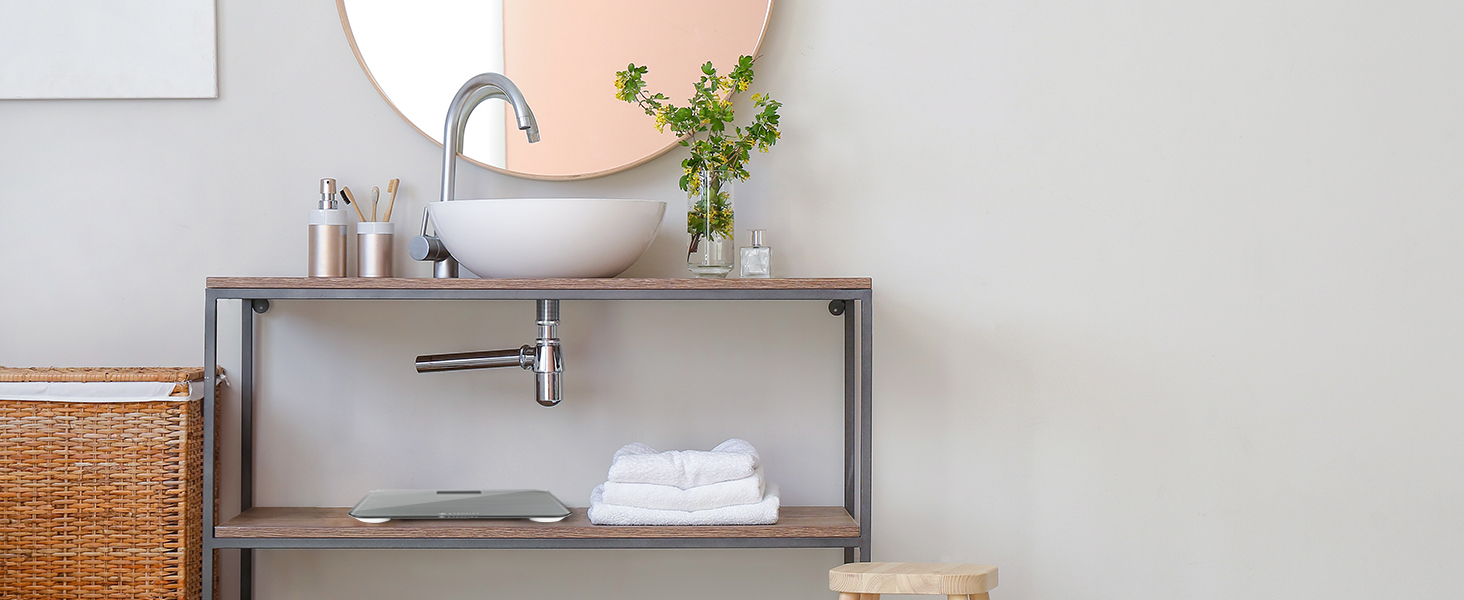
Image: The scale's compact design allows for easy storage.
5. Troubleshooting
5.1. Common Issues and Solutions
- "Lo" or Low Battery Indication: If the display shows "Lo", the batteries are low and need to be replaced. Replace all three AAA batteries.
- "Err" or Overload Indication: If the display shows "Err", the scale has been overloaded. The maximum weight capacity is 400 lbs (180 kg). Step off the scale immediately to prevent damage.
- Inaccurate Readings:
- Ensure the scale is on a hard, flat, and level surface.
- Perform initial calibration (step on, step off, wait for "0.0").
- Ensure you are standing still and centered on the scale.
- Check battery levels.
- Scale Does Not Turn On:
- Check if the battery tab has been removed.
- Ensure batteries are correctly installed and not depleted.
- Gently tap the scale surface to activate it.
6. Specifications
| Feature | Detail |
|---|---|
| Model Number | EB4887S |
| Product Dimensions | 11.8 x 11.8 x 0.9 inches |
| Item Weight | 3.75 Pounds (1.7 Kilograms) |
| Weight Capacity Maximum | 400 Pounds (180 kg) |
| Readout Accuracy | 0.2 Pounds |
| Measurement Type | lb/kg |
| Display Type | LCD (Backlit) |
| Material Type | Tempered Glass |
| Batteries | 3 AAA batteries (included) |
| Special Features | 6-mm tempered glass, Backlit Display, Auto Shut Off |
| Manufacturer | Etekcity |
7. Warranty and Support
7.1. Product Warranty
This Etekcity Digital Bathroom Weighing Machine comes with a 2-year warranty. Please refer to the included Quick Start Guide for detailed warranty information and terms.
7.2. Customer Support
For further assistance, troubleshooting, or warranty claims, please visit the official Etekcity Store or contact their customer support. You can find more information and support resources at the Etekcity Store on Amazon.
Related documentsEB4887S


Ask a question about this manual
Ask about setup, troubleshooting, compatibility, parts, safety, or missing instructions. Manuals+ will review the question and use this page’s manual context to help answer it.