
VTech VC9312-245
VTech VC9312-245 Wi-Fi IP Camera System User Manual
Model: VC9312-245 | Brand: VTech
1. Introduction
This manual provides instructions for the VTech VC9312-245 Wi-Fi IP Camera System. This system allows for remote monitoring of your home environment with 720p HD video, remote pan and tilt capabilities, and automatic infrared night vision. The system includes a 5-inch home viewer for local monitoring and supports live streaming via a free mobile application.
Key Features:
- Remote access with a free mobile application.
- HD video quality with on-demand recording functionality.
- Includes a 5-inch home viewer for direct monitoring.
- Cameras feature remote pan and tilt for adjustable viewing angles.
- Motion alerts, two-way talk, and automatic night vision for comprehensive monitoring.

The system is designed for ease of use, allowing installation and setup within minutes using the dedicated mobile application.
2. What's in the Box
Upon opening the package, verify that all components are present:
- 1 x 5-inch Home Viewer
- 2 x Wi-Fi IP Cameras
- Power Adapters for Viewer and Cameras
- User Manual (this document)
3. Setup Guide
Follow these steps to set up your VTech VC9312-245 Wi-Fi IP Camera System:
- Power Connection: Connect the power adapters to the 5-inch home viewer and each camera. Plug the adapters into a power outlet. The devices will power on automatically.
- Mobile App Download: Download the free VTech mobile application from your device's app store. Search for "VTech" or refer to the QR code on the packaging for direct access.
- Account Creation/Login: Open the mobile app and create a new account or log in if you already have one.
- Device Pairing: Follow the on-screen instructions within the mobile app to pair your Wi-Fi IP cameras with your account. This typically involves scanning a QR code on the camera or entering a unique device ID.
- Wi-Fi Connection: Ensure your mobile device and the cameras are connected to a stable 2.4GHz Wi-Fi network during the pairing process.
- Viewer Setup: The 5-inch home viewer should automatically connect to the paired cameras once they are configured via the app. If not, refer to the viewer's on-screen menu for camera addition options.
For optimal performance, place cameras in locations with clear line of sight and within range of your Wi-Fi router.
4. Operating Instructions
4.1 Live Video Streaming
Access continuous live video from your cameras through the 5-inch home viewer or the VTech mobile application. The mobile app allows you to view the feed from anywhere with an internet connection.
4.2 Remote Pan, Tilt, and Zoom
Control the camera's viewing angle remotely. On the 5-inch home viewer or the mobile app, use gesture controls (swiping) to pan the camera horizontally and tilt it vertically. The system also supports up to 10x digital zoom to focus on specific areas.

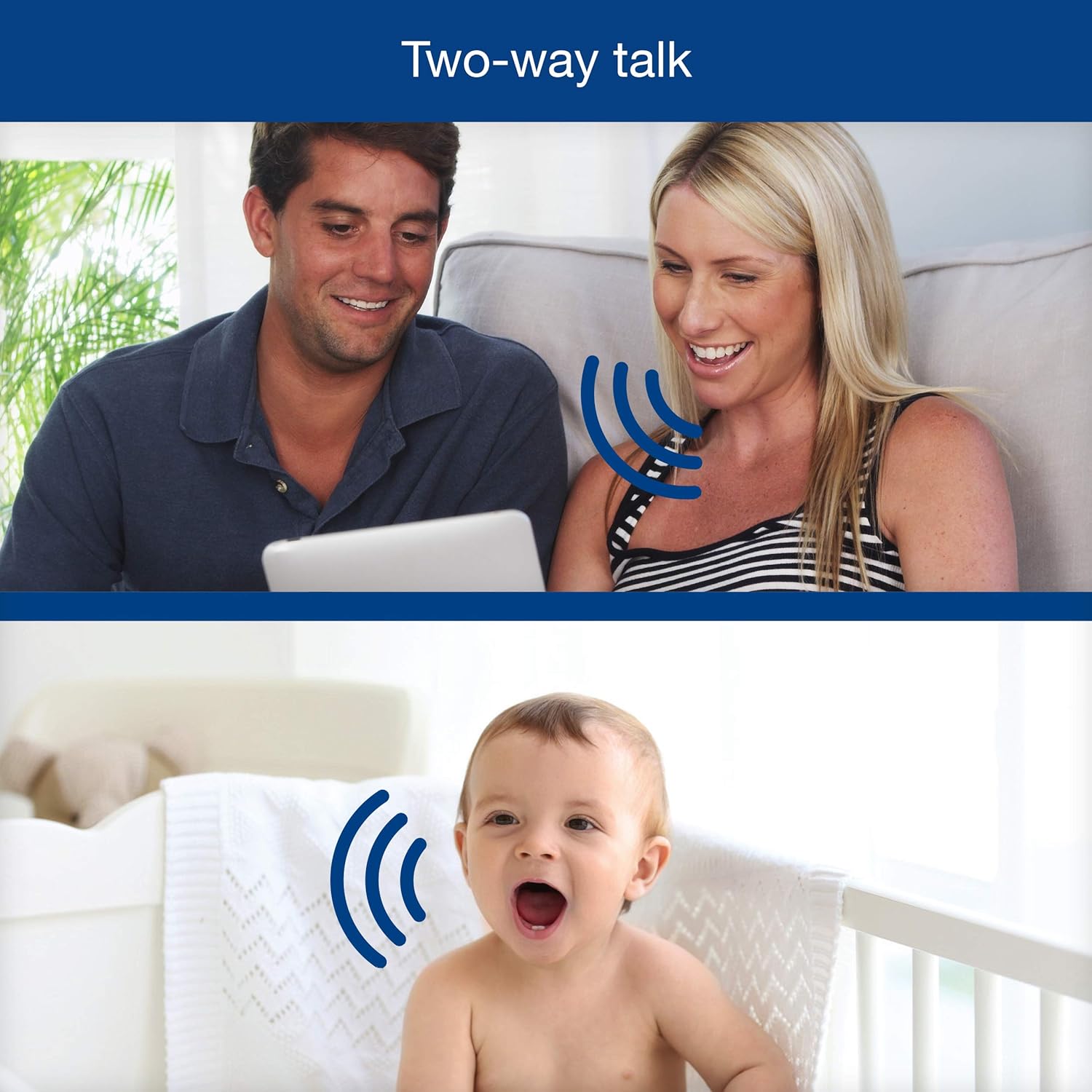
4.3 Two-Way Talk
Utilize the two-way talk feature to communicate through the camera. Press and hold the talk button on the home viewer or the microphone icon in the mobile app to speak. Release the button to listen.
4.4 Automatic Infrared Night Vision
The cameras are equipped with automatic infrared night vision, providing clear video in low-light conditions without manual adjustment.
4.5 Motion Alerts and Recording
The system can detect motion and send alerts to your mobile device. You can configure the app to record video clips automatically when motion is detected, or initiate on-demand recording.


5. Maintenance
To ensure the longevity and optimal performance of your VTech VC9312-245 system, follow these maintenance guidelines:
- Cleaning: Use a soft, dry cloth to clean the surfaces of the cameras and the home viewer. Avoid using abrasive cleaners, solvents, or harsh chemicals, as these can damage the finish or electronic components.
- Lens Care: Gently wipe the camera lens with a lens cleaning cloth to remove dust or smudges that may affect image clarity.
- Power Off When Not in Use: If storing the system for an extended period, disconnect it from power sources.
- Environmental Conditions: Avoid exposing the devices to extreme temperatures, direct sunlight, or excessive moisture.
6. Troubleshooting
If you encounter issues with your VTech VC9312-245 system, refer to the following common troubleshooting steps:
- No Power: Ensure all power adapters are securely connected to the devices and plugged into working electrical outlets.
- No Video/Audio: Check the Wi-Fi connection of the cameras and your mobile device. Ensure the cameras are within range of your Wi-Fi router. Restart the cameras and the home viewer.
- Poor Video Quality: Verify that the camera lens is clean. Ensure adequate lighting in the monitored area, or confirm that night vision is active in low light. Check your internet connection speed.
- App Connectivity Issues: Ensure your mobile app is updated to the latest version. Restart your mobile device and try reconnecting.
- Remote Control Not Responding: Check the connection between the viewer/app and the camera. Ensure there are no obstructions affecting the signal.
If problems persist after attempting these steps, contact VTech customer support for further assistance.
7. Specifications
| Feature | Detail |
|---|---|
| Model Number | VC9312-245 |
| Video Capture Resolution | 720p HD |
| Screen Size (Home Viewer) | 5 Inches |
| Connectivity Technology | Wireless (Wi-Fi) |
| Wireless Communication Technology | Wi-Fi |
| Power Source | AC/DC |
| Wattage | 7 watts |
| Item Dimensions (L x W x H) | 5.69 x 4 x 4.26 inches |
| Item Weight | 2.5 Pounds |
| Low Light Technology | Night Color (Infrared) |
| Alert Type | Motion Only |
| Control Method | App |
| Compatible Devices | Smartphone |
| Mounting Type | Wall Mount |
8. Warranty and Support
For warranty information, please refer to the documentation included with your product packaging or visit the official VTech website. For technical support or inquiries, you may contact VTech customer service:
- Email: support@vtechbabycare.com
- Website: www.vtechbabycare.com
Please have your model number (VC9312-245) and purchase details ready when contacting support.
Related documentsVC9312-245


Ask a question about this manual
Ask about setup, troubleshooting, compatibility, parts, safety, or missing instructions. Manuals+ will review the question and use this page’s manual context to help answer it.